Tomato32
Tomato32 is a Pomodoro timer application specifically designed for the Waveshare ESP32-S3-Touch-LCD-3.49 development board. It features a responsive touchscreen interface built with the LVGL graphics library and runs on the ESP-IDF framework using FreeRTOS. The project supports customizable timer profiles, smart power management, and personalized background assets.
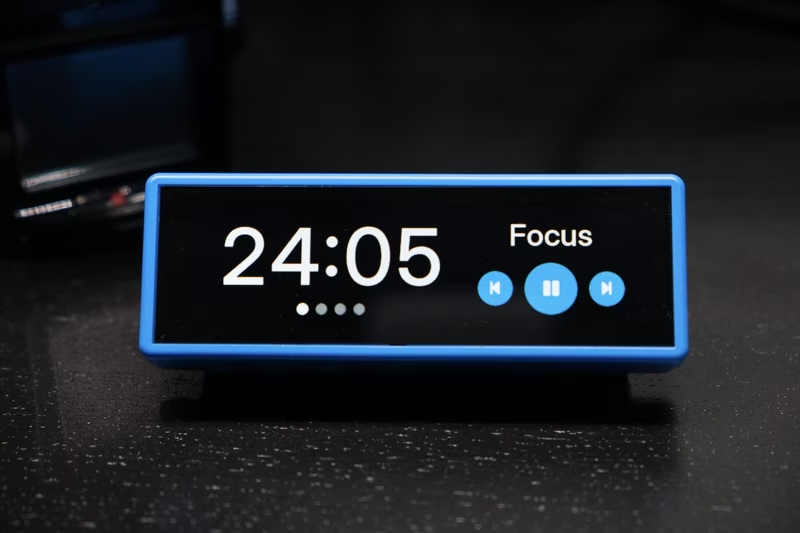
Tomato32 is a dedicated Pomodoro timer application designed for the Waveshare ESP32-S3-Touch-LCD-3.49 development board. By utilizing the board’s integrated touchscreen and powerful ESP32-S3 microcontroller, it provides a tactile and visually engaging tool for managing focus sessions and breaks.
Core Features
The application revolves around a customizable touchscreen interface that supports three distinct timer profiles (A, B, and C). Each profile allows users to define specific durations for focus sessions, short breaks, and long breaks, as well as the number of rounds required before a long break is triggered.
Beyond basic timing, Tomato32 includes several workflow-oriented features:
- Flexible Progression: Users can choose between automatic transitions or manual starts for the next phase.
- Power Efficiency: For users running on an 18650 battery, the system offers 14–24 hours of life. This can be extended using “Smart Dim” or “Smart Sleep” modes, which reduce brightness or turn off the screen after 60 seconds of inactivity.
- Visual Customization: The UI supports both Light and Dark themes, along with a “Visual Pulse” effect that animates the background when a timer expires.
Technical Architecture and Setup
Tomato32 is built on the ESP-IDF framework and leverages the LVGL graphics library for its UI components. It uses the Inter typeface for high legibility and incorporates custom sound effects for phase transitions. The project is designed with a dual-target approach: a macOS-based simulator using SDL2 for rapid UI development and the primary ESP32-S3 hardware target.
Flashing the device is handled via a Python-based build script that utilizes Docker to ensure a consistent build environment. The firmware also includes SPIFFS partition management to handle on-device storage for assets and configuration.
Device Operation and Configuration
The device features two distinct boot modes to balance daily use with administrative tasks:
- Normal Mode: A standard boot for using the timer.
- Config Mode: Entered by holding the PWR and BOOT buttons simultaneously. In this mode, the device acts as a USB Mass Storage device, allowing users to edit
TOMATO32_CONFIG.confdirectly on their computer.
This configuration file is used to manage Wi-Fi credentials and time zone settings. While Wi-Fi is optional, it enables NTP synchronization to keep the internal Real-Time Clock (RTC) accurate, which is essential for the device’s daily “Focused today” statistics tracking.
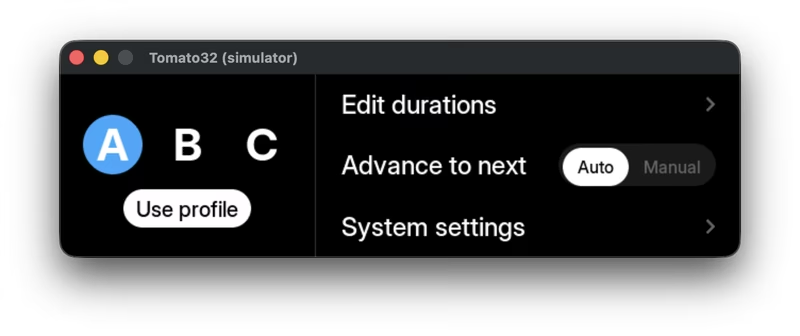
Personalization and Advanced UI
Users can personalize the timer experience by enabling custom backdrops. Tomato32 supports 640×172 PNG images that are embedded into the firmware during the build process. The system uses a specificity-based naming convention to automatically select the correct image based on the active preset and theme (e.g., custom_background_b_dark.png).
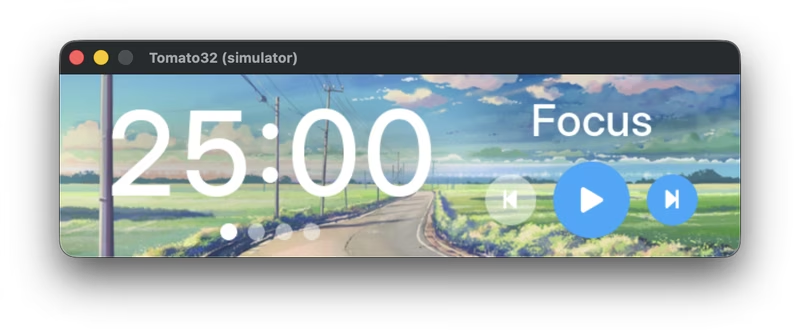
For those who need to monitor device health or productivity metrics, the application includes hidden screens. A Statistics screen, showing total focus time and daily progress, is accessed by long-pressing the phase label. A Debug screen, providing IP address and memory heap information, is triggered by tapping the timer text ten times in quick succession.
Related Projects
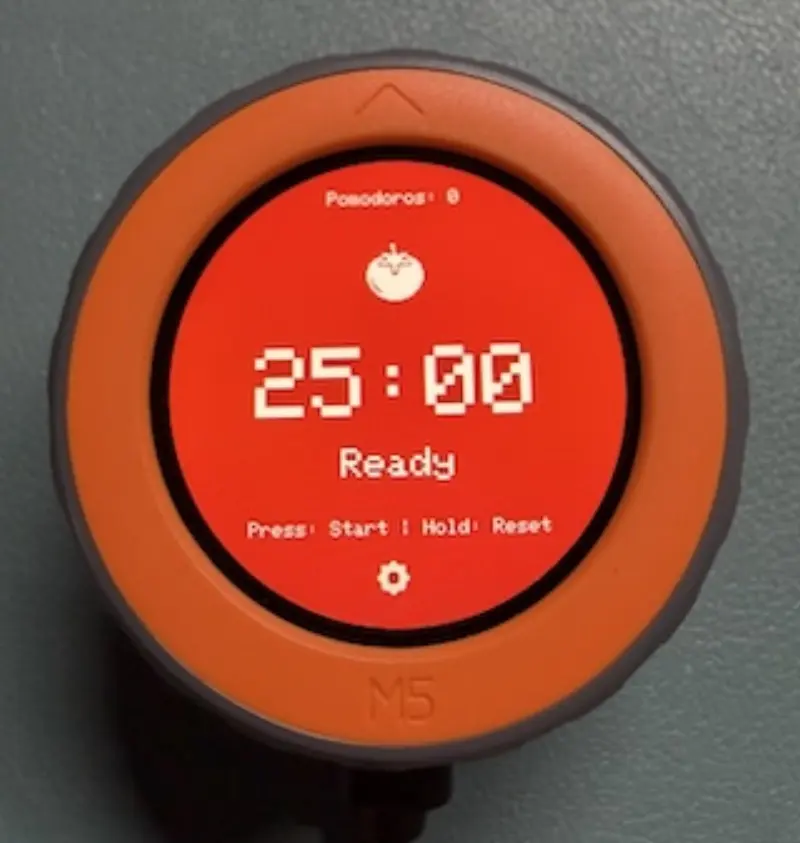
Pomodoro Timer Dial for M5Stack Dial
An efficient and modular Pomodoro timer implementation specifically designed for the M5Stack Dial v1.1. It leverages the ESP32-S3 to provide a smooth rotary-based user interface, smart break calculations, and a high-performance display engine with SPIFFS-based asset management.
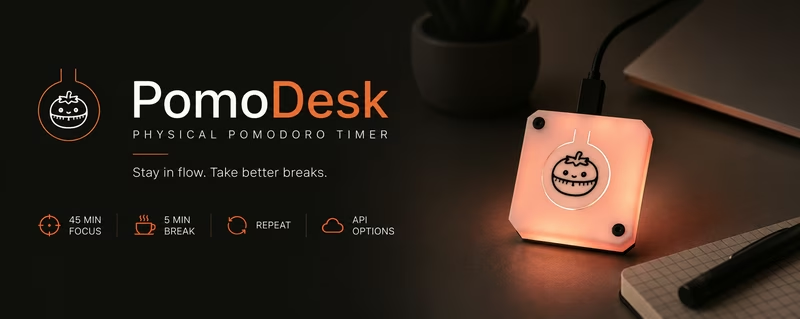
PomoDesk - Physical Pomodoro Timer
PomoDesk is an ESP32-S3-based physical Pomodoro timer designed to help users maintain a flow state while ensuring they take regular breaks. It uses a NeoPixel LED ring for visual feedback and features power-saving optimizations by disabling unused wireless radios.
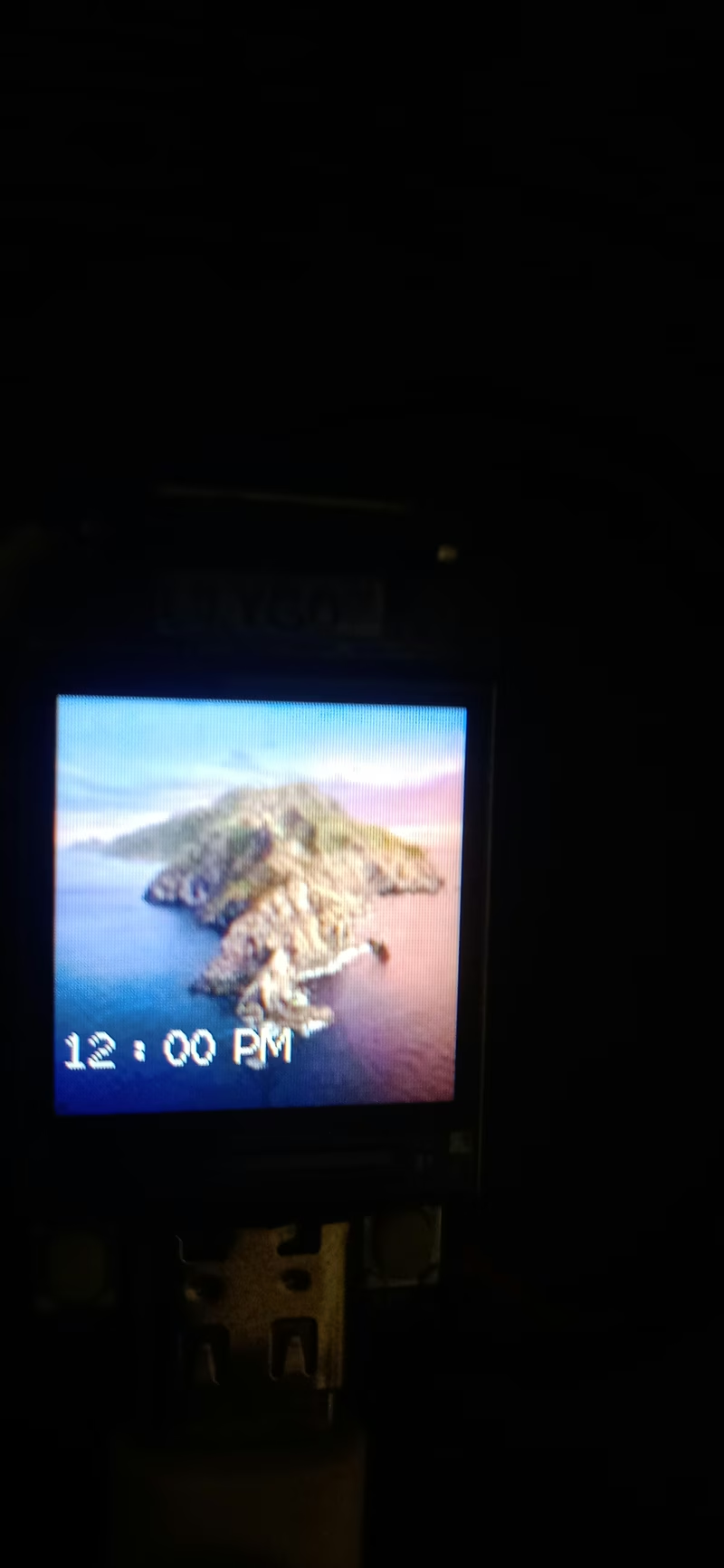
OpenTimeWatch-OS
An open-source watch operating system designed for ESP32-S3 microcontrollers, specifically targeting the LILYGO T-QT Pro. It provides a customizable environment for watch faces and applications, utilizing the TFT_eSPI library for display management and FreeRTOS for task handling. The system includes features like WiFi time synchronization, motion sensing via MPU6050, and integrated games.
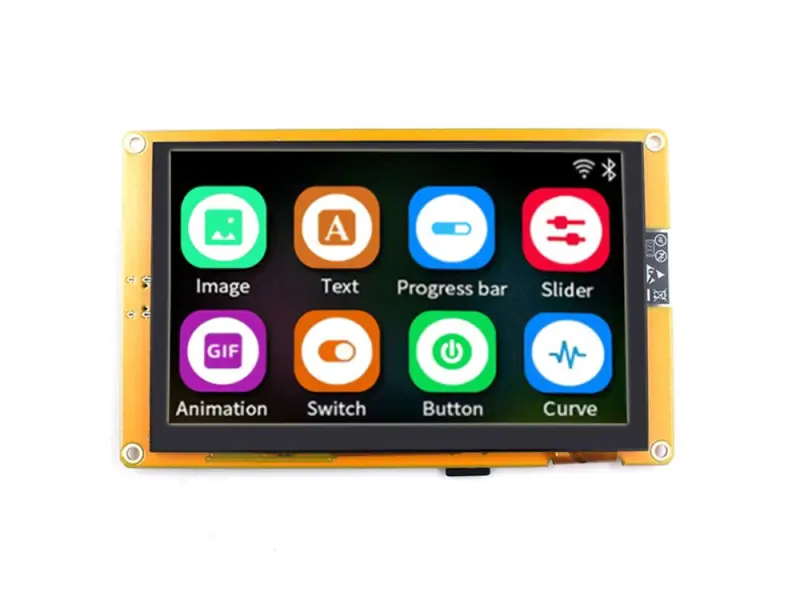
ESP32-8048S050C with LVGL 9.4 and FreeRTOS
An implementation for the Sunton ESP32-S3 800x480 capacitive touch display utilizing ESP-IDF 5.5.2 and LVGL 9.4. It features optimized memory management strategies for PSRAM-based framebuffers and leverages FreeRTOS for efficient task orchestration.
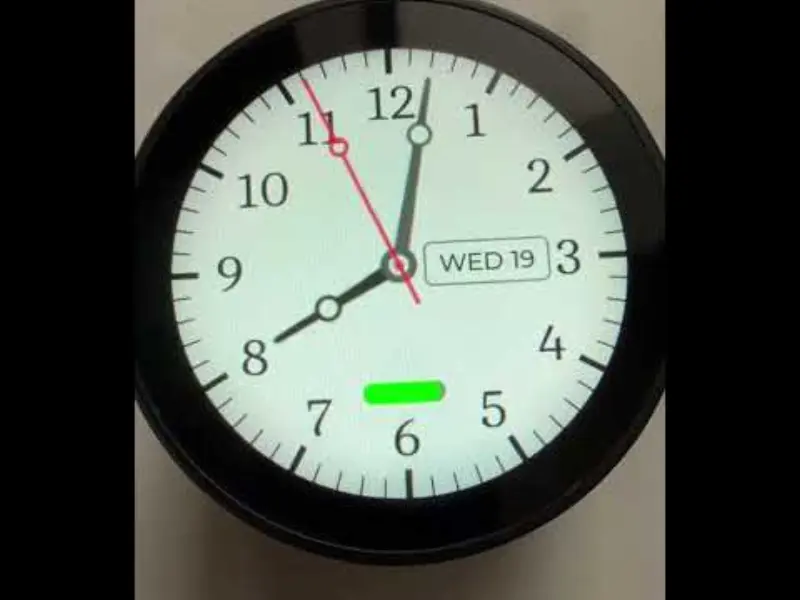
FlatSphere Clock
An ESP32-S3 powered smart clock project featuring a round touch display, Text-to-Speech capabilities, and integrated battery monitoring. Built using the ESP-IDF framework and LVGL graphics library, it serves as a comprehensive hardware abstraction layer and demo for the WaveShare 1.85-inch Touch LCD development board.
ESP32-TUX
ESP32-TUX is a comprehensive Touch UX template for ESP32 and ESP32-S3 microcontrollers, leveraging the LVGL graphics library and LovyanGFX driver. It provides a ready-to-use framework for building sophisticated HMI applications with features like Wi-Fi provisioning, OTA updates, and theme switching across various 3.5-inch display modules.