OpenTimeWatch-OS
An open-source watch operating system designed for ESP32-S3 microcontrollers, specifically targeting the LILYGO T-QT Pro. It provides a customizable environment for watch faces and applications, utilizing the TFT_eSPI library for display management and FreeRTOS for task handling. The system includes features like WiFi time synchronization, motion sensing via MPU6050, and integrated games.
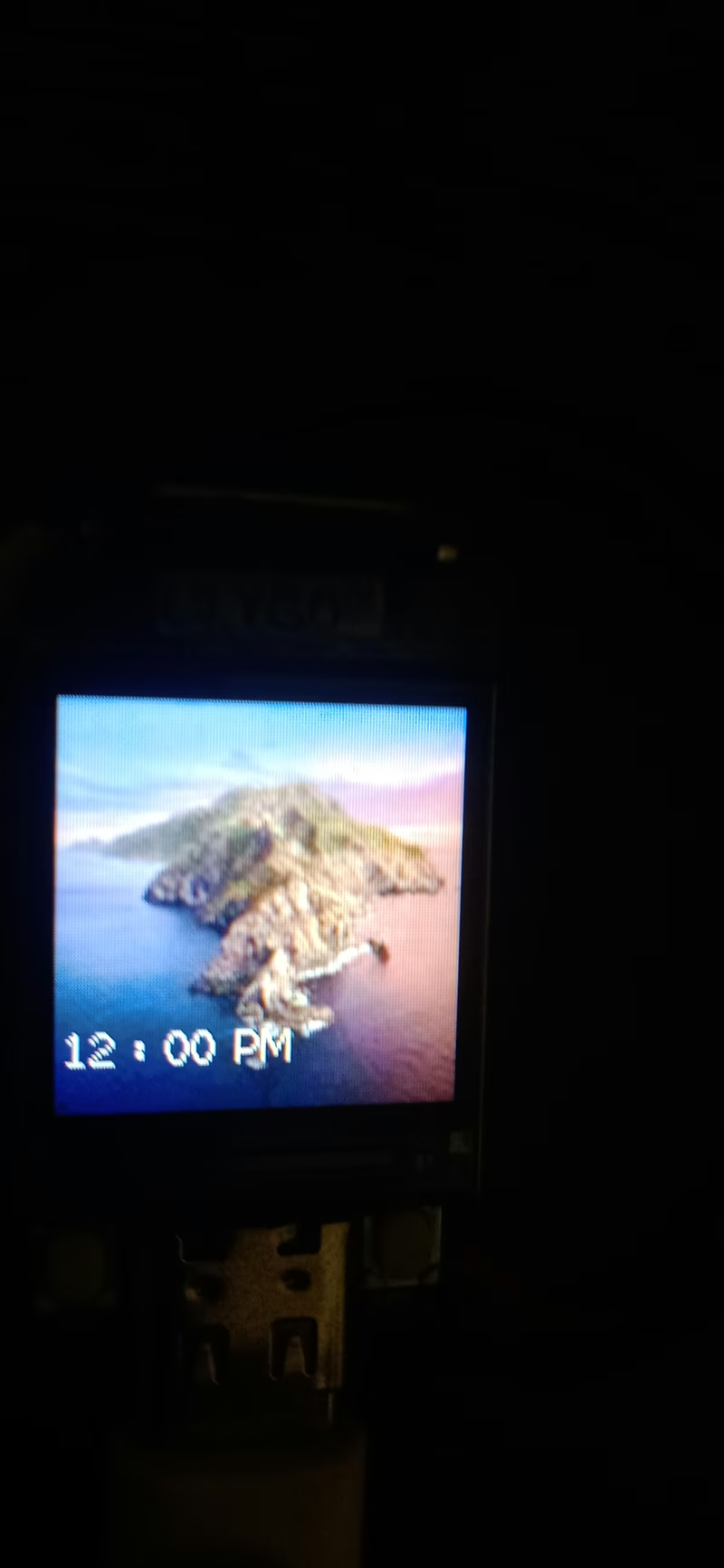
OpenTimeWatch-OS is an open-source operating system developed for ESP32-S3 based development boards and smartwatches. It is designed to bridge the gap between users who want to customize their wearable experience and developers looking for a flexible platform to build applications, watch faces, and widgets. Currently, the OS provides dedicated support for the LILYGO T-QT Pro, with the architecture built to accommodate additional microcontrollers and boards in future updates.
Motivation and Vision
The project was initiated to address the limitations often found in budget smartwatches, which frequently suffer from restrictive software, non-removable preloaded watch faces, and a lack of user-driven features. By leveraging the increasing power and decreasing cost of modern microcontrollers like the ESP32-S3, OpenTimeWatch-OS aims to empower users with a more versatile device. A key personal motivation for the project was the desire to include entertaining features, such as games, to provide utility and amusement in everyday situations.
Core Features
The operating system provides a comprehensive suite of tools and entertainment options. The home screen supports custom backgrounds and multiple watch faces, allowing for significant visual personalization.
Key capabilities include:
- Utility Apps: A torch function, speaker support, and a time-setting utility that synchronizes via WiFi.
- Sensors: Integration with accelerometers and gyroscopes for motion tracking.
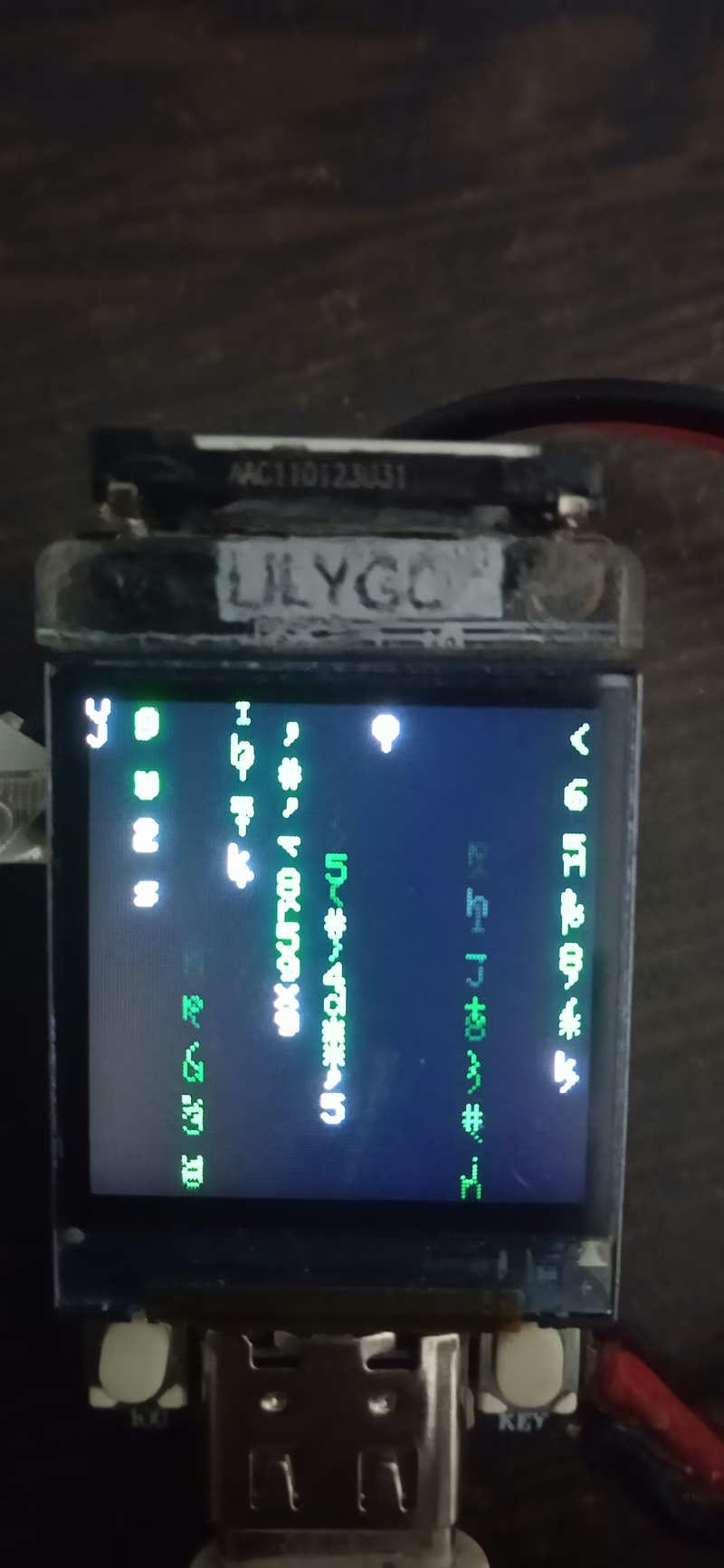
- Entertainment: A built-in Pong game and a “Hacker Mode” that features a stylized Matrix-style animation.
- System Monitoring: Real-time tracking of battery voltage, charging status, and CPU temperature.
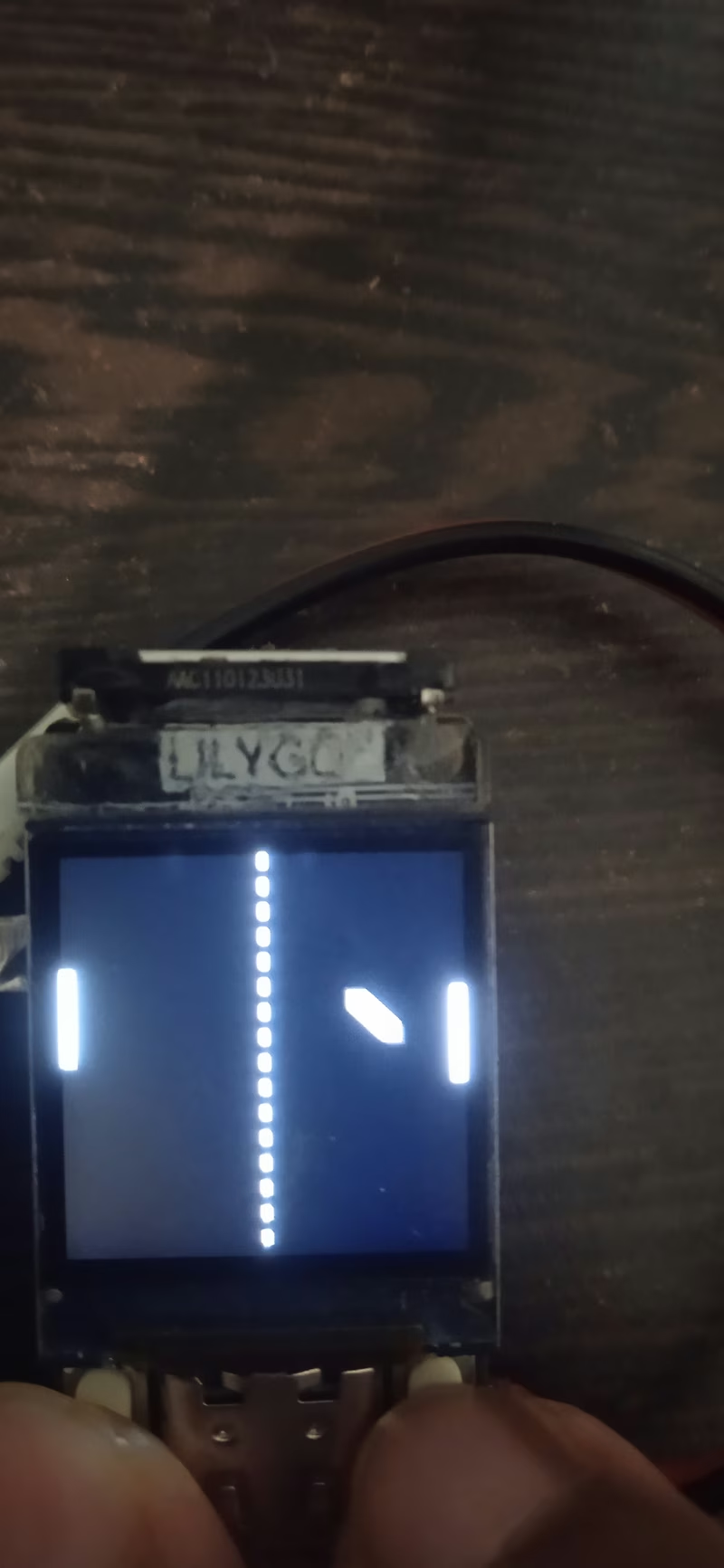
While some features like the activity view (tracking steps and calories) are visually represented in the current version, they are slated for full functional implementation in subsequent releases.
User Interaction and Navigation
The interface is designed for hardware-based interaction using physical buttons. On the home screen, the menu (right) button grants access to the main application list. Navigation within menus is handled by a scroll (left) button to move through items and the menu button to confirm selections.
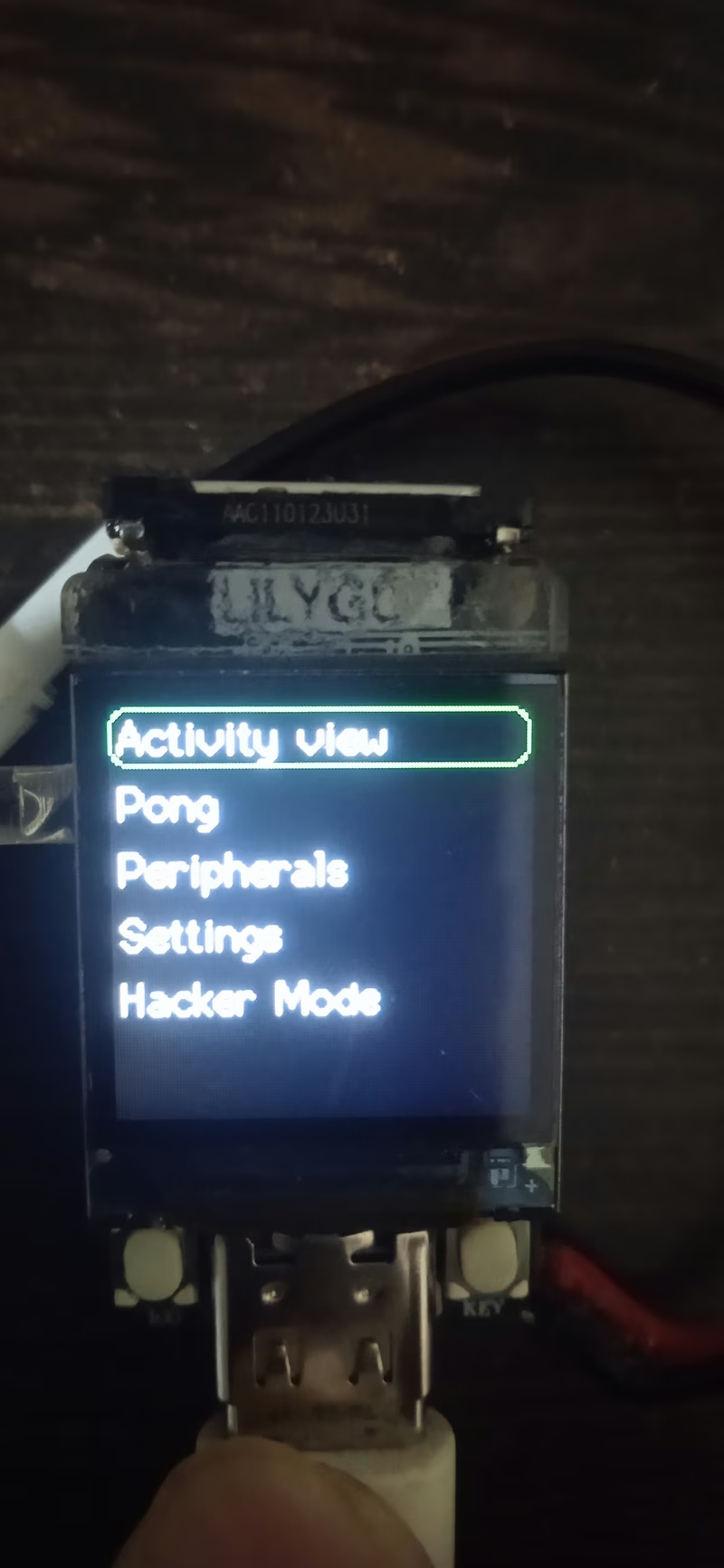
Global navigation shortcuts are implemented to improve the user experience: a single press of the menu button within an app returns to the previous menu, a single press of the scroll button returns to the main menu, and a double press of the menu button immediately navigates back to the home screen. During gameplay, such as in Pong, these buttons are repurposed to control paddle movement.
Technical Implementation
OpenTimeWatch-OS is developed using the PlatformIO ecosystem and the Arduino framework. It relies heavily on the TFT_eSPI library for high-performance display rendering, which is configured via Kconfig for seamless integration with the ESP-IDF environment.
The project incorporates several industry-standard libraries to manage its hardware peripherals, including Button2 for input handling and the Adafruit GFX and MPU6050 libraries for graphics and motion sensing respectively. The build configuration targets the ESP32-S3 with PSRAM enabled to ensure smooth performance for the UI and animations.
Related Projects
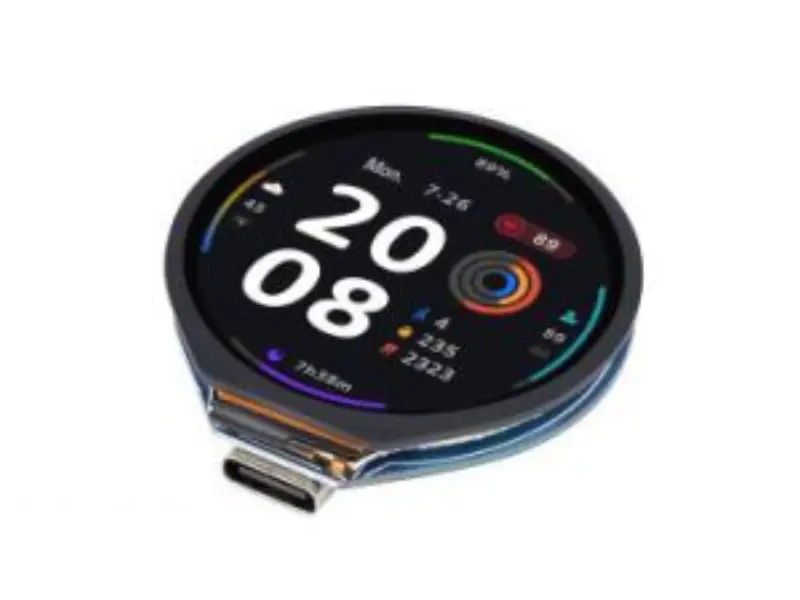
ZephyrWatch
An open-source smartwatch firmware built on the Zephyr RTOS and LVGL graphics library. It targets the ESP32-S3-Touch-LCD-1.28 hardware, featuring BLE time synchronization, device information services, and a real-time counter for time tracking.
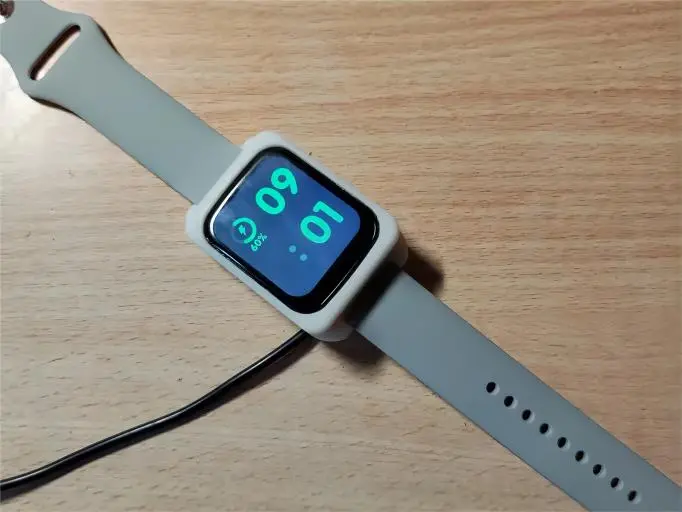
OV-Watch
A feature-rich open-source smartwatch based on the STM32F411CEU6 microcontroller. It utilizes FreeRTOS for task management and LVGL v8.2 for its graphical user interface, supporting health tracking, environmental sensing, and Bluetooth connectivity.