LVGL
v9.6.0Features
-
Hardware-independent C library with no external dependencies for maximum portability.
-
Low resource footprint requiring as little as 32kB RAM and 128kB Flash.
-
Support for monochrome, ePaper, OLED, and TFT displays of any resolution.
-
Over 30 built-in widgets including buttons, charts, keyboards, and sliders.
-
Advanced styling system with approximately 100 customizable properties for states and parts.
-
Responsive layout engines based on CSS Flexbox and Grid standards.
-
Full UTF-8 support for internationalization, including CJK, Arabic, and Persian scripts.
-
Integrated data binding system (Observer pattern) to sync UI with application logic.
-
Advanced rendering capabilities including anti-aliasing, opacity, shadows, and image transformations.
-
Support for 3D rendering of glTF models via OpenGL integration.
-
Multi-display support for managing several screens simultaneously.
-
Compatibility with various input devices like touchpads, mice, encoders, and keyboards.
-
Built-in animation engine for smooth transitions and UI effects.
-
XML-based UI definition support via the LVGL Pro toolkit.
-
Integration with major RTOS environments like Zephyr, NuttX, and RT-Thread.
Architecture
LVGL follows a modular, object-oriented architecture implemented in C. The core of the library is built around the “Object” (lv_obj) abstraction, where every UI element is a widget inheriting base properties. The architecture is decoupled from hardware through a callback-based driver layer. Developers provide “flush” callbacks for display rendering and “read” callbacks for input devices, allowing LVGL to run on any display controller or input hardware without modification to the core library.
The rendering pipeline uses a partial buffering strategy to minimize RAM usage, where only changed areas of the screen are recalculated and drawn into a small draw buffer before being sent to the display. This allows for high-quality graphics even on memory-constrained MCUs. The library also includes a powerful style system that separates visual appearance from logic, and layout engines (Flexbox and Grid) that handle responsive positioning automatically.
Core Components
- Display Interface: Manages rendering buffers and coordinates with hardware-specific flush callbacks.
- Input Device Interface: Handles touch, mouse, keypad, and encoder inputs through a standardized event system.
- Widget Engine: A collection of 30+ UI components with hierarchical parent-child relationships.
- Style System: A CSS-like property system for customizing widget appearance across different states.
- Layout Engines: Flexbox and Grid implementations for responsive design and automatic positioning.
- Animation & Timer Engine: Manages time-based events, visual transitions, and internal task scheduling.
Use Cases
This library is ideal for:
- Industrial HMI: Creating robust control panels for factory machinery with charts and complex data visualization.
- Consumer Electronics: Building sleek interfaces for smart home appliances, thermostats, and wearable devices.
- Medical Devices: Developing high-reliability UIs for patient monitors and diagnostic equipment requiring clear, anti-aliased graphics.
- Automotive Dashboards: Implementing digital clusters and infotainment systems with smooth animations and multi-display support.
- IoT Gateways: Adding local configuration screens to headless devices using low-cost monochrome or OLED displays.
- Cross-platform Prototyping: Developing UI logic on a PC simulator (Windows/Linux/macOS) and deploying the same code to embedded hardware.
Getting Started
To integrate LVGL, developers typically add the source files to their project and provide a configuration file named lv_conf.h. The initialization process involves calling lv_init(), setting up a tick source via lv_tick_set_cb(), and registering display and input drivers. A display is created using lv_display_create(), where buffers and a flush callback are assigned. The main application loop must periodically call lv_timer_handler() to process UI tasks and animations. Detailed documentation, including over 100 examples and API references, is available at docs.lvgl.io.
Related Projects (222)
View All 222 Projects →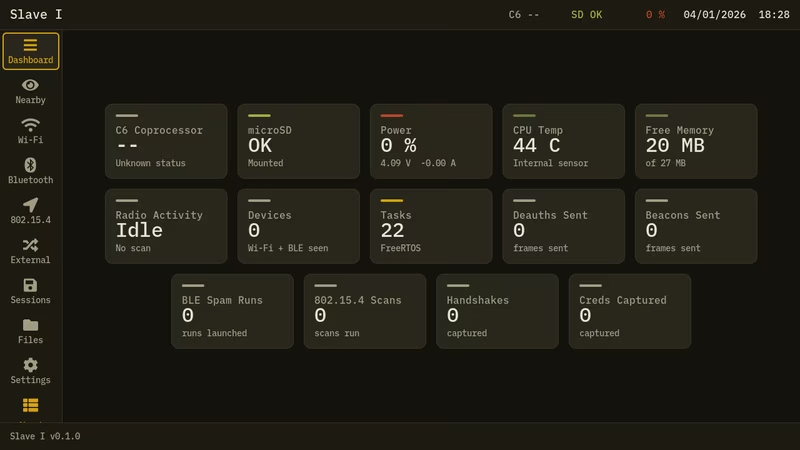
Slave I
Slave I is a wireless research firmware for the M5Stack Tab5, utilizing a dual-chip architecture with the ESP32-P4 and ESP32-C6. It provides a toolkit for Wi-Fi, BLE, and 802.15.4 protocol analysis, built on FreeRTOS and featuring a sophisticated LVGL-based touch interface.
LOADOUT for M5Stack Tab5
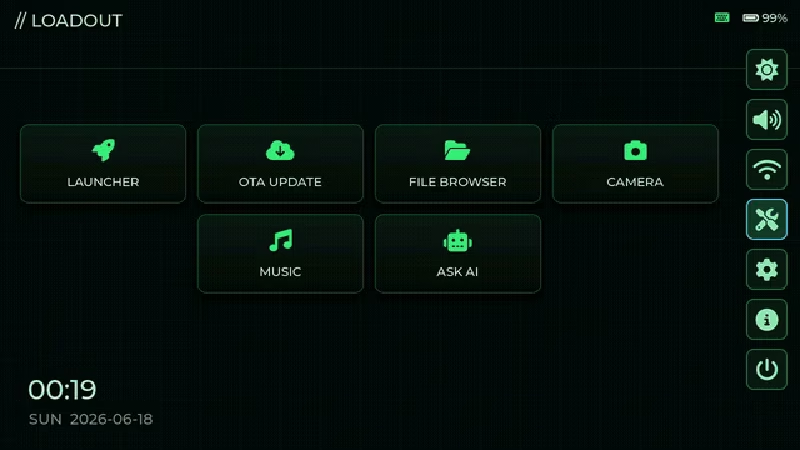
LOADOUT is a comprehensive firmware launcher and hardware toolbox designed for the M5Stack Tab5 (ESP32-P4). Built on the ESP-IDF framework and FreeRTOS, it features an LVGL-based UI that provides access to on-device tools, OTA updates, and a microSD-based firmware bootloader.
esp32flight
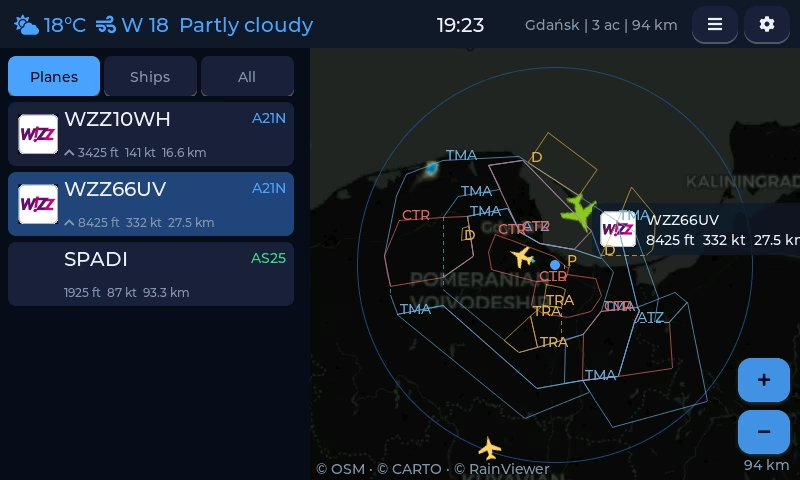
A standalone flight tracking dashboard for ESP32-S3 touchscreen devices that visualizes live ADS-B data, routes, and weather without requiring external servers or subscriptions. It utilizes the ESP-IDF framework, LVGL graphics library, and standard networking protocols to provide a rich, interactive aviation monitoring experience.
ESP32-P4 Home Assistant MQTT Voice Assistant
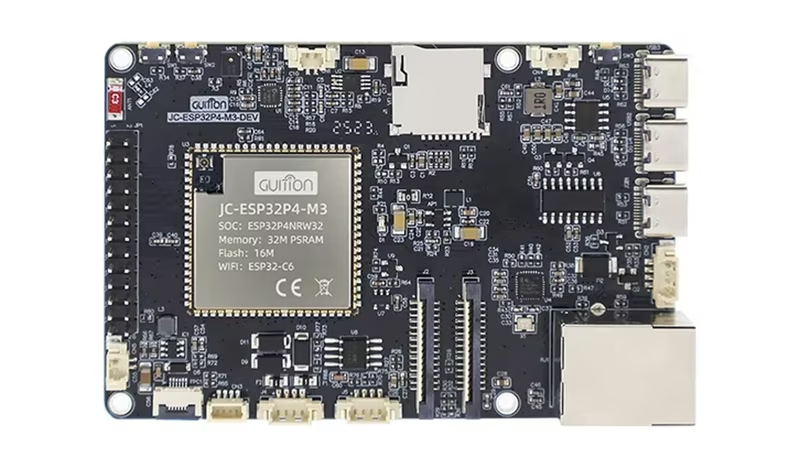
This project provides local voice assistant firmware for the ESP32-P4 platform, built natively on ESP-IDF and integrated with Home Assistant's Assist pipeline. It utilizes WakeNet9 for wake-word detection, MQTT for control and discovery, and features a local MP3 player and web-based management dashboard.
SensorStation3
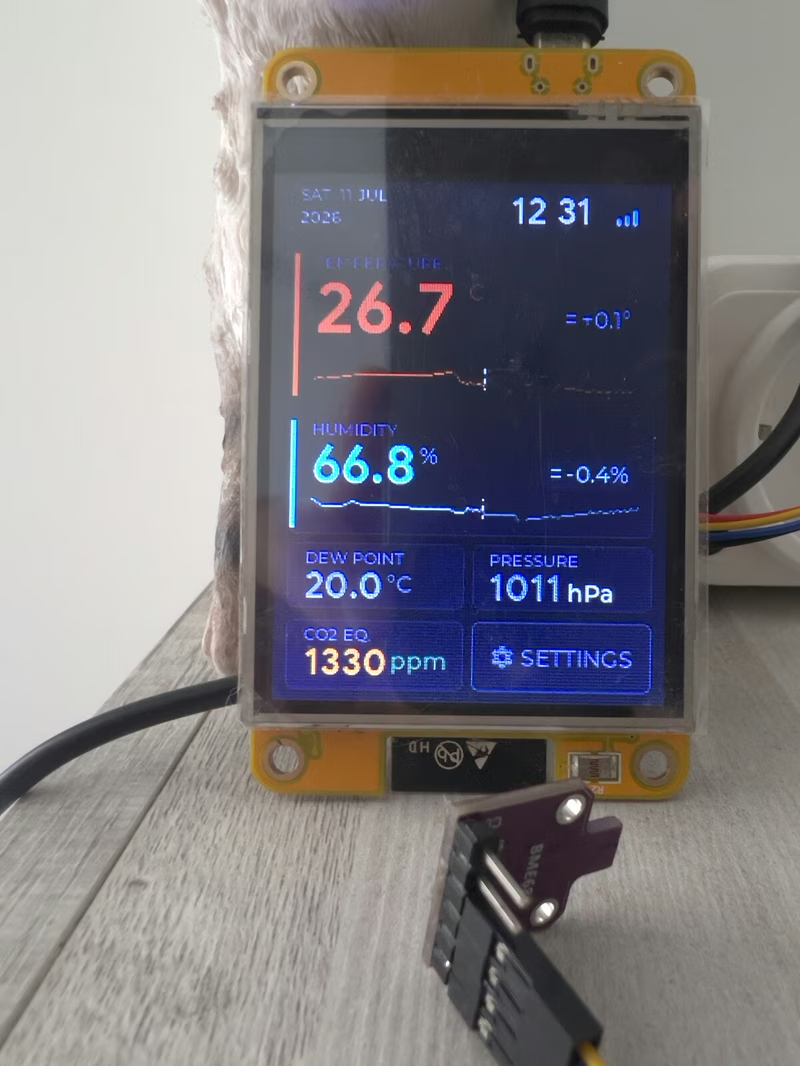
SensorStation3 is an ESP32-based environmental monitoring station that utilizes FreeRTOS and the LVGL graphics library to provide a real-time touchscreen dashboard. It supports a variety of I2C sensors for tracking temperature, humidity, CO2, and atmospheric pressure, featuring seamless integration with Home Assistant and MQTT-based platforms.
BubblePager
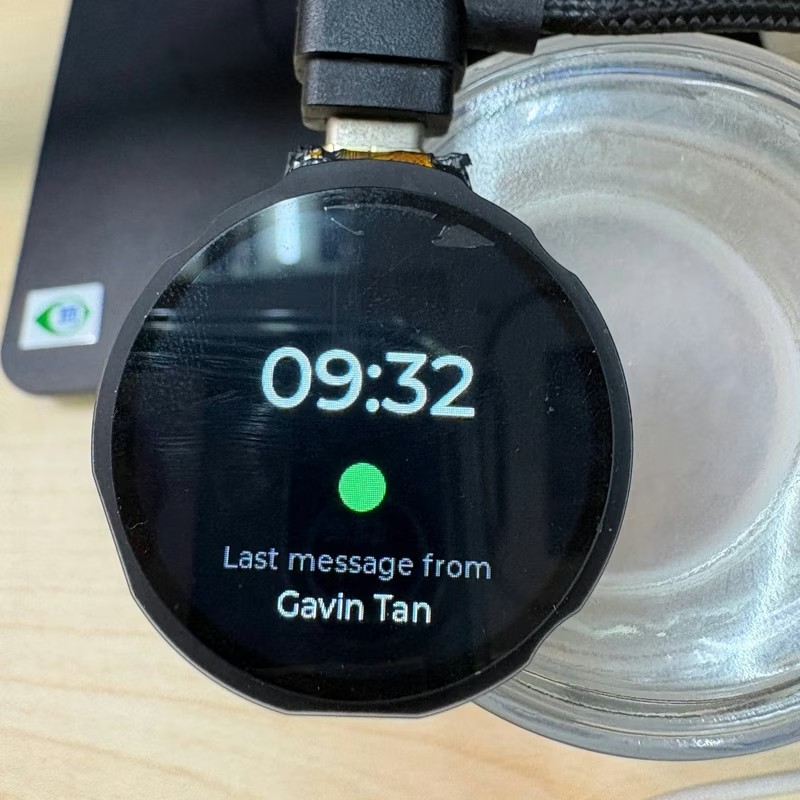
BubblePager is a dedicated hardware pager for Telegram that displays video notes, stickers, and text on a round GC9A01 display. Built on the ESP32-S3 platform using the LVGL graphics library and FreeRTOS, it communicates with a self-hosted FastAPI server that transcodes media into MJPEG streams. The system features a custom unread queue, touch/button navigation, and motion-wake capabilities.
Clawdmeter Plus
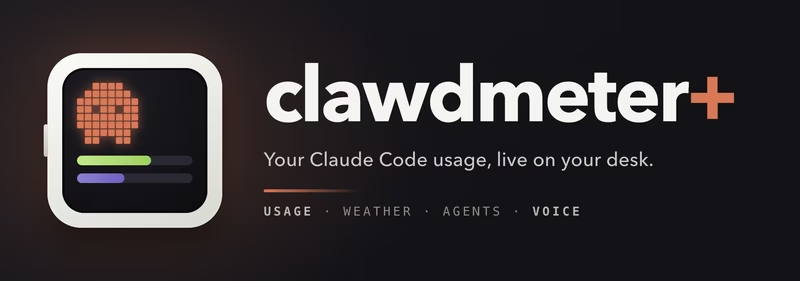
An embedded desk display project using the Waveshare ESP32-S3-Touch-AMOLED-2.16 to track live Claude Code usage, local weather, and background agent health. The system leverages the LVGL graphics library for its UI and connects to a host computer via Bluetooth LE using the NimBLE stack.
MonsterMesh
A Game Boy emulator and monster-battling RPG implemented as a Meshtastic module for the LilyGO T-Deck. It features a deterministic Gen-1 battle engine, a mesh-wide daycare system with save-file XP patching, and LoRa-based multiplayer battles, all running alongside standard mesh networking.