M5Paper Buddy
A physical companion device for the Claude Code AI assistant, utilizing the M5Paper V1.1 e-ink display. It features real-time session mirroring, hardware-based tool approval, and touch-screen interactions powered by ESP32 and a Python-based daemon.
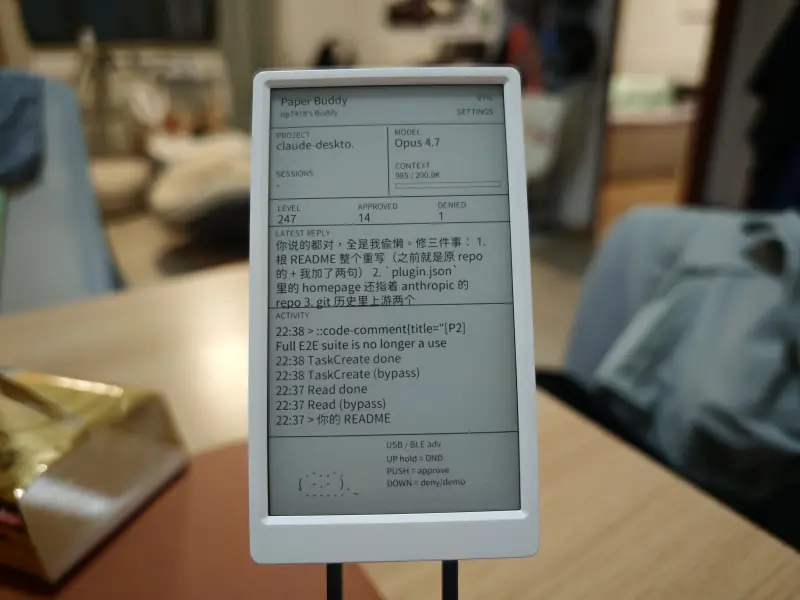
Your AI Coding Partner in Physical Form
While AI coding assistants like Claude Code have revolutionized development workflows, they often remain confined to a terminal window or a background process. M5Paper Buddy bridges the gap between the digital and physical worlds by transforming an M5Paper V1.1 into a dedicated desktop companion for Claude Code. This project leverages the unique properties of e-ink technology to provide a persistent, low-power dashboard that tracks your AI’s activity, context usage, and pending tasks.
Hardware-Driven Workflow and Security
One of the standout features of M5Paper Buddy is its hardware approval system. In a typical Claude Code session, the AI might request to run a bash command, edit a file, or write new content. Instead of just another prompt in your terminal, these requests trigger a full-screen “PreToolUse” card on the M5Paper.
Users can review the complete command or a file diff directly on the e-ink screen and use the physical hardware buttons to approve (PUSH) or deny (DOWN) the action. This adds a tangible layer of security and intentionality to AI-driven development. For those in a flow state, a long-press of the UP button activates Do Not Disturb (DND) mode, which can be configured to auto-approve requests while providing a visual indicator of the AI’s status.
A Technical Deep Dive into the Architecture
The project is built on the ESP32-powered M5Paper V1.1, featuring a 4.7” 540x960 e-ink display and a GT911 capacitive touch panel. The firmware is developed using the Arduino framework within the PlatformIO ecosystem, utilizing FreeRTOS under the hood for task management.
Communication between the computer and the hardware is handled by a Python-based daemon (claude_code_bridge.py). This bridge supports dual transport modes:
- USB Serial: Default, zero-configuration mode for direct connection.
- BLE (Bluetooth Low Energy): Utilizing the Nordic UART Service for a wireless experience, complete with macOS passkey pairing support.
The system utilizes LittleFS to store a substantial 3.4MB CJK (Chinese, Japanese, Korean) TrueType font, ensuring that the UI and AI responses can be rendered accurately in multiple languages. The project also includes a custom partition table to accommodate the large font file and the firmware within the M5Paper’s 16MB flash memory.
Intelligent Session Management
M5Paper Buddy isn’t limited to a single project. Its multi-session dashboard displays all active Claude Code windows in a column, allowing users to switch focus with a simple touch. The right column provides a visual progress bar indicating context window usage—a critical metric when working with large codebases. This data is parsed in real-time from session transcripts, calculating input and output tokens against a configurable budget (defaulting to 200K tokens for standard Claude models).
Personality and Feedback
To make the assistant feel more alive, the UI features an ASCII “cat” companion that changes its expression based on the system state. Whether the AI is idle, busy processing a request, waiting for attention, or celebrating a successful task, the cat provides immediate visual feedback.
Seamless Integration
The project is designed to be a first-class citizen of the Claude Code ecosystem. It includes a dedicated plugin that provides slash commands directly within the Claude terminal:
/buddy-install: Automates the environment setup, including Python dependencies and PlatformIO configuration./buddy-start//buddy-stop: Manages the background daemon./buddy-flash: Handles firmware and filesystem updates.
By combining specialized hardware with deep software hooks, M5Paper Buddy creates a more ergonomic and transparent environment for developers working with cutting-edge AI tools.
Related Projects
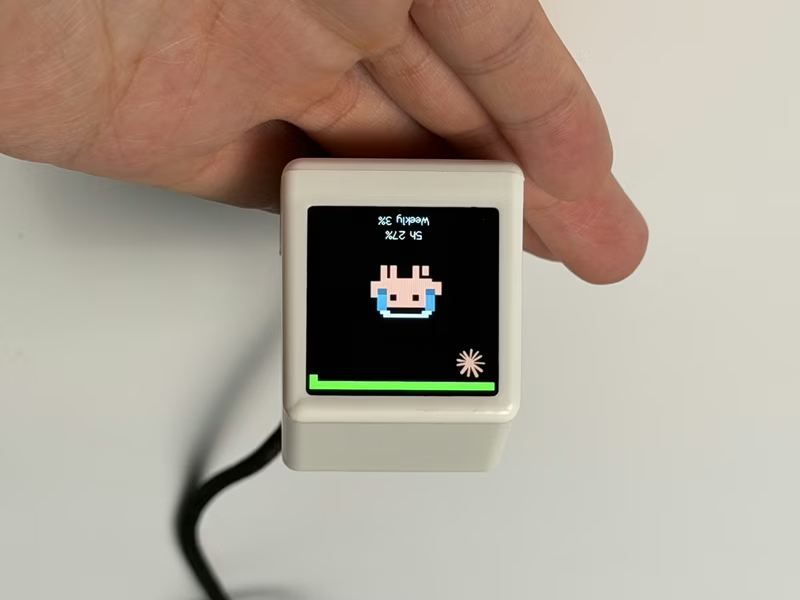
ESP32 AI Mini Screen
A retro-styled desktop companion for ESP32-C3 and ESP8266 that monitors AI coding assistant usage, stock markets, and system telemetry. It leverages the Arduino framework with TFT_eSPI and AnimatedGIF libraries to display real-time data provided by a local bridge application.
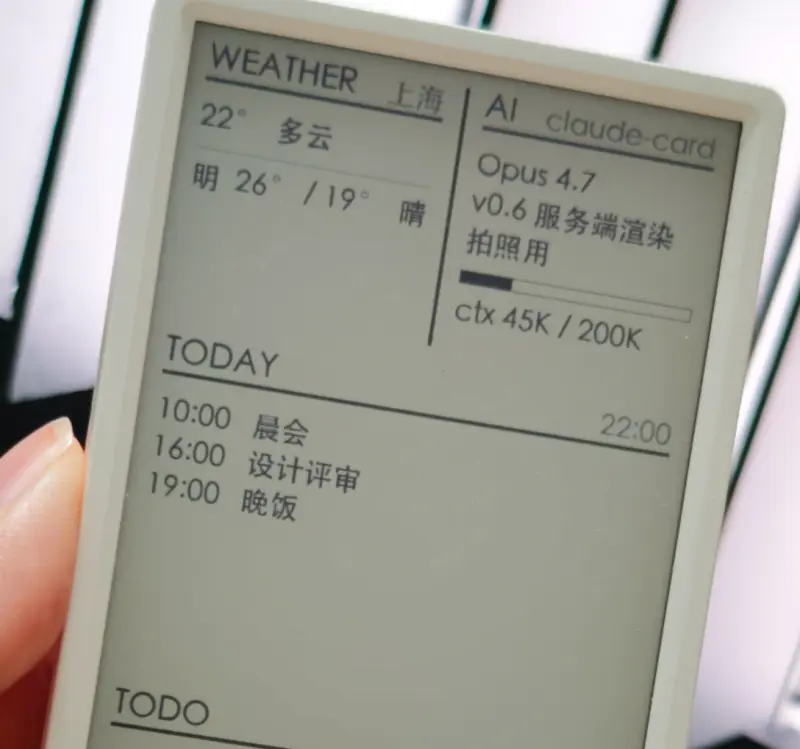
AI Desk Card
A secondary e-ink desk display designed for AI Agents like Claude Code and Codex, utilizing the M5Paper V1.1 hardware. The project features a Python-based daemon for server-side rendering and an ESP32 firmware that supports Wi-Fi, BLE, and USB communication.
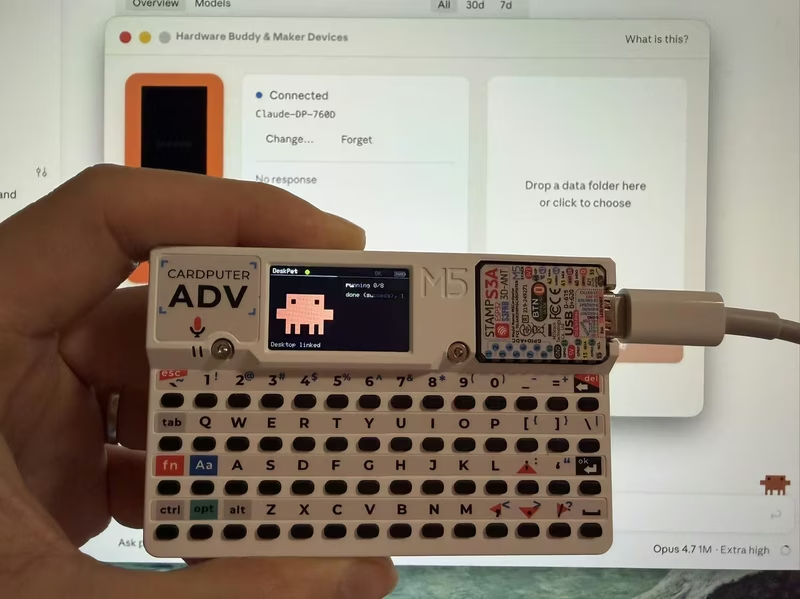
DeskPet
DeskPet is a pixel-art companion for the M5Stack Cardputer that synchronizes with Claude Code sessions via Bluetooth Low Energy. Built on the ESP32-S3 using the Arduino framework and NimBLE, it provides real-time visual feedback on AI agent states, including task progress, token usage, and permission approvals directly from the device's keyboard.
Claude Buddy Pico
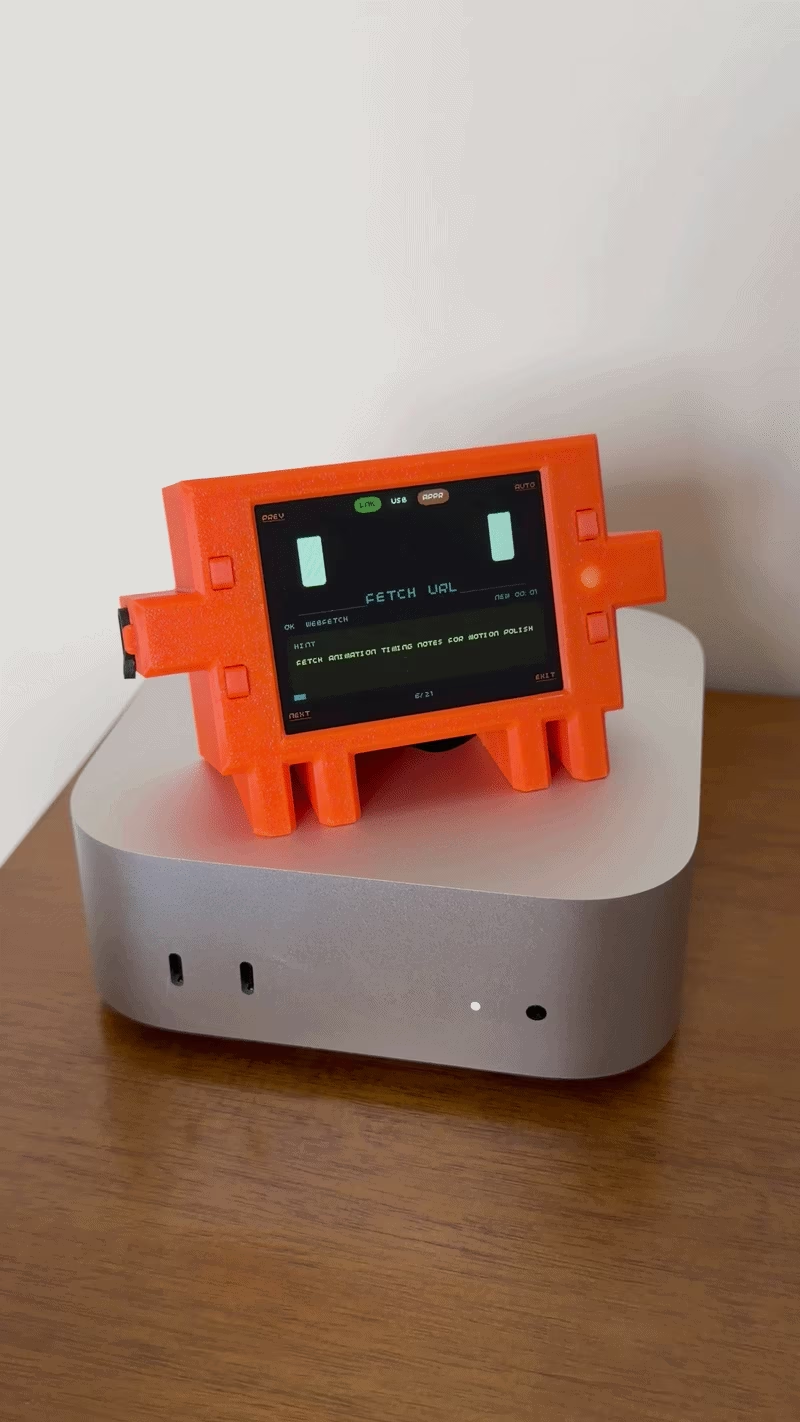
Claude Buddy Pico is a hardware mascot for Claude Desktop, ported from the original M5Stack version to the Raspberry Pi Pico 2 W. It features a 2.8-inch landscape display, Bluetooth Low Energy connectivity via BTstack, and physical buttons for approving or denying AI tool calls. The project utilizes the Pimoroni Pico library for peripheral management and includes custom 3D-printable CAD files for the enclosure.
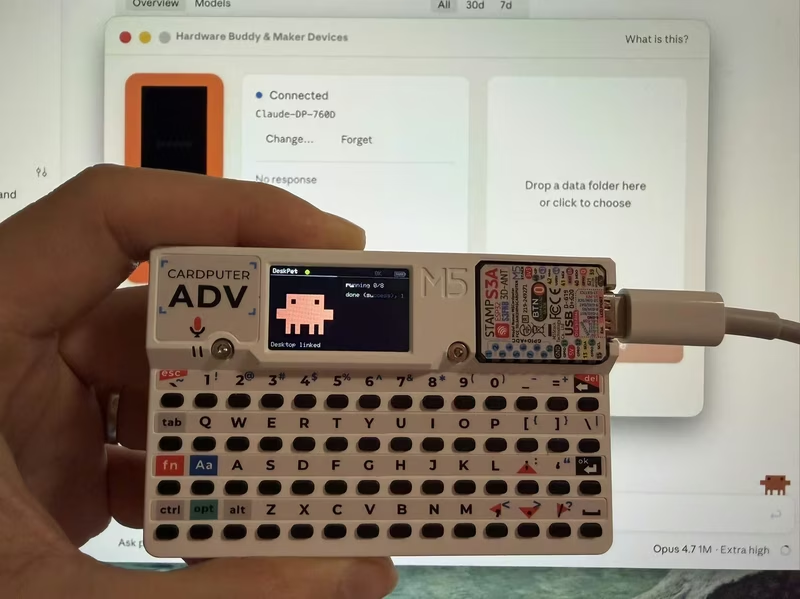
DeskPet for M5Stack Cardputer
DeskPet is a pixel-art companion for the M5Stack Cardputer that synchronizes with Claude Code sessions via Bluetooth Low Energy (BLE). Built on the ESP32-S3 using the NimBLE stack and ArduinoJson, it provides real-time visual feedback and hardware-based command approval for AI agent workflows.
Clawy
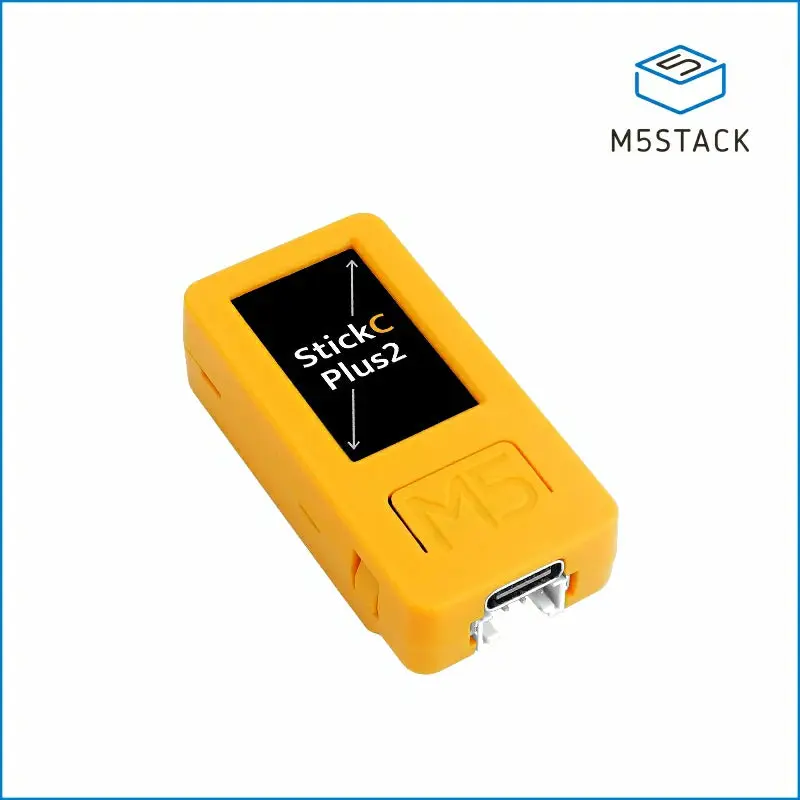
Clawy is an interactive JRPG-style desktop companion for Claude Code sessions that runs on an M5StickC Plus 2. It utilizes Claude Code hooks to provide real-time visual feedback, session statistics, and physical hardware controls for approving AI tool executions via a local WiFi connection.