esp32flight
A standalone flight tracking dashboard for ESP32-S3 touchscreen devices that visualizes live ADS-B data, routes, and weather without requiring external servers or subscriptions. It utilizes the ESP-IDF framework, LVGL graphics library, and standard networking protocols to provide a rich, interactive aviation monitoring experience.
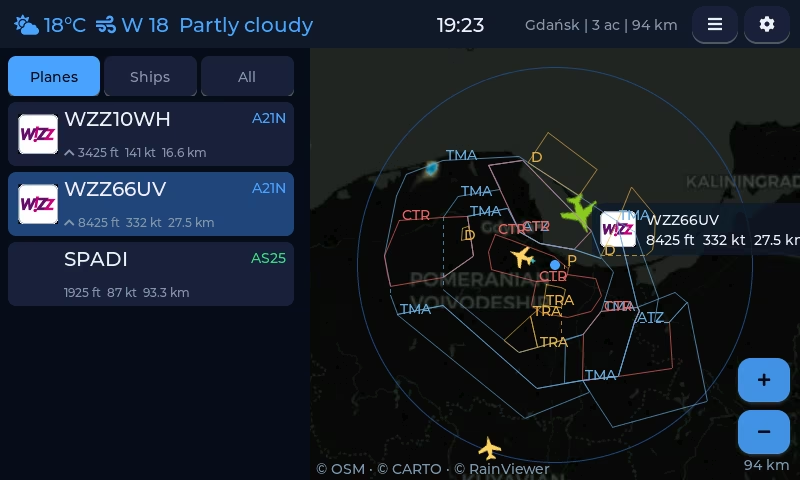
A Standalone Desk Flight Radar
esp32flight is a dedicated flight tracking solution designed to run on a single ESP32 board equipped with a touchscreen. Unlike many other hobbyist flight trackers, it operates entirely without a Raspberry Pi, server, or expensive subscriptions. The project provides a real-time view of aircraft in your vicinity, complete with airline logos, route information, and interactive maps.
Beyond its life as an embedded firmware, the same codebase powers an Android application, ensuring feature parity across both platforms. Whether running on a desk-mounted display or a mobile device, the system delivers live aircraft tracking with zero reliance on paid API keys.
Core Functionality and UI
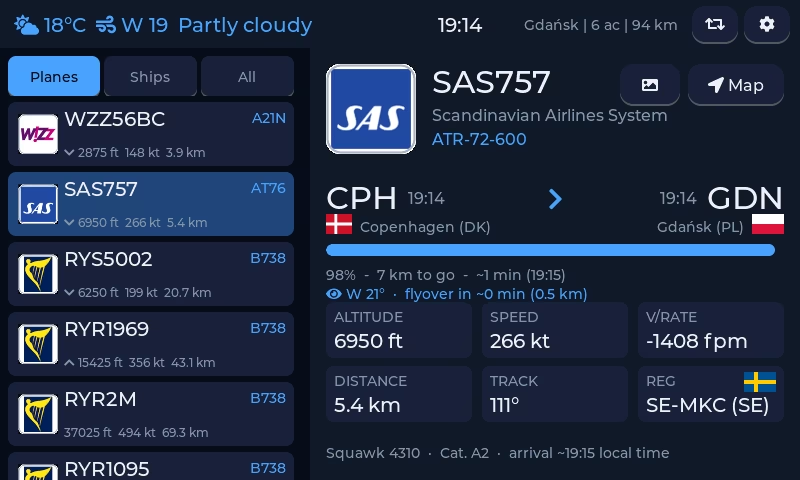
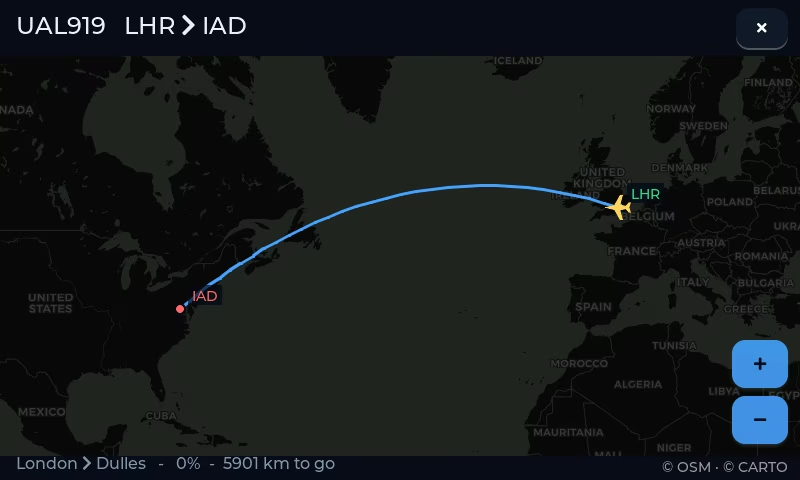
The device offers a variety of ways to visualize aviation data. The main interface provides a live flight list within a configurable radius of up to 250 nautical miles. Users can view detailed information for each aircraft, including the airline, route, altitude trends, and aircraft photos sourced from planespotters.net. For aviation enthusiasts, a “Spotter line” provides a compass and elevation guide to help locate aircraft in the sky.
The UI transitions between five distinct modes:
- List + Details: A data-rich view of nearby traffic.
- Ambient Mode: An auto-cycling display designed for passive observation.
- Radar View: A real-time map showing aircraft positions alongside local airport runway strips.
- Session Stats: Hourly charts, daily records, and METAR weather data.
- Retro Radar: A CRT-style visualization for a classic aesthetic.
Additional layers can be toggled on the radar, such as the International Space Station (ISS) position, radiosondes from the SondeHub network, and AIS-equipped ships. The system also supports airspace outlines (CTR/TMA) for a more professional navigation context.
Data Sources and Connectivity
The system pulls data from free community ADS-B sources like airplanes.live and adsb.lol with automatic failover. For users who maintain their own local ADS-B receiver (such as a Raspberry Pi running dump1090), the device can connect directly to the local LAN output for faster updates and offline functionality.
Routes are cross-referenced across multiple databases to ensure accuracy, and an optional FlightAware AeroAPI key can be used to add commercial flight numbers and authoritative flight plans. The device also integrates with Open-Meteo for weather and IP geolocation services to automatically set the user’s position.
Integrations and Web Management
For advanced users, the project offers several integration points. It supports push notifications via ntfy.sh for emergency squawks or watchlist alerts. Home Assistant integration is handled via MQTT with auto-discovery, allowing flight data to trigger smart home automations.
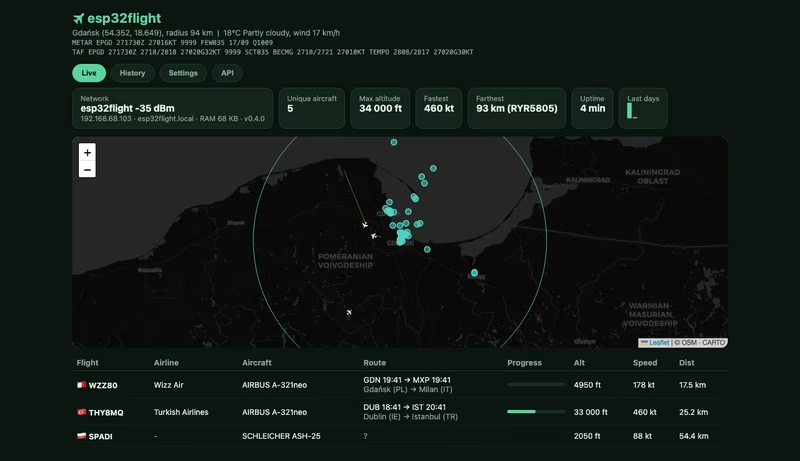
A built-in web panel accessible at http://esp32flight.local provides a centralized interface for configuration, spotting history logs, and OTA firmware updates. The panel also offers a Prometheus metrics endpoint and live screenshots of the device display.
Hardware Support and Architecture
The project is optimized for the ESP32-S3 microcontroller, specifically targeting boards with integrated RGB LCDs. Supported hardware includes:
- Waveshare ESP32-S3-Touch-LCD-7: The primary target featuring a 16MB flash and 8MB PSRAM.
- Waveshare ESP32-S3-Touch-LCD-4.3: A more compact version with a similar pinout.
- Guition JC8048W550: A budget-friendly 5-inch option.
- Sunton ESP32-4827S043: A lower-resolution 4.3-inch alternative.
The firmware is built using ESP-IDF 5.5+ and the LVGL 8 graphics library. The build process involves several pre-processing steps to fetch airline logos, generate custom fonts, and bundle airport data into the SPIFFS filesystem. For developers, a desktop simulation environment is available to test the UI and logic on macOS or Linux using SDL2.
Related Projects
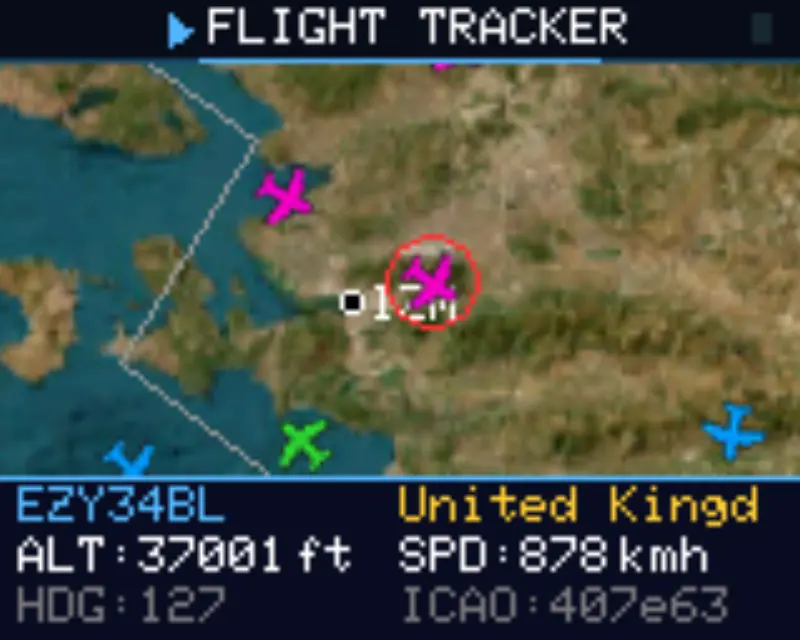
ESP32 Flight Tracker
A real-time aircraft tracking system built for the ESP32-S3 that visualizes live flight data from the OpenSky Network API. It utilizes a dual-core FreeRTOS architecture to handle concurrent networking and high-speed rendering across a dual-display setup, featuring a hybrid map system optimized for hardware with limited PSRAM.
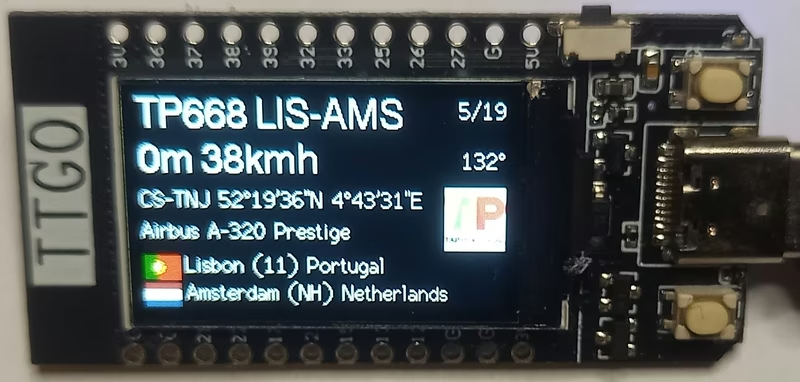
FlightRadar24-TTGO
FlightRadar24-TTGO is an ESP32-based firmware that provides a real-time aircraft tracking display on TTGO and LilyGo-T-Display-S3 modules. It leverages the FlightRadar24 API for live updates and uses the LVGL library to render detailed flight information and carrier logos. The project includes a web-based configuration portal for setting location parameters, units, and traffic filters.
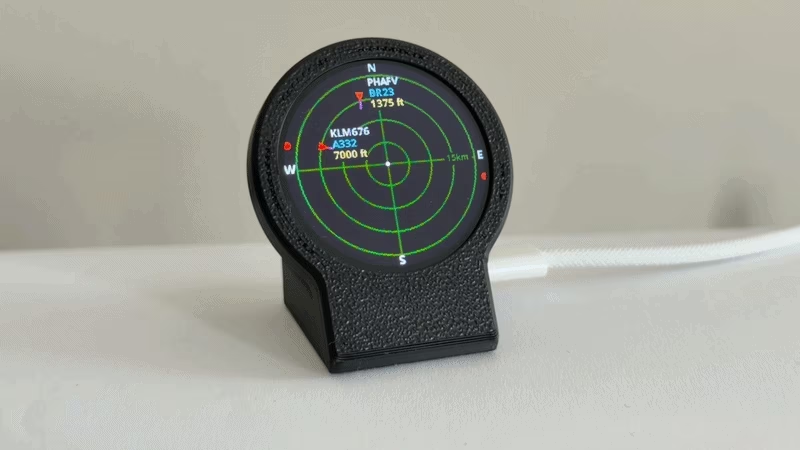
Plane Radar
An embedded flight tracking application for the ESP32-C3 Super Mini and a 1.28-inch round GC9A01 display. It visualizes live ADS-B aircraft data from adsb.fi on a sonar-style interface, providing real-time updates on aircraft headings, altitudes, and speed vectors with a captive portal for easy configuration.
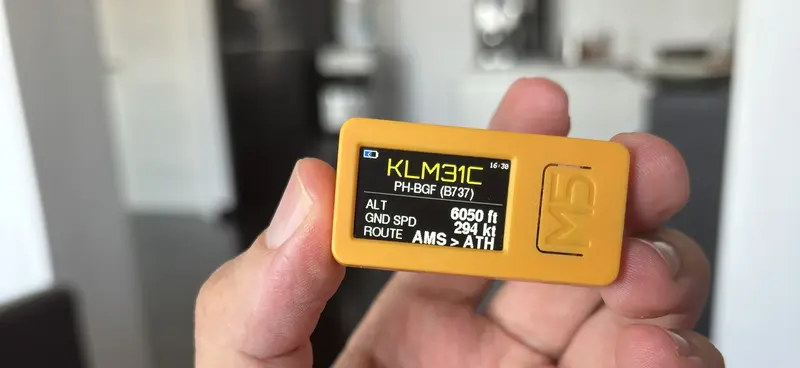
nearPlane ADSB Tracker
A portable real-time aircraft tracker for the M5StickC Plus 2 that utilizes the adsb.lol API to display flight telemetry and route information. It features a multi-page OLED interface, emergency squawk highlighting, and a web-based setup portal for easy configuration.