Codelight
Codelight is a multi-platform monitoring and remote control system for AI coding agents such as Claude Code, GitHub Copilot, and Cursor. It utilizes a Python companion daemon to broadcast agent status and manage interactive prompts across ESP8266-based desk screens, Android devices, and desktop environments via WebSockets and D-Bus.
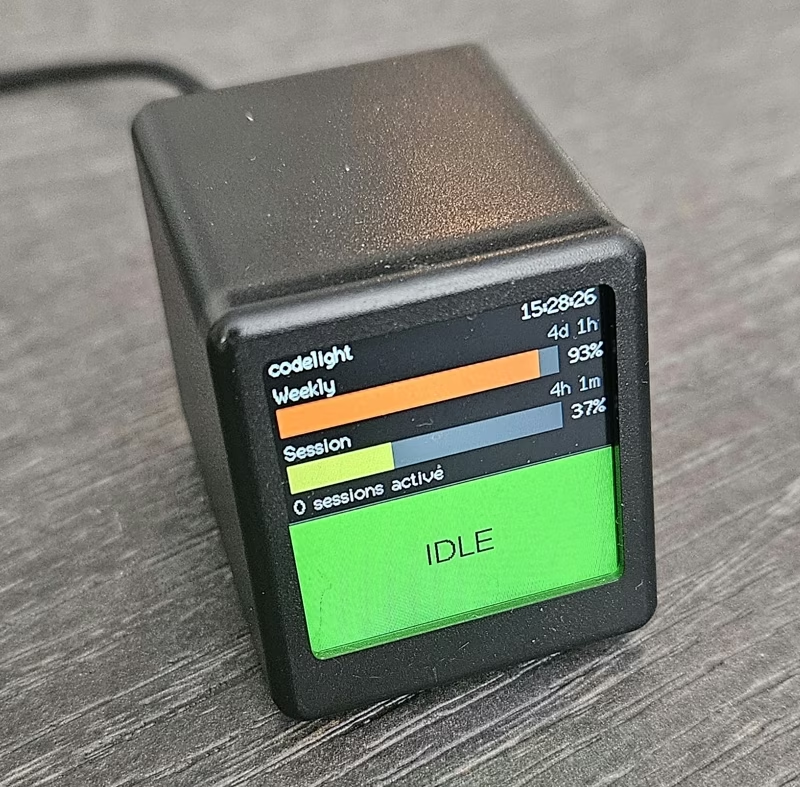
Codelight provides live status, usage tracking, conversation following, and remote-control prompts for a wide array of supported coding agents. It allows developers to monitor grouped working, waiting, or idle states on various devices including desk screens, phones, GNOME panels, or directly within VS Code. When away from the keyboard, the system enables users to approve permission prompts and answer agent questions from any connected client.
Supported Coding Agents
The system supports a growing list of agents with varying levels of integration. Claude Code and Codex offer full support for status, usage, permissions, and questions. GitHub Copilot integration includes usage metering based on organization-pooled AI credits and handles questions where IDE hooks expose them. Cursor support includes a monthly usage meter read from local authentication tokens and remote-allow capabilities for the IDE.
For agents like Grok (xAI), the system follows conversation streams, while OpenCode integration allows for remote steering. OpenCode is particularly unique as it is the first agent that Codelight can actively drive by sending new instructions from a remote client like the Android app, rather than just observing its state.
System Components
Codelight is built as a distributed ecosystem consisting of a central daemon and several specialized clients:
-
Companion Daemon: A Python-based service that detects supported agents, installs necessary hooks, polls usage data, and brokers remote control commands. It pushes status updates over WebSocket and D-Bus.
-
Hardware Screen: Firmware designed for ESP8266-based devices like the GeekMagic Ultra. It renders usage bars and agent states on a physical display using the TFT_eSPI library and LittleFS for configuration storage.
-
Android Application: A responsive app featuring widgets, status views, and conversation following. It allows for permission reviews and question answering on the go.
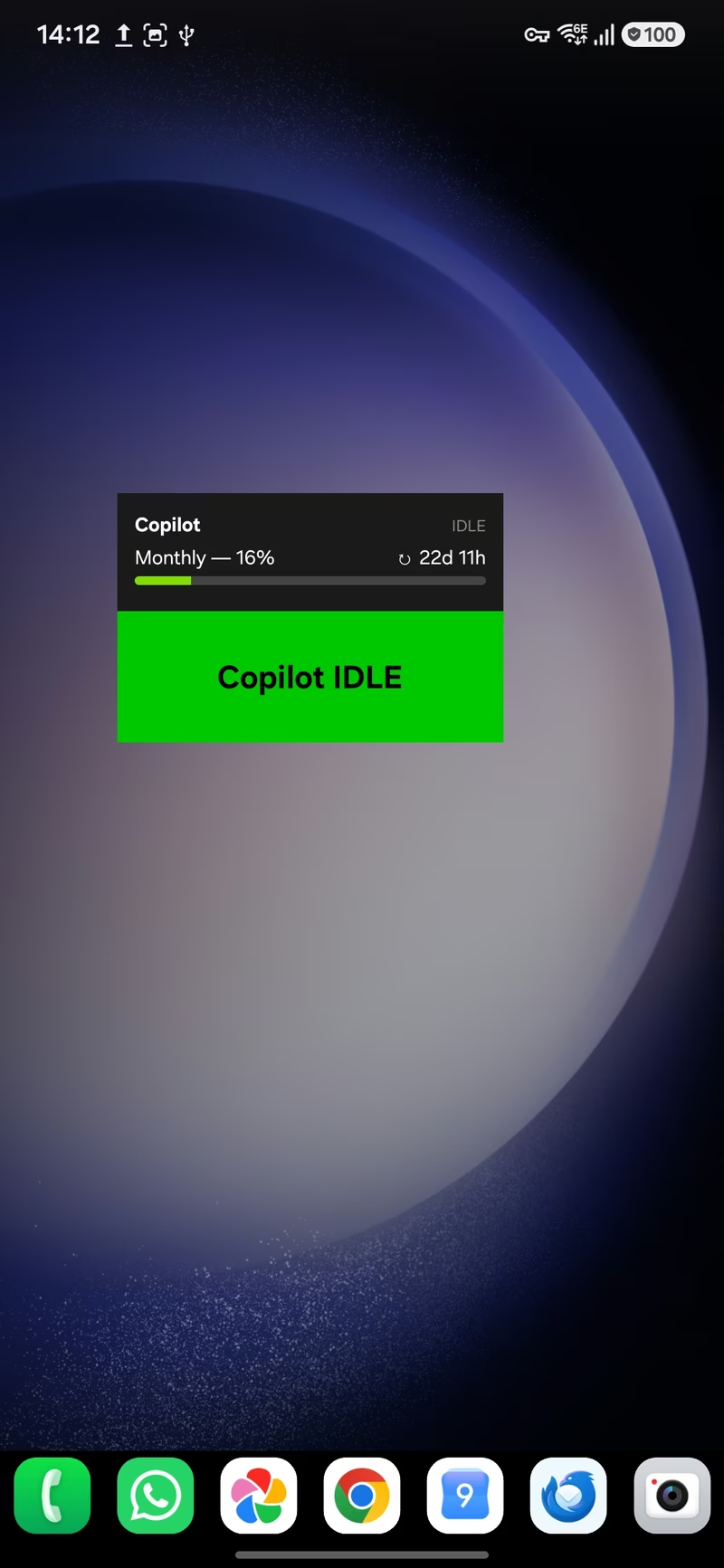
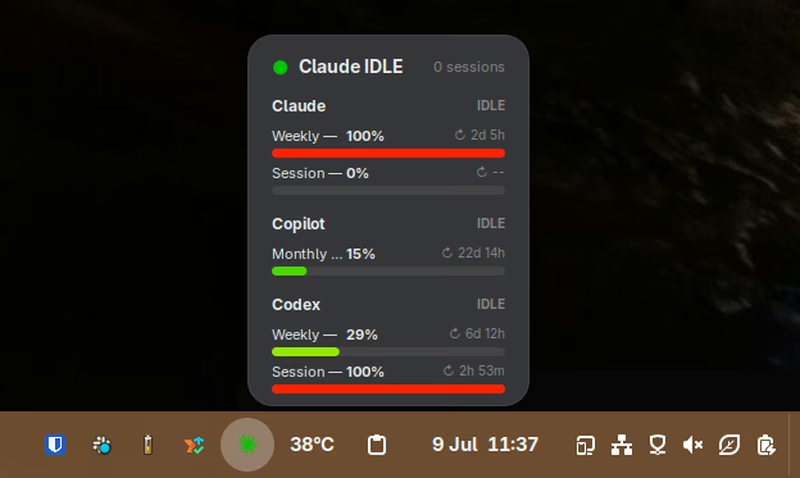
- GNOME Shell Extension: A panel extension for Linux users that provides status updates and allows for approving or answering prompts directly from a system popup.
- VS Code Extension: Integrates into the editor’s status bar and provides a themed WebView for answering agent questions without leaving the coding environment.
Remote Control and Interaction
By running the companion with remote control enabled, Codelight takes over interactive prompts from agents and pushes them to connected clients. This includes permission prompts (Allow/Deny) and complex questions involving multiple-choice or free-text responses.
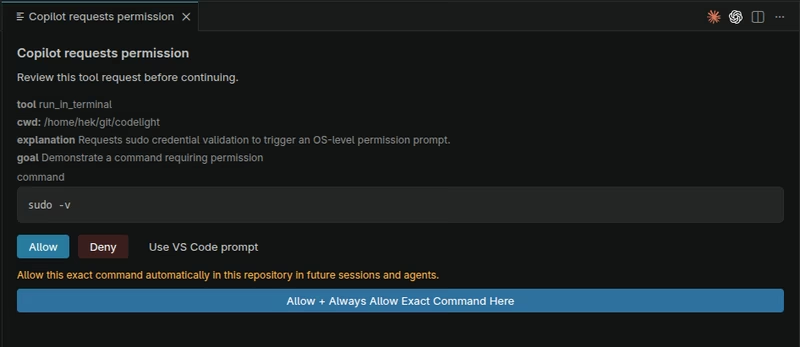
The system employs a “first-to-answer wins” logic. If no remote client is connected, the system falls back to the agent’s native built-in prompt. For security and efficiency, persistent folder and exact-command approvals can be stored in an agent-neutral policy and enforced globally across the shared hook path.
Technical Architecture
The architecture centers on the codelight.py daemon, which manages several concurrent threads. A Unix socket thread receives events from agent hooks, while a background listener follows server event streams for hookless agents like OpenCode. The daemon also includes a multi-agent usage poller and a registry for agent metadata and branding.
Communication is handled through two primary channels. A WebSocket server (typically on port 8765) serves the ESP8266 screen, Android app, and VS Code extension, often discovered via mDNS. Simultaneously, a D-Bus service facilitates communication with the GNOME extension on the session bus, eliminating the need for network configuration for local desktop integration.
Getting Started
Deploying the system involves flashing the ESP8266 firmware to a compatible display device and running the Python companion daemon on the primary workstation. The daemon automatically detects installed agents and manages their hooks. Users can then optionally install the Android app, GNOME extension, or VS Code extension to extend the monitoring and control capabilities to their preferred devices.
Related Projects
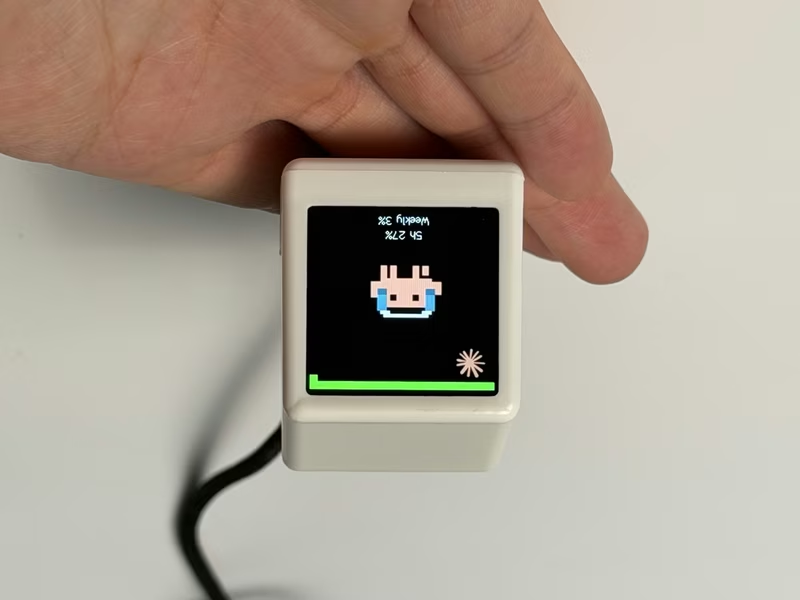
ESP32 AI Mini Screen
A retro-styled desktop companion for ESP32-C3 and ESP8266 that monitors AI coding assistant usage, stock markets, and system telemetry. It leverages the Arduino framework with TFT_eSPI and AnimatedGIF libraries to display real-time data provided by a local bridge application.
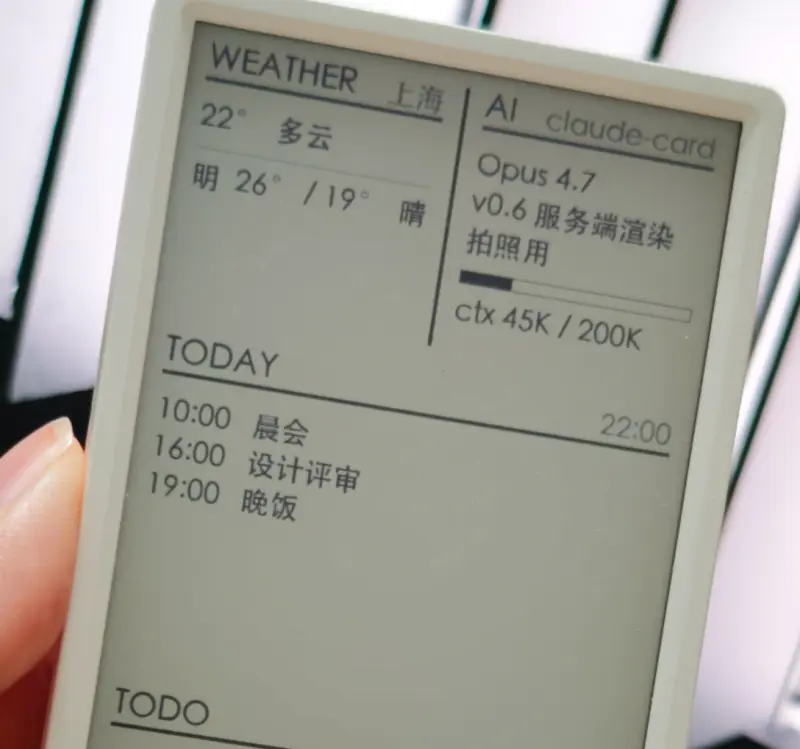
AI Desk Card
A secondary e-ink desk display designed for AI Agents like Claude Code and Codex, utilizing the M5Paper V1.1 hardware. The project features a Python-based daemon for server-side rendering and an ESP32 firmware that supports Wi-Fi, BLE, and USB communication.
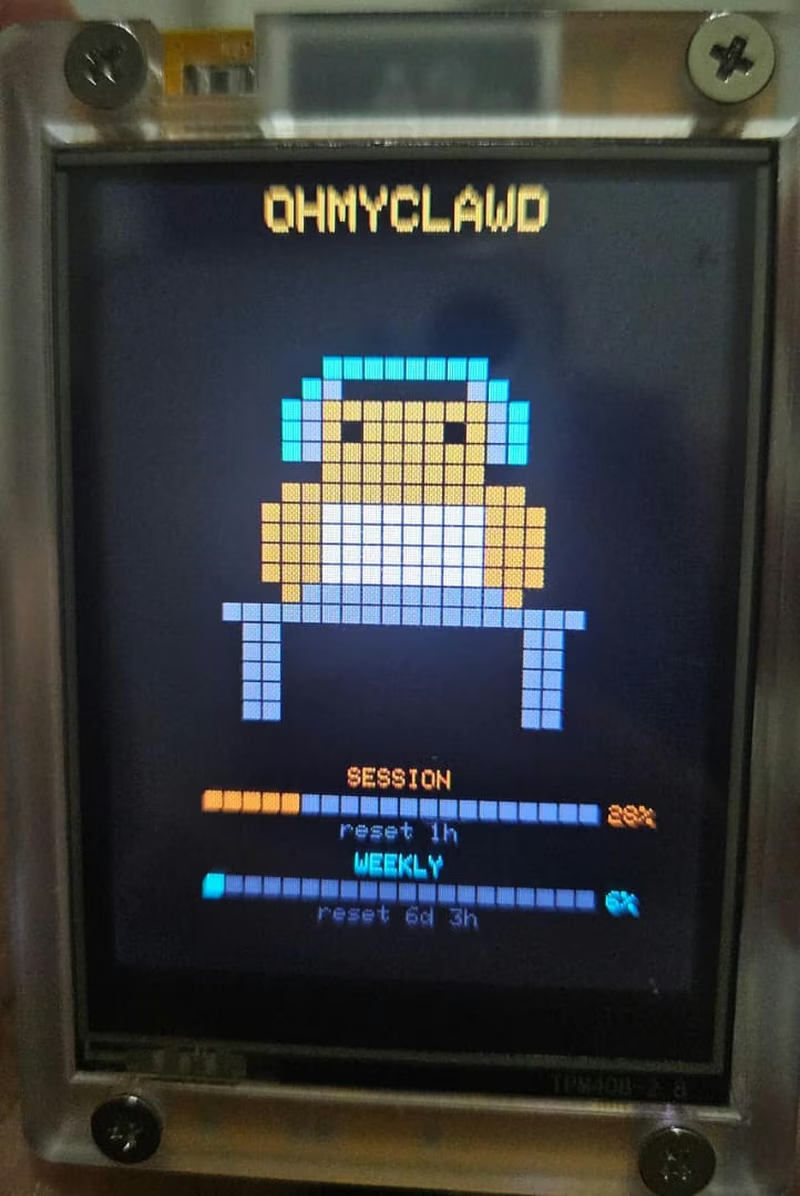
Oh My Clawd
A real-time monitoring tool for Claude Code usage, designed for the ESP32-2432S028R (CYD) hardware. The project uses a Go-based daemon to track Anthropic API rate limits and displays animated pixel art sprites that react to the user's coding activity.
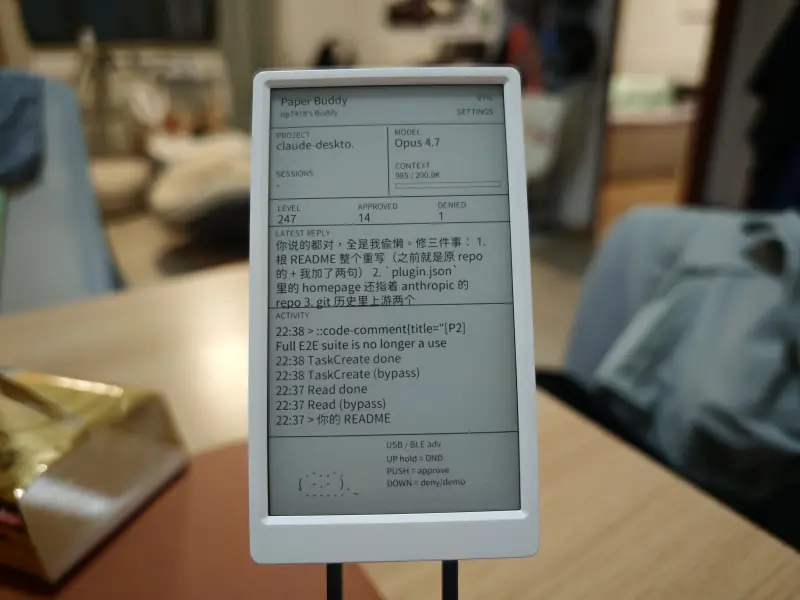
M5Paper Buddy
A physical companion device for the Claude Code AI assistant, utilizing the M5Paper V1.1 e-ink display. It features real-time session mirroring, hardware-based tool approval, and touch-screen interactions powered by ESP32 and a Python-based daemon.
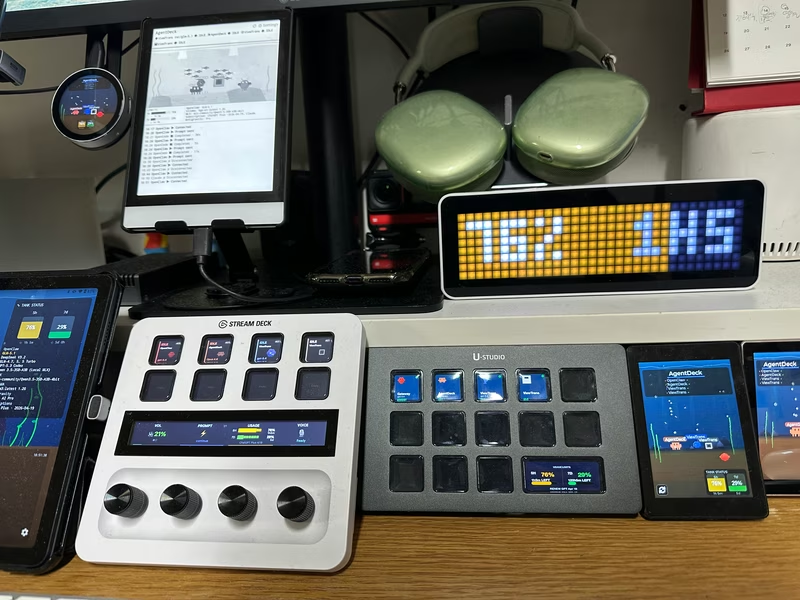
AgentDeck
AgentDeck is a multi-surface physical control interface for AI coding agents, enabling real-time steering of agents like Claude Code and Codex via hardware. It supports 13 different display surfaces simultaneously, utilizing a Node.js or Swift-based bridge to coordinate between terminal-based agents and devices like the Stream Deck+, Android tablets, and ESP32 displays. The system includes a sophisticated performance evaluation framework (APME) that uses local SQLite storage to track and optimize agent efficiency.