Oh My Clawd
A real-time monitoring tool for Claude Code usage, designed for the ESP32-2432S028R (CYD) hardware. The project uses a Go-based daemon to track Anthropic API rate limits and displays animated pixel art sprites that react to the user's coding activity.
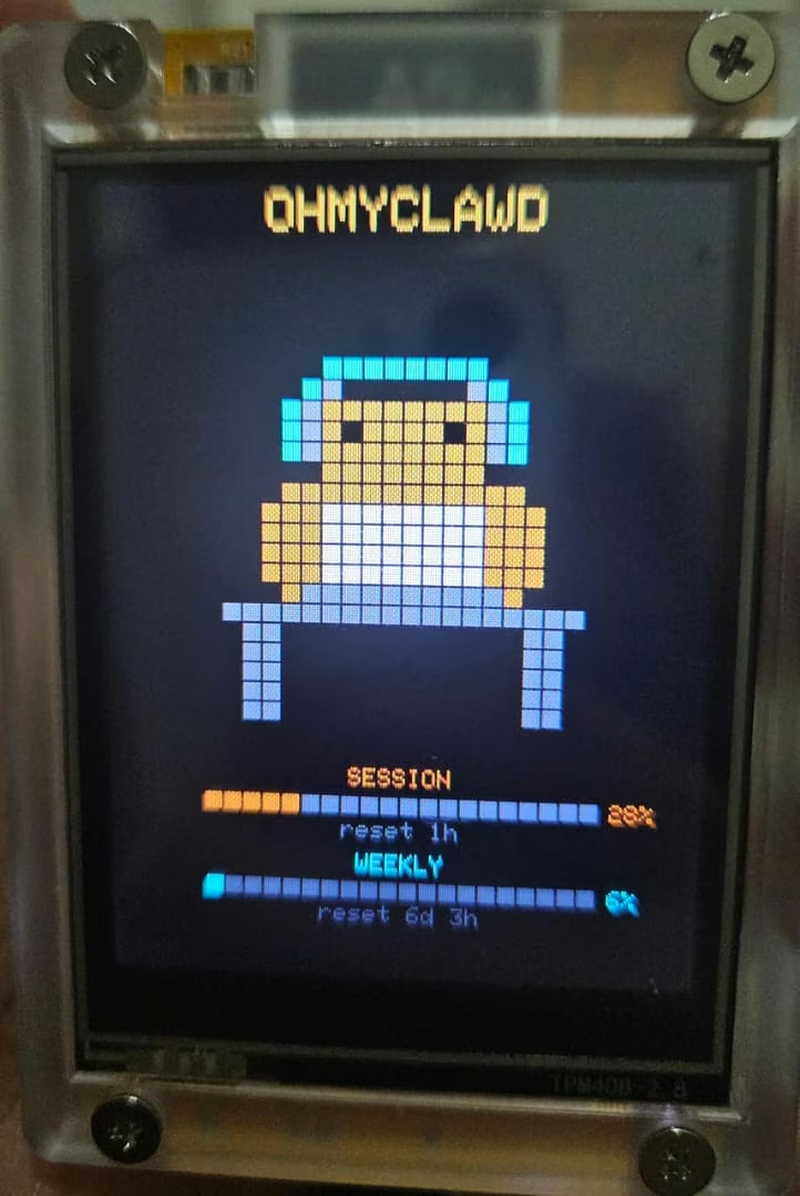
Oh My Clawd is a dedicated hardware companion for users of Claude Code, Anthropic’s command-line interface for AI-assisted programming. It transforms the popular ESP32-2432S028R, commonly known as the “Cheap Yellow Display” (CYD), into a real-time usage monitor. By polling local credentials and Anthropic’s API headers, the device provides a glanceable, animated representation of current session and weekly usage limits, helping developers manage their rate limits without leaving their terminal.
Visualizing Usage with Pixel Art
The core appeal of the project is its reactive pixel art animations. The “Clawd” creature changes its behavior based on your activity levels and API status. These states are determined by session usage percentages:
- Light Usage (< 25%): The sprite is energetic, performing dances like the “bounce” or “sway.”
- Moderate Usage (25–49%): The creature shifts to “coding” or “djmix” animations.
- Heavy Usage (50–79%): The sprite adopts a more contemplative or “thinking” posture.
- Rate Limited (≥ 80%): The creature goes to sleep or enters a “breathe” state to signify the need for a cooldown.
- Input Required: If a session is idle in tmux for more than 30 seconds, the sprite displays a “surprise” or “wink” expression to grab the user’s attention.
Beyond usage tracking, the device features two distinct modes. The default Usage + Sprite mode shows the animated creature alongside grid bars representing session and weekly usage. The Clock mode provides a cleaner aesthetic with a pixel-art banner, a digital clock, the date, and a progress bar for seconds.
The Hardware: The “Cheap Yellow Display”
The project targets the ESP32-2432S028R, a budget-friendly development board that integrates an ESP32-D0WDQ6 with a 2.8-inch ILI9341 TFT display and a resistive touchscreen. The firmware utilizes the TFT_eSPI library for high-performance graphics rendering and XPT2046_Touchscreen for user interaction. Users can tap the screen to switch between display modes or hold it for five seconds to trigger a factory reset of the WiFi and daemon settings.
Architecture and the OhMyClawd Daemon
The system operates via a split architecture. While the ESP32 handles the display and animations, a Go-based daemon runs on the user’s local machine. This daemon performs the heavy lifting by reading Claude Code OAuth credentials from ~/.claude/.credentials.json.
It makes lightweight, authenticated requests to the Anthropic API to inspect HTTP rate-limit headers. Crucially, the daemon only reads headers and does not transmit or store message content, ensuring privacy. It serves this data via a local HTTP server (defaulting to port 8787), which the ESP32 polls over the local network to update its display.
Setup and Configuration
Getting started with Oh My Clawd involves flashing the ESP32 firmware using PlatformIO and installing the daemon on a Linux, macOS, or Windows machine. On its first boot, the ESP32 creates a WiFi access point named OhMyClawd. Connecting to this AP opens a captive portal powered by WiFiManager, where users can input their network credentials and the IP address of the machine running the daemon.
// The firmware allows for easy color correction for different CYD hardware revisions
tft.invertDisplay(true); // Toggle this if your screen colors appear inverted
The firmware also supports over-the-air (OTA) updates, checking GitHub for newer releases on boot and prompting the user to update directly from the device.
Related Projects
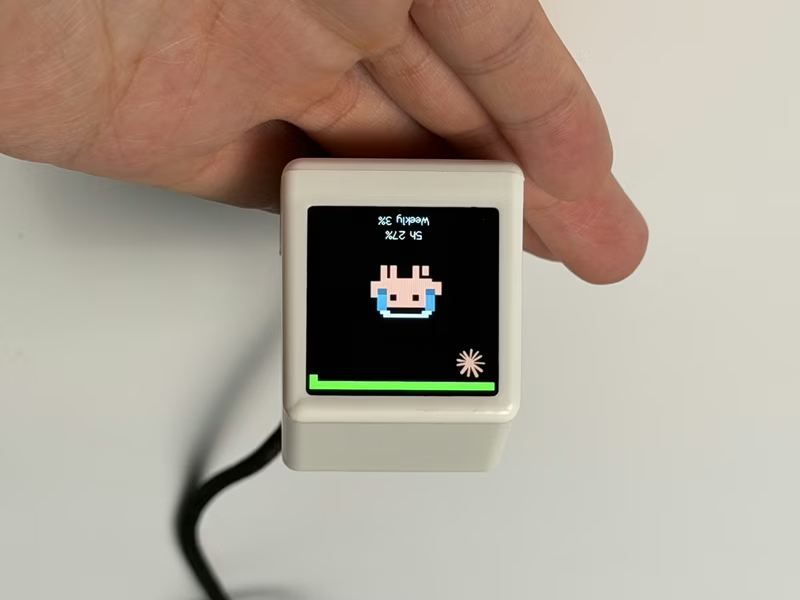
ESP32 AI Mini Screen
A retro-styled desktop companion for ESP32-C3 and ESP8266 that monitors AI coding assistant usage, stock markets, and system telemetry. It leverages the Arduino framework with TFT_eSPI and AnimatedGIF libraries to display real-time data provided by a local bridge application.
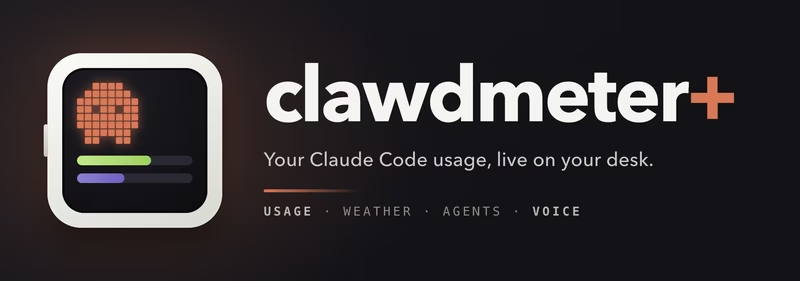
Clawdmeter Plus
An embedded desk display project using the Waveshare ESP32-S3-Touch-AMOLED-2.16 to track live Claude Code usage, local weather, and background agent health. The system leverages the LVGL graphics library for its UI and connects to a host computer via Bluetooth LE using the NimBLE stack.
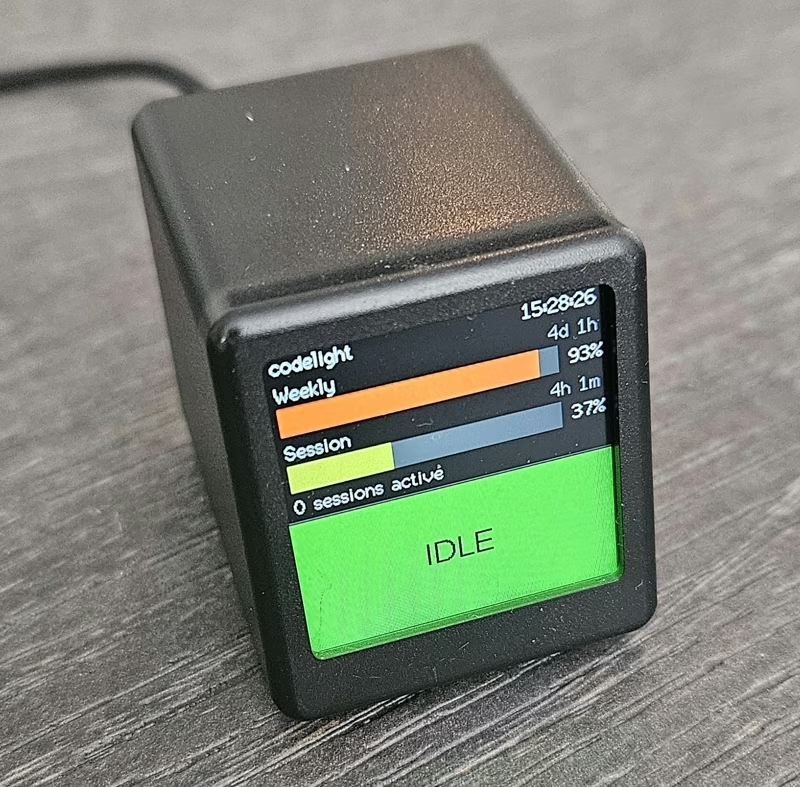
Codelight
Codelight is a multi-platform monitoring and remote control system for AI coding agents such as Claude Code, GitHub Copilot, and Cursor. It utilizes a Python companion daemon to broadcast agent status and manage interactive prompts across ESP8266-based desk screens, Android devices, and desktop environments via WebSockets and D-Bus.
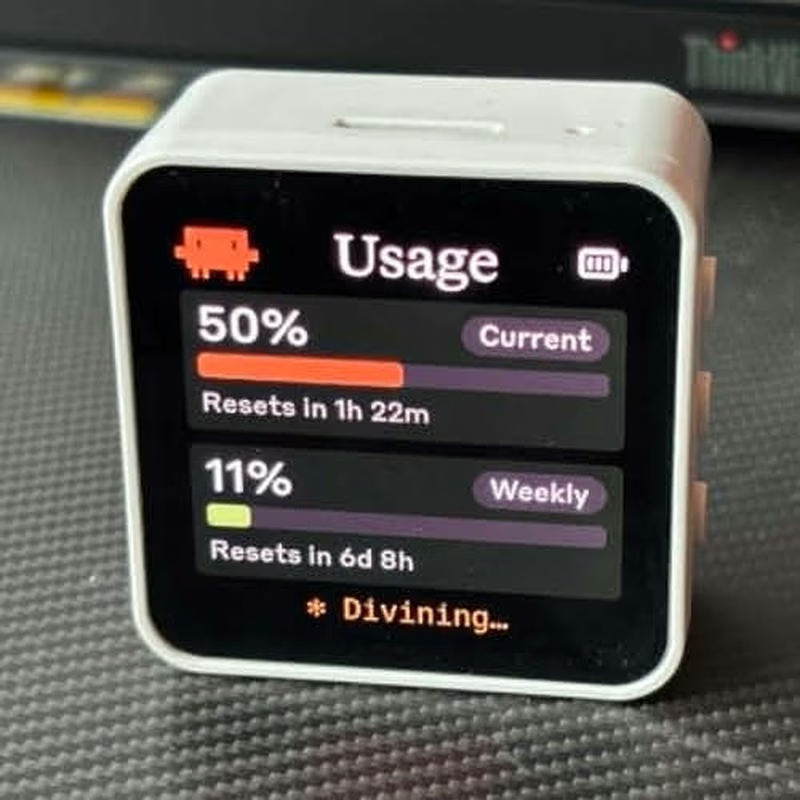
Clawdmeter
Clawdmeter is an ESP32-S3-powered desk dashboard that monitors Claude Code token usage and displays it on a 2.16" AMOLED screen. It uses the LVGL library for its high-resolution UI and the NimBLE stack to communicate with a host daemon via BLE, while also functioning as a HID keyboard for shortcuts. The project features dynamic pixel-art animations that react to real-time API utilization rates.
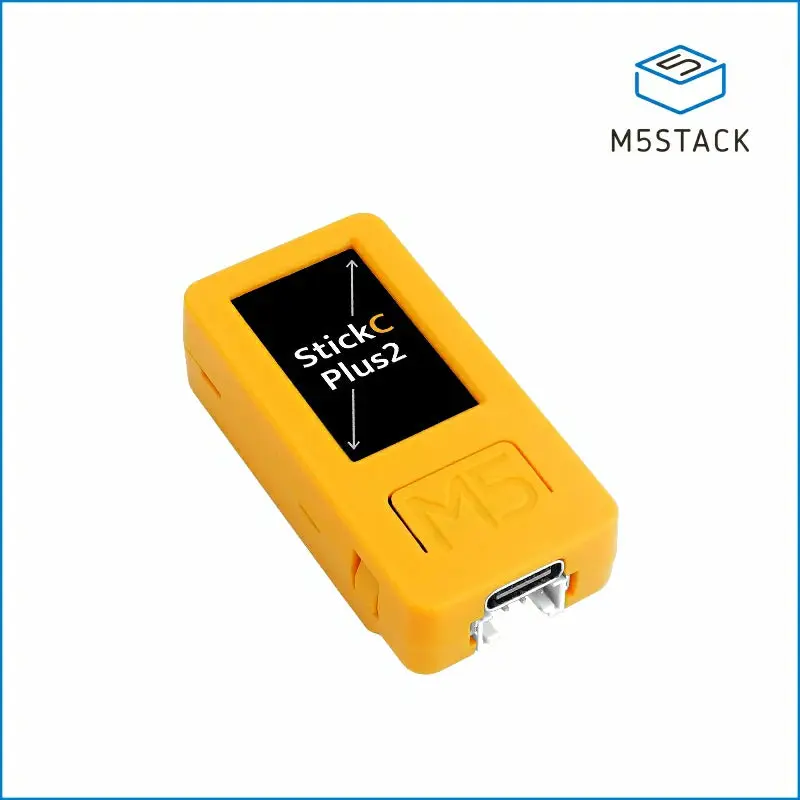
Clawy
Clawy is an interactive JRPG-style desktop companion for Claude Code sessions that runs on an M5StickC Plus 2. It utilizes Claude Code hooks to provide real-time visual feedback, session statistics, and physical hardware controls for approving AI tool executions via a local WiFi connection.