Tasmota SML Images
This project provides pre-compiled Tasmota firmware binaries specifically optimized for smart meter reading via SML and advanced scripting on ESP32 and ESP8266 platforms. It features a dual-track approach offering both the classic Tasmota Scripter and the high-performance TinyC VM, utilizing FreeRTOS for background processing and LittleFS for filesystem management. The firmware supports energy monitoring, Google Charts visualization, and emulation of smart battery interfaces like Shelly Pro 3EM.
Tasmota Firmware with SML and Script Support
This repository provides specialized Tasmota firmware images designed for reading smart meters (Stromzähler) using the SML (Smart Message Language) protocol. These images are pre-configured to support advanced scripting capabilities, allowing users to visualize consumption data and emulate smart energy devices without the need to compile their own firmware from scratch. The project targets a wide range of ESP32 and ESP8266 hardware, providing tailored binaries for different flash sizes and feature requirements.
Choosing the Right Image for Your ESP
The firmware is categorized into two primary variants based on the scripting engine provided:
- _tas: This variant includes the classic Tasmota Scripter and Google Charts support, maintaining compatibility with existing script-based configurations.
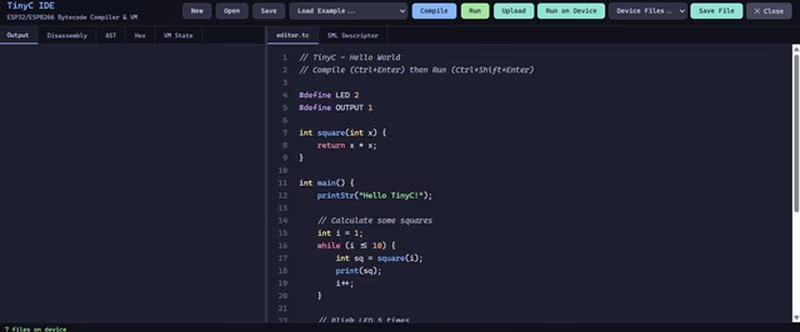
- _tc: This variant features the TinyC VM and a browser-based IDE. It replaces the classic scripter with a faster, C-subset virtual machine that operates significantly more efficiently.
For ESP32 users, generic images are available with Ethernet support, alongside specialized builds for variants like the C3, C6, S2, S3, and Solo1. ESP8266 users are provided with specific bundles for 1MB and 4MB flash devices, including optimized versions for energy-monitoring plugs and Shelly/EcoTracker emulation for smart battery systems.
TinyC: A High-Performance Scripting Alternative
TinyC represents a significant shift in how logic is implemented on Tasmota devices. Developed as a C-subset compiler and virtual machine, it allows users to write and execute programs directly on the ESP within a web-based IDE. Because TinyC compiles to bytecode, it runs up to ten times faster than traditional text-based interpreters. On ESP32 hardware, it leverages FreeRTOS to run in a dedicated background task, ensuring that blocking operations do not interfere with Tasmota’s core networking and system functions.
In TinyC builds, the SML driver is activated via code using tasm_rule = 1;, which triggers the loading of meter descriptors from the filesystem. To support the IDE and the storage of bytecode, these images utilize a custom partition layout that expands the available filesystem (FS) at the expense of the application area, providing up to 1344 KB of space for scripts and data on standard 4MB ESP32 boards.
Advanced Partition Management with chkpt
Transitioning between different firmware variants often requires adjusting the device’s partition table. This project utilizes a runtime partition manager called chkpt (or TinyCChkpt in TinyC builds). This tool allows users to reconfigure the flash layout—such as shrinking the application partition to expand the filesystem—directly from the Tasmota console without requiring a physical USB connection or factory flash. This workflow is essential for “in-place” upgrades of sensors already deployed in the field.
Custom Build Environment and Optimization
For developers who wish to compile their own versions, the repository includes configuration files for PlatformIO. A key highlight of the build system is the integration of ccache, a compiler cache that significantly reduces build times. By utilizing a second-stage preprocessor mode, ccache can reuse object files across different environment builds (like switching between _tas and _tc variants), often resulting in a 60–75% reduction in total compilation time.
The build process also includes specialized scripts for generating “factory” images for ESP32, which bundle the Safeboot recovery partition and bootloader into a single binary for initial flashing.
Testing and Simulation Tools
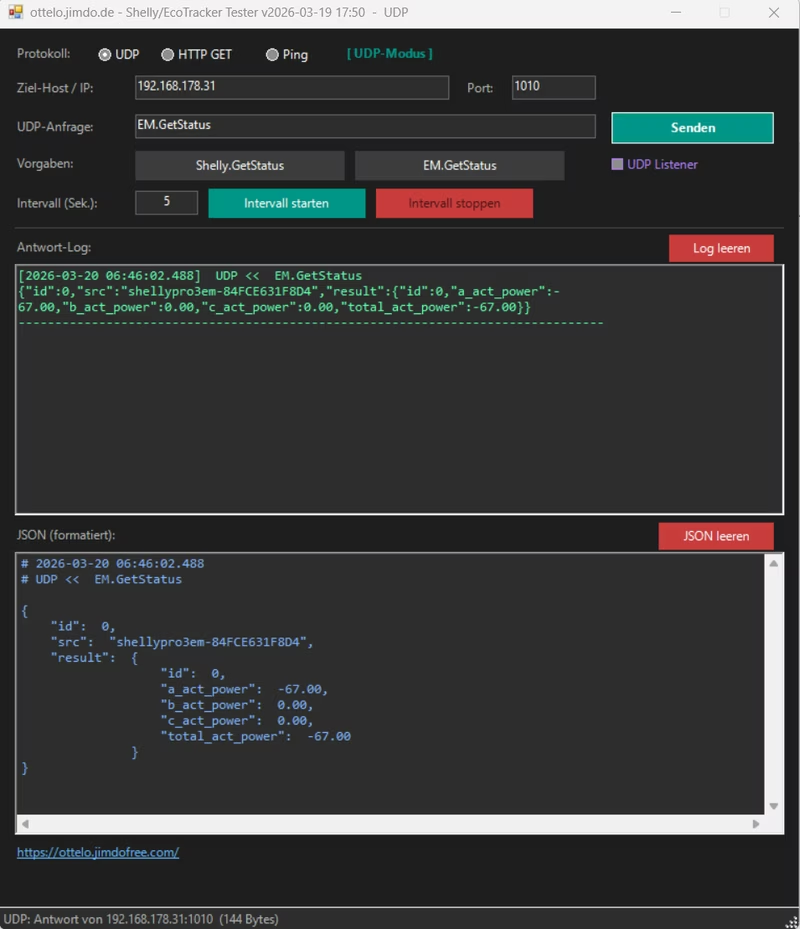
To facilitate development and debugging of energy monitoring scripts, several testing tools are recommended. A PowerShell-based UDP/HTTP/PING tester is provided to verify the emulation of Shelly and EcoTracker devices.
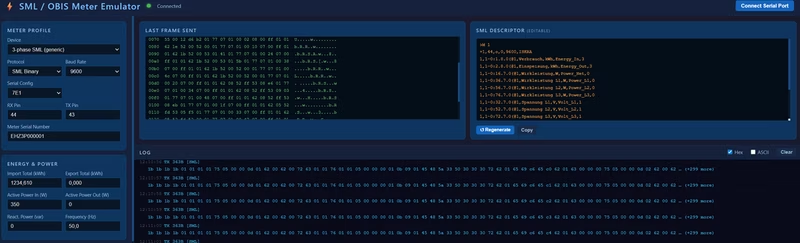
Additionally, an SML Simulator tool for Google Chrome allows users to simulate various smart meters. By connecting a USB IR read-head to a PC, developers can generate SML data streams and send them directly to a Tasmota device to test meter descriptors and visualization scripts in a controlled environment.
Debugging and Stability
For troubleshooting unexpected reboots, the project documentation outlines a process for analyzing crash dumps. By connecting the ESP via USB and monitoring the serial output, users can capture “Guru Meditation Errors.” When combined with the .map and .asm files generated during a custom build, these addresses can be traced back to specific functions in the source code, allowing for precise identification of issues like buffer overflows or stack protection faults.
Related Projects
dtuGateway for Hoymiles HMS Inverters
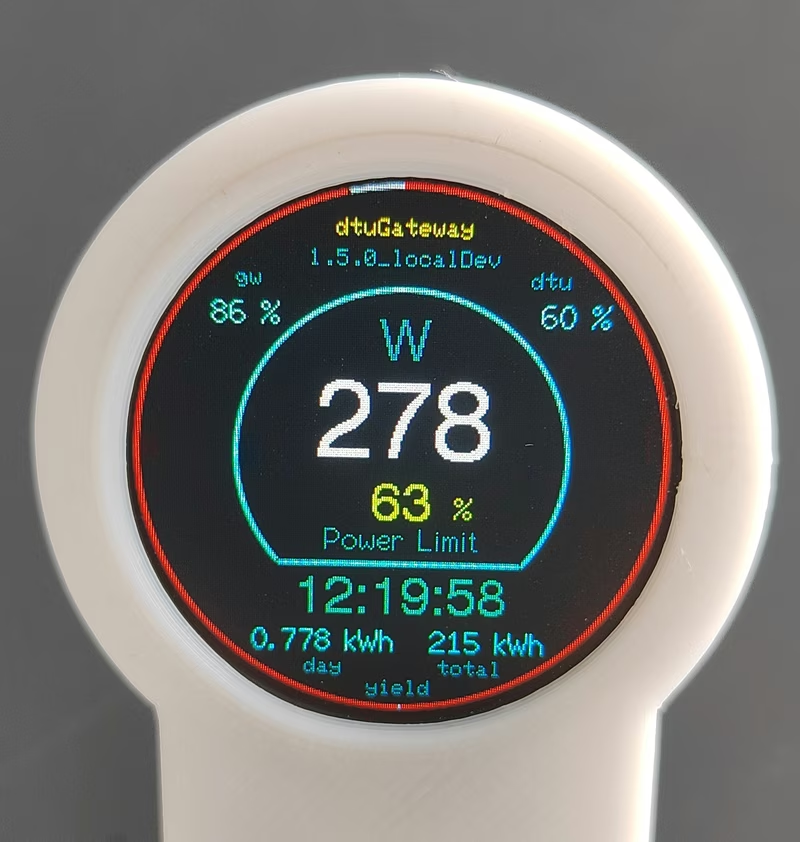
dtuGateway is an ESP32-based firmware that bridges Hoymiles HMS-series solar inverters with integrated Wi-Fi to smart home ecosystems. It provides reliable data monitoring and remote control via MQTT, REST API, and openHAB, bypassing the limitations of the official cloud interface. The project supports various local displays and features a captive portal for easy configuration.
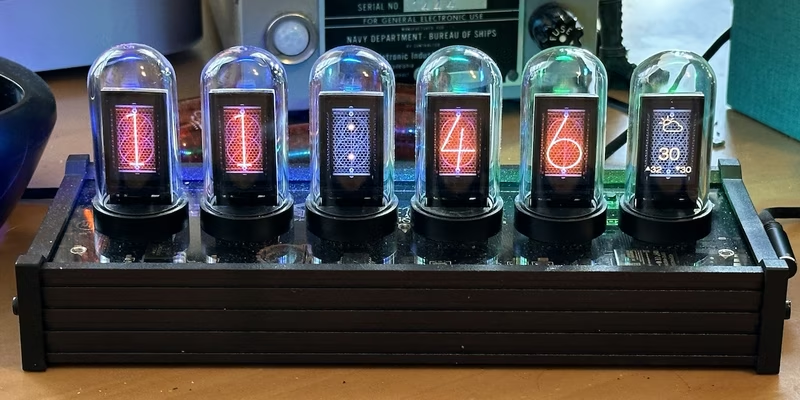
EleksTube IPS Custom Firmware
This project provides a feature-rich custom firmware for ESP32-based EleksTube IPS digital clocks, enabling internet time synchronization and weather updates. It utilizes the TFT_eSPI library for high-quality display management and LittleFS for asset storage, while offering a web-based configuration portal and MQTT integration for smart home ecosystems.
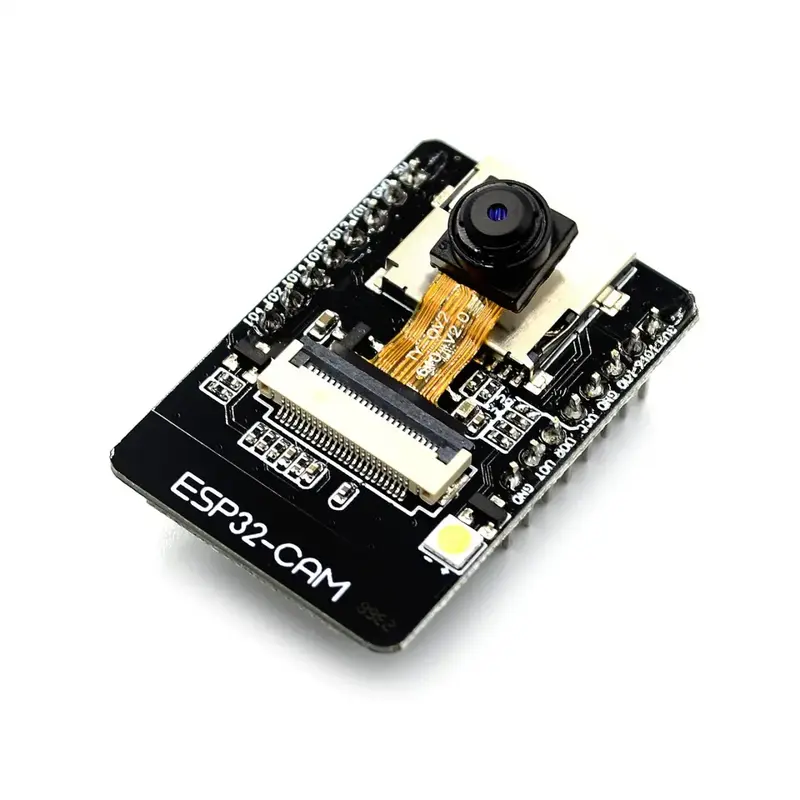
ESPHome Meter Reader TFLite Component
A modular framework for running TensorFlow Lite Micro models on ESP32 devices within the ESPHome ecosystem. It provides specialized components for digital and analog meter reading, image processing, and active learning data collection, optimized with ESP-NN for high-performance edge AI.
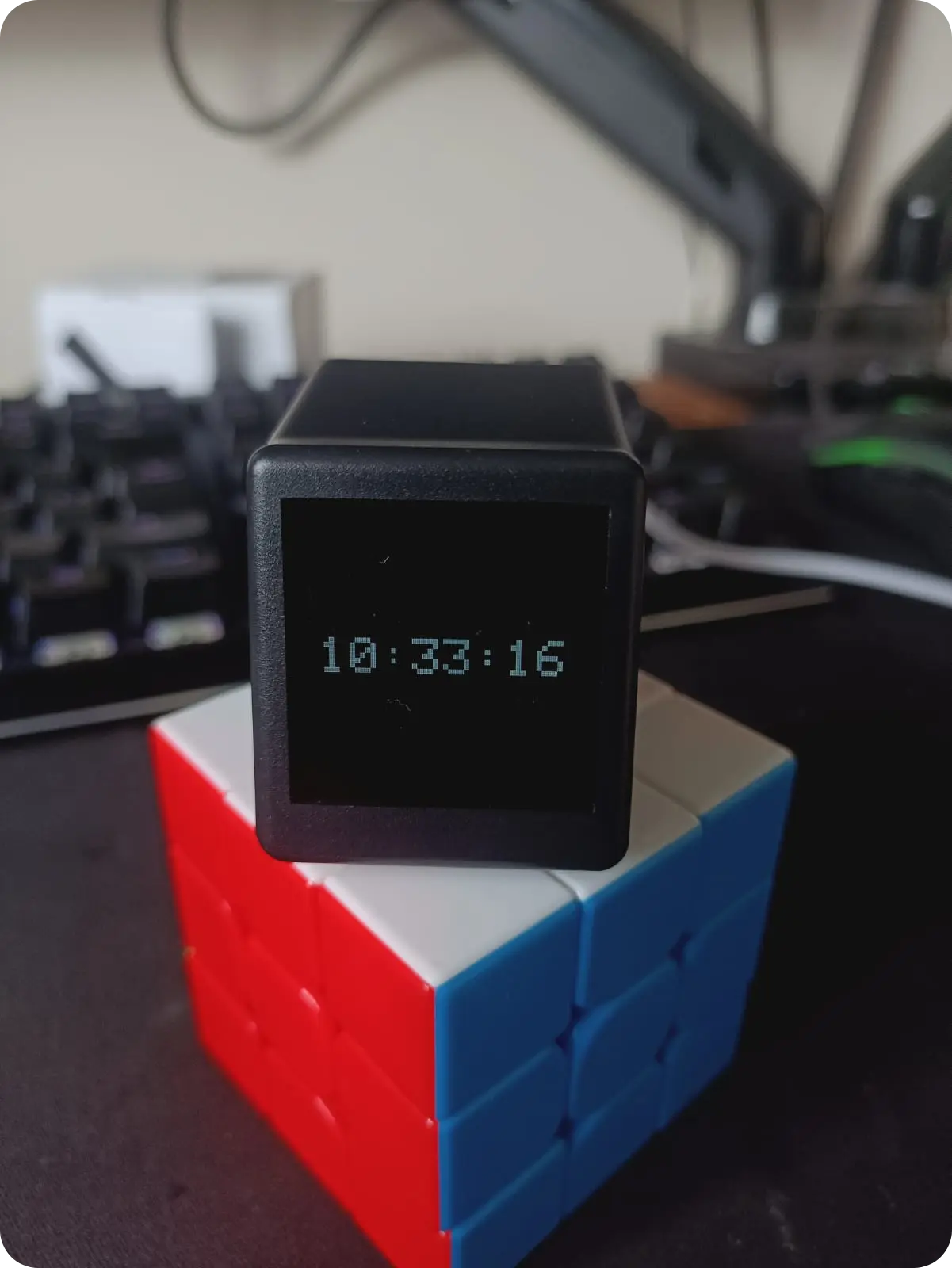
Geek Magic Firmware
A custom ESP8266 firmware for Geek Magic smart clock clones featuring NTP synchronization, Pomodoro timers, and a web-based configuration dashboard. It utilizes the TFT_eSPI library for display management and LittleFS for asset storage. The project also includes a Linux-based companion server for forwarding system notifications to the device display.