PrintSphere
PrintSphere is an ESP32-S3-based companion device for Bambu Lab 3D printers featuring a 1.75-inch circular AMOLED touch display. Built with ESP-IDF and LVGL, it provides real-time status monitoring, camera snapshots, and hybrid cloud/local network routing for seamless printer management.
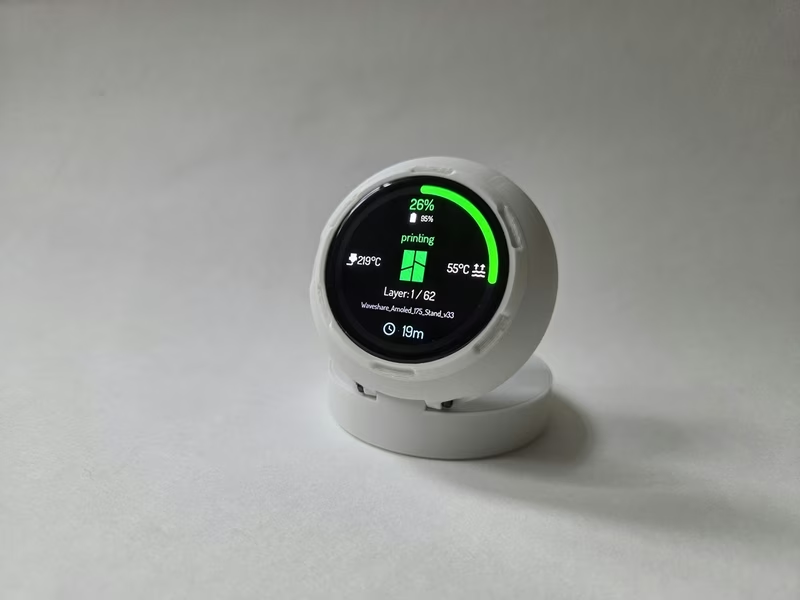
PrintSphere is a dedicated hardware companion for Bambu Lab 3D printers, designed to provide a high-resolution, circular interface for monitoring print jobs. Utilizing the ESP32-S3 microcontroller and a vibrant AMOLED touch display, it acts as a bridge between the user and their printer, offering features like live status updates, cover art previews, and camera snapshots without requiring an intermediate server like Home Assistant.
Hardware and Technical Stack
The project is built on the ESP-IDF v5.5.x framework and utilizes LVGL v9.4.0 for its sophisticated graphical user interface. The primary hardware target is the Waveshare ESP32-S3 AMOLED 1.75, which includes integrated touch support and an AXP2101 Power Management Unit (PMU) for battery-aware operation. This setup allows the device to function as a standalone portable monitor or a desk-mounted status display.
Key technical components include:
- Official Waveshare BSP: Handles display and touch alignment.
- NVS-based Storage: Manages configuration data across reboots.
- Hybrid Routing: A custom logic layer that switches between Bambu Cloud and local printer paths.
- MQTT Integration: Uses both cloud and local MQTT paths for live status and metadata handling.
- Embedded CA Bundle: Facilitates secure local MQTT TLS verification.
Core Features and Connectivity
PrintSphere offers a robust set of features designed for the Bambu Lab ecosystem. It supports a hybrid connection mode that combines cloud data (for metadata and cover previews) with local network data (for low-latency status and camera streams). The firmware includes a built-in Wi-Fi manager and a local setup portal hosted on an esp_http_server.
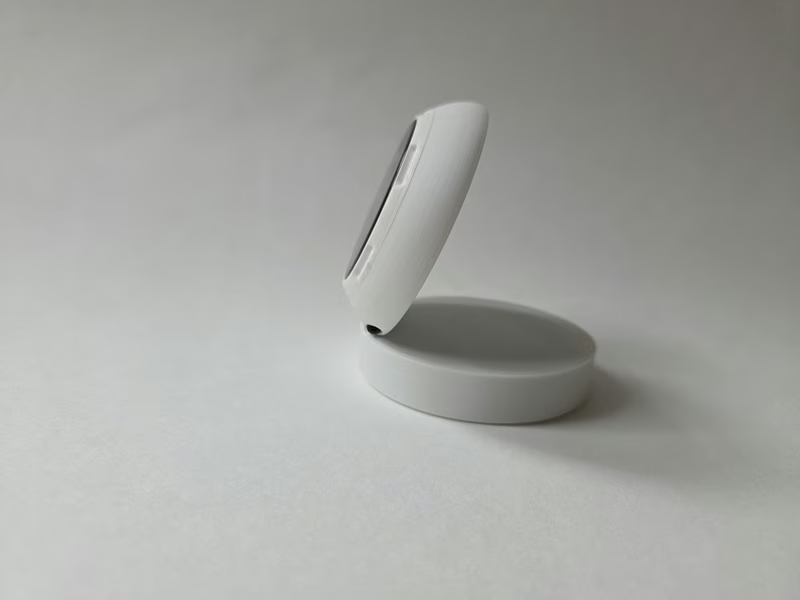
During initial provisioning, the device creates a setup access point. Users can configure their Wi-Fi and choose between three connection modes:
- Hybrid: The recommended mode, combining cloud and local data paths.
- Cloud only: Focuses on monitoring via Bambu Cloud, suitable for remote tracking.
- Local only: Operates entirely on the local network, bypassing the cloud for status and camera functions.
User Interface and Model Support
The UI is organized into three main pages accessible via touch. The first page displays a progress ring, lifecycle state, temperatures, and layer information. The second page provides cloud-provided cover images and project titles, while the third page is dedicated to local camera snapshots.
Model support varies based on the printer’s protocol version:
- A1 and P1 Series: Full support for status and local JPEG camera snapshots.
- P2S and H2 Series: Supports the newer V2 protocol fields for filament and spool detection.
- X1 Series: Provides status monitoring and chamber light control.
Note that camera snapshots are currently limited to the A1 and P1 series. Newer models like the X1 and P2S utilize RTSP streams, which exceed the processing and memory capabilities of the ESP32-S3 hardware.
Web Configuration
Beyond the on-device display, PrintSphere features a comprehensive Web Config portal. Once the device is connected to the home network, the portal is secured via an on-device PIN/session unlock flow. This interface allows users to fine-tune arc colors with live previews, adjust screen rotation, and manage credentials for both Bambu Cloud and local printer paths.
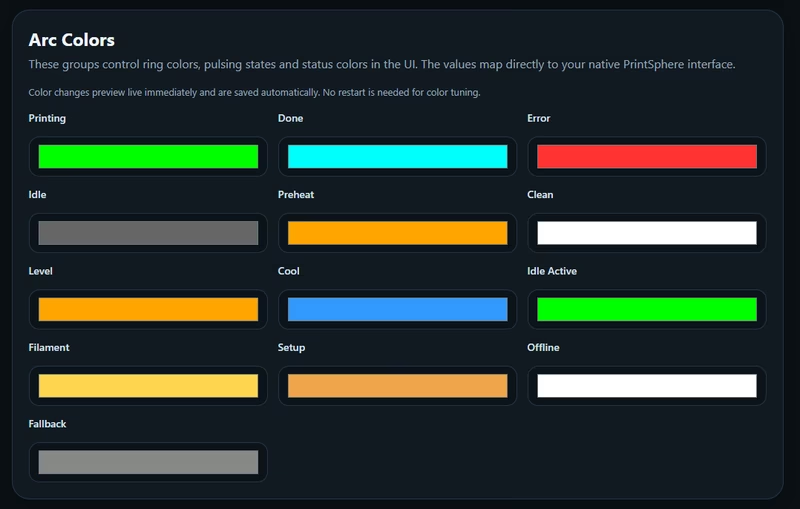
The configuration portal ensures that hardware-specific settings, such as display rotation and touch alignment, can be updated without reflashing the device, making it a flexible tool for various mounting configurations.
Related Projects
SensorStation3
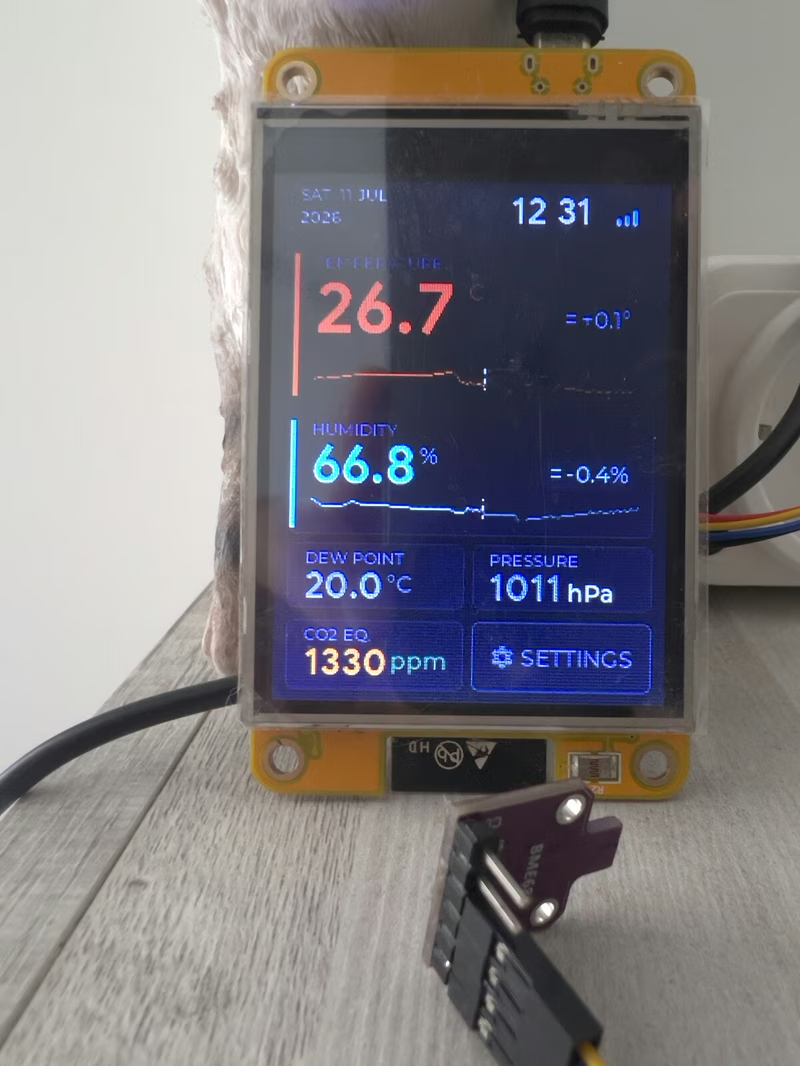
SensorStation3 is an ESP32-based environmental monitoring station that utilizes FreeRTOS and the LVGL graphics library to provide a real-time touchscreen dashboard. It supports a variety of I2C sensors for tracking temperature, humidity, CO2, and atmospheric pressure, featuring seamless integration with Home Assistant and MQTT-based platforms.
Bitclock
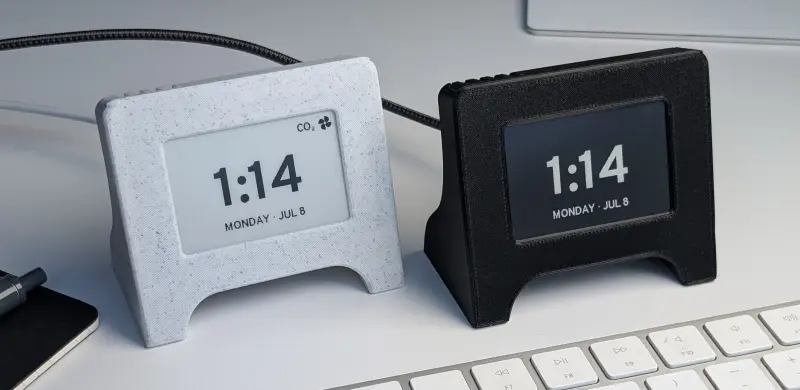
An open-source e-ink desk companion, clock, and air quality monitor based on the ESP32. It utilizes the ESP-IDF framework for firmware and includes a custom PCB, 3D-printable enclosure, and a web-based configuration tool.
WT32-SC01 PLUS Smart Desk Companion
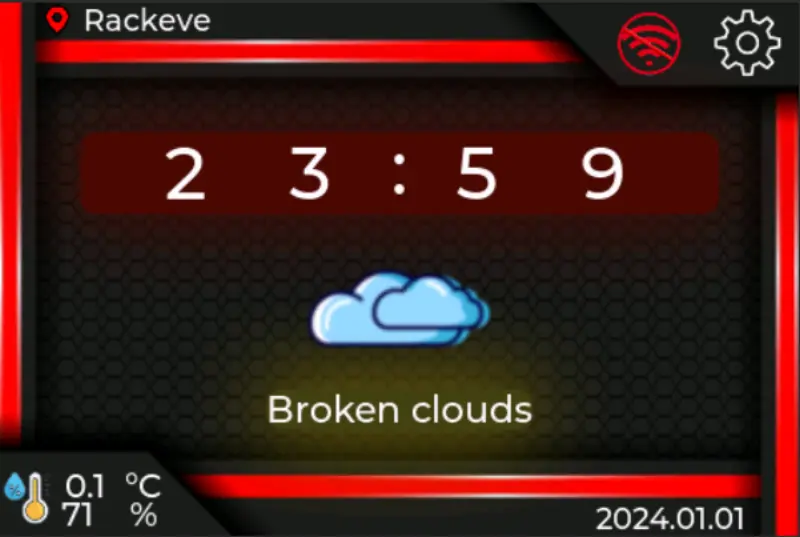
A network-connected desk companion firmware for the ESP32-S3 based WT32-SC01 PLUS touch display. It integrates a real-time clock, OpenWeatherMap weather data, and an online radio player using LVGL for the graphical interface and FreeRTOS for task management.
FlatSphere Clock
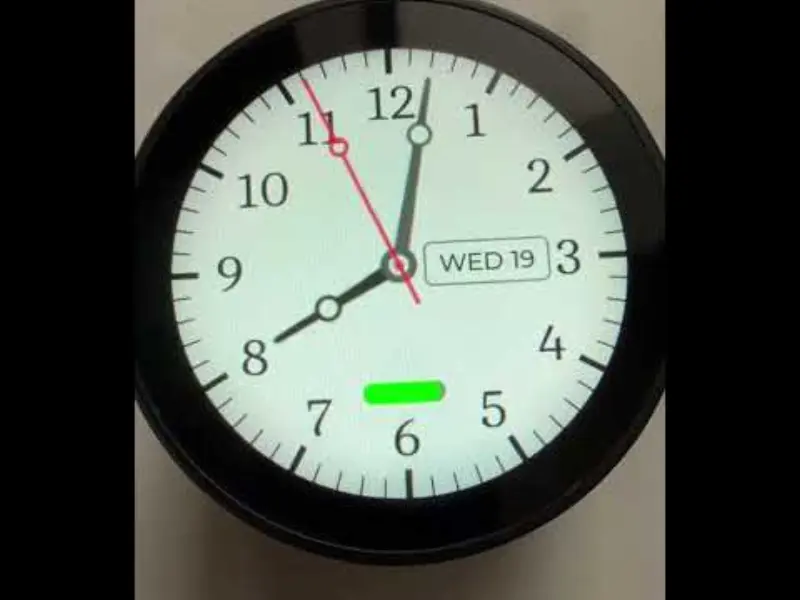
An ESP32-S3 powered smart clock project featuring a round touch display, Text-to-Speech capabilities, and integrated battery monitoring. Built using the ESP-IDF framework and LVGL graphics library, it serves as a comprehensive hardware abstraction layer and demo for the WaveShare 1.85-inch Touch LCD development board.