Plume — M5Cardputer ADV Edition
A passive RF scanner for the M5Cardputer ADV that detects Flock Safety ALPR cameras and Raven surveillance devices. It utilizes WiFi promiscuous mode and BLE scanning on the ESP32-S3, running entirely locally without cloud connectivity. Detections are logged to an SD card with GPS coordinates and signal strength visualizations.

Plume is a sophisticated surveillance awareness tool designed for the M5Cardputer ADV (ESP32-S3). It functions as a passive RF scanner that identifies Flock Safety Automated License Plate Reader (ALPR) cameras and Raven acoustic surveillance devices. By operating entirely locally, Plume ensures privacy; it never transmits, connects to, or interacts with the devices it detects, instead relying on publicly broadcast RF signals to alert users to nearby surveillance infrastructure.
Hardware and Architecture
The project is optimized for the M5Cardputer ADV, leveraging its 240×135 color LCD, QWERTY keyboard, and ESP32-S3 microcontroller. It integrates a GPS module via UART for location tagging and uses a MicroSD card for logging detections and capturing raw packets.
Architecturally, Plume utilizes both cores of the ESP32-S3 to maintain high performance. Core 0 handles the intensive radio tasks, including WiFi channel hopping and BLE scan scheduling. Core 1 manages the user interface, keyboard input, SD card operations, and the BLE worker task. To ensure stability, the system employs a lock-free ring buffer for WiFi packets and a recursive FreeRTOS mutex to protect shared state between cores, preventing UI lag during heavy RF activity.
Multi-Factor Detection Engine
What sets Plume apart is its multi-factor signature database. Rather than relying on simple MAC address lookups, it scores devices based on several criteria:
- WiFi MAC OUI Prefixes: It checks source and destination MAC addresses against known Flock-associated OUI tiers.
- SSID Patterns: It identifies specific naming conventions like
Flock-XXXXorFS Ext Battery. - Wildcard Probe Requests: Using the DeFlockJoplin technique, it identifies cameras actively scanning for their configured access points.
- BLE Signatures: It fingerprints Raven devices through custom BLE service UUIDs and detects Flock hardware via specific manufacturer IDs and device name patterns.
When a device’s confidence score exceeds 75%, Plume triggers an audible alarm and logs the detection with GPS coordinates, signal strength, and the specific detection method used.
Visualizations and User Interface
Plume features a rich UI with several specialized screens:
- Scanner: Offers three visualizations including a proximity radar with a phosphor sweep, a 13-channel WiFi spectrum, and a 5-minute activity timeline.
- Signal Tracker: A dedicated RSSI proximity tracker that provides live dBm readings and a rolling signal trace to help users locate a specific device.
- GPS Status: Displays an animated wireframe globe with real-time coordinate tracking and satellite acquisition status.
- Detections: A scrollable history of confirmed threats, allowing users to view detailed metadata, whitelist specific MAC addresses, or target a device for signal tracking.
Data Management and Export
For researchers and privacy advocates, Plume provides robust logging capabilities. It generates PlumeLog.csv for detection history and raw .pcap files for both WiFi and BLE traffic, which can be analyzed later in tools like Wireshark.
The device includes a specialized Export Mode, which pauses scanning to host a local HTTP server. Users can connect to the M5Cardputer via WiFi to download logs and captures directly to a browser. Security is maintained through AES-128-CBC encryption for stored WiFi credentials and a deterministic password derived from the device’s unique eFuse MAC.
Power and Stealth
Designed for field use, Plume includes several power management features. It offers a “Low Power Mode” that reduces CPU frequency to 80 MHz and a “Turbo Mode” for faster channel hopping at 240 MHz. For nighttime operations, a “Night Mode” shifts the entire UI to a red-shifted palette to preserve dark adaptation, while a “Stealth Mode” nearly disables the screen while keeping the scanner active in the background.
Related Projects
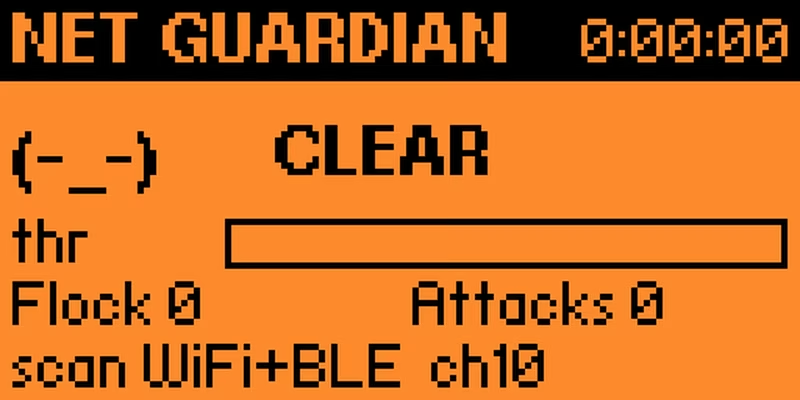
FlipDeFlock
FlipDeFlock is a specialized counter-surveillance and site survey tool for the Flipper Zero that utilizes an external ESP32 module for advanced wireless monitoring. It provides passive detection of Flock Safety ALPR cameras, Bluetooth tracker monitoring, and comprehensive Wi-Fi and NFC security auditing. The project features a custom 'Net Guardian' interface for real-time threat assessment and supports signal-based device homing without the need for directional antennas.
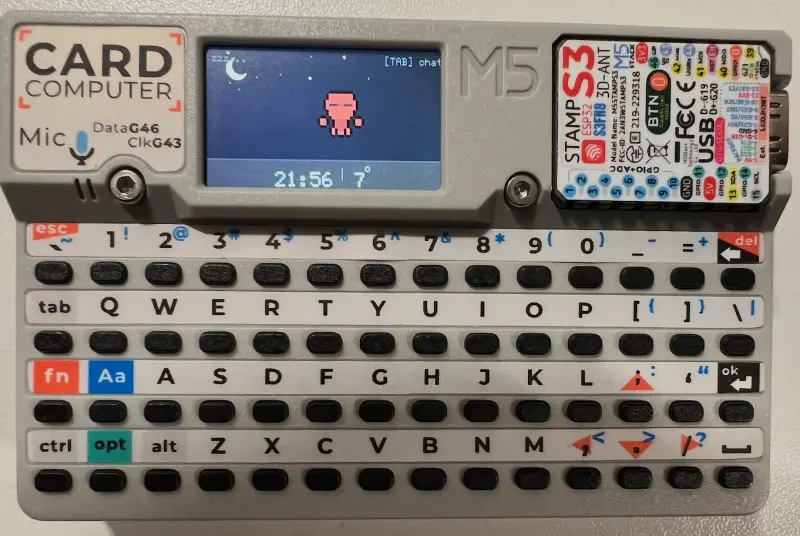
GhostBLE
GhostBLE is a portable BLE privacy scanner and wardriving application designed for the M5Stack ecosystem, including the Cardputer and StickC series. Leveraging the NimBLE-Arduino library on the ESP32 platform, it provides real-time analysis of Bluetooth Low Energy devices, privacy posture heuristics, and GPS-tagged logging for security research and education.
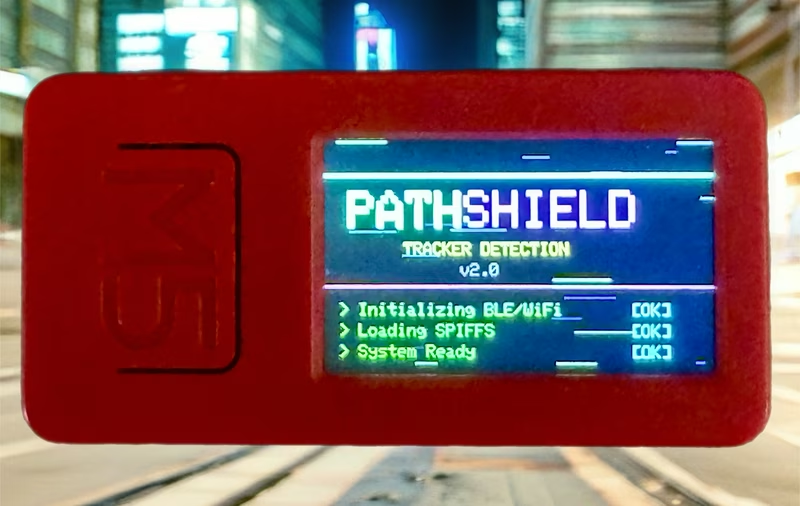
PathShield
PathShield is a privacy-focused RF monitoring tool for the M5StickC-Plus, designed to detect and alert users to persistent WiFi and BLE devices. It employs a multi-threaded ESP32 architecture and a sophisticated persistence scoring algorithm to distinguish potential trackers from ambient wireless noise. The system features an offline manufacturer database and customizable detection thresholds for enhanced situational awareness.