Clawdmeter Plus
An embedded desk display project using the Waveshare ESP32-S3-Touch-AMOLED-2.16 to track live Claude Code usage, local weather, and background agent health. The system leverages the LVGL graphics library for its UI and connects to a host computer via Bluetooth LE using the NimBLE stack.
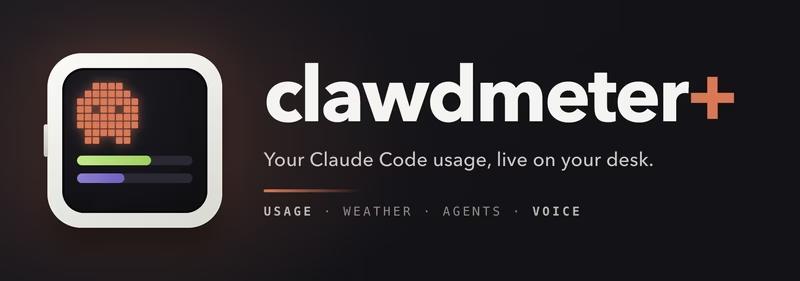
Clawdmeter Plus is a compact, round AMOLED desk display designed to provide a real-time dashboard for AI development workflows. It specifically tracks Claude Code usage, displays the time and London weather, monitors the health of background agents, and features an animated pixel mascot. The device runs on a Waveshare ESP32-S3-Touch-AMOLED-2.16 and communicates with a macOS daemon over Bluetooth LE. This project is an extension of the original open-source Clawdmeter, adding enhanced status monitoring and audio features.
Interface and Display Pages
The display logic is organized into two primary pages, which can be toggled using the middle power button on the hardware.
Usage Screen
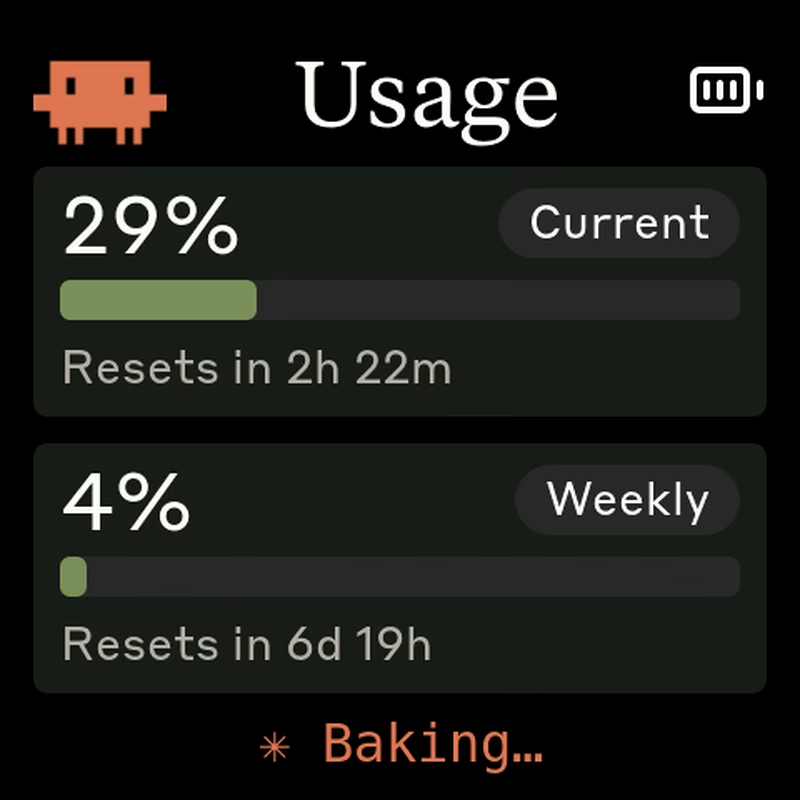
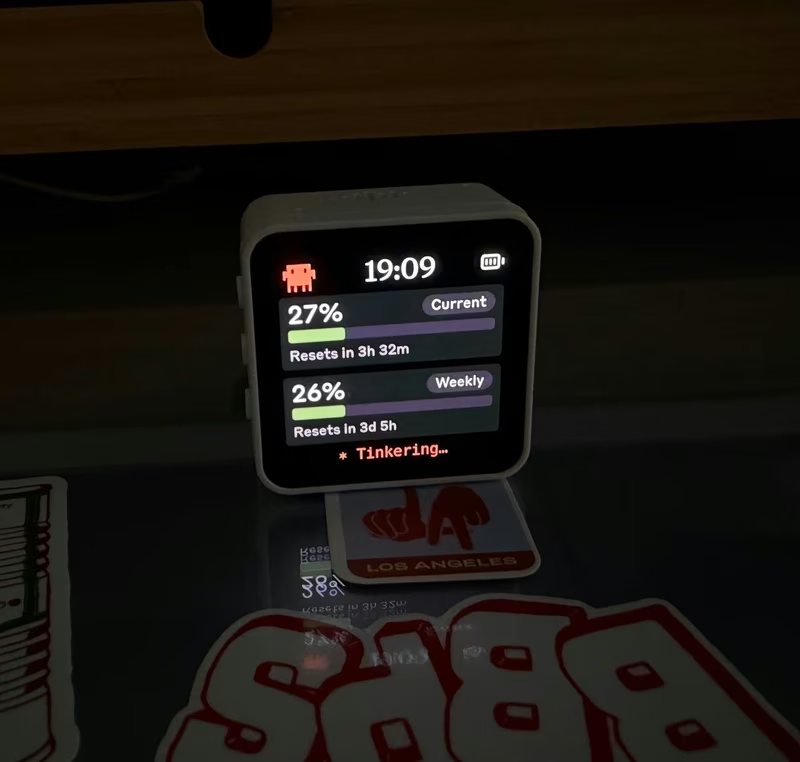
The core functionality of the device is the usage screen. It pulls live data from the Anthropic usage API to display session limits within a rolling five-hour window and weekly limits. These are represented visually as rings and bars. The screen also shows the current burn rate of tokens and includes an animated Clawd pixel mascot. Users can optionally replace the usage title with a digital clock.
Status Screen
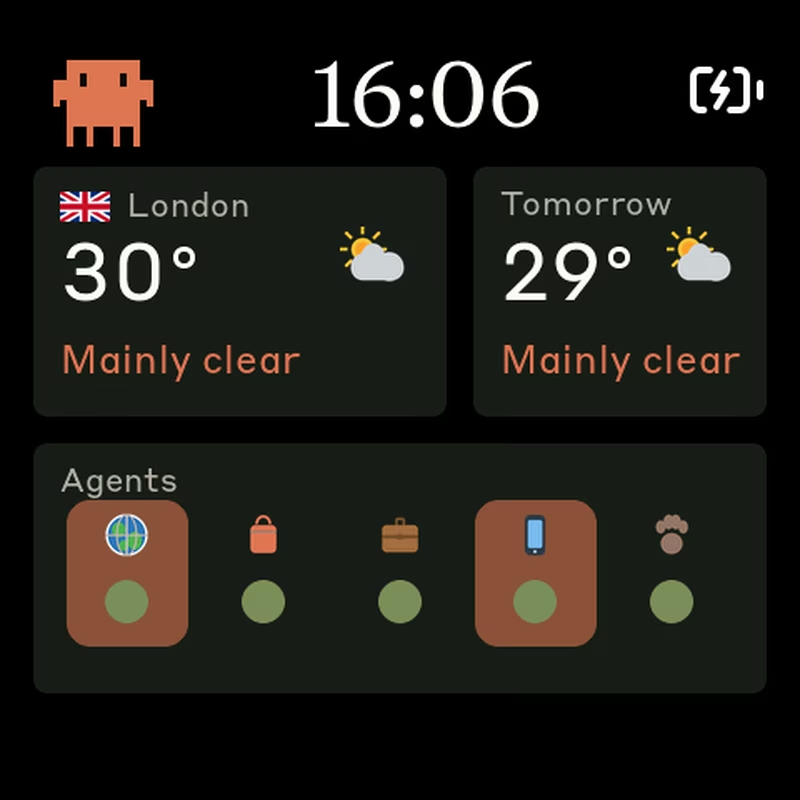
The status screen introduces a bento-style dashboard for broader environmental and workflow awareness. It features a clock in 12h or 24h format and weather data provided by Open-Meteo, including current temperature, conditions, and tomorrow’s forecast. A unique addition to this fork is the agent-dots panel, which displays health status for five background Claude agents running in a local tmux session. When an agent is actively working, its corresponding cell receives a pulsing orange highlight.
Hardware Architecture
The primary hardware target is the Waveshare ESP32-S3-Touch-AMOLED-2.16, which features a 480×480 round AMOLED panel, capacitive touch, an IMU, and an onboard speaker. The device can be powered via USB-C or a single-cell 3.7V LiPo battery. When running on battery, the system utilizes the AXP2101 power management chip and enters a sleep mode after a period of inactivity to conserve power, waking upon a button press.
Audio is handled via an ES8311 codec and the onboard speaker. This is used for session-reset chimes and a daily voice feature that provides scheduled morning and evening greetings. These audio clips are stored as 12 kHz PCM data within the firmware.
Software Implementation
The project consists of two main software components: the firmware and the host daemon.
Firmware Details
The firmware is developed as a PlatformIO project using C++ and LVGL 9. It is structured around a hardware abstraction layer (HAL) to support various boards in the Waveshare AMOLED family, including ESP32-S3 and ESP32-C6 variants. The UI is built with LVGL, and Bluetooth connectivity is managed through the NimBLE-Arduino library. The firmware includes built-in tools for testing audio clips over serial and managing the daily voice schedule.
macOS Daemon
The “brains” of the system reside in a Python-based daemon that uses the bleak library for Bluetooth communication and httpx for API requests. It fetches Claude usage data by reading OAuth tokens directly from the macOS Keychain, ensuring that sensitive credentials are never stored in plain text. The daemon pushes a compact JSON payload to the ESP32 device approximately every 60 seconds. It also includes a keep-warm script to ensure the OAuth token remains valid during long periods of inactivity.
Voice and Customization
A standout feature is the daily voice interaction. The device is programmed to play motivating or wind-down messages at 08:00 and 20:00 respectively. Users can regenerate these voice headers using a provided helper script that utilizes Google Translate TTS to create PCM arrays. Further customization is available for weather locations by adjusting coordinates in the daemon and for agent monitoring by modifying the tmux signal detection logic.
Related Projects
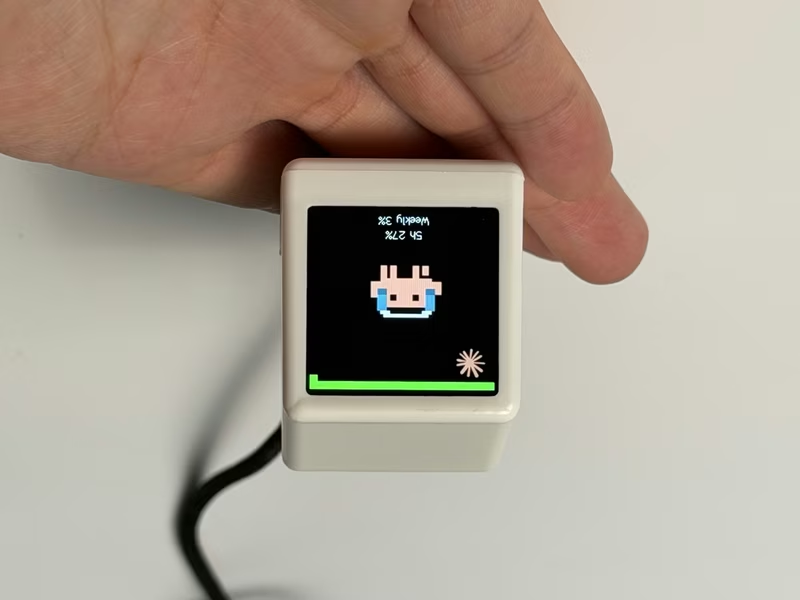
ESP32 AI Mini Screen
A retro-styled desktop companion for ESP32-C3 and ESP8266 that monitors AI coding assistant usage, stock markets, and system telemetry. It leverages the Arduino framework with TFT_eSPI and AnimatedGIF libraries to display real-time data provided by a local bridge application.
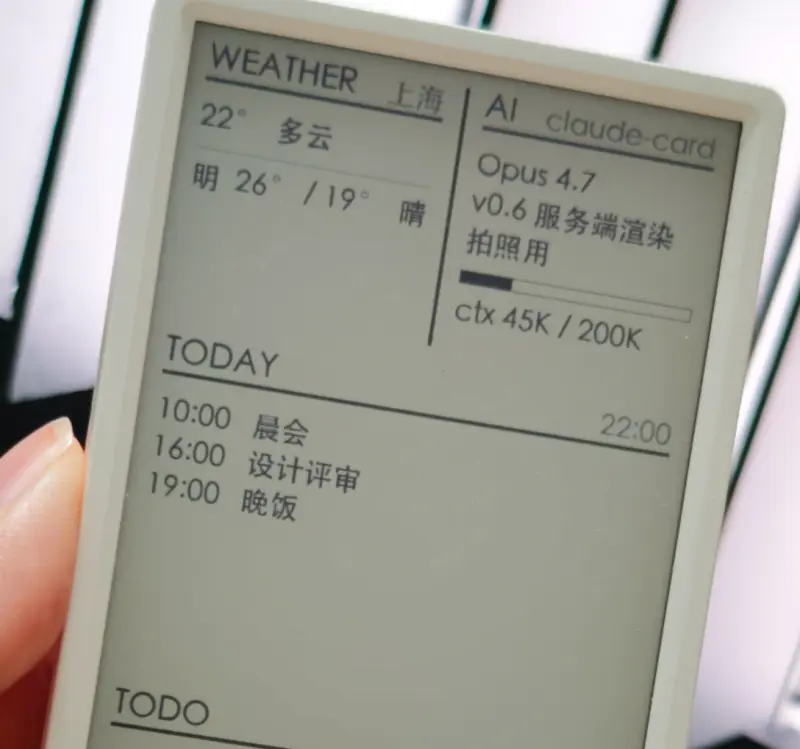
AI Desk Card
A secondary e-ink desk display designed for AI Agents like Claude Code and Codex, utilizing the M5Paper V1.1 hardware. The project features a Python-based daemon for server-side rendering and an ESP32 firmware that supports Wi-Fi, BLE, and USB communication.
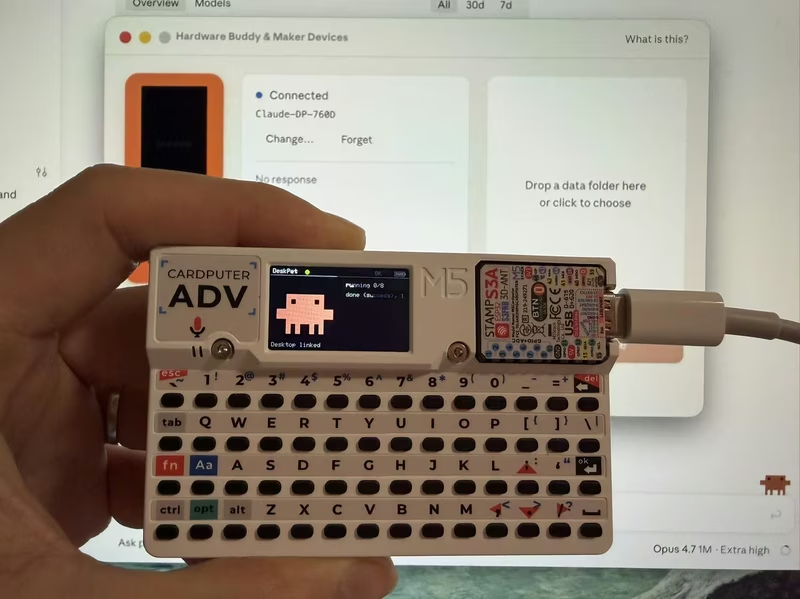
DeskPet
DeskPet is a pixel-art companion for the M5Stack Cardputer that synchronizes with Claude Code sessions via Bluetooth Low Energy. Built on the ESP32-S3 using the Arduino framework and NimBLE, it provides real-time visual feedback on AI agent states, including task progress, token usage, and permission approvals directly from the device's keyboard.
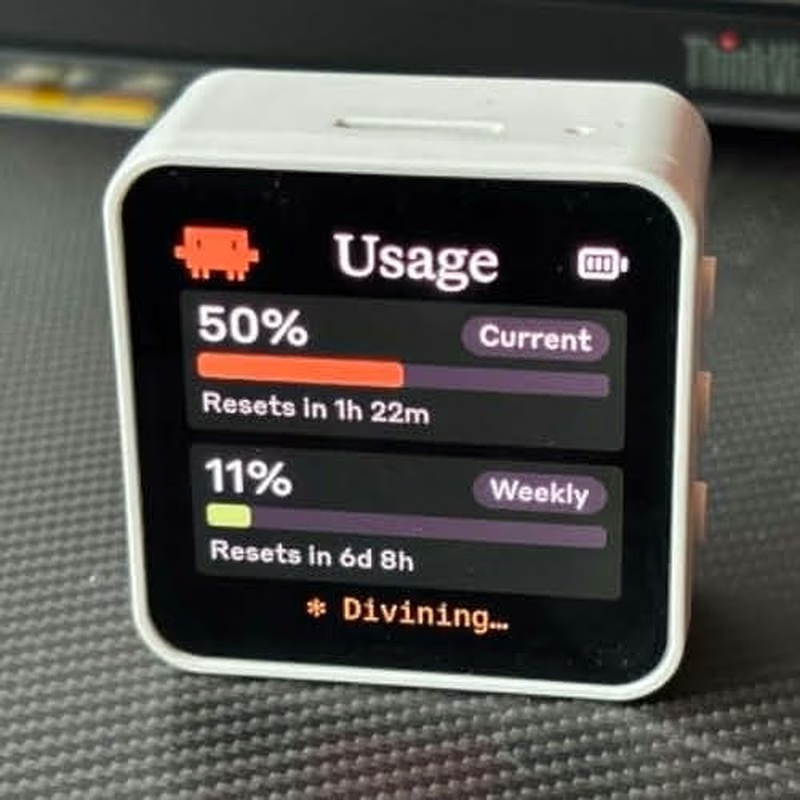
Clawdmeter
Clawdmeter is an ESP32-S3-powered desk dashboard that monitors Claude Code token usage and displays it on a 2.16" AMOLED screen. It uses the LVGL library for its high-resolution UI and the NimBLE stack to communicate with a host daemon via BLE, while also functioning as a HID keyboard for shortcuts. The project features dynamic pixel-art animations that react to real-time API utilization rates.
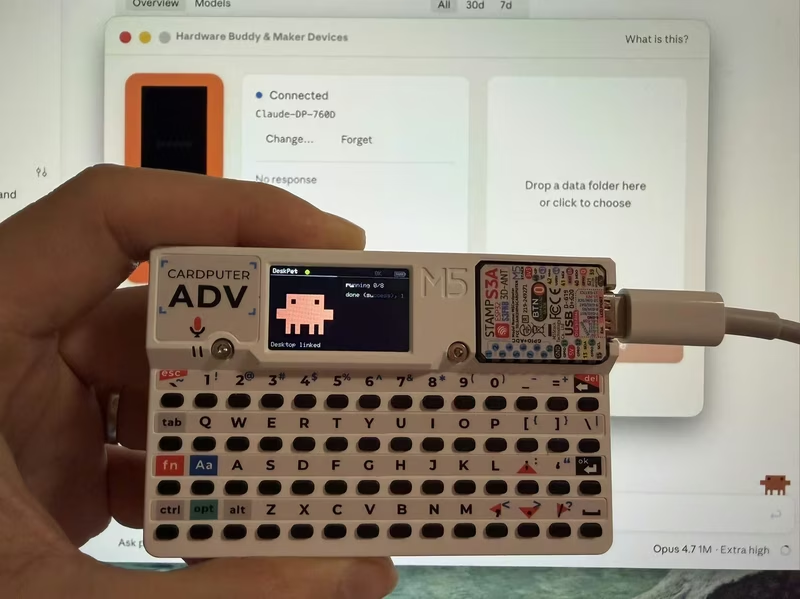
DeskPet for M5Stack Cardputer
DeskPet is a pixel-art companion for the M5Stack Cardputer that synchronizes with Claude Code sessions via Bluetooth Low Energy (BLE). Built on the ESP32-S3 using the NimBLE stack and ArduinoJson, it provides real-time visual feedback and hardware-based command approval for AI agent workflows.
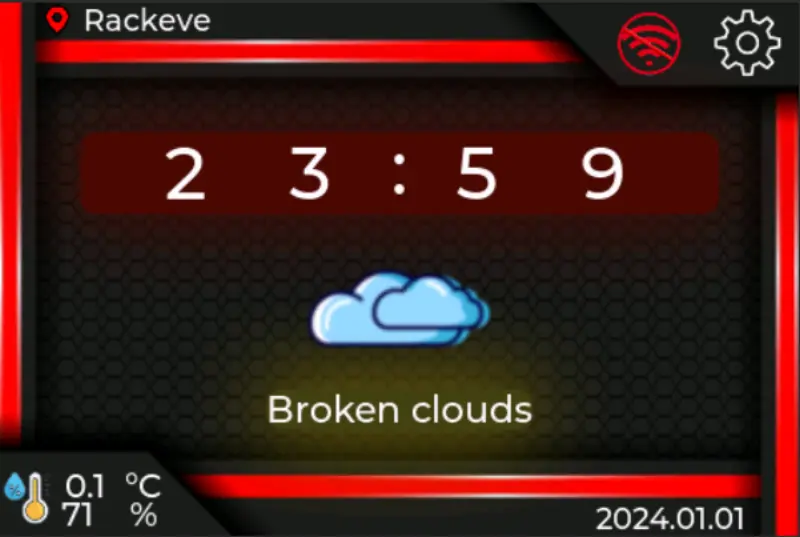
WT32-SC01 PLUS Smart Desk Companion
A network-connected desk companion firmware for the ESP32-S3 based WT32-SC01 PLUS touch display. It integrates a real-time clock, OpenWeatherMap weather data, and an online radio player using LVGL for the graphical interface and FreeRTOS for task management.