BubblePager
BubblePager is a dedicated hardware pager for Telegram that displays video notes, stickers, and text on a round GC9A01 display. Built on the ESP32-S3 platform using the LVGL graphics library and FreeRTOS, it communicates with a self-hosted FastAPI server that transcodes media into MJPEG streams. The system features a custom unread queue, touch/button navigation, and motion-wake capabilities.
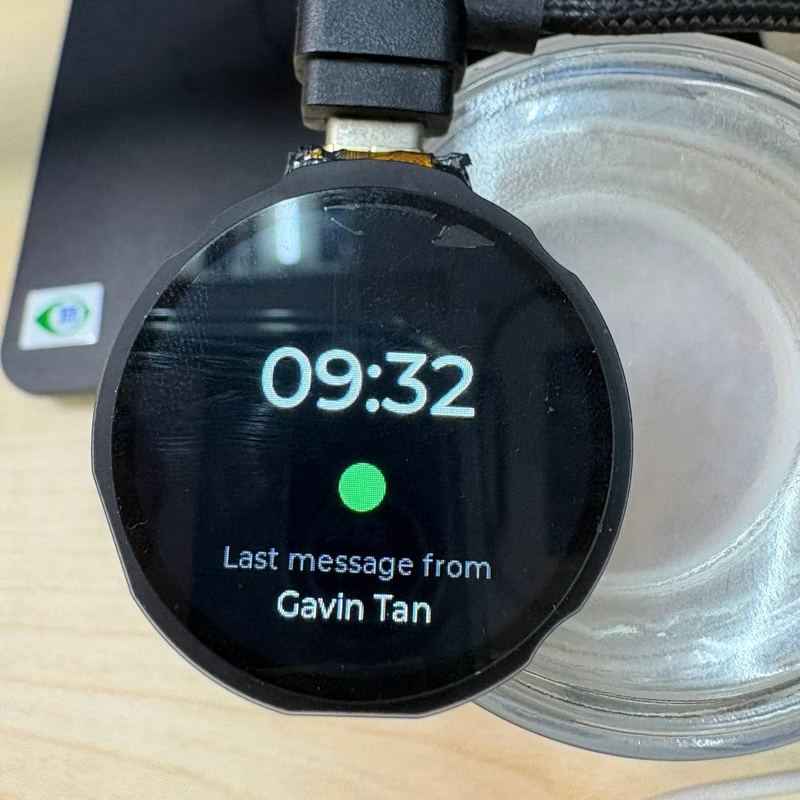
BubblePager is a physical, receive-only pager designed specifically for Telegram. It offers a way to glance at incoming messages without the distractions of a smartphone. By focusing on Telegram’s circular video notes, stickers, and short texts, the project creates a specialized communication device that feels like a modern reimagining of a classic pager.
The Inspiration
The project was born from the realization that Telegram’s circular video-note bubbles are a perfect match for round displays. BubblePager leans into this aesthetic, using a round panel to display video notes edge-to-edge. It provides a focused experience: messages arrive one at a time, avoiding the “doomscroll” of notification feeds and group chats.
Key Features
The device is packed with features designed for a seamless “glanceable” experience. It supports MJPEG streaming for video notes, complete with a live progress ring and tap-to-pause functionality. It handles both static (WEBP) and video (WEBM) stickers, while gracefully declining unsupported formats like Lottie animations.
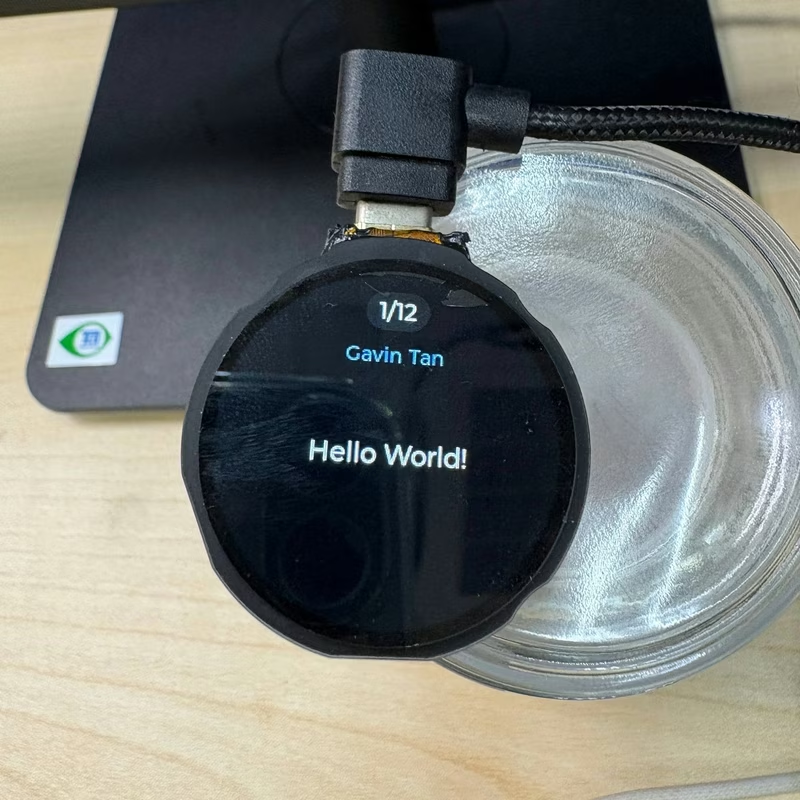
For text communication, messages are word-wrapped specifically for the round display’s safe zone. The interface includes a pager-style unread queue where new arrivals pulse the sender’s profile photo. If ignored, the display sleeps and maintains an unread count. Users can catch up using a reels-style interface, skipping through missed messages, or browse a history carousel using touch swipes or physical buttons.
System Architecture
The BubblePager ecosystem consists of two primary components: the ESP32-S3 firmware and a self-hosted Python server. The data flow begins when a message is sent to a Telegram bot. The FastAPI server, utilizing FFmpeg, downloads and transcodes the media into a 240×240 MJPEG stream. It also fetches the sender’s avatar and pushes the event to the device over WiFi using Server-Sent Events (SSE).
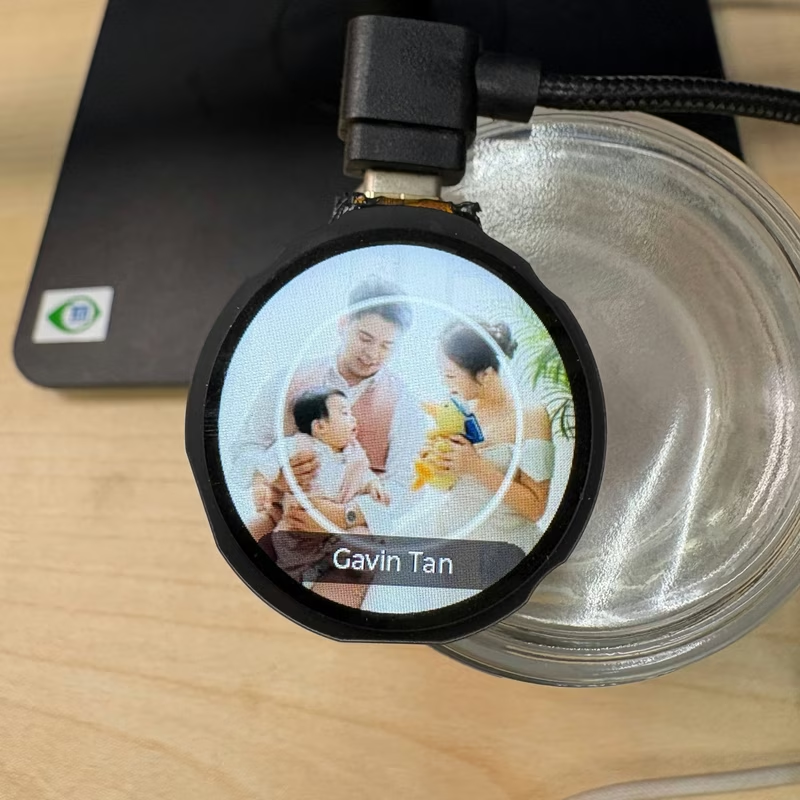
On the device side, the firmware streams and decodes the MJPEG data directly to the round panel. The firmware is built using PlatformIO and the Arduino framework, leveraging LVGL v9 for the graphical interface and ArduinoJson for data management.
Hardware Implementation
The heart of the BubblePager is an ESP32-S3 (N16R16) microcontroller. This drives a GC9A01 240×240 round IPS panel over an I80 parallel bus for high-performance updates. The hardware suite is comprehensive, including:
- Capacitive Touch: For intuitive navigation and swipes.
- Haptic Feedback: Providing physical confirmation for interactions.
- TCA6408 Button Expander: To handle physical navigation buttons.
- PCF85063 RTC: For accurate timekeeping and clock faces.
- QMI8658 IMU: Enabling motion-wake and auto-rotation of the UI.
Interaction and Customization
Navigation is designed to be flexible, supporting both a capacitive touch ring and physical buttons. This dual-input model ensures the device is usable in various environments. Users can access on-device settings through a touch-scrollable wheel to manage WiFi/NTP synchronization, haptics, motion-wake sensitivity, and auto-rotation preferences. The server component is designed for easy deployment via Docker, allowing it to run on a Raspberry Pi, VPS, or home server without vendor lock-in.
Related Projects
ESP32-S3 MJPEG Video Player
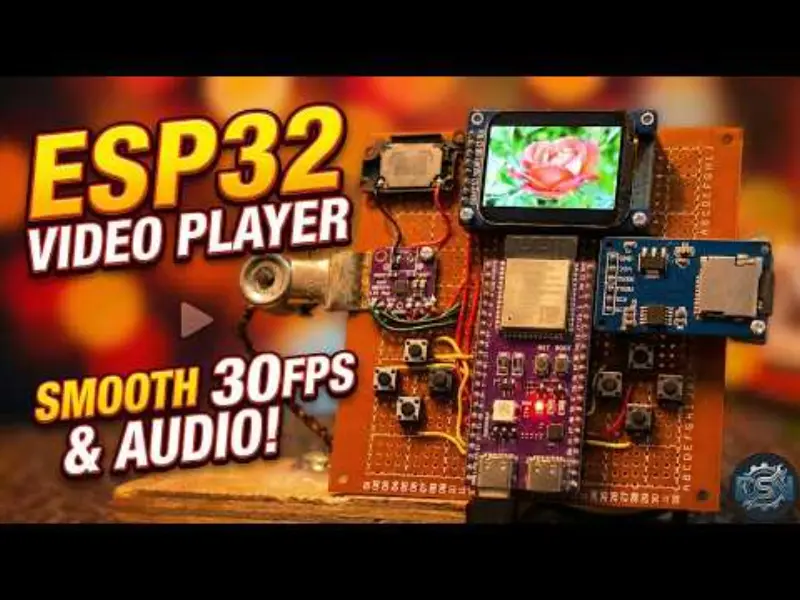
A high-performance media player for the ESP32-S3 capable of playing MJPEG video with synchronized I2S audio. It features a menu-driven interface, utilizes an SD card for storage, and leverages PSRAM to ensure smooth playback on ST7789 displays.
SonosESP | ESP32-P4 Sonos Controller
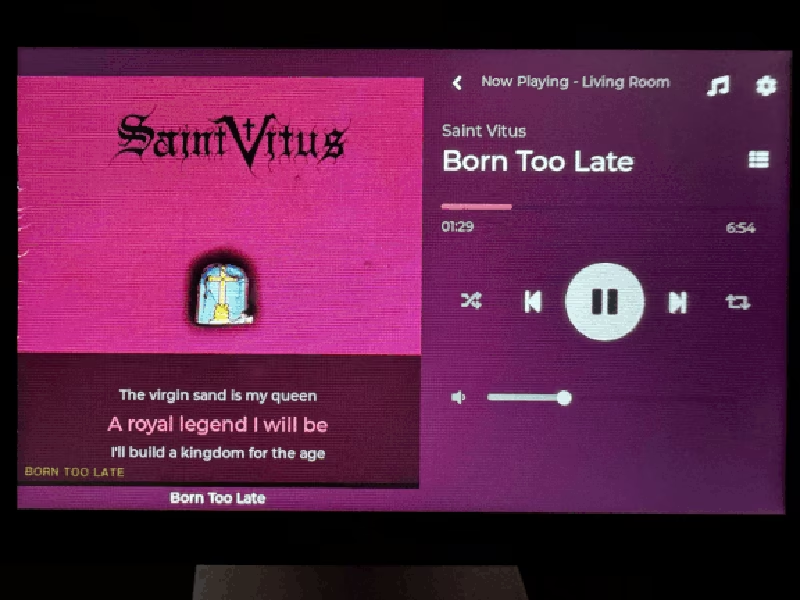
A high-performance, touchscreen-based Sonos speaker controller built for the ESP32-P4 microcontroller. It utilizes the LVGL graphics library for a modern UI and FreeRTOS for managing concurrent tasks like audio metadata polling, image decoding, and time-synced lyrics display.
ESP32-P4 Home Assistant Display
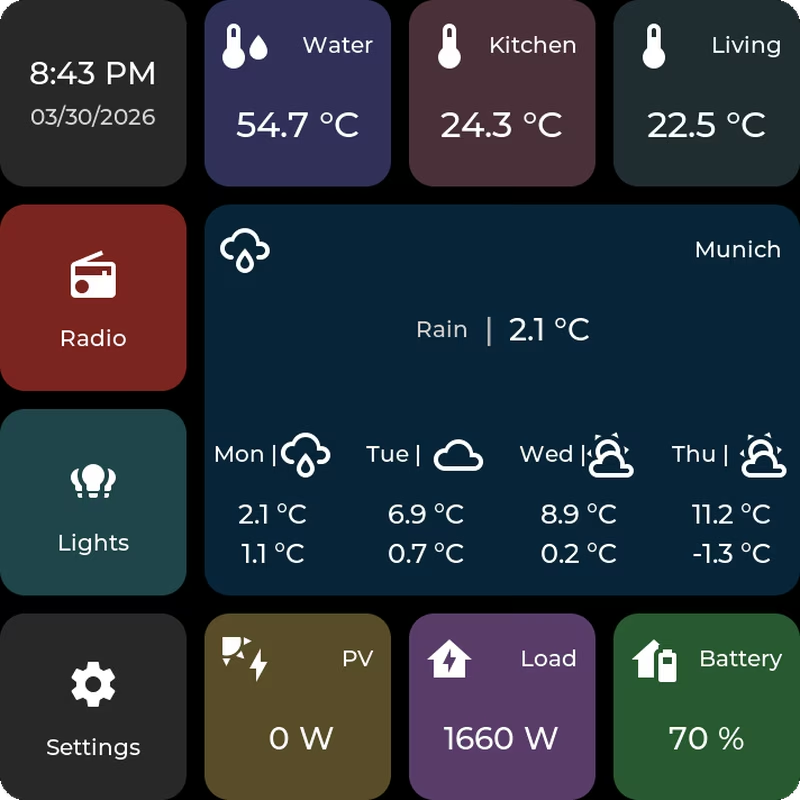
A tile-based firmware for ESP32-P4 devices that creates a touch-first Home Assistant dashboard. It utilizes FreeRTOS and LVGL for the user interface, supporting MQTT integration and web-based configuration. The system targets ESP32-P4 hardware like the Waveshare B4 and M5Stack Tab5, featuring OTA updates and internal storage management via LittleFS.

ReadMePaper: ESP32 7-Color e-Paper Display Project
An ESP32-based firmware for displaying 24-bit BMP images on a Waveshare 7-color e-Paper module. It features a REST API to receive image URLs over WiFi, stores them in SPIFFS, and renders them on the display using the Arduino framework.