ESP32-P4 Home Assistant Display
A tile-based firmware for ESP32-P4 devices that creates a touch-first Home Assistant dashboard. It utilizes FreeRTOS and LVGL for the user interface, supporting MQTT integration and web-based configuration. The system targets ESP32-P4 hardware like the Waveshare B4 and M5Stack Tab5, featuring OTA updates and internal storage management via LittleFS.
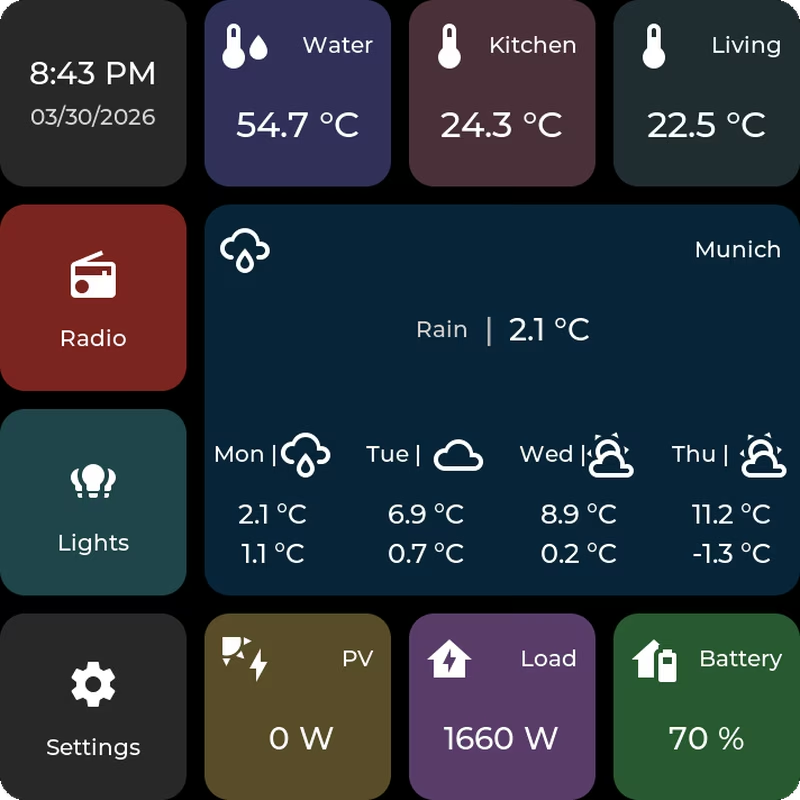
ESP32-P4 Home Assistant Display
The ESP32-P4 Home Assistant Display project provides a sophisticated, tile-based firmware designed to transform ESP32-P4 touch displays into dedicated control panels for smart home environments. By combining a touch-first dashboard UI with a fully configurable web interface, users can manage their Home Assistant entities directly from hardware. The system relies on the power of the ESP32-P4, utilizing FreeRTOS for task management and the LVGL library to render a responsive graphical interface.
Core Requirements and Recent Updates
To function correctly, the firmware requires a specific Home Assistant bridge/integration. This bridge acts as the intermediary, handling MQTT communication between the display and the Home Assistant instance. Recent iterations of the project, such as version 0.1.7, have introduced significant enhancements to the web administration experience. This includes a new microSD file manager that allows for uploading, downloading, and managing files directly through the browser. To ensure system stability, access to the internal LittleFS partition—which stores critical runtime data—is restricted within the file manager to prevent accidental modifications.
Dashboard Overview and UI Capabilities
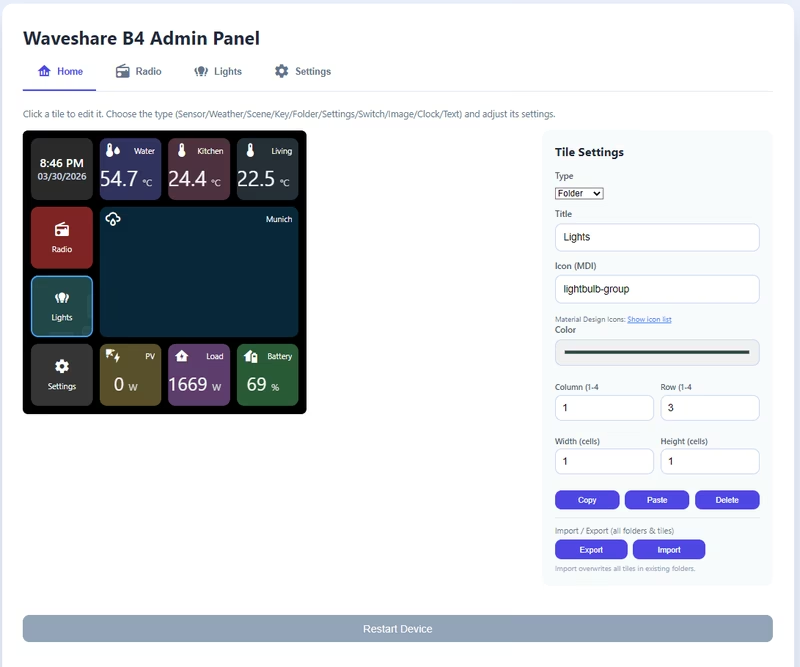
Everything visible on the dashboard is managed through a built-in web interface. This removes the need for hardcoding layouts, allowing users to add, remove, and resize tiles dynamically. The interface supports drag-and-drop positioning, making it easy to organize navigation structures or create folders for different rooms.
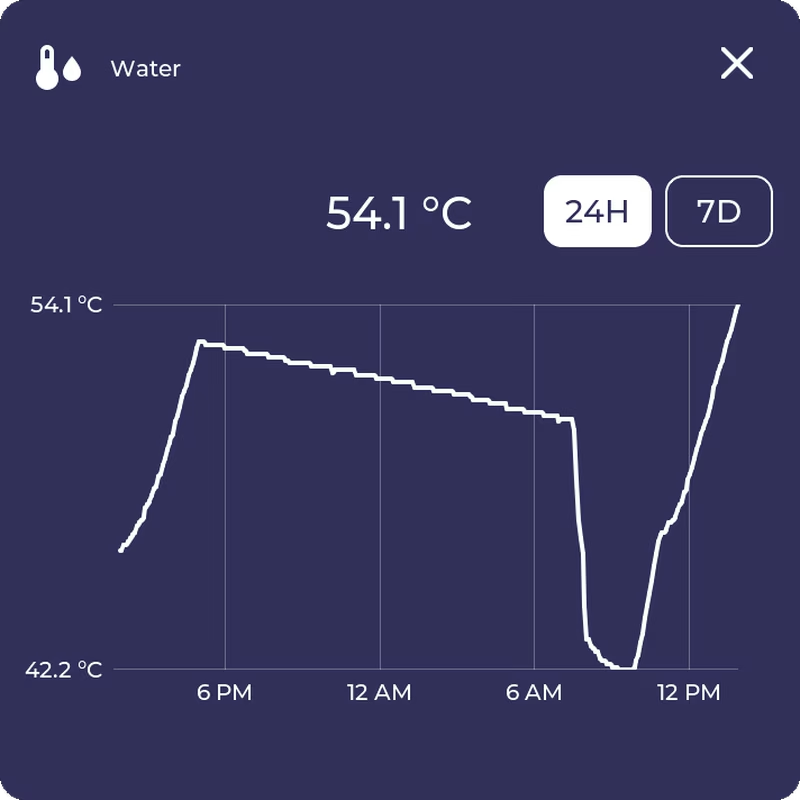
The UI is designed to handle various data types through specialized popups. For instance, light controls offer dedicated views for brightness, color, and temperature, while sensor tiles can expand into detailed history charts showing 24-hour or 7-day trends.
Supported Hardware Platforms
The project currently supports two primary ESP32-P4 development kits:
- Waveshare B4: A 4-inch touch LCD kit.
- M5Stack Tab5: An IoT development kit featuring the ESP32-P4.
Each device has specific configuration requirements, such as display drivers and power management settings, which are documented to ensure the firmware performs optimally on the target hardware. While the firmware is consistent across devices, performance can vary based on the specific display driver or hardware bottlenecks.
Feature Set and Configuration
The firmware is packed with features designed for ease of use and flexibility:
- OTA Updates: Firmware can be updated directly through the web admin panel.
- Connectivity: Includes an Access Point mode for first-time setup, allowing users to configure WiFi and MQTT settings without a serial connection.
- Localization: Support for English and German languages.
- Storage: Uses LittleFS for internal runtime storage, with optional microSD support for exporting screenshots or migrating data from older setups.
- Tile Variety: Supports various tile types including clocks, energy statistics, weather, scenes, and switches.
Installation and First Setup
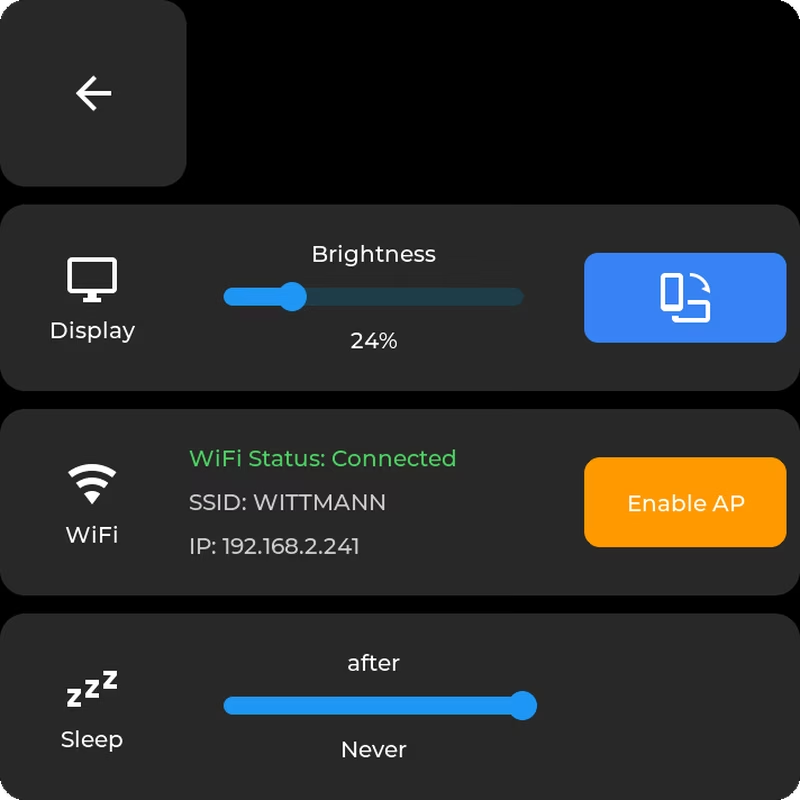
Users can choose between using prebuilt binaries or building from source via the Arduino IDE. For a clean installation, a factory.bin is flashed to the device. Once booted, the device enters Access Point mode, creating a temporary WiFi network with a captive portal. Through this portal, users provide their home WiFi credentials. After connecting to the local network, the device’s IP address is used to access the web admin panel, where MQTT settings and Home Assistant entity bridges are configured.
Technical Considerations and Known Issues
Operating the firmware on different hardware comes with specific nuances. For example, the Waveshare B4 currently experiences unreliable software restarts, often requiring a manual hardware reset to wake the display. On the M5Stack Tab5, Access Point mode is most reliable when a battery is installed, or when display brightness is kept low to avoid power-related crashes. Additionally, while a microSD card was previously mandatory, it is now primarily used for screenshot exports and legacy migrations, as the main runtime has moved to internal flash storage for better reliability.
Related Projects
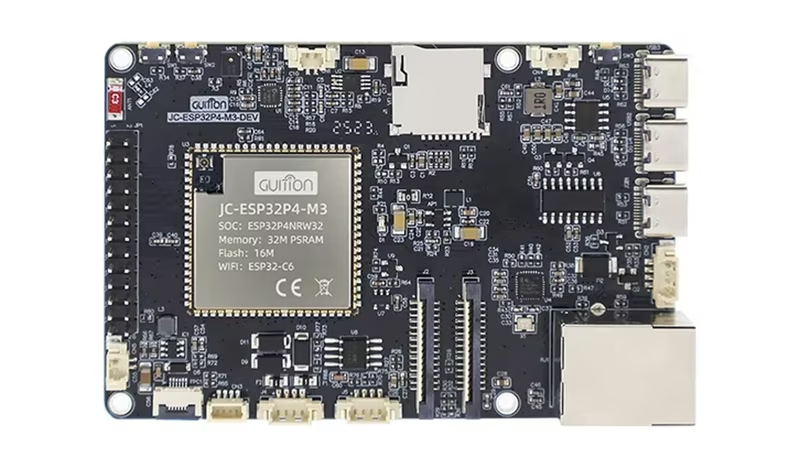
ESP32-P4 Home Assistant MQTT Voice Assistant
This project provides local voice assistant firmware for the ESP32-P4 platform, built natively on ESP-IDF and integrated with Home Assistant's Assist pipeline. It utilizes WakeNet9 for wake-word detection, MQTT for control and discovery, and features a local MP3 player and web-based management dashboard.
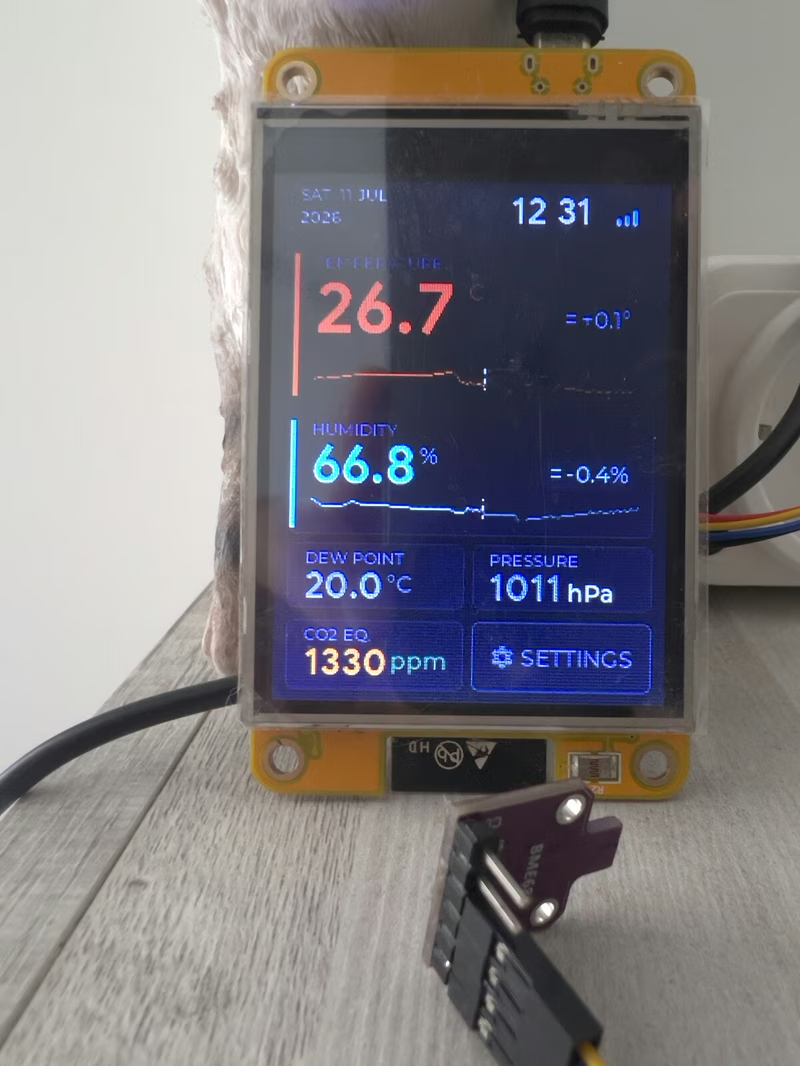
SensorStation3
SensorStation3 is an ESP32-based environmental monitoring station that utilizes FreeRTOS and the LVGL graphics library to provide a real-time touchscreen dashboard. It supports a variety of I2C sensors for tracking temperature, humidity, CO2, and atmospheric pressure, featuring seamless integration with Home Assistant and MQTT-based platforms.
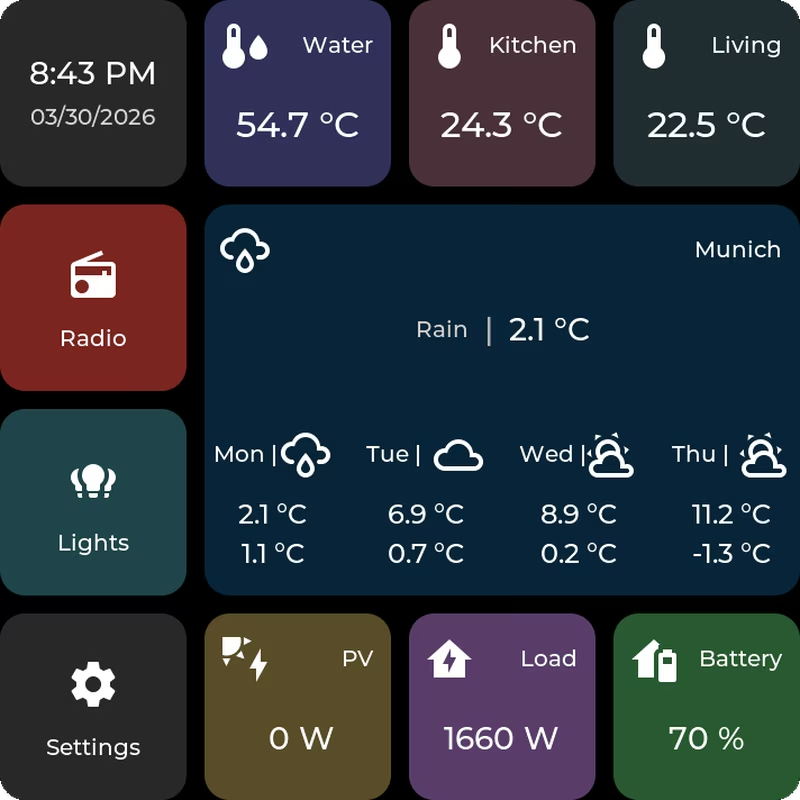
HomeTiles
HomeTiles is a tile-based firmware for ESP32-P4 touch displays designed to function as a highly configurable Home Assistant dashboard. It utilizes LVGL for its touch-first UI and FreeRTOS for task management, providing features like MQTT integration, web-based drag-and-drop configuration, and on-device OTA updates. The project targets high-performance hardware including the M5Stack Tab5 and various Waveshare MIPI-DSI displays.
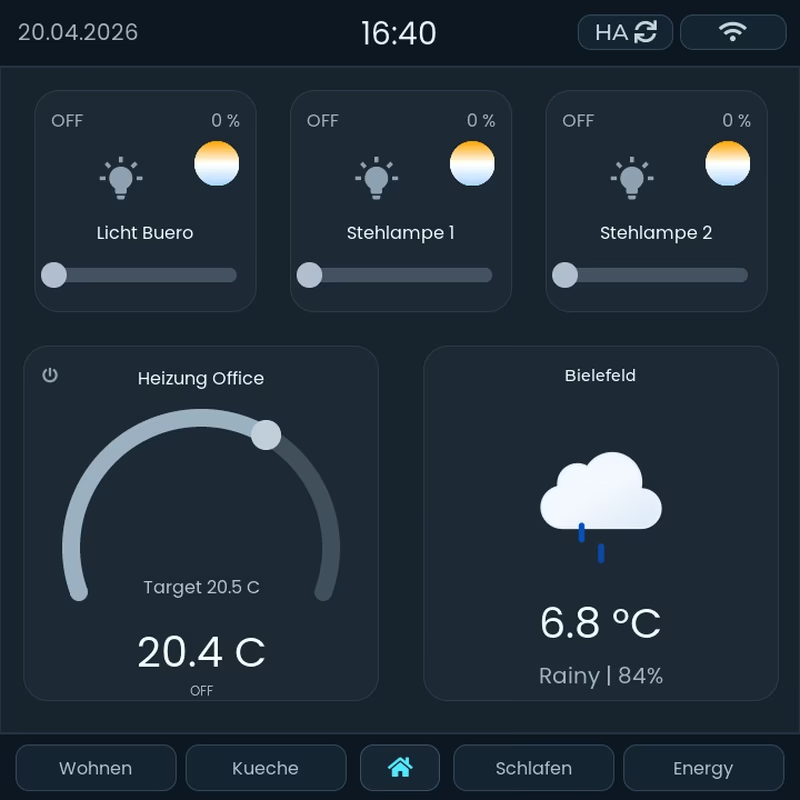
BETTA HA Panel
BETTA HA Panel is a runtime-configurable Home Assistant dashboard firmware for ESP32-P4 and ESP32-S3 touchscreen devices. Built on the ESP-IDF framework using LVGL and LittleFS, it allows users to design complex, multi-page layouts via a web-based drag-and-drop editor without requiring YAML configuration or firmware rebuilds.
openHASP
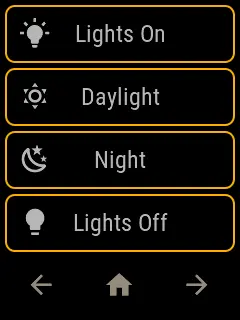
A comprehensive firmware for ESP32 and STM32F4 microcontrollers that provides a customizable touchscreen UI controlled via MQTT. It utilizes the LVGL graphics library to drive various commodity displays, enabling home automation control through a flexible JSONL-based configuration.