Desk Weather Clock (GeekMagic-S3)
An ESP32-S3 firmware for the GeekMagic-S3 hardware that displays time, date, and weather data. It leverages FreeRTOS and LVGL to provide a responsive 240x240 UI, features a web configuration interface, and supports remote image and text notifications via HTTP endpoints.
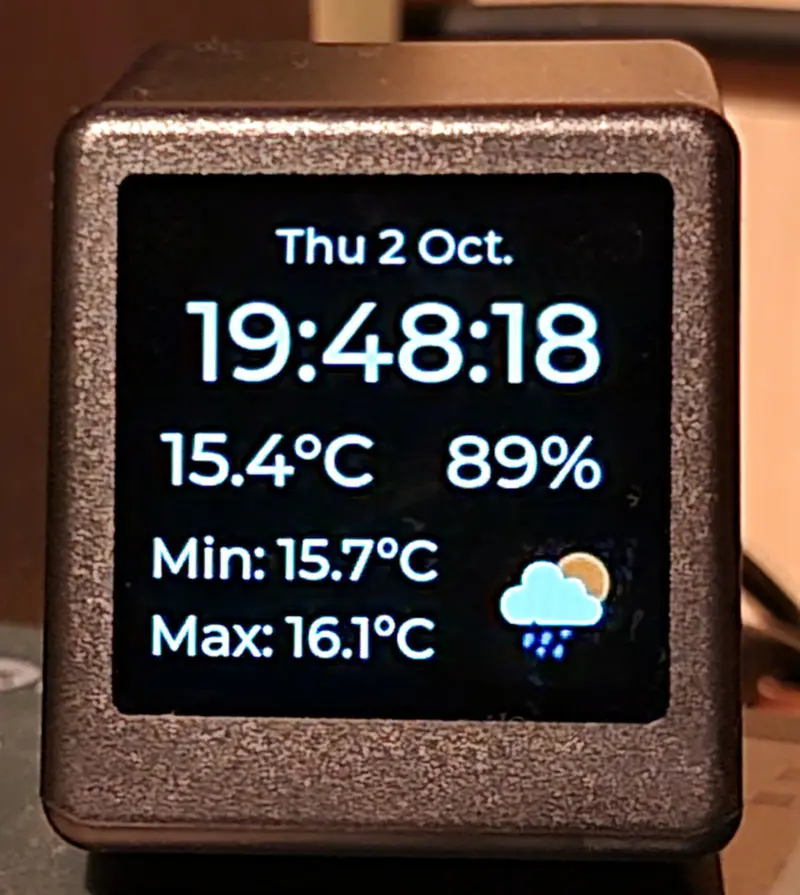
The Desk Weather Clock project transforms the GeekMagic-S3, a compact ESP32-S3-based display cube, into a versatile and highly customizable desktop information hub. While the original hardware is often sold as a simple clock accessory, this custom firmware significantly expands its capabilities, turning it into a networked device capable of displaying real-time weather, system notifications, and custom images pushed from other devices on the local network.
Hardware and Architecture
Built specifically for the GeekMagic-S3 hardware, the project takes full advantage of the ESP32-S3-DevKitM-1 platform, which features 16MB of flash and 8MB of PSRAM. This ample memory is essential for driving the 240x240 TFT display (ST7789) and handling the graphical assets required for a modern user interface.
Technically, the project is a hybrid application utilizing both the ESP-IDF and Arduino frameworks. It relies on FreeRTOS for managing concurrent tasks, such as background networking, sensor data fetching, and UI rendering. The visual experience is powered by the LVGL (Light and Versatile Graphics Library), which provides smooth animations and a polished look for the time, date, and weather metrics.
Key Features
One of the standout features of this firmware is its integration with remote devices. It functions as more than just a standalone clock; it acts as a secondary notification display for your workstation or smart home setup. Notable capabilities include:
- Remote Image Display: By calling the
/show_imageendpoint, users can push remote images to the cube’s display. This is particularly useful for security camera snapshots or status icons. - Overlay Notifications: A simple HTTP GET request to
/show_messageallows for text overlays to appear on the screen for a specified duration, perfect for home automation alerts. - Weather Integration: Using the OpenWeatherMap API, the device displays current temperature, humidity, and daily min/max values.
- Power Syncing: The device can synchronize its power state with a computer. By using a keep-alive mechanism, the display stays active as long as the host computer is running and calling the endpoint.
Web-Based Configuration
To ensure ease of use, the project includes a comprehensive web configuration UI. Users can manage WiFi credentials, MQTT settings, and API keys directly through a browser. If the device is unable to connect to a configured network, it automatically falls back to an Access Point (AP) mode, allowing users to connect directly to the cube to update settings without needing to reflash the firmware.
Development Workflow
The project adopts a modern embedded development workflow. UI layouts are defined using XML markup files within the lib/gui directory. These are then converted into C sources using the LVGL-Editor or its CLI, ensuring that the interface remains modular and easy to iterate upon without manual pixel-pushing in code.
For developers who want to test changes without hardware, the project supports the Wokwi simulator. This allows for logic verification and UI testing directly in the browser or an IDE extension. Building the project is streamlined via PlatformIO:
pio run -t uploadfs     # Upload SPIFFS flash image
pio run -t upload       # Upload firmware
By combining robust hardware with a flexible software stack, the Desk Weather Clock serves as an excellent example of how to build feature-rich, networked embedded displays using the ESP32-S3 ecosystem.
Related Projects
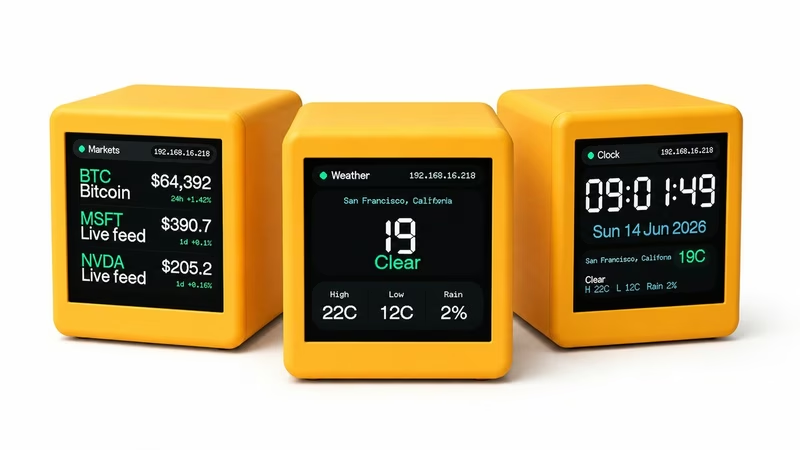
GeekMagic SmallTV ESP8266 Firmware
A custom ESP8266-based firmware for the GeekMagic SmallTV smart weather clock, featuring a 240x240 ST7789 display. It utilizes the TFT_eSPI library for rendering and LittleFS for persistent storage of configurations and authentication data. The system provides a comprehensive web dashboard for managing WiFi, OTA updates, and various data feeds including weather, markets, and Home Assistant integrations.
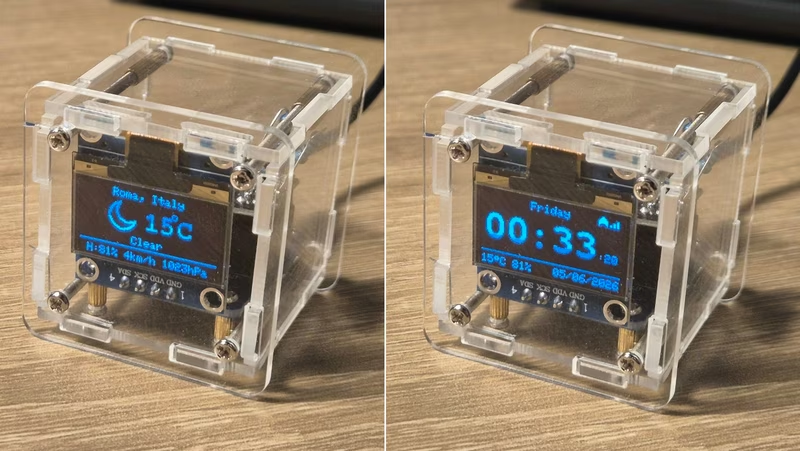
DIY Weather Clock Firmware
This project is an alternative open-source firmware for the popular ESP8266-based DIY Weather Clock kits. It features an integrated web configuration portal, NTP time synchronization with DST support, and weather data integration from wttr.in and Netatmo stations.
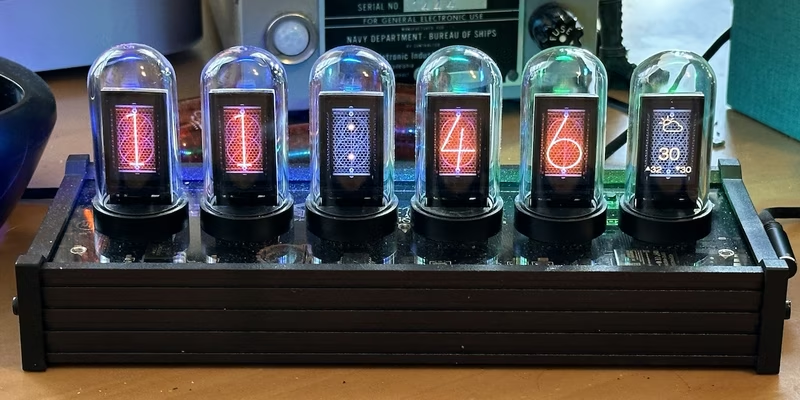
EleksTube IPS Custom Firmware
This project provides a feature-rich custom firmware for ESP32-based EleksTube IPS digital clocks, enabling internet time synchronization and weather updates. It utilizes the TFT_eSPI library for high-quality display management and LittleFS for asset storage, while offering a web-based configuration portal and MQTT integration for smart home ecosystems.
ESP32-WeatherStationRTC
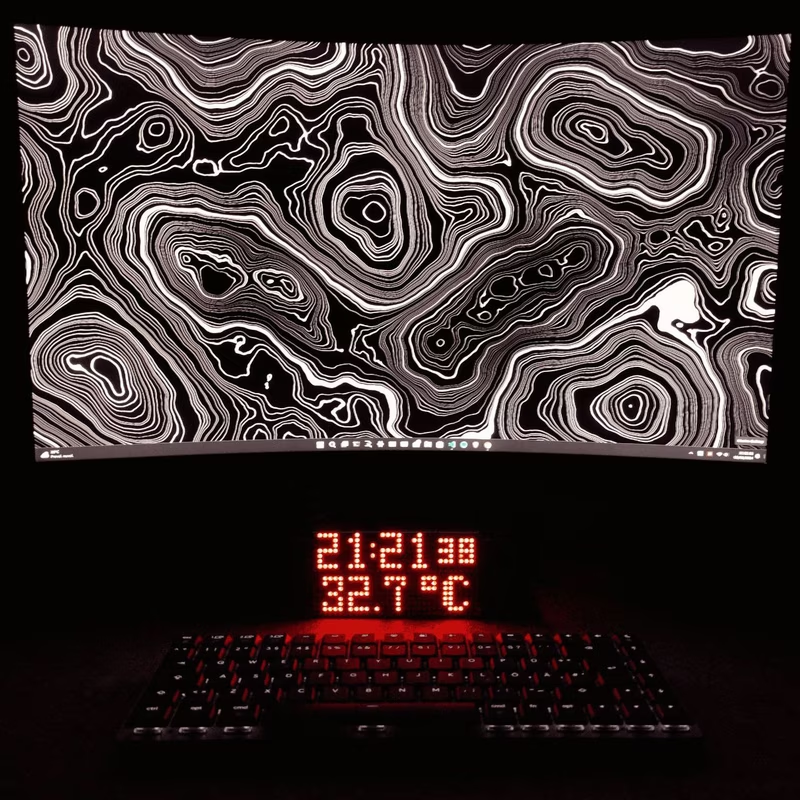
This ESP32-based desk clock provides real-time monitoring of temperature, atmospheric pressure, and humidity using the BME280 sensor and a DS3231 RTC. The system features an auto-dimming MAX7219 LED matrix display, WiFi-based NTP time synchronization, and a built-in web server for configuration, all developed using the Arduino framework and SPIFFS for data management.
WT32-SC01 PLUS Smart Desk Companion
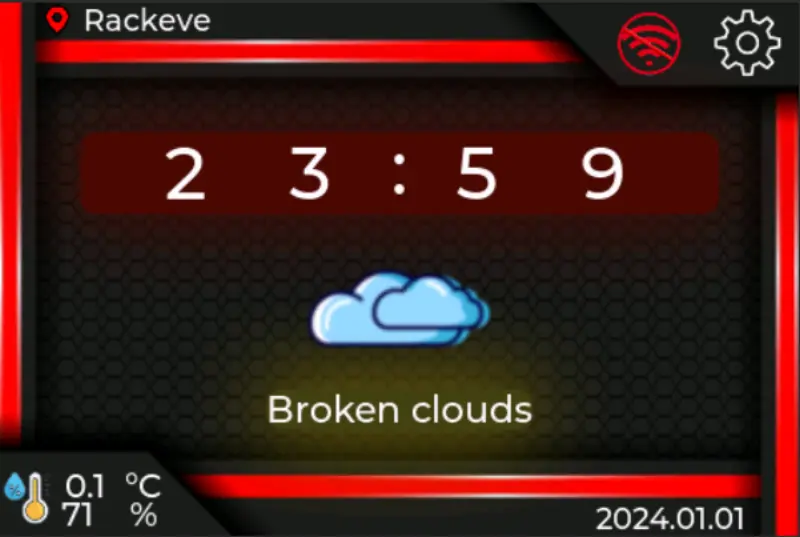
A network-connected desk companion firmware for the ESP32-S3 based WT32-SC01 PLUS touch display. It integrates a real-time clock, OpenWeatherMap weather data, and an online radio player using LVGL for the graphical interface and FreeRTOS for task management.
ESPTimeCast
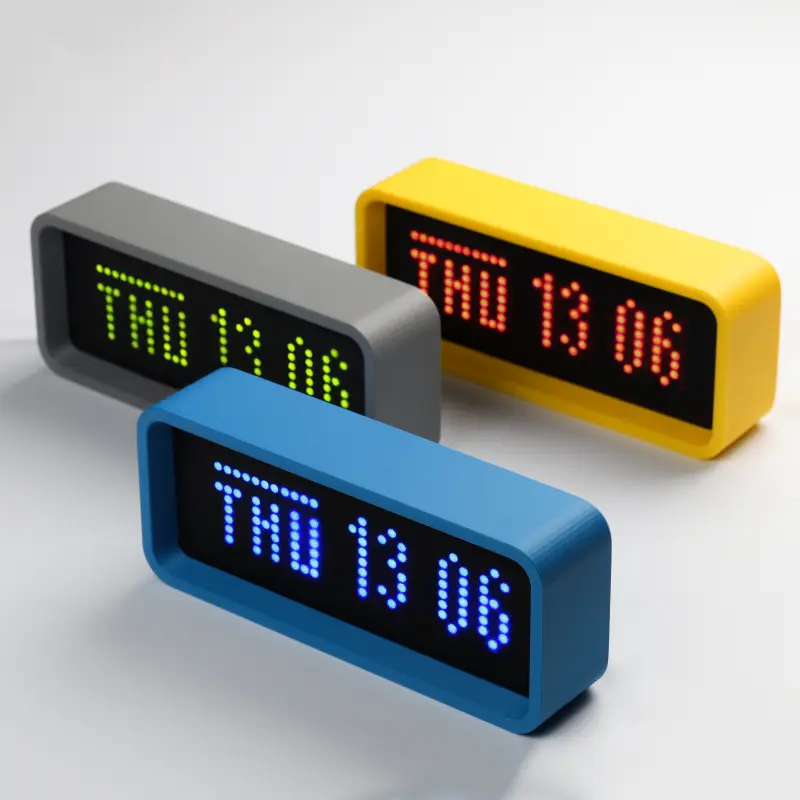
A WiFi-connected LED matrix clock and weather display built for ESP8266 and ESP32 microcontrollers. It utilizes the MAX7219 driver to display real-time NTP clock data and live weather updates from OpenWeatherMap, all configurable via a built-in web interface.