M5Dial-LVGL
An LVGL port for the M5Stack Dial (M5Dial) based on the ESP-IDF framework. It integrates the Light and Versatile Graphics Library with M5Unified to provide support for the device's circular touch display and rotary encoder.
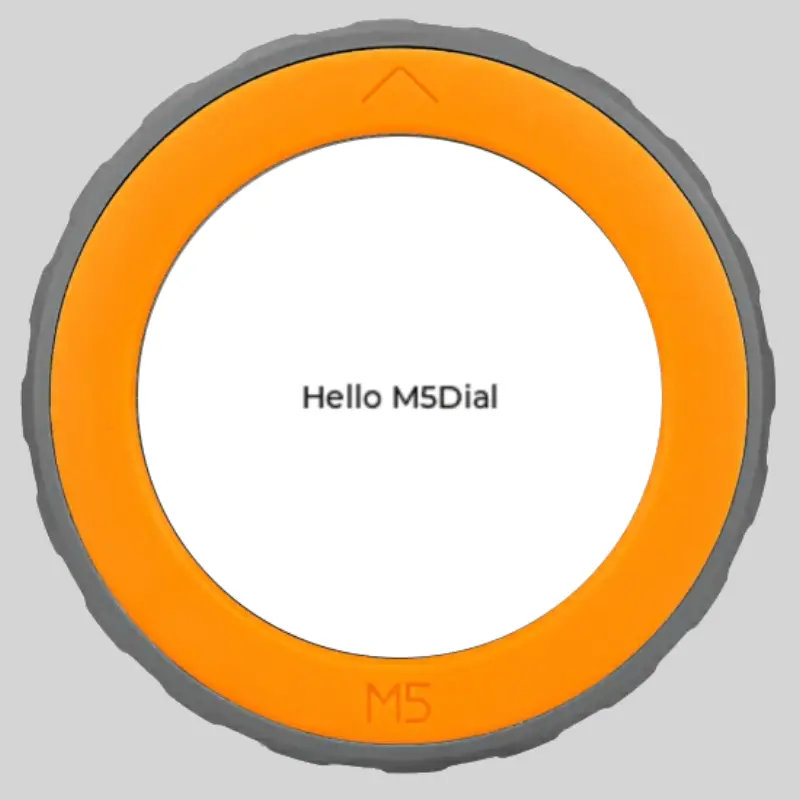
The M5Stack Dial is a unique development kit featuring a circular 1.28-inch TFT touchscreen, a rotary encoder, and an ESP32-S3 StampS3 module. M5Dial-LVGL provides a streamlined port of the popular LVGL (Light and Versatile Graphics Library) specifically for this hardware, making it significantly easier to create sophisticated user interfaces for rotary-input devices.
Core Integration
This project bridges the gap between the high-level LVGL graphics framework and the specific hardware capabilities of the M5Dial. It relies on the ESP-IDF (v5.1.2) environment and utilizes the M5Unified and M5GFX libraries to handle low-level display drivers and input management. By abstracting the hardware-specific initialization, developers can focus on UI design rather than low-level SPI or I2C configurations.
One of the standout features of this port is its native support for the M5Dial’s physical inputs. The library facilitates the use of both the capacitive touch screen and the physical rotary dial as input devices for LVGL, allowing users to navigate menus, adjust values, or scroll through lists using the mechanical feel of the encoder.
Flexible Development Workflow
M5Dial-LVGL is designed to work within modern embedded development environments. It supports both PlatformIO and the ESP-IDF component manager. For PlatformIO users, the library can be integrated directly via a git dependency in the lib_deps configuration. For those using the standard ESP-IDF workflow, it integrates seamlessly as a component through the idf_component.yml manifest.
The library also acknowledges the complexity of developing for circular screens by including a native_sdl example. This allows developers to preview and debug their UI designs on a PC using SDL2 before deploying to the actual hardware, significantly speeding up the iteration process for layout and styling.
Practical Examples and Implementation
The repository includes several examples that demonstrate the library’s versatility:
- Touch and Encoder Input: Demonstrations of how to map physical dial rotations to LVGL objects like sliders or rollers, and how to handle touch events on the circular display.
- Custom Configurations: Examples like the QR code generator show how to pass custom configurations to the LVGL environment.
- Typography: Support for external fonts, which is crucial for creating polished, localized interfaces on the high-density circular screen.
Getting started is straightforward. After initializing the hardware through the standard M5Unified process, developers call m5dial_lvgl_init() to set up the graphics buffers and input drivers. The main execution loop then requires a call to m5dial_lvgl_next() to handle the LVGL timer tasks and input polling.
// Basic usage pattern
void app_main() {
    // Initialize library
    m5dial_lvgl_init();

    while (1) {
        // Handle LVGL tasks
        m5dial_lvgl_next();
        vTaskDelay(pdMS_TO_TICKS(5));
    }
}
Whether you are building a smart home controller, a custom media remote, or an industrial sensor interface, M5Dial-LVGL provides a robust foundation for leveraging the full power of LVGL v9 on M5Stack’s rotary hardware.
Related Projects
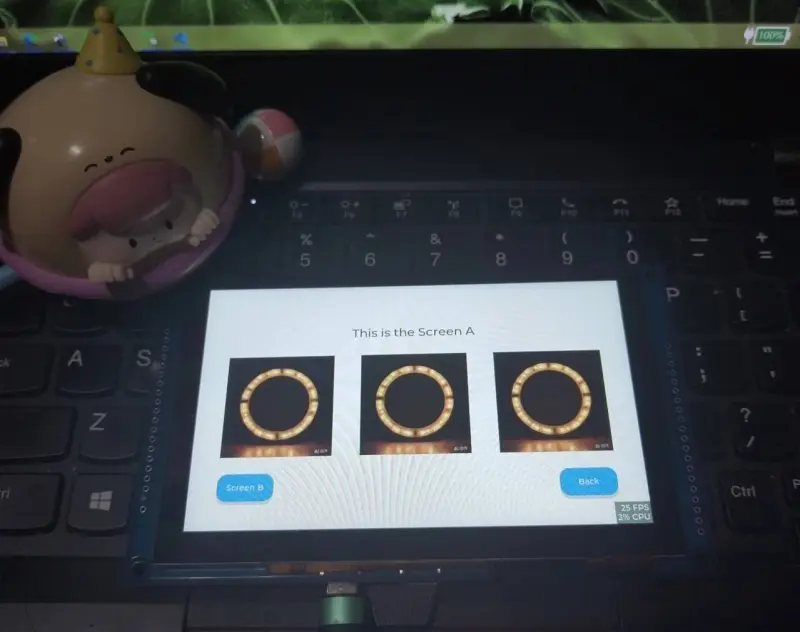
esp-lvgl
A comprehensive collection of LVGL (Light and Versatile Graphics Library) examples and tutorials for ESP32 and ESP8266 platforms. It supports multiple development frameworks including Arduino, ESP-IDF, and MicroPython, providing drivers and UI templates for various display types.