IkeDryBox - Smart 3D Filament Dryer
IkeDryBox is an advanced ESP32-based DIY filament dryer featuring precision PID temperature control and a responsive LVGL touch interface. It integrates seamlessly with Home Assistant via MQTT and provides a built-in WebUI for real-time parameter tuning and network configuration.
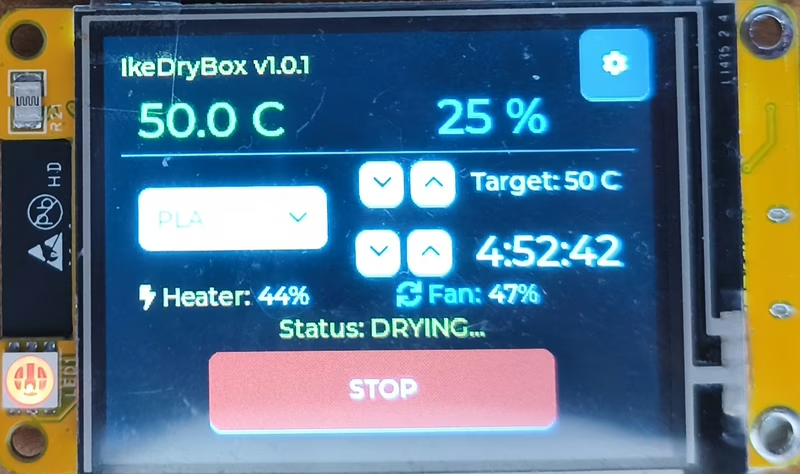
IkeDryBox is an advanced, ESP32-based DIY smart filament dryer designed to improve 3D printing quality by maintaining optimal material conditions. Built with precision and efficiency in mind, the project transforms a standard container into a high-tech drying station featuring a responsive LVGL touch interface, highly accurate PID temperature control, and seamless integration with modern smart home ecosystems like Home Assistant.
Core Features and Capabilities
The system is centered around precision and user experience. It utilizes a custom-tuned Proportional-Integral-Derivative (PID) algorithm to maintain target temperatures without the fluctuations common in simpler thermostat-based systems. Users interact with the device through a beautiful graphical interface built with the LVGL library on a 2.4” TFT display, often referred to as the “Cheap Yellow Display” (CYD).
Beyond the physical interface, IkeDryBox includes a built-in web server. This WebUI allows users to tune PID parameters, configure network settings, and set MQTT credentials on the fly without needing to reflash the firmware. For smart home enthusiasts, full MQTT support with Auto-Discovery ensures that temperature, humidity, and remaining drying time are easily accessible from a Home Assistant dashboard.
Technical refinements enhance the hardware’s longevity and performance. The fan control uses hardware-specific low-frequency PWM tuning (100Hz) to eliminate coil whine, keeping the operation whisper-quiet. Additionally, a smart screen saver dims the display to black after 10 minutes of inactivity to prevent phantom touches and protect the LCD panel.
Hardware Architecture and Connectivity
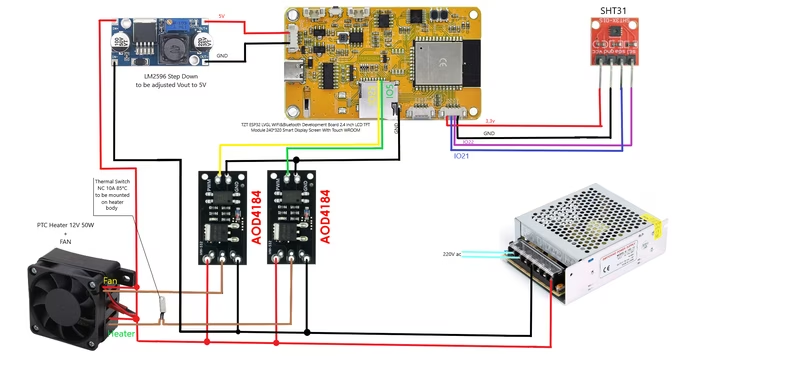
The project is designed for the ESP32 platform, specifically targeting boards with integrated LCDs and resistive touch. The primary sensor is the SHT31, a high-precision I2C component for monitoring temperature and humidity. Heating is handled by a PTC element controlled via a high-power MOSFET, while safety is ensured through a dedicated ceramic thermal protection switch rated for 85°C.
Pinout Configuration
Key hardware connections for the IkeDryBox are as follows:
- SHT31 Sensor: Connected via I2C on pins 21 (SDA) and 22 (SCL).
- Status Feedback: The built-in RGB LED uses pins 4 (Red) and 17 (Green) with inverted PWM logic to signal heating or standby modes.
- Power Control: The heater MOSFET operates at 1000Hz PWM on pin 5 for stable thermal output, while the fan MOSFET uses 100Hz PWM on pin 23.
Software Design and Configuration
IkeDryBox is built using the PlatformIO ecosystem and relies on several key libraries for its functionality. LovyanGFX serves as the driver for the TFT and touch interface, while LVGL handles the UI rendering. The Adafruit SHT31 library manages environmental data, and the PID_v1 library provides the logic for thermal regulation. Connectivity is managed through WiFiManager for easy provisioning and PubSubClient for MQTT communication.
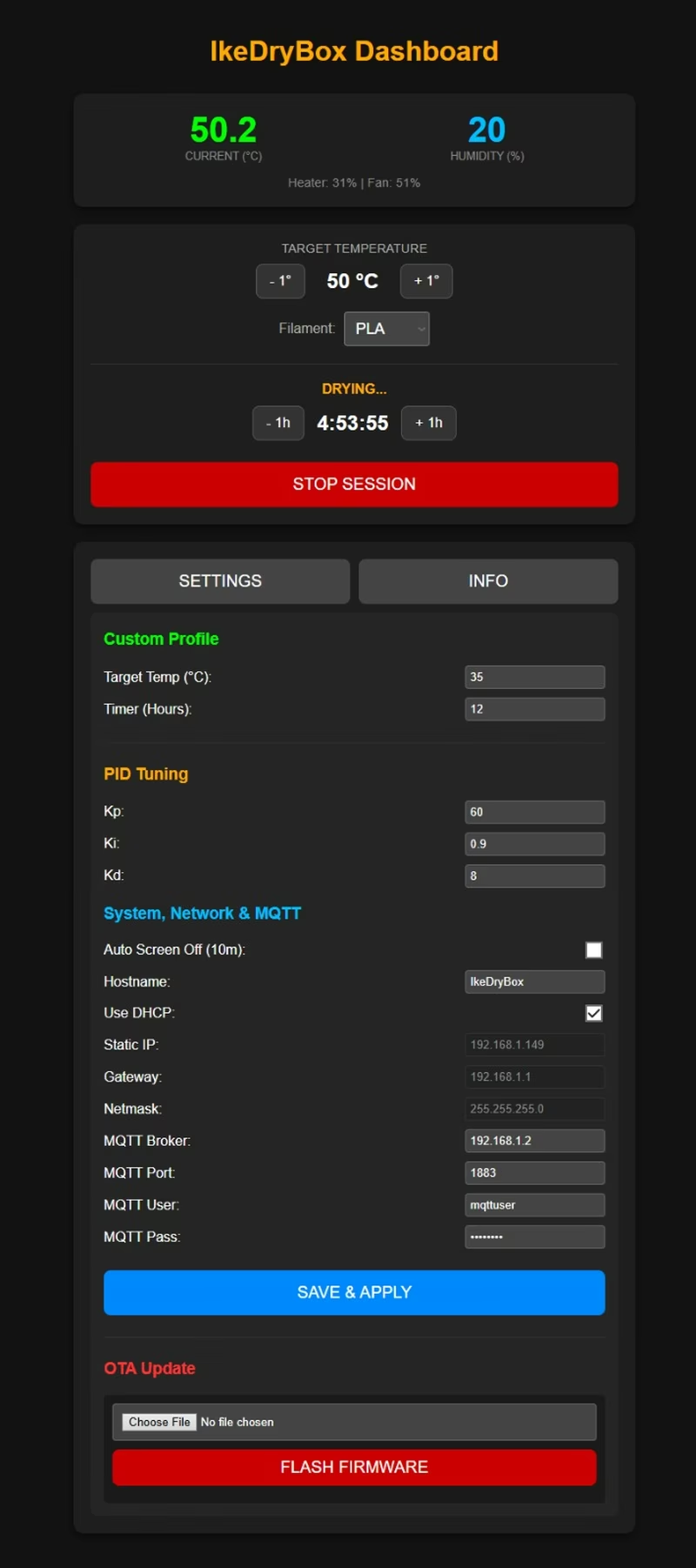
Upon initial boot, the ESP32 creates a local Access Point named IkeDryBox_Setup. Connecting to this AP opens a captive portal where users can enter their home WiFi credentials. Once connected to the local network, the device IP is displayed on the screen, allowing users to access the WebUI for advanced configuration.
PID Tuning and Optimization
The default PID values (Kp: 60.0, Ki: 0.6, Kd: 8.0) are optimized for a standard enclosed box with a fast-acting PTC heater. However, because different enclosures (like the Ikea Samla 22L) have different thermal properties, users may need to adjust these values via the WebUI. If the system overshoots the target, increasing the Derivative (Kd) or decreasing the Proportional (Kp) gain is recommended. If the temperature stabilizes below the target, the Integral (Ki) gain should be increased to account for steady-state error.
Safety Considerations
Operating a DIY heating device involves significant risks. This project involves working with mains electricity (110V/220V AC) and high-temperature components. It is essential to use proper thermal insulation, ensure adequate airflow, and include hardware safety cutoffs like thermal fuses. The use of heat-resistant materials for 3D-printed components is mandatory to prevent melting or fire hazards during operation.
Related Projects
TinyMakerWifi
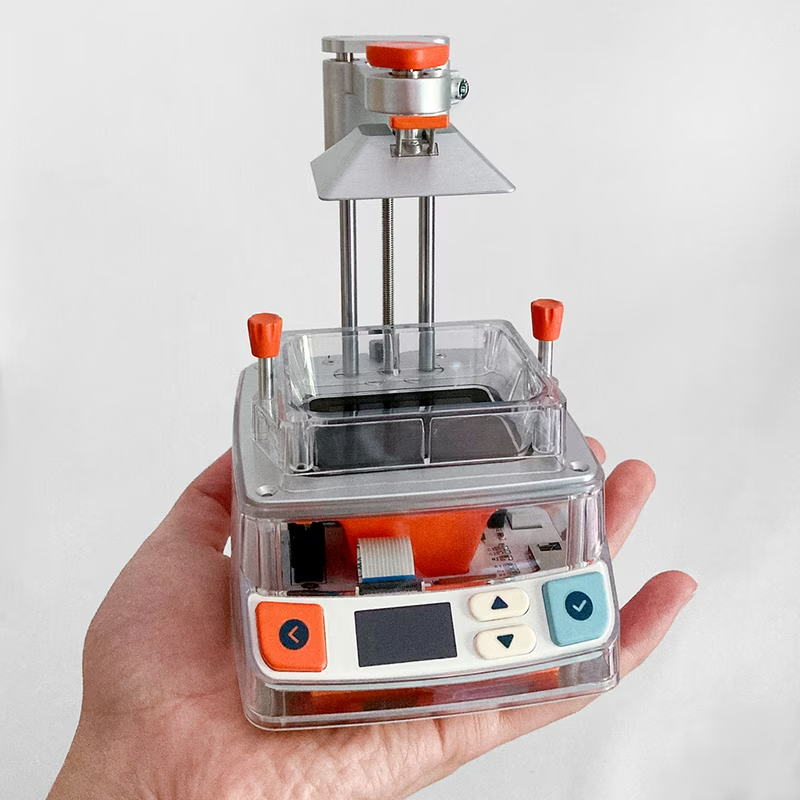
TinyMakerWifi is an enhanced firmware for the TinyMaker MSLA resin 3D printer that introduces WiFi connectivity, a web-based dashboard, and direct integration with PrusaSlicer. Built on the ESP32 platform using the Arduino framework and FreeRTOS, it features advanced resin tracking, power-loss recovery, and over-the-air (OTA) updates.
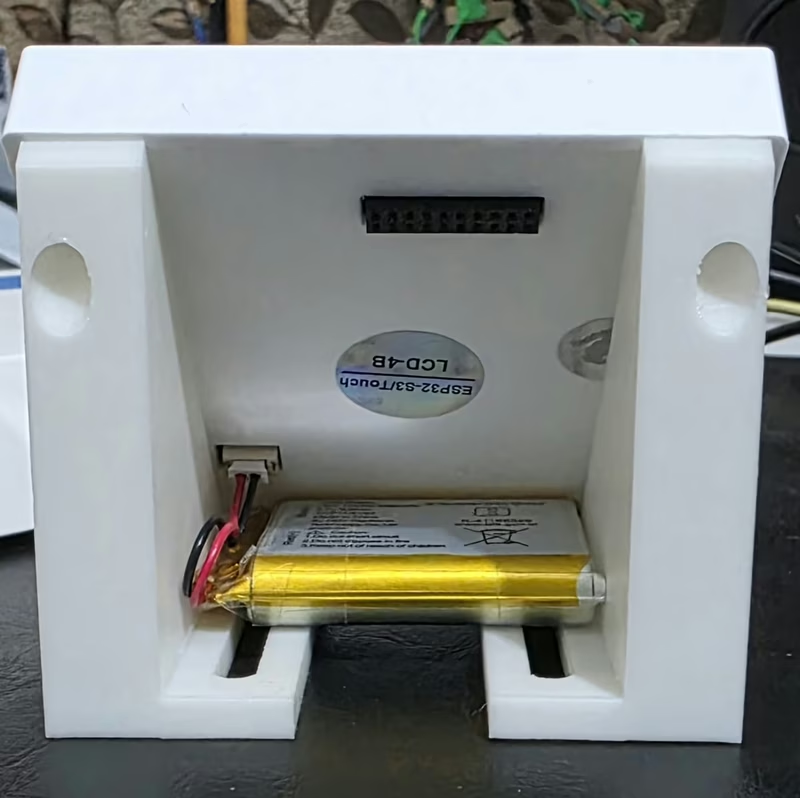
ESP32-S3 Smart Home Control Panel
A sophisticated touch-screen control interface for the Waveshare ESP32-S3-Touch-LCD-4B, featuring Home Assistant integration and real-time weather tracking. It utilizes the LVGL graphics library for a high-performance UI and implements advanced power management via the AXP2101 PMU.
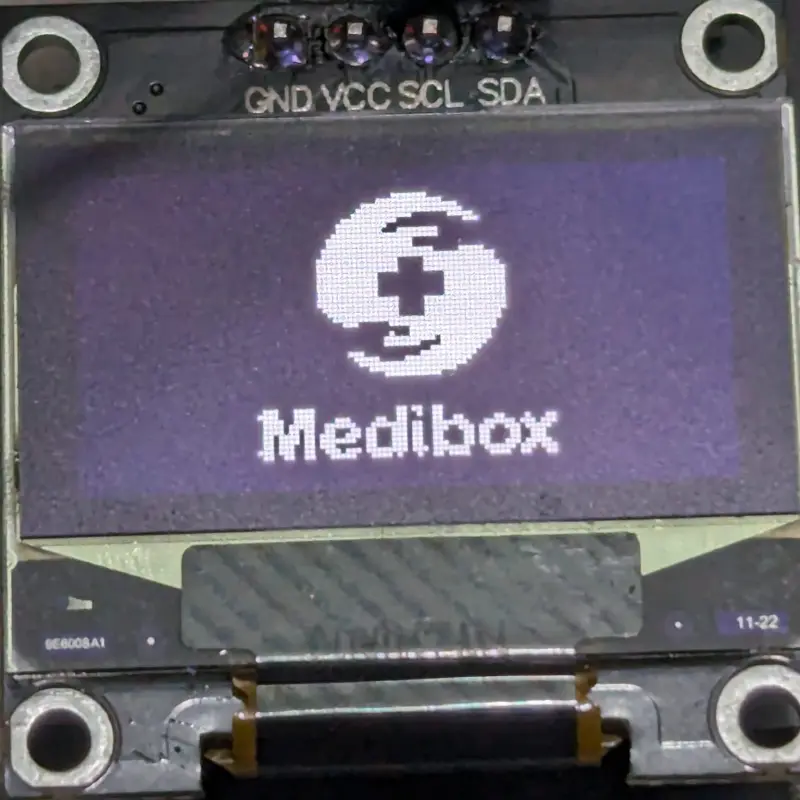
Smart Medibox
An ESP32-based IoT medical assistant that manages medication schedules through alarms, monitors storage conditions with temperature and humidity sensors, and features an automated light-shielding curtain. It integrates with a Node-Red dashboard via MQTT and includes a web-based WiFi configuration portal.
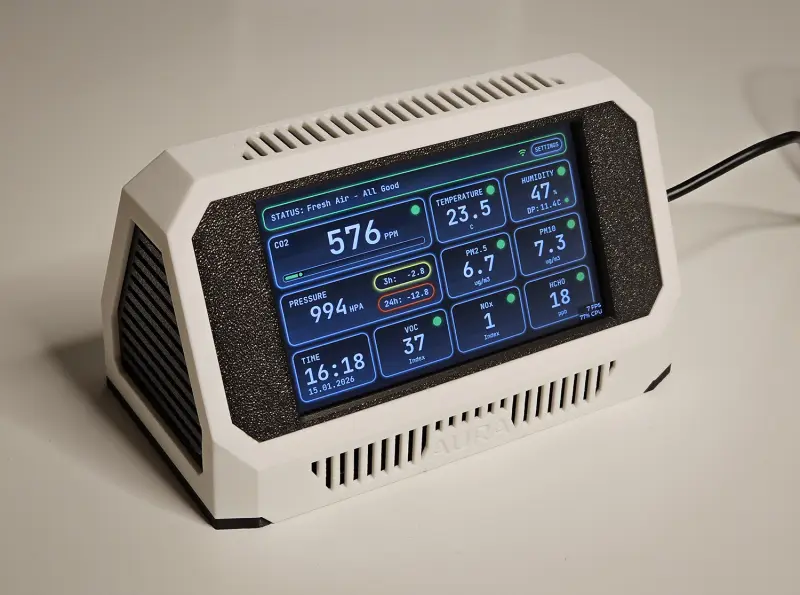
Project Aura
An open-source air-quality station based on the ESP32-S3, featuring a professional-grade sensor suite and a touch-enabled LVGL user interface. It integrates MQTT for Home Assistant discovery and provides a local web portal for configuration and telemetry monitoring.
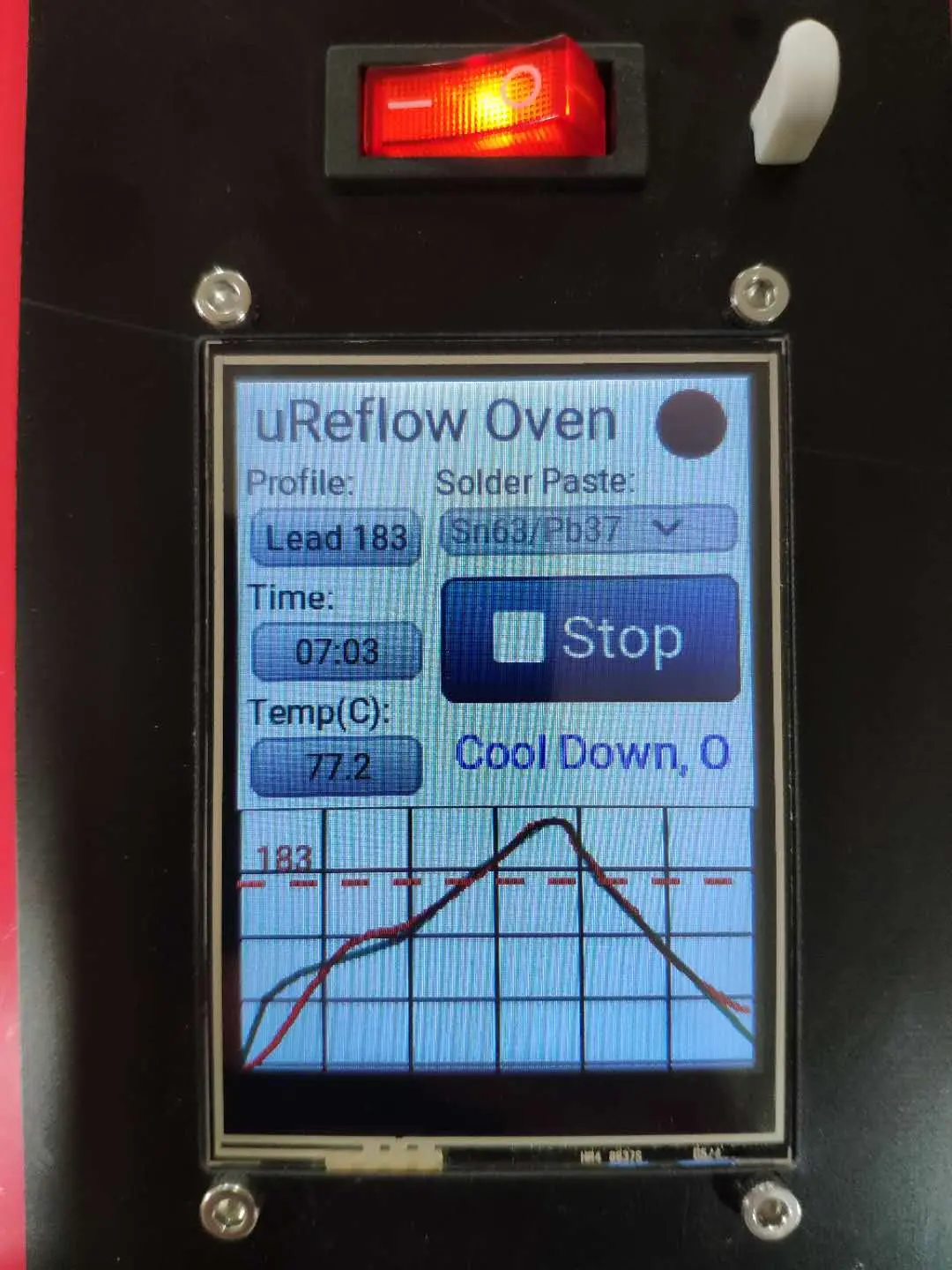
μReflow Oven with MicroPython & LVGL
A PID-controlled reflow oven controller built for the ESP32 using MicroPython and the LVGL graphics library. It features a touch-screen interface for selecting solder profiles, real-time temperature monitoring via thermocouple amplifiers, and remote configuration via FTP.