zbot
zbot is an open-source embedded AI agent powered by Zephyr RTOS that implements a ReAct (Reason + Act) loop. It enables hardware control, persistent memory, and multi-step skills by connecting to OpenAI-compatible LLM APIs, targeting the nRF7002-DK and Linux simulation.
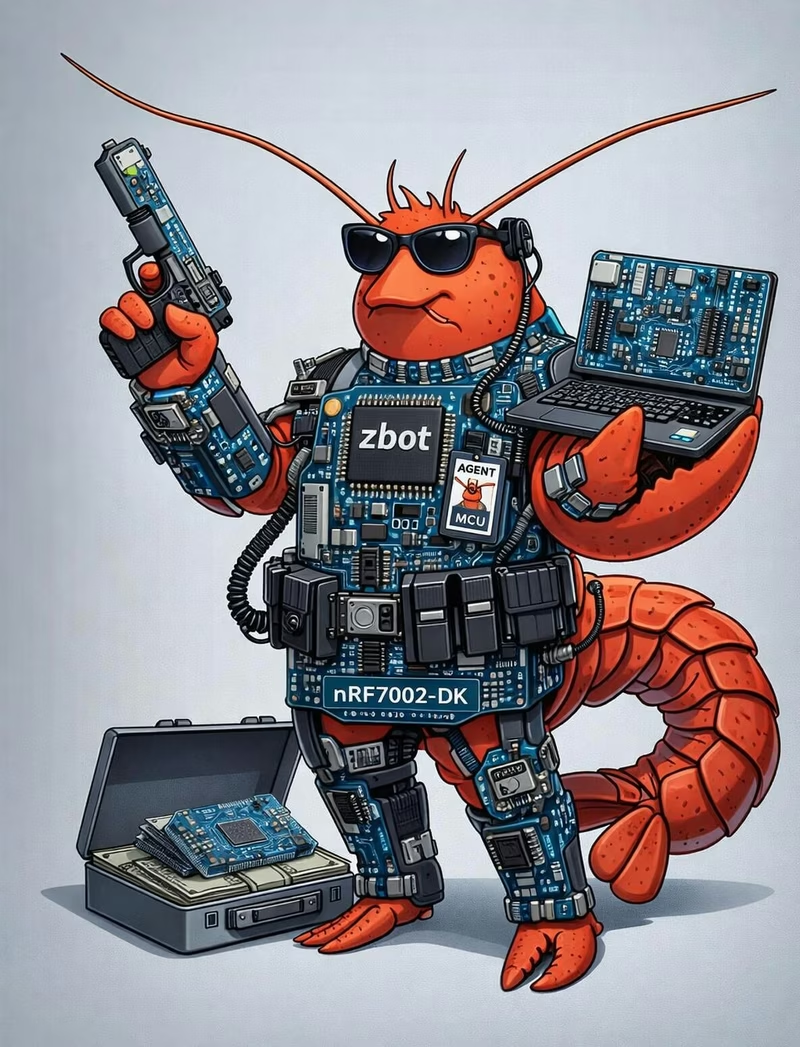
zbot is an open-source embedded AI agent designed to bring the power of Large Language Models (LLMs) to hardware. Powered by the Zephyr RTOS, zbot implements a ReAct (Reason + Act) loop that connects to any OpenAI-compatible API. This architecture enables the agent to perform complex, multi-step tasks, manage persistent memory, and interact directly with physical hardware components.
Architecture and System Design
The system is built around a modular architecture that separates core agent logic from specific hardware capabilities. The zbot Agent serves as the central orchestrator, coordinating several key modules:
- Config & Memory: Manages LLM endpoints, API keys, and WiFi credentials using Non-Volatile Storage (NVS). Conversation history is handled via a memory slab pool that supports rolling summaries to maintain context without exhausting RAM.
- LLM Client: A dedicated client for HTTPS communication with OpenAI-compatible Chat Completions APIs.
- Tools & Skills: A registry system where hardware-specific actions (Skills) are exposed to the LLM via a standardized interface (Tools).
- Telegram Integration: An optional long-poll thread that allows users to interact with the bot through the Telegram messaging platform.
Tool and Skill Design
To optimize LLM performance and token usage, zbot employs a two-tier tool system. The LLM is only aware of two primary tools: tool_exec, which dispatches commands to registered skills, and read_skill, which allows the LLM to fetch detailed Markdown documentation for a specific skill on demand.
Skills are the fundamental units of execution. Located in the src/skills/ directory, each skill self-registers at boot time using Zephyr’s SYS_INIT macro. This design allows developers to add new hardware primitives—such as GPIO control, system status reporting, or sensor reading—without modifying the core agent logic. Hardware primitives like GPIO and system information are implemented as skills themselves, ensuring a consistent execution mechanism across the entire platform.
The ReAct Loop and Memory Management
At the heart of zbot is the ReAct loop, which processes user input through a cycle of reasoning and acting. When a user provides input, the agent builds a JSON message and calls the LLM. If the LLM requests a tool call, the agent executes the corresponding skill and feeds the result back into the loop. This process continues until the LLM provides a final answer or reaches a maximum of 10 iterations.
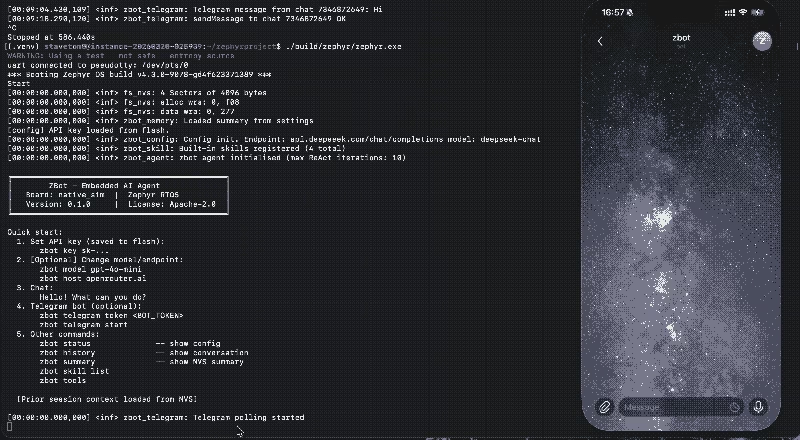
Conversation history is managed using a static pool of 10 nodes. To prevent memory overflow, zbot uses a two-stage strategy:
- Compression: When the pool is full, the oldest nodes are summarized by the LLM, and the summary is stored in NVS.
- Eviction: If compression is unavailable, the oldest node is recycled. This ensures the agent maintains a rolling context of the conversation across reboots.
Getting Started
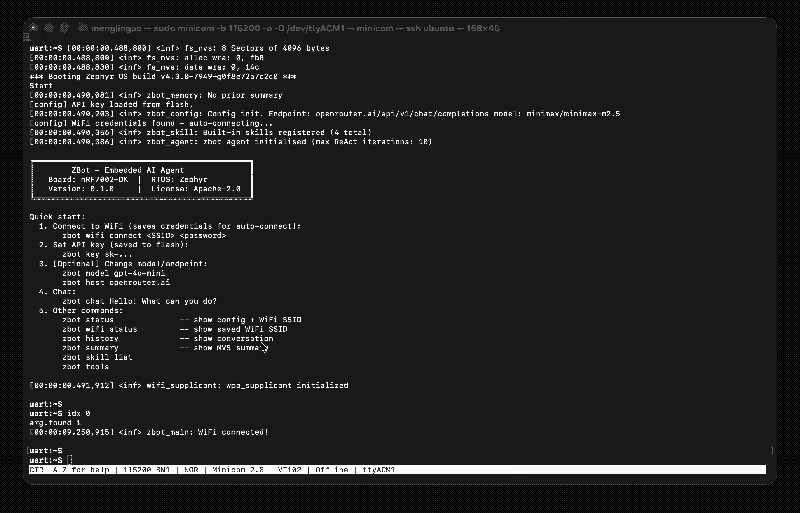
zbot is designed to run on the nRF7002-DK for physical hardware applications with WiFi or on a native_sim target for Linux host simulation. Building the project requires a standard Zephyr development environment. Once flashed, users can interact with the system via a serial console or the Telegram bot.
Initial configuration is handled through a comprehensive set of shell commands. Users can set their API keys, configure LLM endpoints (supporting providers like OpenRouter, OpenAI, and DeepSeek, or local models via Ollama), and manage WiFi connections directly from the terminal. For example, a user can set an API key with zbot key <key> or check the system status with zbot status.
Built-in Skills and Extension
The project includes several built-in skills to demonstrate hardware interaction:
- gpio: Enables reading, writing, and blinking LEDs, as well as complex patterns like SOS Morse code.
- system: Provides real-time information about the board, uptime, and heap memory usage.
Extending zbot is straightforward. Developers can add new skills by creating a new directory in src/skills/, implementing a handler function, and using the SKILL_DEFINE macro. The system prompt itself can also be customized by editing the AGENT.md.in file, which is embedded into the firmware during the build process.
Related Projects
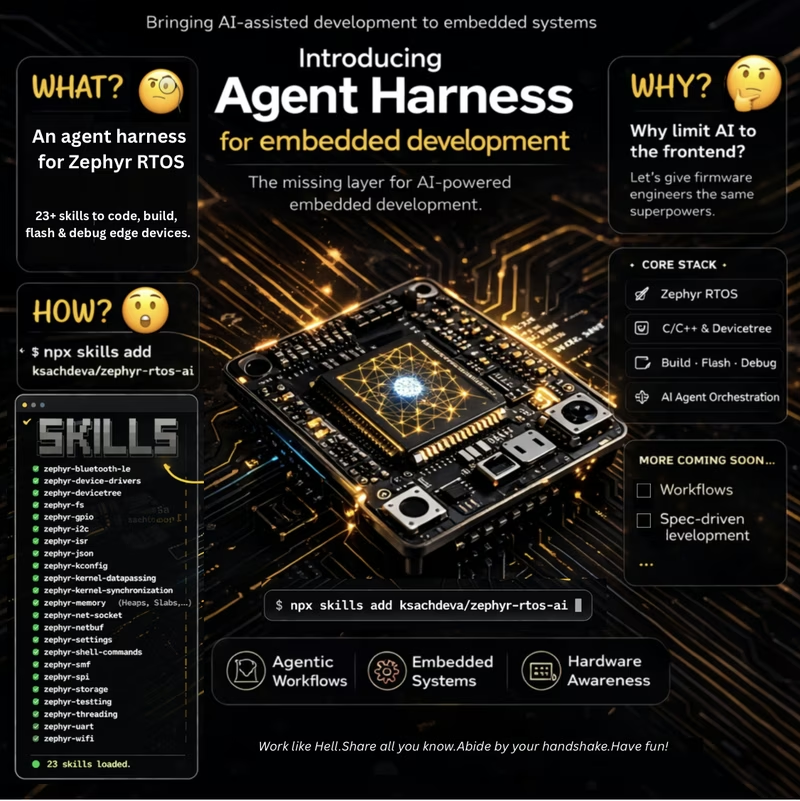
Zephyr RTOS AI Harness
A specialized harness designed for AI-assisted embedded firmware development using the Zephyr RTOS. It provides a comprehensive set of 'Agent Skills' covering core Zephyr subsystems like BLE, device drivers, and kernel primitives to help AI agents generate, understand, and manage firmware code efficiently.
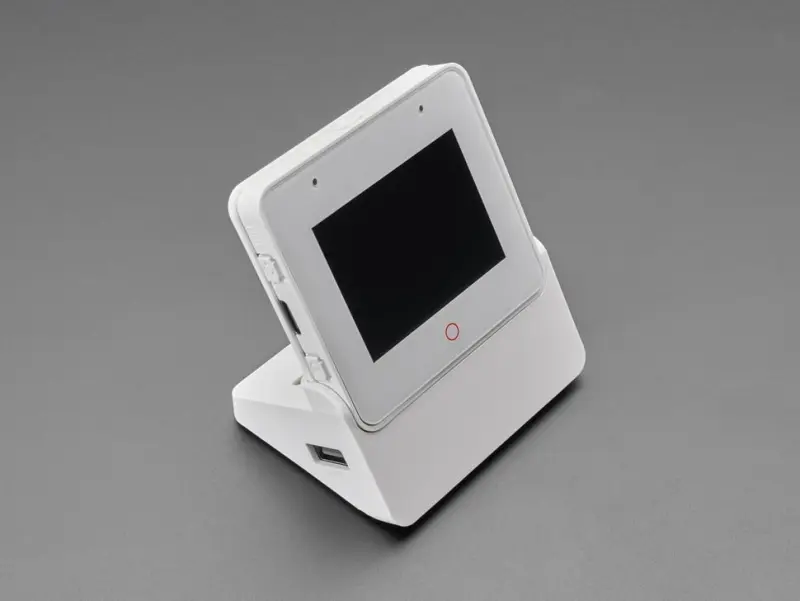
XiaoClaw: AI Voice Assistant with Local Agent Brain
XiaoClaw is an integrated firmware for the ESP32-S3 that combines voice interaction with a local AI agent. It utilizes the ESP-IDF framework and FreeRTOS to provide a complete system for voice I/O, LLM-powered reasoning, tool calling, and autonomous task execution.
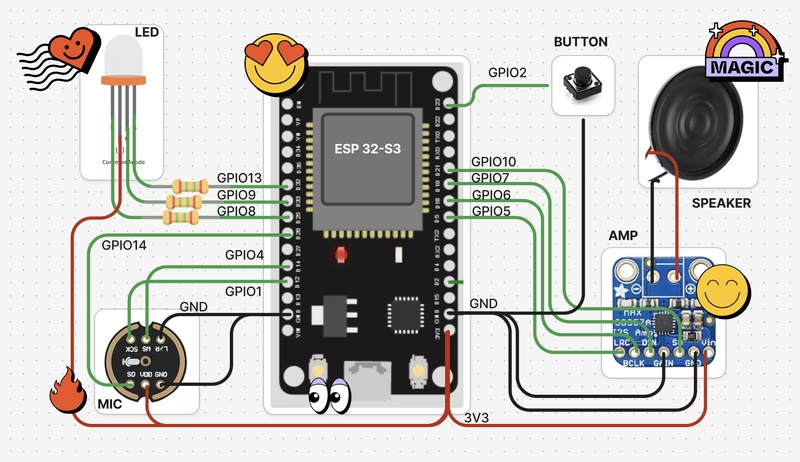
OpenToys
OpenToys is an open-source framework for building local voice AI companions and robots using ESP32-S3 hardware and Apple Silicon for edge processing. It leverages Whisper ASR, Qwen3-TTS, and MLX-optimized LLMs to provide a fully offline, multilingual conversational experience without cloud dependencies. The project includes a desktop control application built with Tauri and React, alongside specialized Arduino-based firmware.

XiaoZhi AI Chatbot
An open-source AI chatbot firmware for ESP32 microcontrollers that enables voice interaction using large language models like Qwen and DeepSeek. It features offline wake-up, streaming ASR/TTS, and utilizes the Model Context Protocol (MCP) for IoT device control and cloud-side capability expansion.