PicoSound Audio Library for RP2040
PicoSound is a dual-core audio engine for the Raspberry Pi Pico (RP2040) that offloads audio processing to Core1 to ensure glitch-free playback. It supports an 8-channel mixer, synthesized waveforms, and WAV file streaming via LittleFS or PROGMEM, targeting both Arduino IDE and PlatformIO environments.
Generating high-quality audio on microcontrollers often presents a significant challenge: blocking operations. When a single CPU core is tasked with handling display updates, sensor polling, and flash memory writes alongside audio synthesis, the result is frequently audible stuttering or glitches. PicoSound addresses this fundamental issue on the Raspberry Pi Pico (RP2040) by implementing a dedicated dual-core architecture.
The Dual-Core Architecture
The core philosophy of PicoSound is isolation. By dedicating the RP2040’s Core1 exclusively to the audio mixer and output engine, the library ensures that audio continues uninterrupted regardless of the workload on Core0. While your main application logic—whether it’s a complex game engine, a graphical user interface, or heavy SPI communication—runs on Core0, Core1 maintains a steady stream of audio data. Communication between the two cores is handled efficiently via the PicoSem library, allowing developers to trigger sounds using simple, non-blocking commands.
Versatile Sound Synthesis and Playback
PicoSound is more than just a simple buzzer driver; it is a full-featured 8-channel mixer. It supports two primary methods of sound generation:
- Synthesized Sounds: The engine can generate various waveforms in real-time, including sine, square, sawtooth, triangle, and noise. It also includes specialized effects like frequency sweeps and explosions, making it ideal for retro-style games or UI feedback.
- WAV Streaming: For more complex audio, the library supports streaming WAV files. These can be stored either in the RP2040’s internal Flash (PROGMEM) or on a LittleFS filesystem. This flexibility allows for high-fidelity sound effects or voice prompts without consuming excessive RAM.
Hardware Integration
The library is designed to work with common hardware configurations. For high-quality audio, it supports the I2S protocol, specifically tested with the popular and affordable MAX98357A DAC. For simpler projects where cost or space is a constraint, PicoSound can also output audio via PWM, requiring only a simple transistor or amplifier circuit to drive a speaker.
Development Environment Support
PicoSound fits naturally into existing workflows, offering full compatibility with both the Arduino IDE (using the Earle Philhower core) and PlatformIO. The library provides a flexible configuration system. Arduino users can define their sound tables directly within their .ino files for a quick start, while PlatformIO users can take advantage of separate header files (picosound_user_cfg.h) to keep their projects modular and organized.
Getting Started
To use PicoSound, you initialize the audio engine on Core1 while running your logic on Core0. Here is a basic example of how the dual-core split is managed:
#include <PicoSound_AudioCore.h>
#include <PicoSound_DualCore.h>

// Core0: Your main program
void setup() {
  // Standard setup logic
}

void loop() {
  // Trigger a sound from the predefined table
  SendAudioCommand(CMD_PLAY_SOUND, SND_BEEP, 80);
  delay(1000); // Core0 can block without affecting audio
}

// Core1: The dedicated audio engine
void setup1() {
  PicoSound_AudioCore_Setup1();
}

void loop1() {
  PicoSound_AudioCore_Loop1();
}
With a minimal footprint—using only about 1.5% of the RP2040’s RAM and 1% of its Flash in a standard configuration—PicoSound is an efficient solution for adding reliable audio to any Raspberry Pi Pico project.
Related Projects
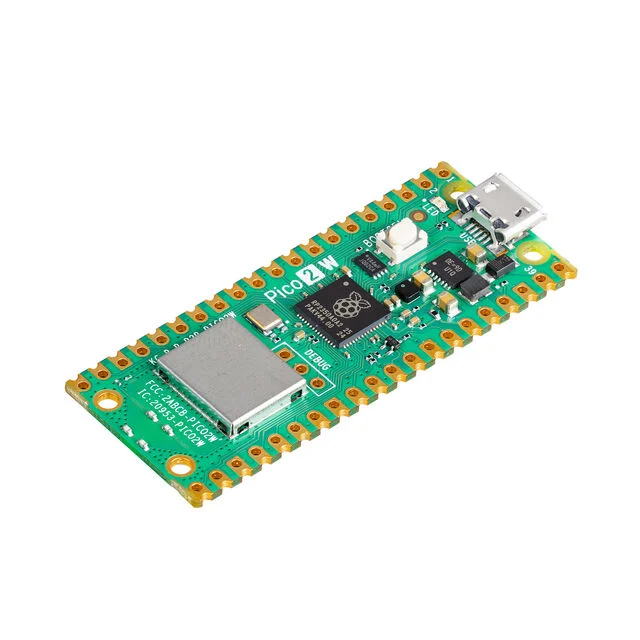
BackgroundAudio
An optimized Arduino library for background audio playback and speech synthesis on Raspberry Pi Pico (RP2040/RP2350) and ESP32. It uses an interrupt-driven architecture to support MP3, AAC, WAV, and text-to-speech while keeping the main application loop responsive and dropout-free.
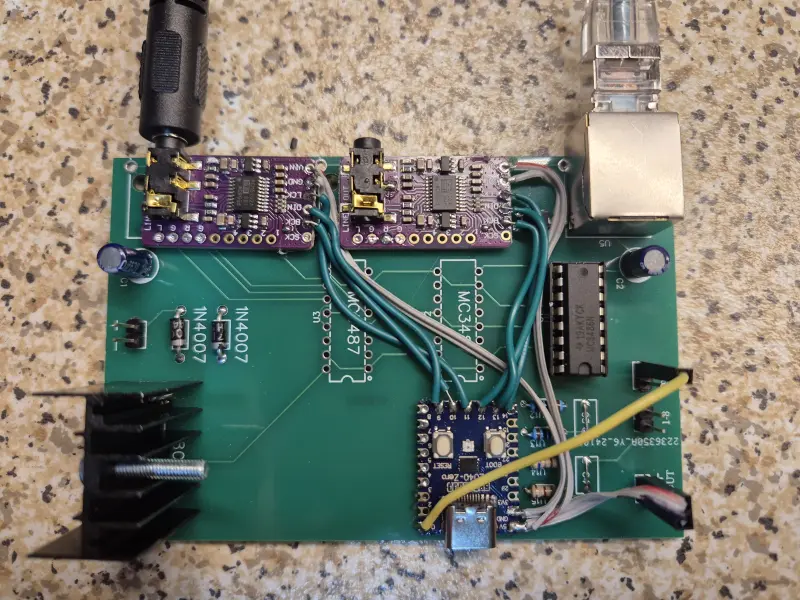
Ultranet-to-I2S
A firmware project for the Raspberry Pi Pico that decodes the Behringer Ultranet audio protocol into multiple I2S streams. It utilizes the RP2040's PIO modules for high-speed signal decoding and its dual-core architecture to synchronize audio between different clock domains.
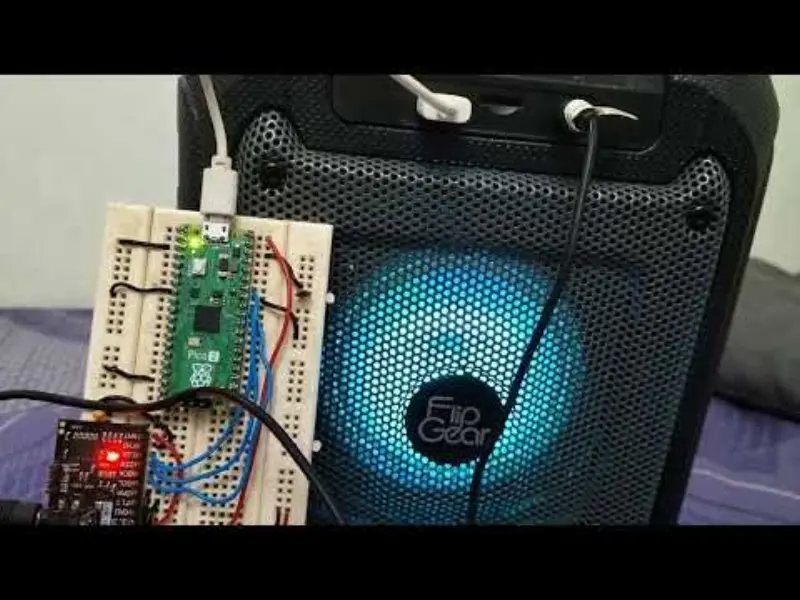
Pico2Dexed
A technical port of the Dexed FM synthesis engine to the Raspberry Pi Pico 2 (RP2350). The project utilizes the ARM Cortex-M33 cores to achieve 10-note polyphony at 44.1kHz, supporting I2S audio output and standalone MIDI tone playback.
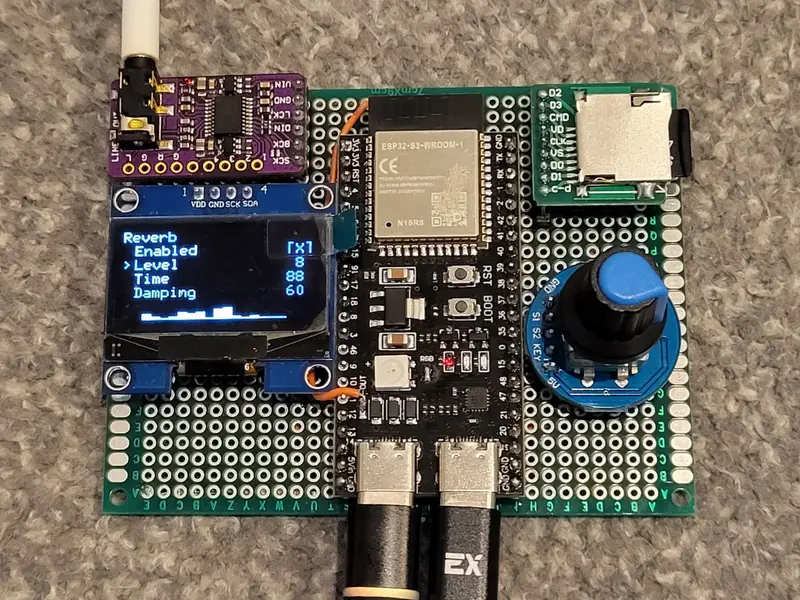
ESP32-S3 SoundFont (SF2) Sampler Synthesizer
A high-performance wavetable synthesizer firmware for the ESP32-S3 that enables high-quality SoundFont 2 (SF2) playback. It leverages PSRAM for sample loading and supports USB MIDI, external I2S DACs, and runtime switching between LittleFS and SD card storage.