Image Classification Getting Started for STM32N6
This project provides a real-time bare-metal environment for STM32N6 microcontrollers to execute image classification models accelerated by the on-chip NPU. It features a complete camera-to-display pipeline using STEdgeAI, DCMIPP, and ISP hardware blocks for high-performance edge AI.
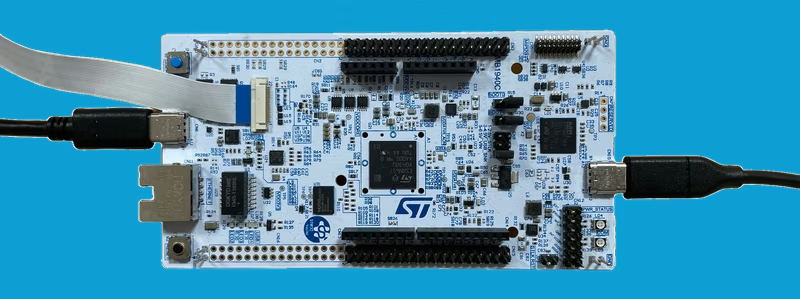
Overview
The STM32N6 series represents a significant leap for high-performance microcontrollers, particularly for artificial intelligence and computer vision at the edge. This repository serves as a foundational “Getting Started” guide for developers looking to deploy image classification models onto the STM32N6570-DK discovery board or the NUCLEO-N657X0-Q development platform.
At its core, the project demonstrates a complete real-time vision pipeline. Unlike traditional microcontrollers that might struggle with the heavy lifting of image processing, the STM32N6 utilizes specialized hardware blocks to maintain high frame rates. The application prioritizes clarity and understandability, making it an ideal starting point for developers transitioning from high-level AI training to embedded deployment.
Technical Architecture
The project implements a sequential application flow that leverages several high-performance peripherals unique to the STM32N6 architecture:
- DCMIPP & ISP: The Digital Camera Memory Interface & Pixel Processor (DCMIPP) handles dual pipelines for camera data. It works in tandem with the Image Signal Processor (ISP) to perform hardware-accelerated cropping, decimation, and downscaling, ensuring the input image matches the neural network’s requirements without taxing the CPU.
- NPU Acceleration: AI inference is performed on the integrated Neural Processing Unit (NPU). By using quantized models generated through STEdgeAI, the system achieves impressive inference times—as low as 1ms for MobileNet v1 and 44ms for EfficientNet v2B1.
- LTDC Display Controller: The results are rendered via the LCD-TFT Display Controller (LTDC) using a dual-layer implementation, allowing the classified labels and confidence levels to be overlaid directly on the live camera feed.
Hardware and Boot Configurations
One of the defining characteristics of the STM32N6 is its memory architecture. Because the series does not feature internal flash memory, this project provides a comprehensive look at how to manage firmware in such an environment. It supports two distinct modes:
- Development Mode: Firmware is loaded directly into SRAM during a debug session. This is ideal for rapid iteration but is volatile; the program is lost once the board is powered off.
- Boot from Flash: For permanent deployment, the project includes instructions for programming an external flash memory. This involves a multi-stage process including a First Stage Boot Loader (FSBL), the signed application binary, and the neural network weights.
The project supports multiple camera modules, including the IMX335 and various STEVAL modules, and offers flexible display options. While the Discovery Kit uses an onboard LCD, the Nucleo board can be configured to output data via a USB/UVC (USB Video Class) interface or a standard SPI display.
Integration with ST ModelZoo
While this project functions as a standalone application, it is also a vital component of the ST ModelZoo. It acts as the C-based deployment target for the ModelZoo’s automated services. Developers can use the ModelZoo to train and evaluate models on a PC and then use this repository as the bridge to deploy those models onto physical STM32N6 hardware.
Getting Started
To run the project, users typically start by programming the pre-built model weights (network_data.hex) using the STM32CubeProgrammer. From there, the application can be built using either STM32CubeIDE or a standard Makefile. For those using the command line, the project provides clear workflows for signing binaries and using the STM32_Programmer_CLI to flash the external memory.
# Example: Programming the NUCLEO-N657X0-Q via Command Line
export NUEL="<Path_to_External_Loader>/MX25UM51245G_STM32N6570-NUCLEO.stldr"

# Flash the combined hex file
STM32_Programmer_CLI -c port=SWD mode=HOTPLUG -el $NUEL -hardRst -w Binary/NUCLEO-N657X0-Q/SPI-Display/NUCLEO-N657X0-Q_GettingStarted_ImageClassification-spi.hex
By providing a transparent look at the interaction between the NPU, ISP, and memory interfaces, this repository serves as the essential blueprint for building next-generation vision applications on STM32 hardware.
Related Projects
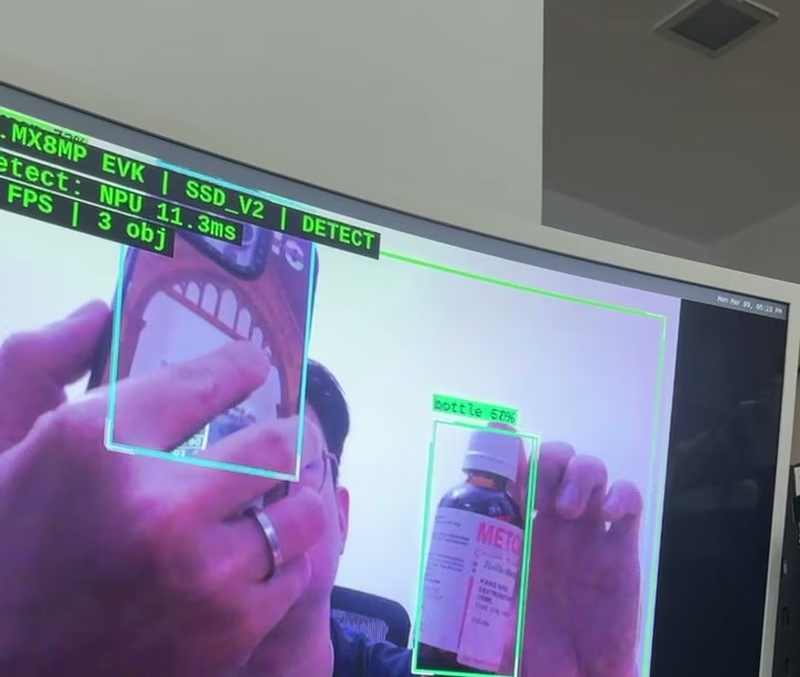
Edge AI on Embedded Linux — i.MX 8M Plus
A full-stack embedded Linux project for the NXP i.MX 8M Plus EVK featuring real-time NPU-accelerated object detection and NIR spectral monitoring. It demonstrates a complete development workflow from Yocto BSP bring-up and custom kernel module development to high-level Python applications using TensorFlow Lite and GStreamer.
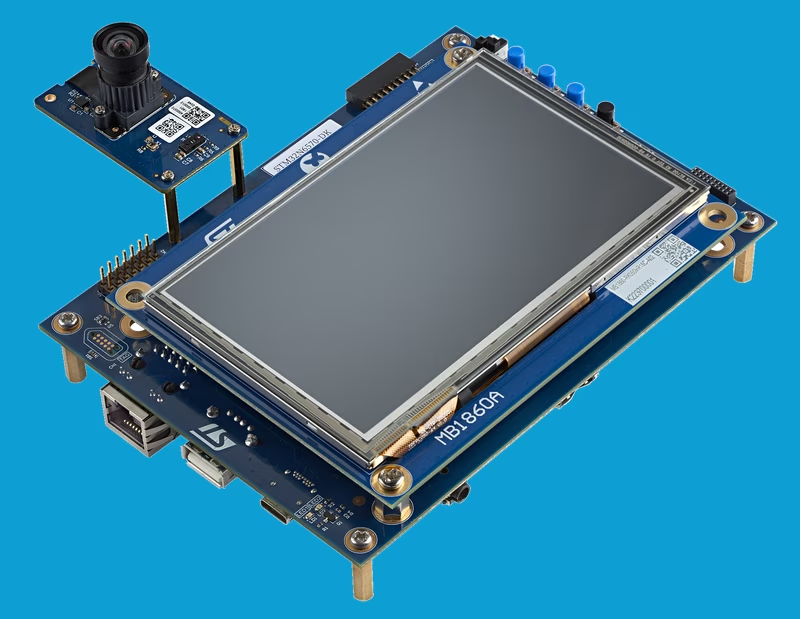
STM32N6 AI Object Detection and H.264 USB Video Streaming
This project demonstrates high-performance computer vision on the STM32N6570-DK discovery board, utilizing an NPU-accelerated quantized AI model for real-time object detection. It leverages a multi-threaded FreeRTOS architecture to manage a complex pipeline including DCMIPP image processing, hardware H.264 encoding, and USB Video Class (UVC) streaming.
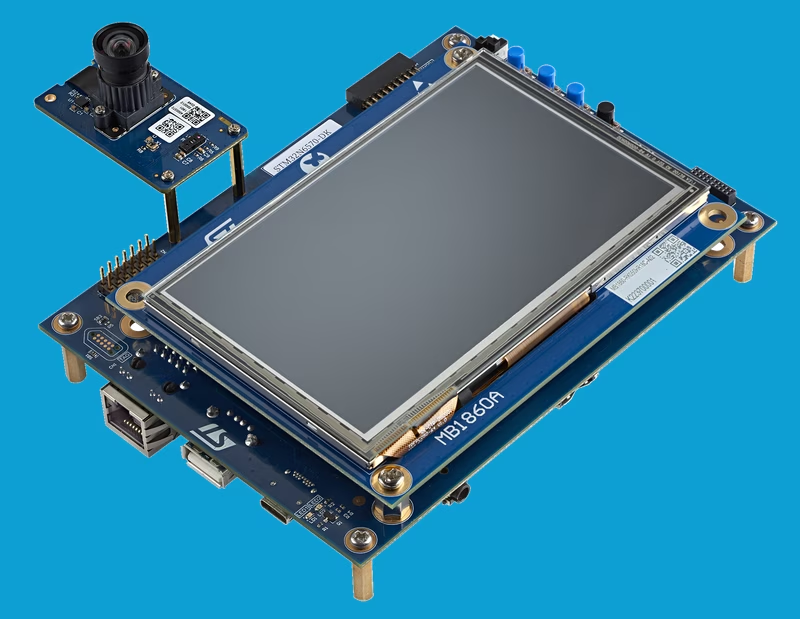
STM32N6 Camera Capture Application
This computer vision application demonstrates high-performance video streaming using USB UVC on STM32N6 series microcontrollers. It utilizes FreeRTOS for multi-threaded management and the Azure RTOS USBX stack to stream YUV422 video at various resolutions up to 800x480 at 30 FPS.
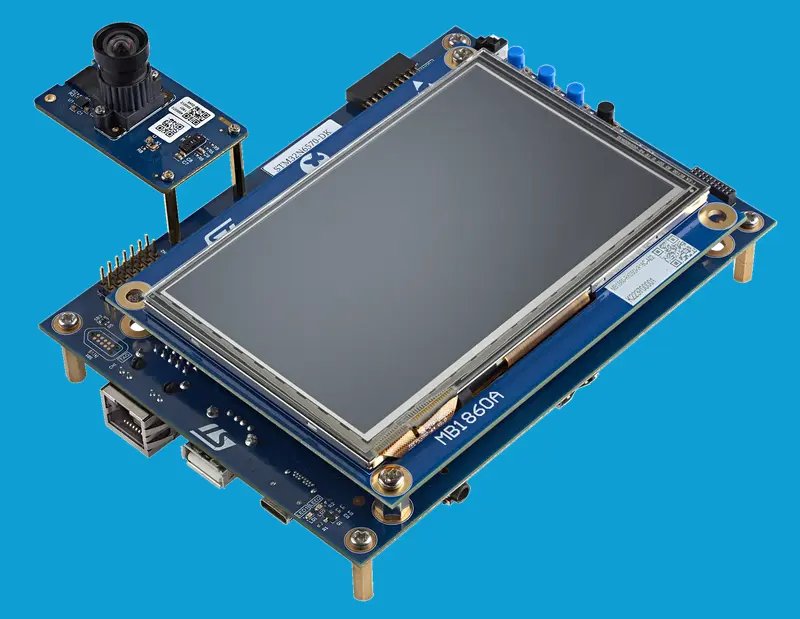
STM32N6 Getting Started for Object Detection
A real-time object detection application for STM32N6 microcontrollers, showcasing NPU-accelerated AI inference using STEdgeAI. It features a sophisticated vision pipeline with dual DCMIPP pipelines, ISP integration, and support for external flash booting on STM32N6570-DK and NUCLEO-N657X0-Q boards.
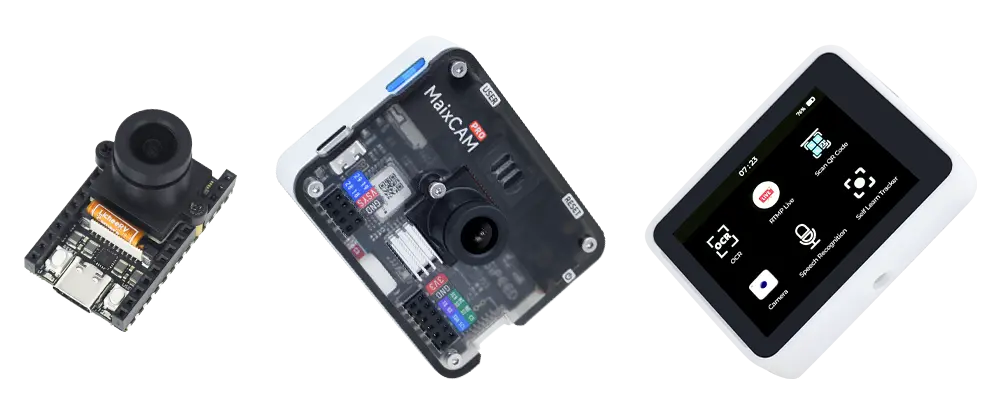
MaixPy (v4)
A Python SDK for edge AI vision and audio applications targeting Sipeed's MaixCAM and MaixCAM2 hardware. It provides high-level APIs for NPU-accelerated AI models, image processing, and peripheral control on RISC-V and ARM-based embedded systems.