Tossed The TV — Kept The Remote
An RP2040-based project that repurposes old infrared TV remotes into programmable USB HID devices like presentation clickers or custom keyboards. It utilizes the Arduino framework with TinyUSB for HID communication and LittleFS for storing button mappings in JSON format, configured via a Web Serial browser application.
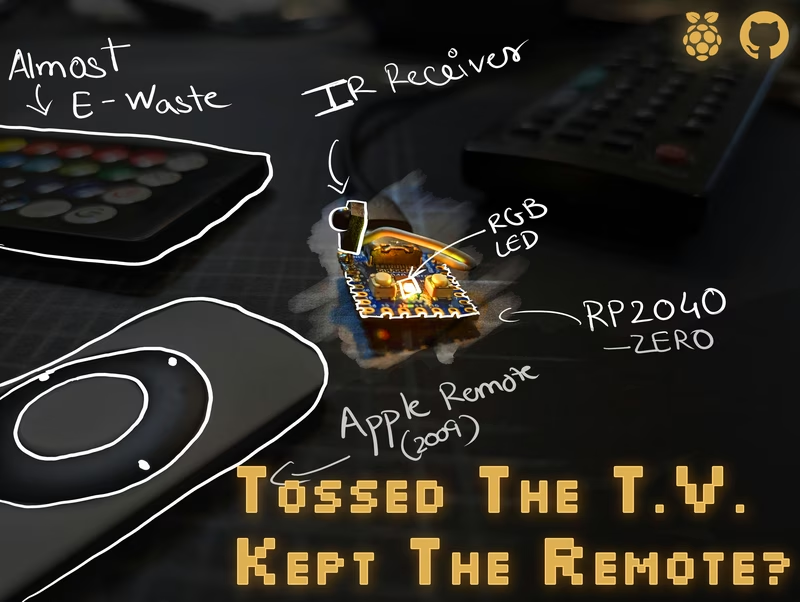
Breathing New Life into E-Waste
There is an overwhelming amount of old TV remotes gathering dust in junk drawers or ending up in landfills, while specialized “powerpoint clickers” remain surprisingly expensive. This project, abbreviated as TTVKTR, offers a solution by converting almost any standard infrared remote into a fully functional USB Keyboard or clicker for about $5. Using an RP2040-based board like the Raspberry Pi Pico, you can transform a discarded remote into a reprogrammable “hackerman keyboard” in just a few minutes.
The system works by receiving IR codes from a standard 38 kHz receiver and translating them into USB Human Interface Device (HID) reports. These translations are based on a JSON configuration stored directly on the device’s filesystem. To make the process user-friendly, a browser-based configuration tool communicates with the hardware over Web Serial, allowing for real-time button mapping and IR code learning.
Core Features and Capabilities
The TTVKTR firmware is designed to be as flexible as modern custom mechanical keyboards. Key features include:
- Custom Keybindings UI: A dedicated browser editor for assigning remote buttons to standard keys, media controls, or custom strings.
- Multiple Layers: A single physical remote can switch between multiple layers, effectively multiplying the number of available functions.
- RGB Visual Feedback: Support for WS2812 (NeoPixel) LEDs provides layer-aware lighting, changing colors to indicate the current active mode.
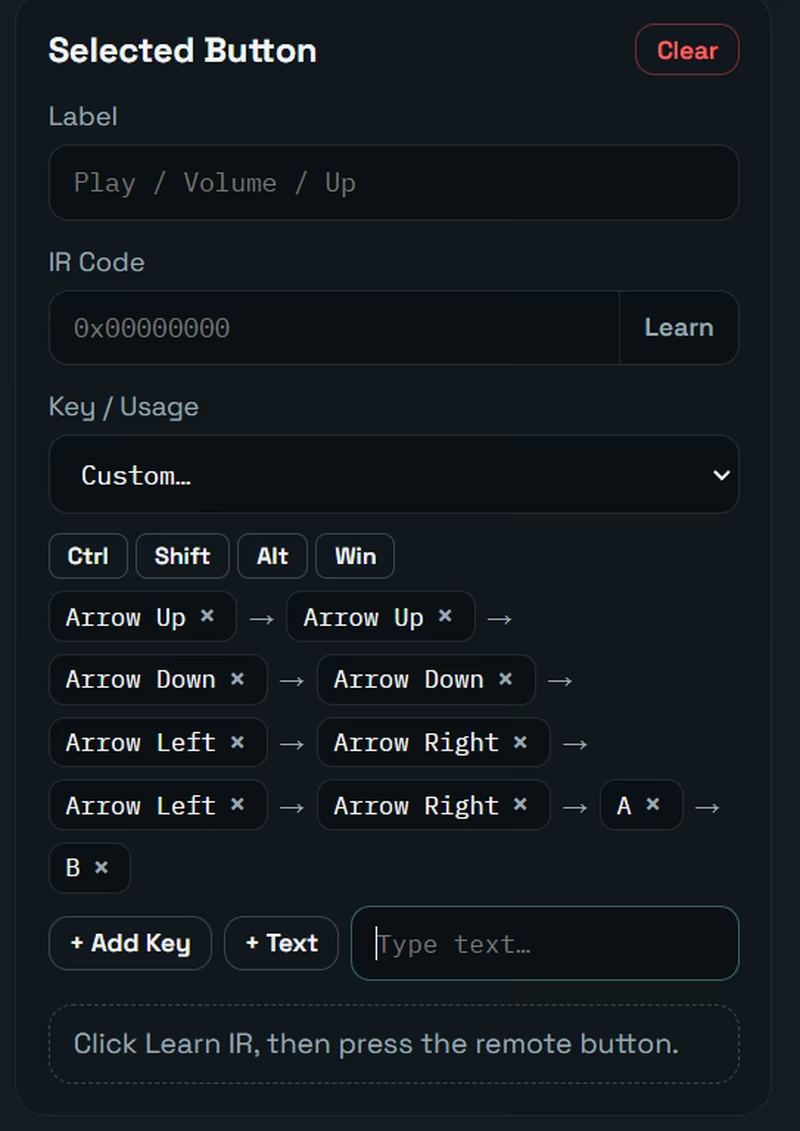
- Complex Combos: The firmware supports multi-step inputs, including modifier combinations (Ctrl, Shift, Alt, Win), repeated presses, and chained actions.
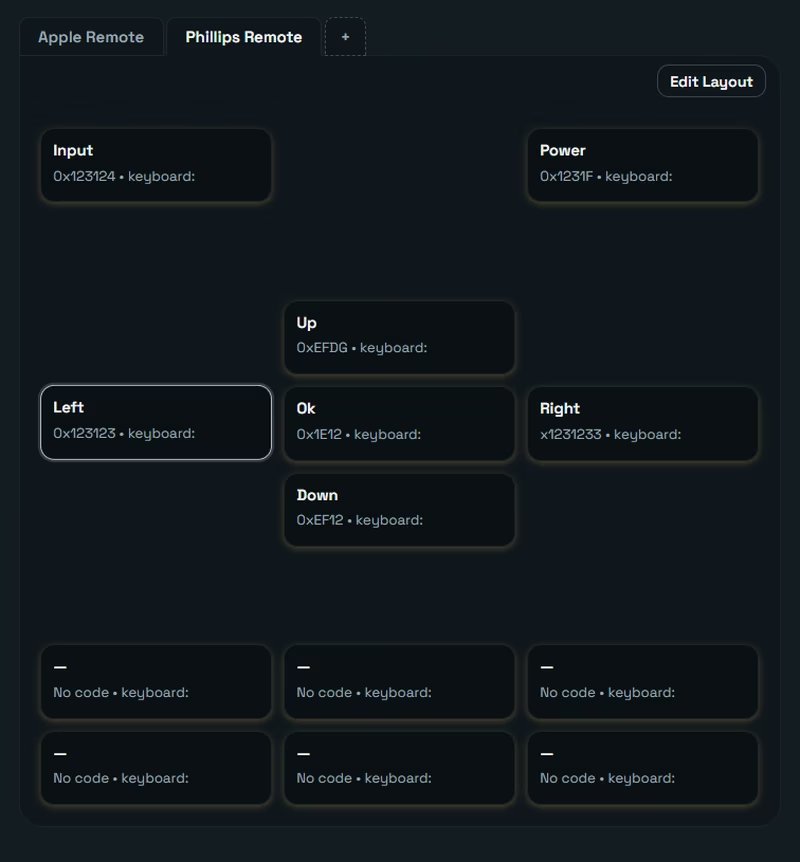
- Visual Layouts: A way to visually organize buttons to match the physical appearance of different IR remotes.
Hardware Implementation
The project targets the RP2040 microcontroller due to its native USB capabilities. Compatible boards include the Raspberry Pi Pico, Pico W, and the RP2040-Zero. The hardware requirements are minimal:
- RP2040 Board: Handles the logic and USB HID stack.
- IR Receiver: A 38 kHz module (such as the TSOPxx series) to capture signals.
- NeoPixel LED: A single WS2812 for status and layer feedback.
Wiring is straightforward and configurable, with defaults typically using GPIO 28 for the IR receiver output and GPIO 16 for the NeoPixel data input. The firmware leverages the TinyUSB stack to ensure the device is recognized as a standard keyboard by any host computer.
Configuration and Web Interface
One of the primary goals of TTVKTR is to remove the friction of traditional firmware development. Instead of editing code to change a keybinding, users interact with a web application.
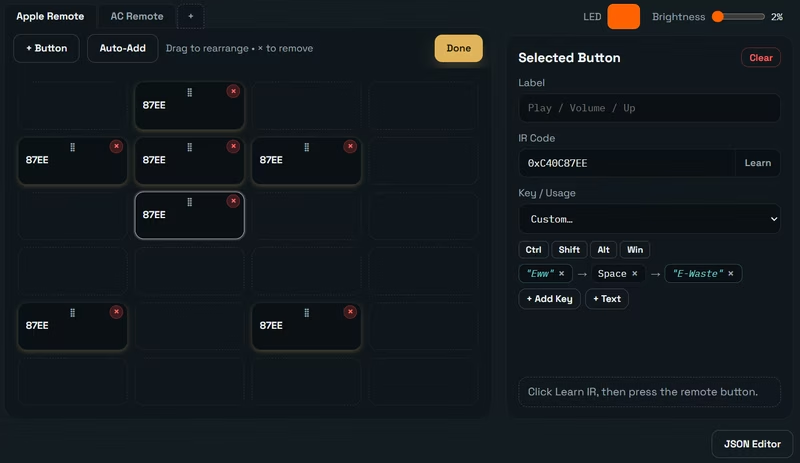
By connecting the device via a Chromium-based browser (Chrome, Edge, or Brave), users can load settings automatically. The interface allows for recording IR codes using a “LEARN” function and then mapping those codes to specific HID usage IDs.
Layout and Combo Editing
For those who need more than simple keypresses, the layout editor allows for dragging buttons into custom grids. This visual approach makes it easy to tell different remotes apart.
The “Combo” system is particularly powerful, supporting modifier chips that can be toggled before capturing a key, text steps that type out literal strings character-by-character, and multi-step sequences chained with delays. This allows a single button on a TV remote to perform complex tasks like Ctrl+A → Delete → Tab or typing a common password or command.
Technical Architecture
The firmware is built using the PlatformIO ecosystem and the Arduino core for RP2040. It relies on several key open-source libraries, including IRremote for signal decoding and ArduinoJson for managing the configuration file. All settings are stored in a settings.json file on a LittleFS partition.
To maintain performance and stability, the firmware enforces certain limits:
- Max Layers: 5
- Max Buttons per Layer: 20
- Max Steps per Combo: 8
- Max Text Length: 48 characters per step
This architecture ensures that the device remains responsive while providing enough complexity for advanced automation tasks, bridging the gap between simple IR receivers and high-end programmable input devices.
Related Projects
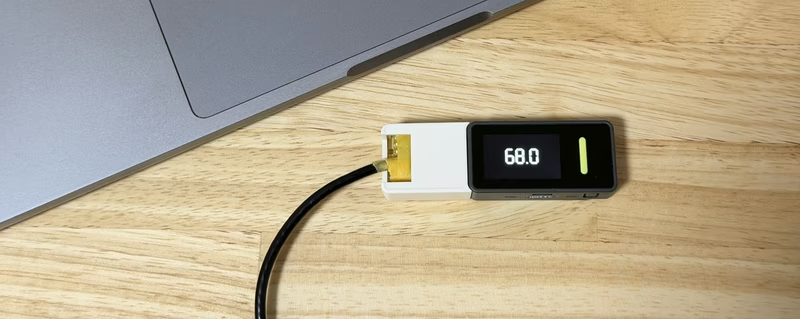
Flexispot Web Controller
This project enables remote control and monitoring of Flexispot standing desks using an Arduino Nesso N1 or other M5Unified-compatible ESP32 devices. It emulates the original desk controller by communicating with the LoctekMotion control box via serial protocols, providing both a web-based UI and physical button controls.
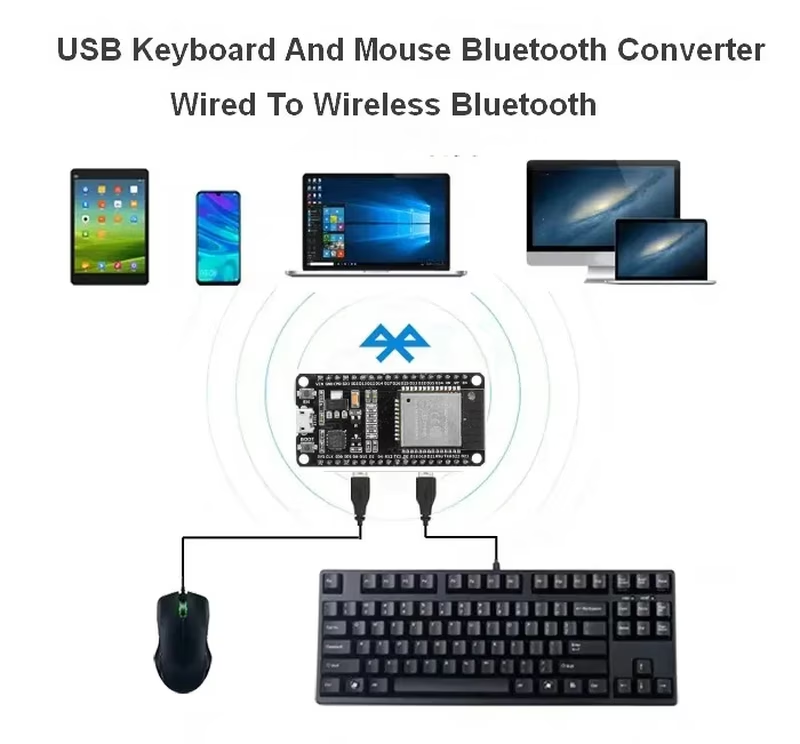
USB Keyboard and Mouse Bluetooth Adapter (ESP32)
This project transforms an ESP32 into a bridge between wired USB peripherals and Bluetooth-enabled hosts. By combining software-defined USB host capabilities with the NimBLE stack, it allows standard USB keyboards and mice to function as wireless BLE devices across multiple operating systems.
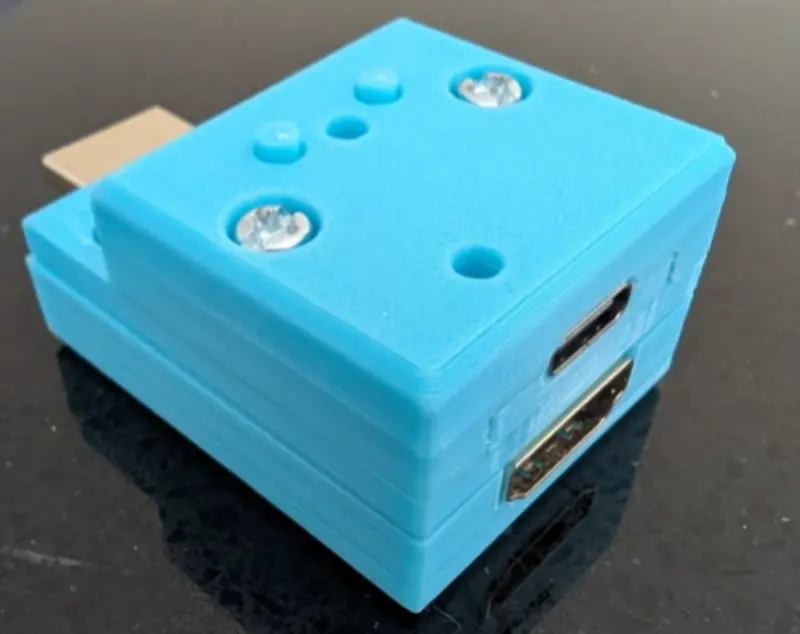
Pico-CEC
A Raspberry Pi Pico-based bridge that converts HDMI CEC (Consumer Electronics Control) signals into USB HID keyboard inputs, enabling TV remote control for media centers like Kodi. It utilizes FreeRTOS for task management and supports both RP2040 and RP2350 microcontrollers.
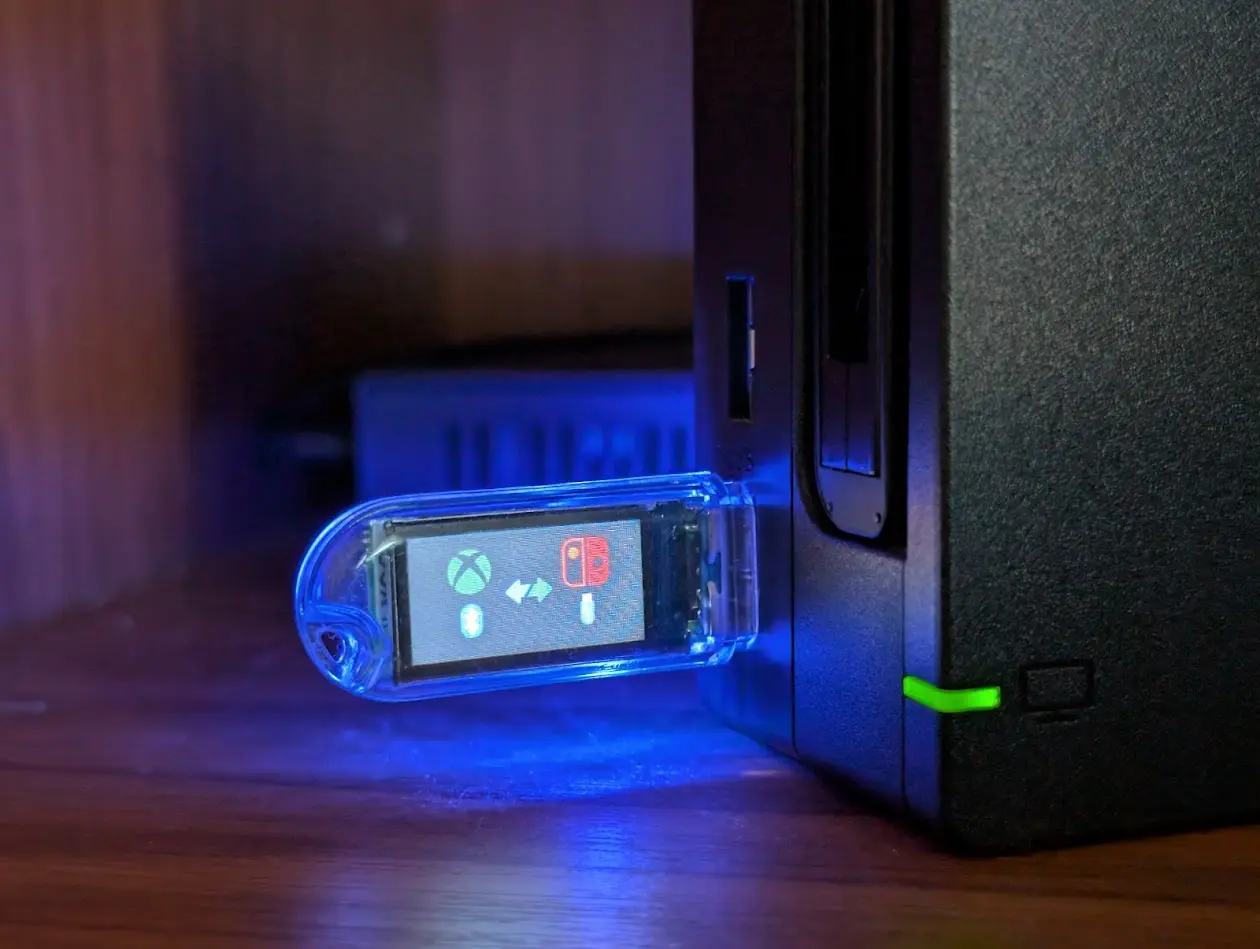
ESP USB BLE HID Bridge
A firmware project for ESP32-S3 that acts as a USB-to-BLE HID bridge, allowing Bluetooth controllers like the Xbox Wireless Controller to be used with the Nintendo Switch. It utilizes ESP-IDF, FreeRTOS, and the TinyUSB stack to emulate a Nintendo Switch Pro Controller over USB while acting as a BLE GATT client.
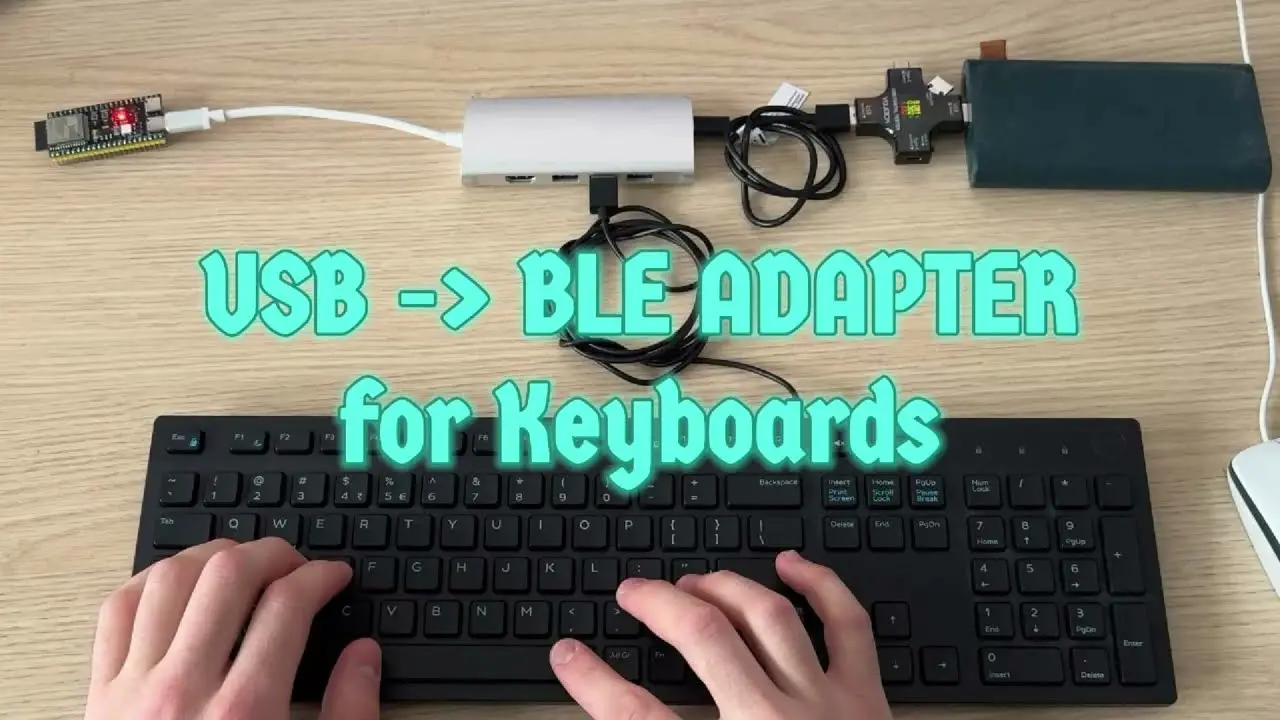
ESP32-S3 USB to BLE Keyboard Bridge
This project transforms standard USB keyboards into wireless Bluetooth Low Energy (BLE) devices using the ESP32-S3's native USB-OTG hardware. It features multi-device switching for up to three paired hosts and utilizes the NimBLE stack for low-latency HID report forwarding.
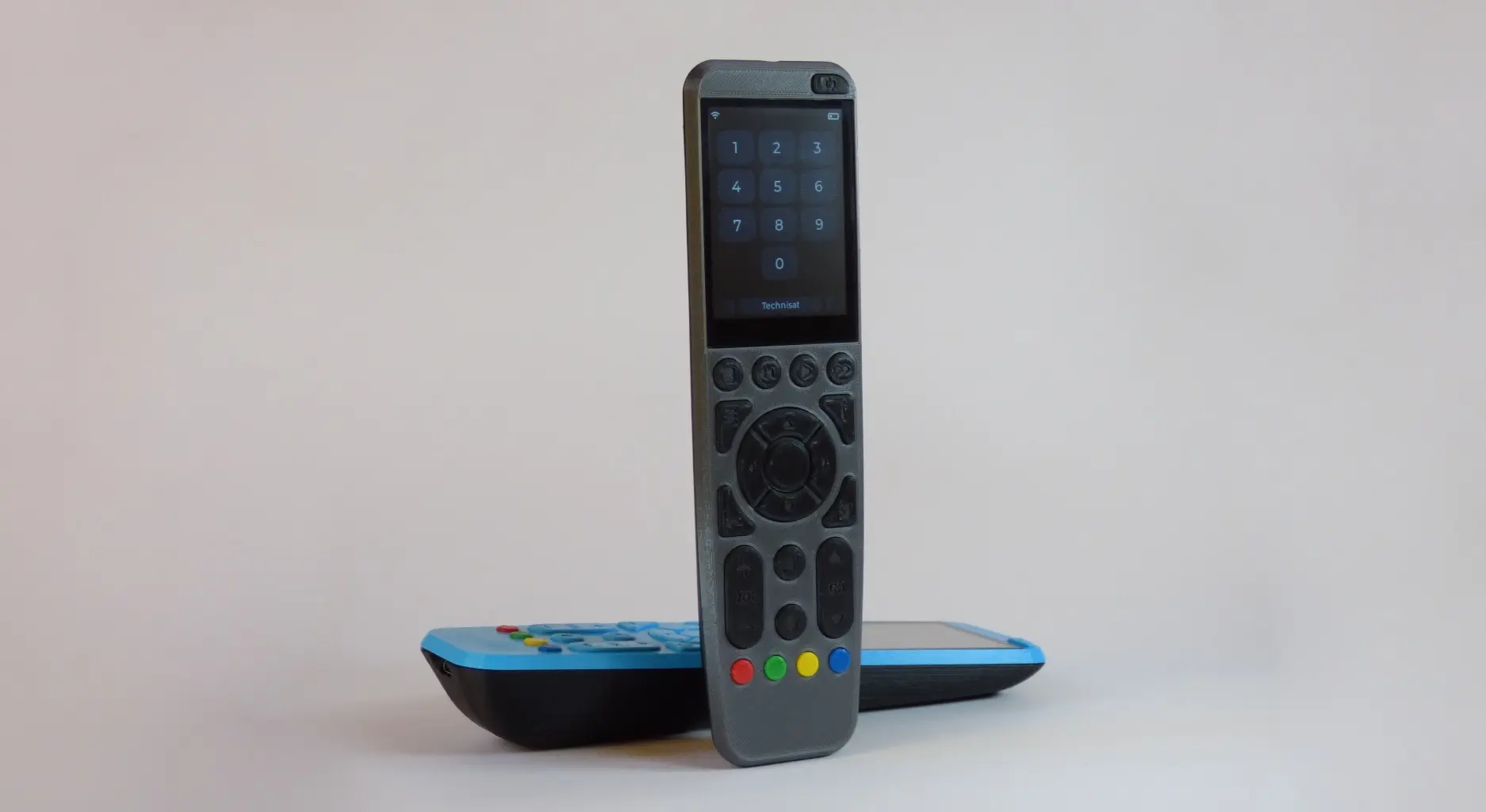
OMOTE - Open Universal Remote
An ESP32-based open-source universal remote firmware utilizing the Arduino framework and LVGL for its graphical user interface. It supports device control via Infrared, Bluetooth Low Energy keyboard emulation, and MQTT for smart home integration, featuring a cross-platform simulator for desktop-based UI development.