Flexispot Web Controller
This project enables remote control and monitoring of Flexispot standing desks using an Arduino Nesso N1 or other M5Unified-compatible ESP32 devices. It emulates the original desk controller by communicating with the LoctekMotion control box via serial protocols, providing both a web-based UI and physical button controls.
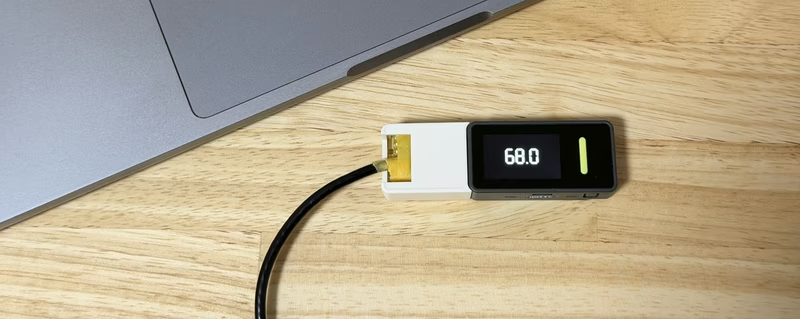
Managing a standing desk environment becomes significantly more flexible with the Flexispot Web Controller. This project enables control of Flexispot standing desks—specifically the E7 Pro—using an M5Unified-compatible device like the Arduino Nesso N1. By emulating the original desk controller, this system allows for height adjustments and preset triggers through a local network interface or physical hardware buttons.
Overview
Most Flexispot desks utilize controller boards manufactured by LoctekMotion. This project interfaces with the desk’s control box through its RJ45 port using serial communication. Beyond simple movement, the system decodes the desk’s 7-segment display output to show the current height in real-time on the device’s built-in screen and a web-based dashboard.
Key Features
The firmware provides comprehensive control over the Flexispot E7 Pro, including full up/down motion, wakeup sequences, and memory preset operations. On the physical device, Button A is configured for the Wakeup command, while Button B triggers Preset 4 (typically used for sitting height).
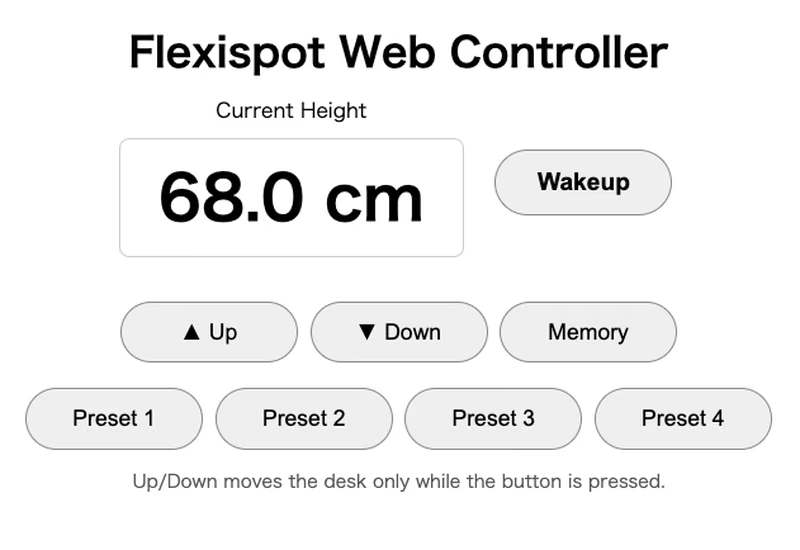
For remote operation, the Web UI is accessible via a standard browser on the local network. This interface includes:
- Wakeup: Activates the controller and initiates height monitoring.
- Manual Movement: Up and Down buttons that move the desk only while held.
- Presets: Access to four memory presets and a dedicated Memory set command.
- Live Monitoring: Height updates every second, with a status indicator that displays
Sleeping...when the desk is idle.
Hardware and Wiring
The primary tested hardware is the Arduino Nesso N1 connected to a Flexispot E7 Pro (Controller Model HS13M-1C0). The connection requires modifying a standard T-568B RJ45 Ethernet cable to bridge the desk’s control box to the microcontroller’s GPIO pins.
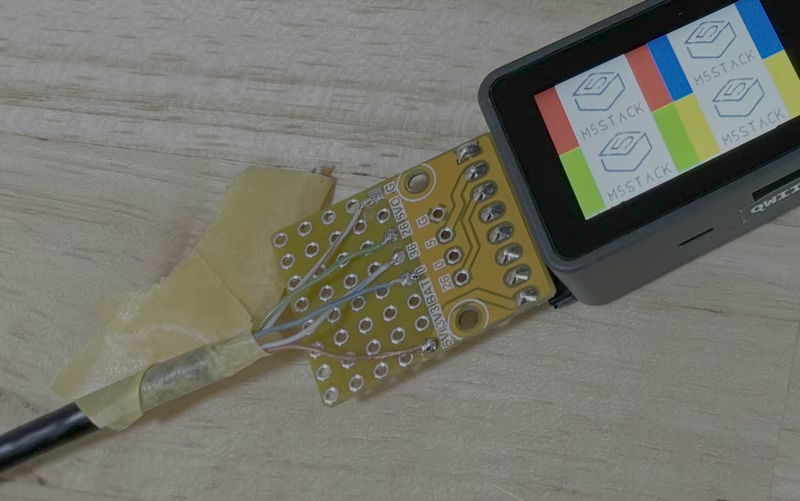
| RJ45 Pin | Cable Color | Description | Nesso N1 Pin |
|---|---|---|---|
| 4 | Blue | Wakeup Trigger | D3 |
| 5 | White Blue | RX (from remote) | D2 |
| 6 | Green | TX (to remote) | D1 |
| 7 | White Brown | GND | GND |
| 8 | Brown | VDD (5V) | VIN |
Serial Communication and Web Interface
The LoctekMotion controller operates at a baud rate of 9600 bps (8N1). The firmware handles the serial logic to interpret height data and send movement commands approximately every 108 ms during active adjustment.
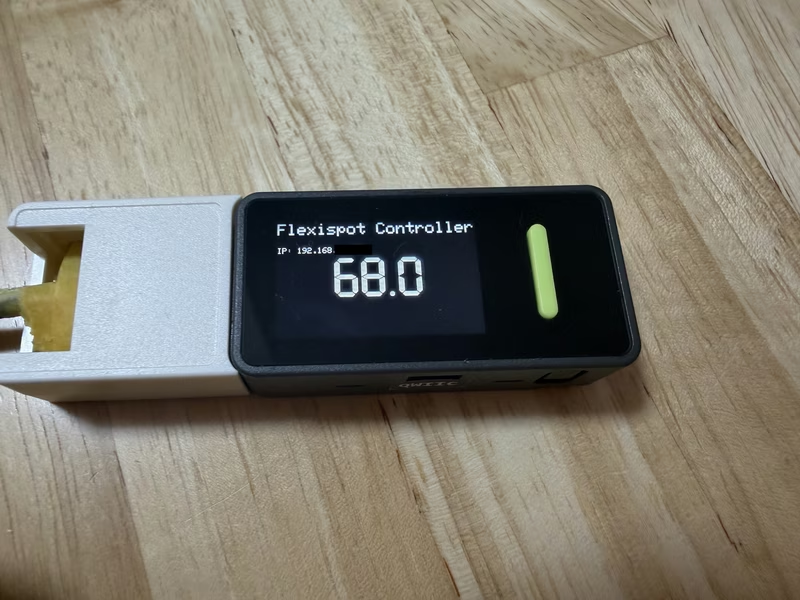
Once the Wi-Fi credentials are configured and the firmware is uploaded, the device starts an HTTP server on port 80. The assigned IP address is conveniently displayed on both the Serial Monitor and the device’s own screen, making it easy to locate the controller on the network.
Setup and Implementation
To implement this controller, users must prepare an RJ45 cable and connect it to the Flexispot controller box. Many models features two RJ45 ports, which allows this DIY controller to coexist with the original manufacturer’s remote.
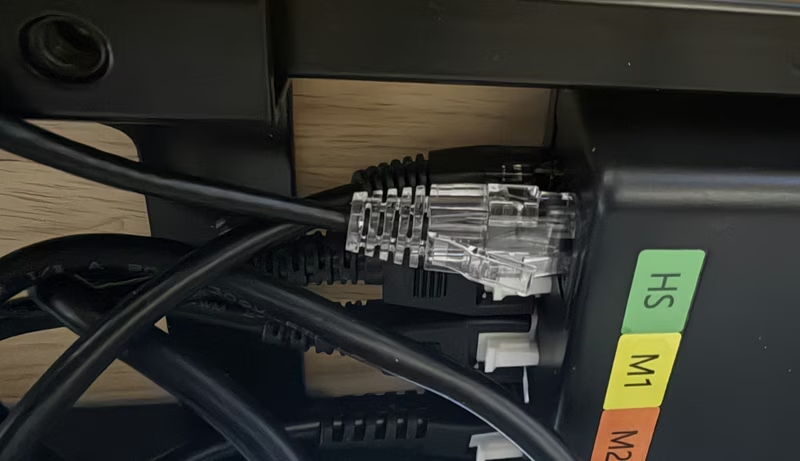
After configuring the SSID and password in the Arduino IDE, the firmware can be built and flashed to the Nesso N1. Users should always verify voltage levels with a multimeter before final connection to ensure hardware safety.
Related Projects
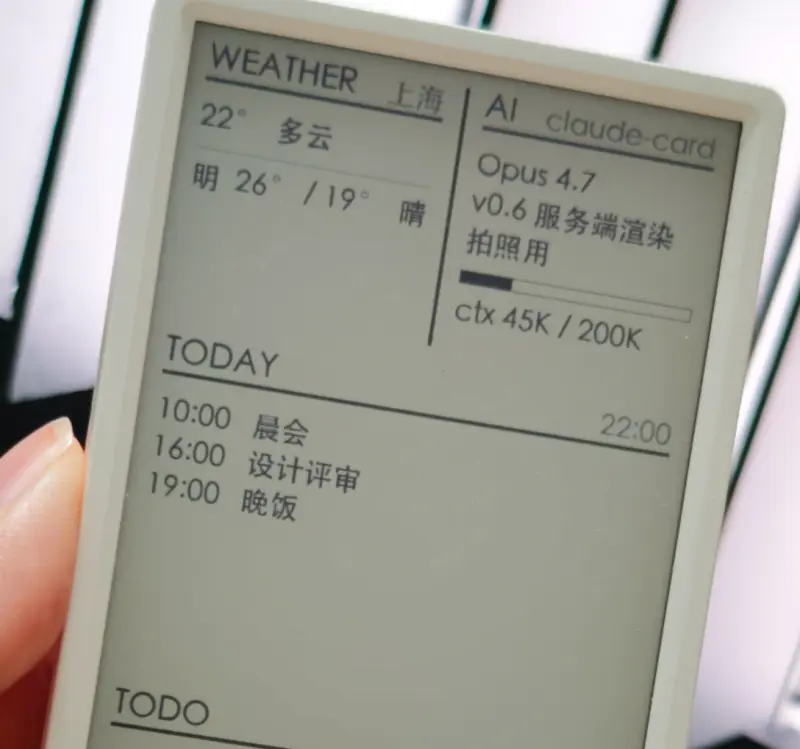
AI Desk Card
A secondary e-ink desk display designed for AI Agents like Claude Code and Codex, utilizing the M5Paper V1.1 hardware. The project features a Python-based daemon for server-side rendering and an ESP32 firmware that supports Wi-Fi, BLE, and USB communication.
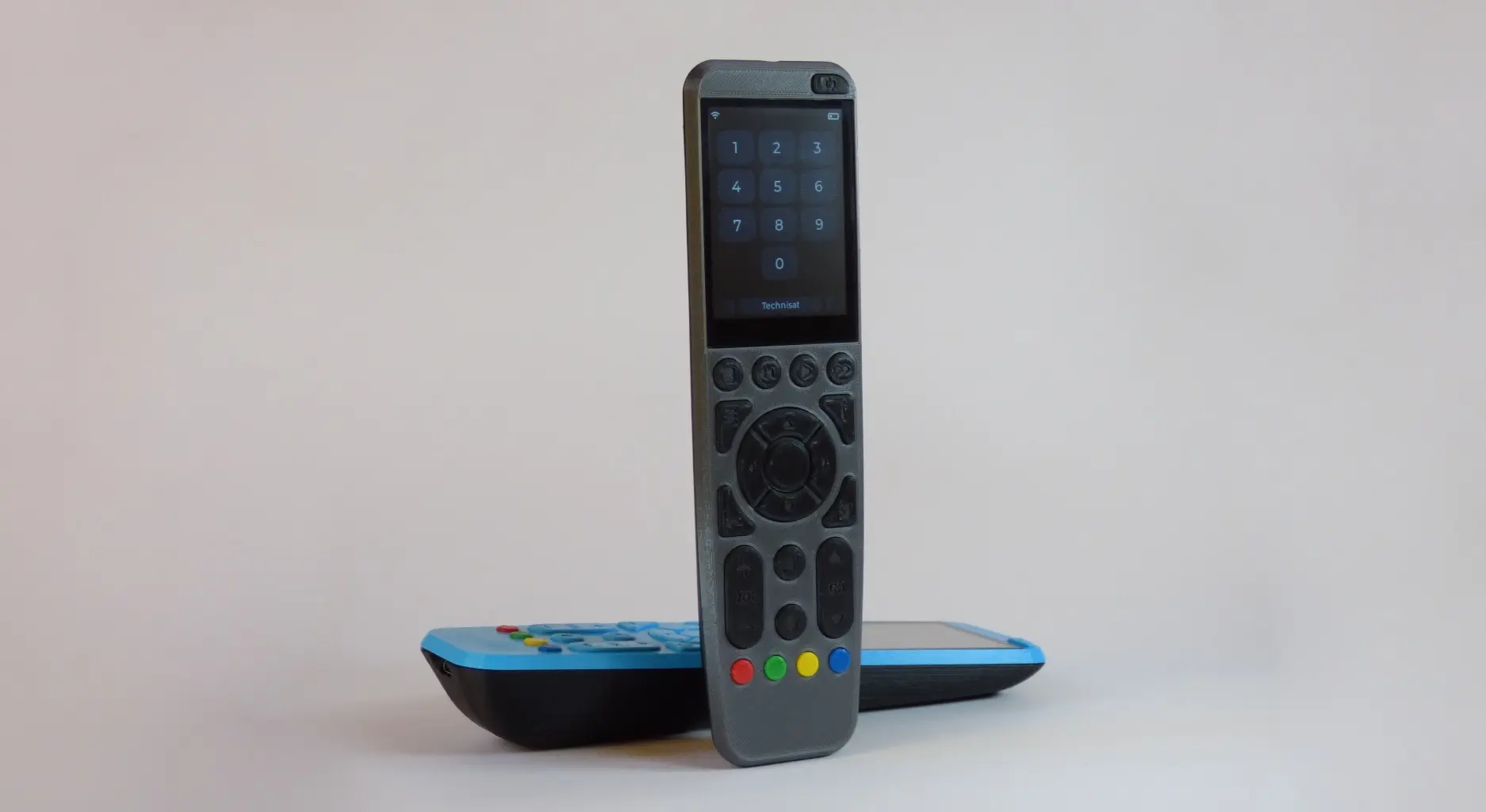
OMOTE - Open Universal Remote
An ESP32-based open-source universal remote firmware utilizing the Arduino framework and LVGL for its graphical user interface. It supports device control via Infrared, Bluetooth Low Energy keyboard emulation, and MQTT for smart home integration, featuring a cross-platform simulator for desktop-based UI development.