m5mic
A high-performance microphone solution for the M5StickS3, featuring Rust-based firmware and companion applications for macOS and iOS. It supports both plug-and-play USB Audio Class functionality and wireless streaming via WebSockets or Bluetooth LE, utilizing the ESP32-S3 and an ES8311 audio codec.
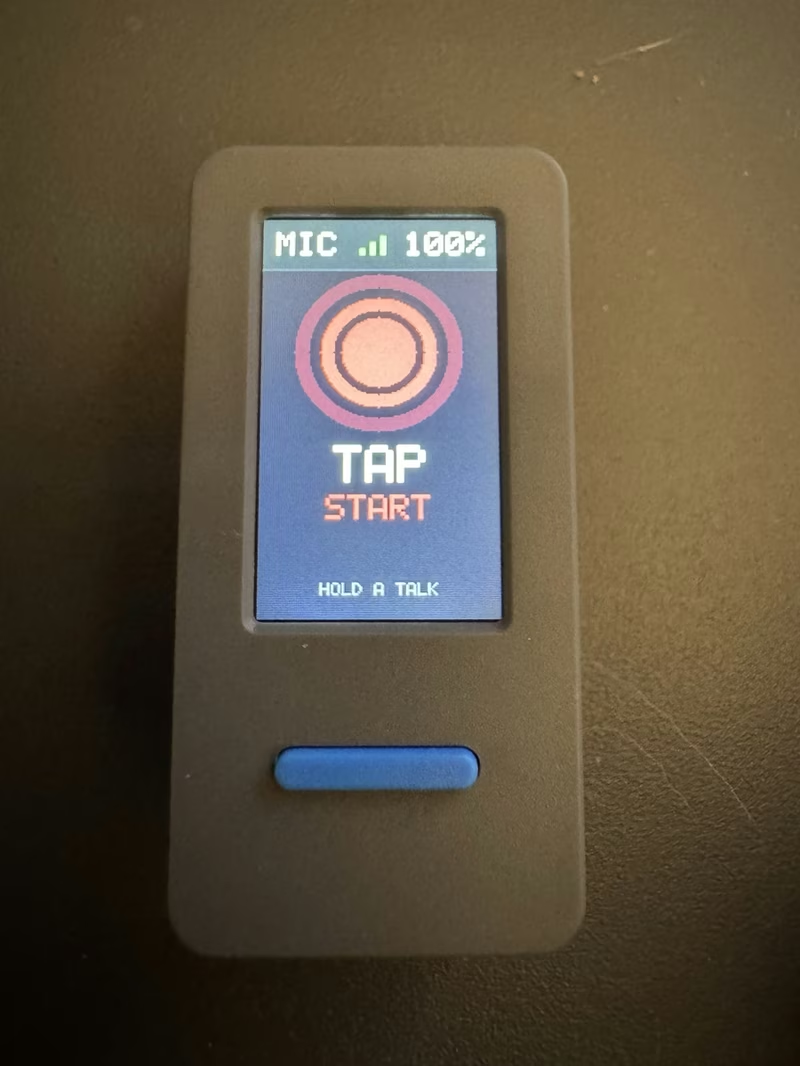
m5mic is a comprehensive ecosystem that transforms an M5StickS3 into a versatile microphone. The project consists of specialized Rust firmware for the ESP32-S3 hardware and a companion macOS menu-bar application, allowing the device to function as either a standalone USB microphone or a wireless input source.
Dual-Path Audio Firmware
The firmware is designed to handle two distinct audio paths to suit different use cases. In USB mode, the device acts as a standard USB Audio Class (UAC) microphone. This mode is entirely plug-and-play, requiring no Wi-Fi, drivers, or additional software—simply connect the StickS3 to a computer and select it as the input device.
For wireless operations, the system streams pcm_s16le audio over WebSockets. Wireless discovery is handled automatically through mDNS (advertising _m5mic._tcp.local) or via a UDP broadcast fallback on port 47777. This flexibility allows for low-latency audio transmission across a local network.
macOS and iOS Integration
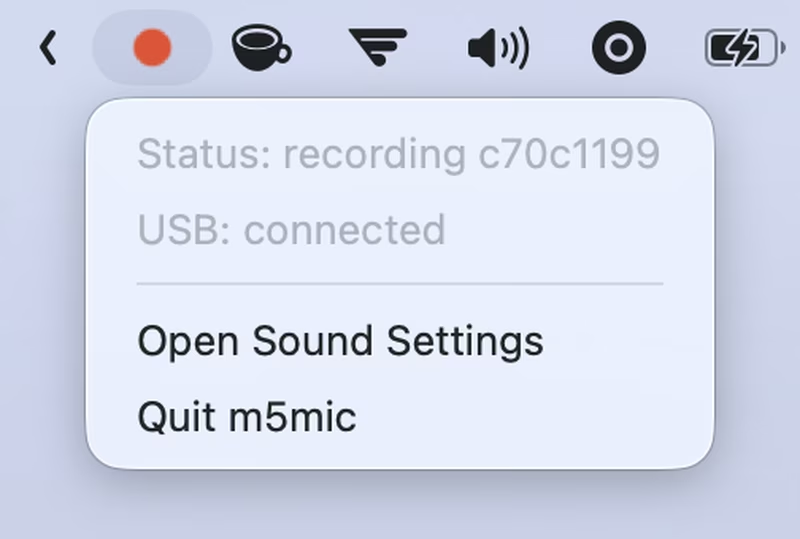
The macOS menu-bar app is the primary interface for wireless virtual microphone mode. It exposes the live WebSocket stream as a system-wide input device using a custom Rust-based CoreAudio driver. The app provides visual feedback, such as a filled red dot when audio is actively streaming, and allows users to switch between wireless and USB modes or set the system default input.
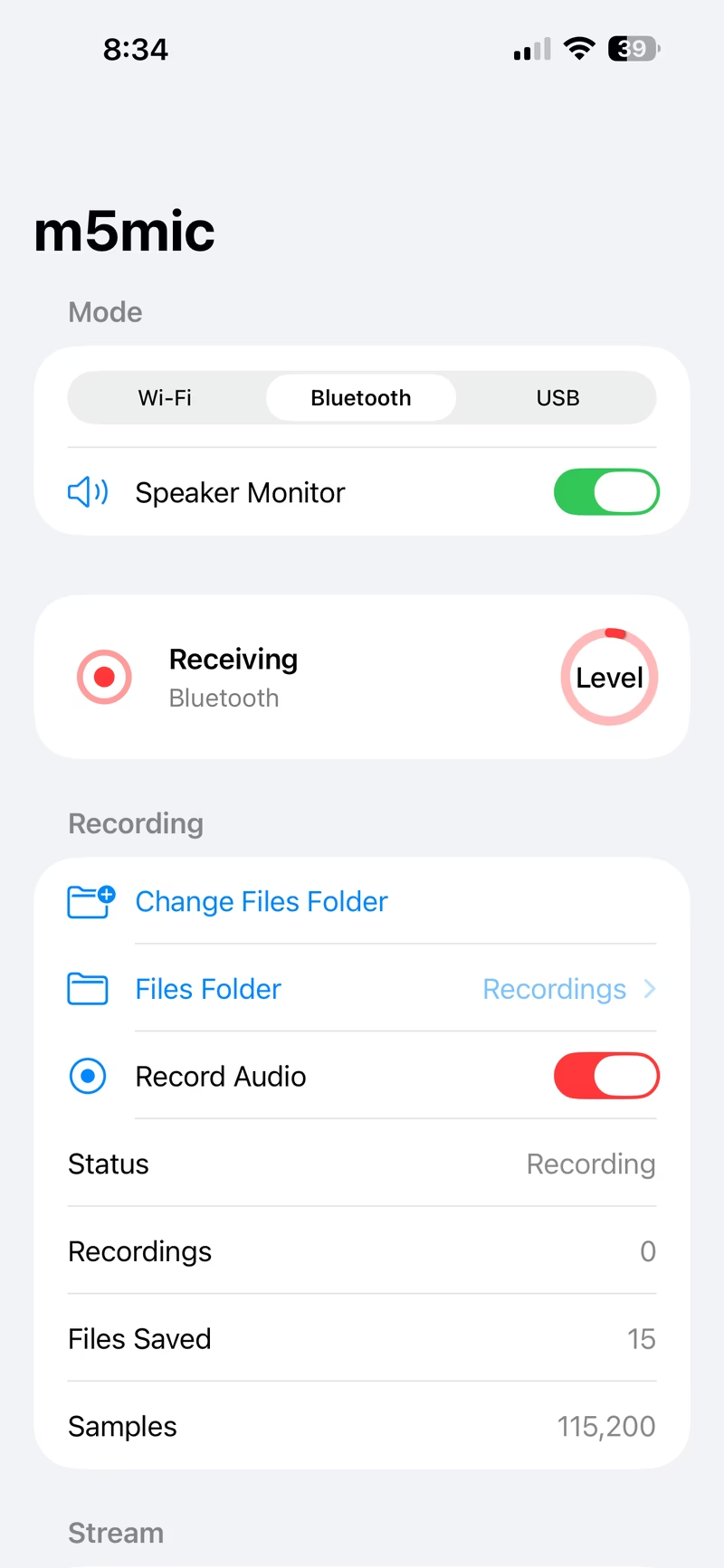
For mobile users, the iOS application (built with SwiftUI and a shared Rust core library) extends the ecosystem’s reach. It supports receiving audio via Bluetooth LE through a custom GATT service or via Wi-Fi. While iOS restrictions prevent third-party apps from exposing system-wide microphones, the app provides robust local monitoring, level metering, and recording capabilities.
Development and Debugging Tools
Beyond the consumer-facing apps, the project includes a standalone Receiver CLI. This tool is essential for development and debugging, as it can save incoming streams as uncompressed WAV files. It listens for WebSocket connections and can also operate in a virtual mic mode without local recordings. For rapid prototyping and UI testing, a preview environment can be launched via a simple Python-based local server.
Interaction and Hardware Configuration
The device UI is optimized for the M5StickS3’s form factor. Users can interact with the device using physical buttons:
- BtnA: Starts or stops a live stream (latched or push-to-talk).
- BtnB: Cycles through active modes (Wi-Fi, Bluetooth, USB) or enters the captive setup portal.
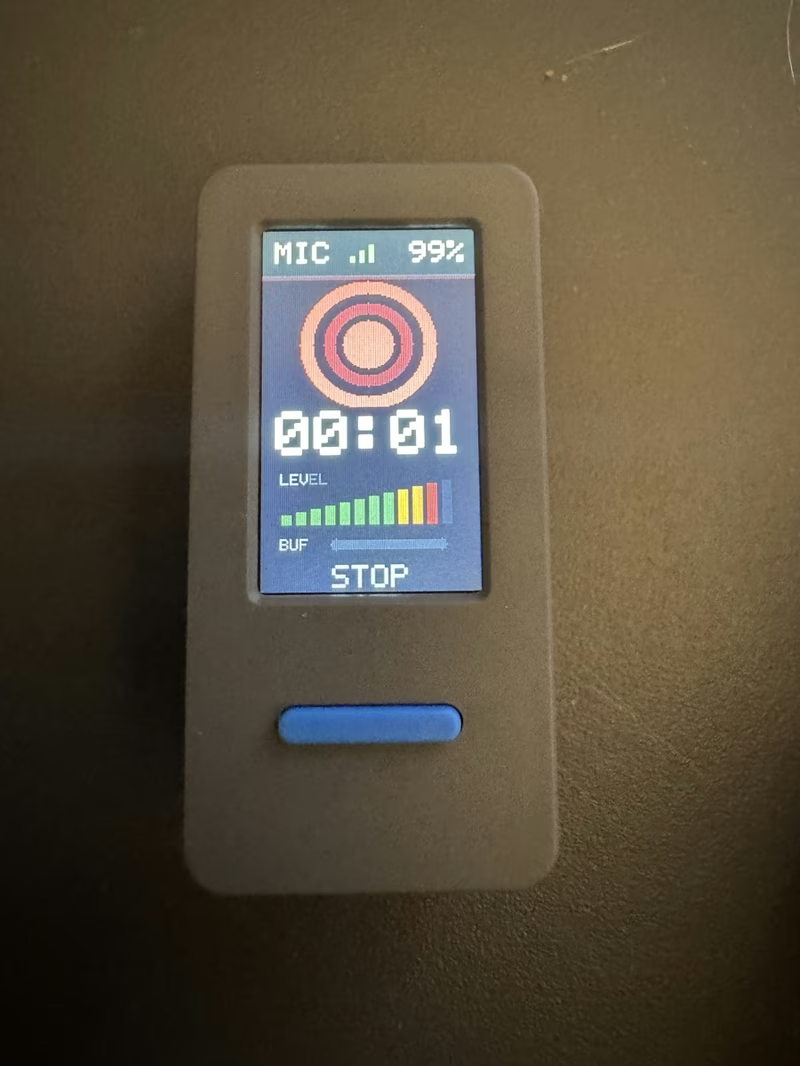
The setup portal, accessible via a local access point, allows for the configuration of Wi-Fi credentials, audio codecs (such as switching from PCM to ima_adpcm4 to reduce bandwidth), and power management settings. To save power when running on battery, the device can automatically dim the screen or pause UI updates during recording.
Technical Hardware Architecture
The m5mic firmware is built specifically for the M5StickS3 hardware, which utilizes an ES8311 codec rather than a simple PDM microphone. The audio path is managed over I2S and I2C with the following GPIO mapping:
| Signal | GPIO |
|---|---|
| ES8311 MCLK | 18 |
| ES8311 DOUT | 16 |
| ES8311 BCLK | 17 |
| ES8311 LRCK | 15 |
| ES8311 I2C SCL | 48 |
| ES8311 I2C SDA | 47 |
The firmware is compiled using the ESP Rust toolchain and can be flashed directly or exported for use with M5Launcher, providing a seamless experience for both developers and end-users.
Related Projects
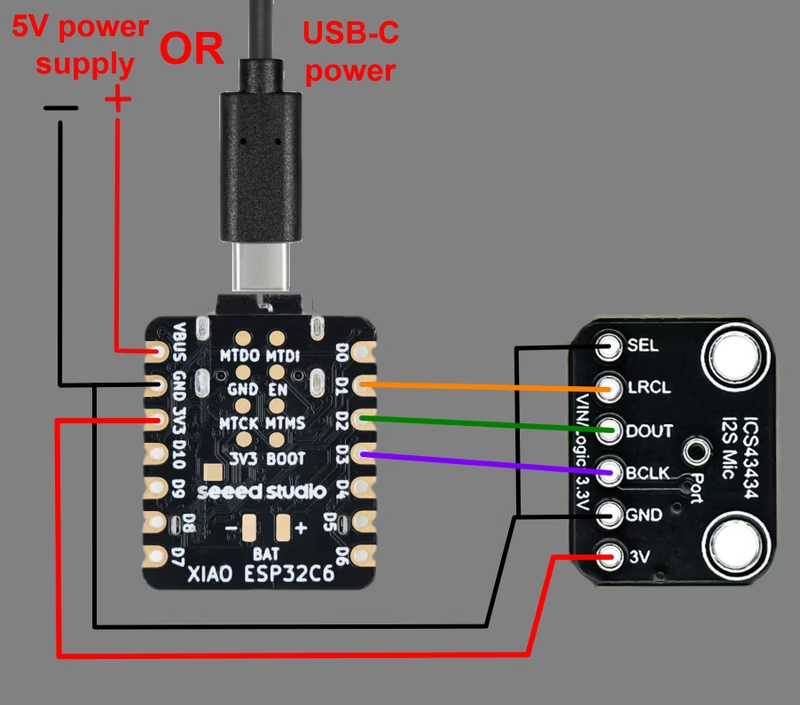
ESP32 RTSP Microphone for BirdNET
A high-performance network microphone firmware for Seeed Studio XIAO ESP32 boards that streams 16-bit PCM audio via RTSP. It is designed for integration with BirdNET-Go and BirdNET-Pi for automated bird sound identification and includes a Web UI, MQTT telemetry, and OTA support.
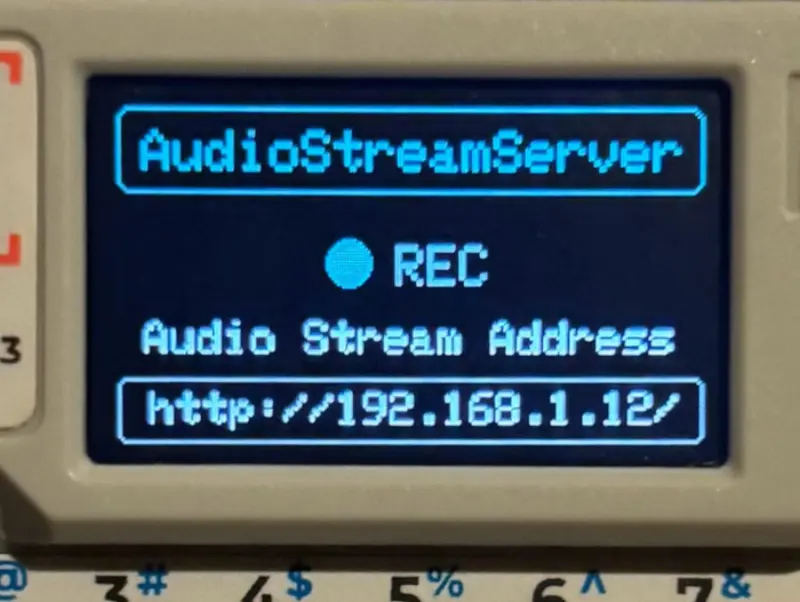
Audio Stream Server for M5Cardputer
An audio streaming server for the M5Cardputer that captures microphone input at 16000 Hz and streams it to a web browser over Wi-Fi. It features on-device Wi-Fi configuration, NVM storage for credentials, and optimized power consumption through display management.
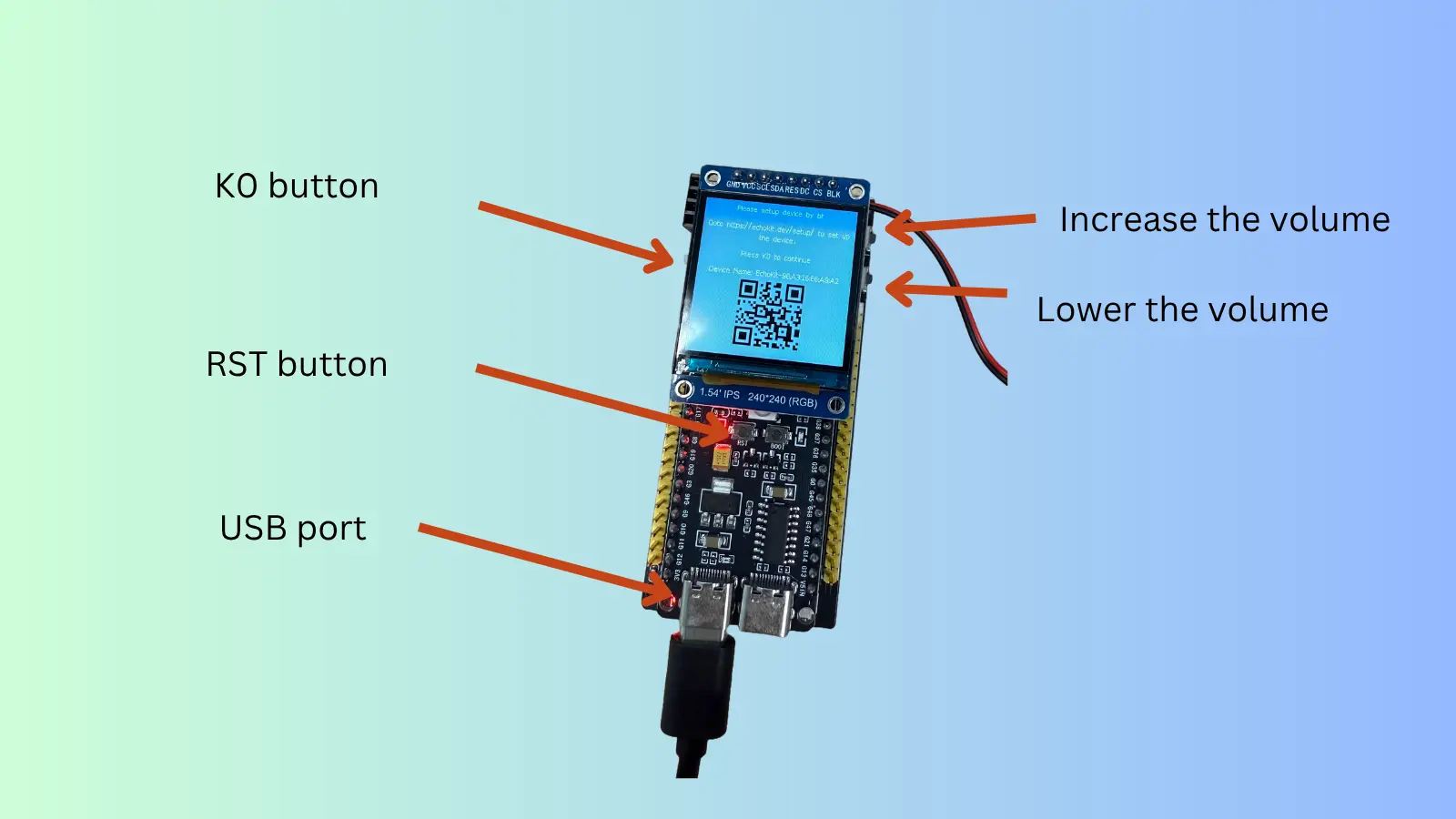
EchoKit Firmware
Rust-based firmware for the EchoKit ESP32-S3 voice interaction device. It utilizes the ESP-IDF framework to provide voice processing, display management, and network connectivity for AI-driven hardware applications.