GeekMagic SmallTV ESP8266 Firmware
A custom ESP8266-based firmware for the GeekMagic SmallTV smart weather clock, featuring a 240x240 ST7789 display. It utilizes the TFT_eSPI library for rendering and LittleFS for persistent storage of configurations and authentication data. The system provides a comprehensive web dashboard for managing WiFi, OTA updates, and various data feeds including weather, markets, and Home Assistant integrations.
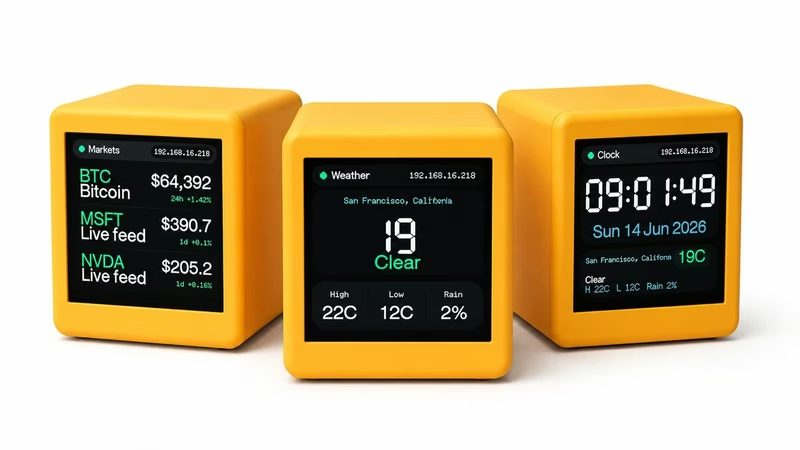
The GeekMagic SmallTV ESP8266 firmware is a specialized replacement for the stock software on SmallTV-style smart weather clocks. Specifically targeting the ESP8266-based “Ultra” variant, it transforms the device into a highly customizable desktop companion with a 240x240 ST7789 display and an authenticated web dashboard for remote management.
Core Features and Capabilities
The firmware provides a rich set of features designed for both aesthetics and utility. It includes a captive portal for initial WiFi setup, mDNS discovery for easy network access, and support for both ArduinoOTA and web-based firmware updates. The display logic supports multiple specialized pages, including a clock, weather forecasts via Open-Meteo, market trends from Finnhub or CoinGecko, and Home Assistant entity polling.
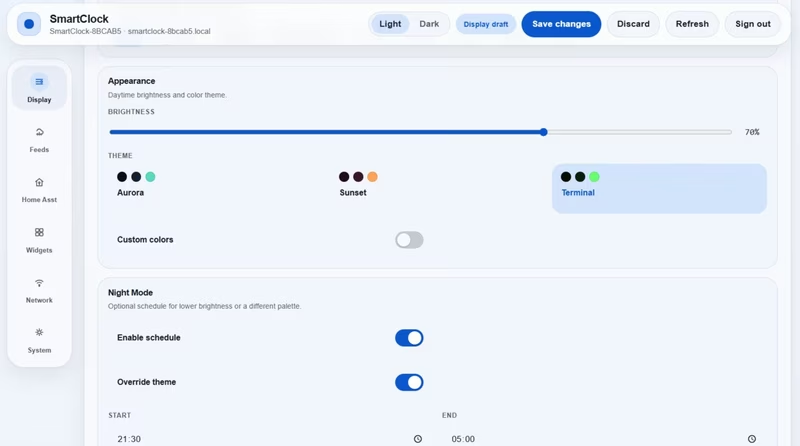
One of the standout features is the dual-profile display system, which allows users to schedule different brightness levels and themes for day and night. The system also supports temporary JPEG rendering for custom images and includes a robust recovery mechanism with a factory reset flow triggered by five quick power cycles.
Hardware and Pin Configuration
The project is optimized for ESP8266 NodeMCU v2-compatible boards. The hardware interface is centered around the ST7789 TFT display, communicating over SPI. The firmware uses specific GPIO pins for the display (MOSI on GPIO13, SCLK on GPIO14) and includes PWM control for the backlight on GPIO5. A physical button on GPIO4 handles user interaction, allowing for short presses to cycle pages and long presses to toggle the display.
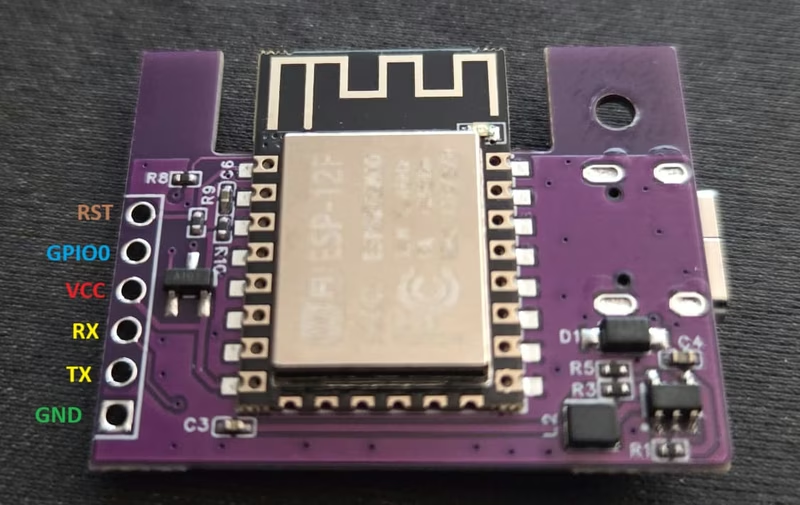
For initial installation, the firmware must be flashed over USB serial using tools like the Spacehuhn ESP web flasher or PlatformIO. The UART connector on the GeekMagic board is accessible for manual flashing if the standard USB auto-reset is unavailable.
Setup and Network Discovery
Upon the first boot, the device enters a setup mode by creating a “SmartClock-Setup” access point. To ensure security, it generates a randomized 8-digit AP password and a 10-digit admin password for the dashboard, both of which are displayed on the device screen. Once connected to WiFi, the device starts an mDNS service, making it accessible at a hostname like smartclock-[chipid].local.
The Web Dashboard
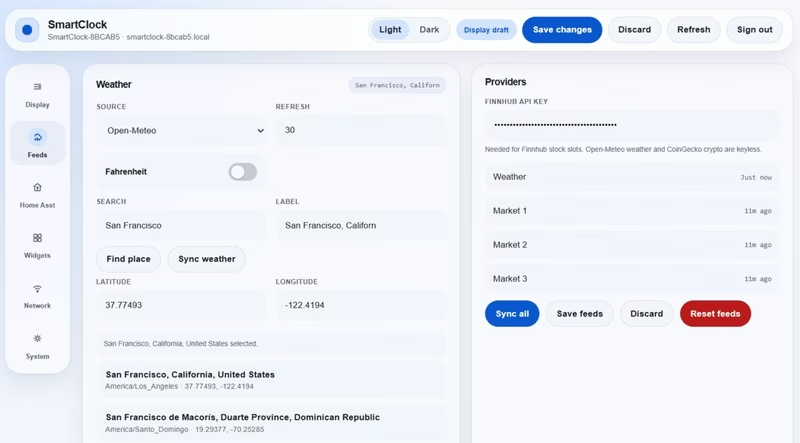
The primary management interface is a comprehensive web dashboard. It is divided into several functional areas, allowing users to configure every aspect of the device without needing to reflash the firmware.
- Display & Themes: Manage clock formats, brightness, and visual themes.
- Feeds: Configure credentials and update intervals for weather and market data.
- Home Assistant: Set up REST API polling for smart home entities.
- Widgets: Configure world clocks, focus timers, and event countdowns.
Security and Storage Model
The firmware implements a security model based on a fixed admin username and printable ASCII passwords. Session management uses HTTP-only cookies to protect the dashboard and API endpoints. For storage, the project utilizes a combination of EEPROM for core validation data and LittleFS for JSON-based configuration files, such as auth.json, dashboard-config.json, and feeds-config.json.
System Architecture
The software is built using a modular approach within the Arduino framework. The main.cpp module manages the cooperative loop and high-level services like WiFi and mDNS. Specialized modules handle distinct responsibilities: display.cpp for ST7789 rendering, feeds.cpp for external API integration, and webserver.cpp for the RESTful API and dashboard routing. This architecture ensures that long operations yield to the system, maintaining stability on the ESP8266’s single-core processor.
Related Projects
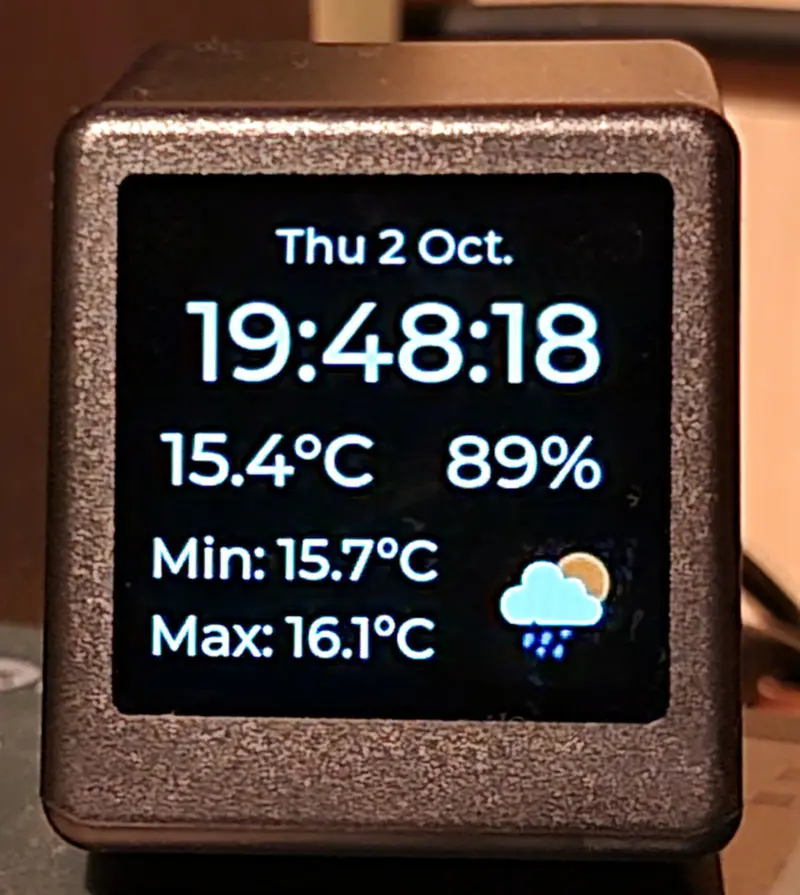
Desk Weather Clock (GeekMagic-S3)
An ESP32-S3 firmware for the GeekMagic-S3 hardware that displays time, date, and weather data. It leverages FreeRTOS and LVGL to provide a responsive 240x240 UI, features a web configuration interface, and supports remote image and text notifications via HTTP endpoints.
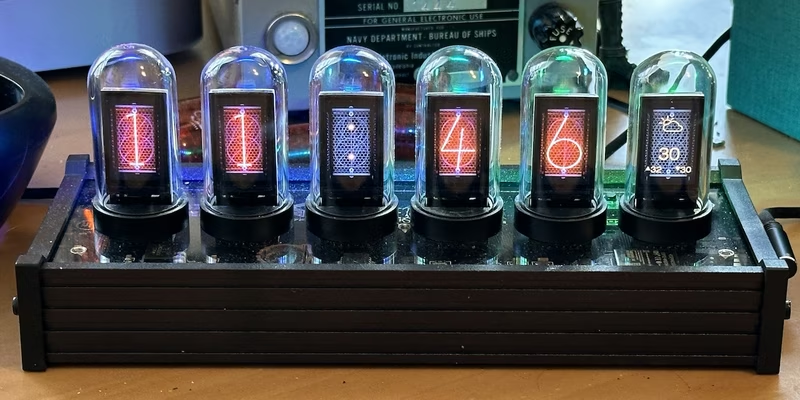
EleksTube IPS Custom Firmware
This project provides a feature-rich custom firmware for ESP32-based EleksTube IPS digital clocks, enabling internet time synchronization and weather updates. It utilizes the TFT_eSPI library for high-quality display management and LittleFS for asset storage, while offering a web-based configuration portal and MQTT integration for smart home ecosystems.
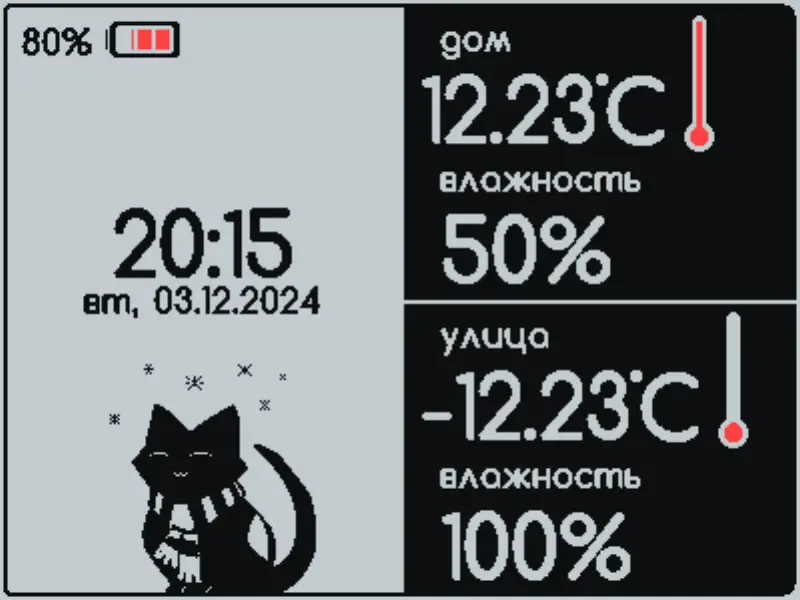
Volna 2BW42 Weather Station Firmware
An Arduino-based firmware for E-Ink weather stations targeting ESP8266 and ESP32 platforms. It supports BME280, SCD41, and DS18B20 sensors, provides MQTT connectivity for smart home integration, and features a web-based UI for configuration and custom design uploads.
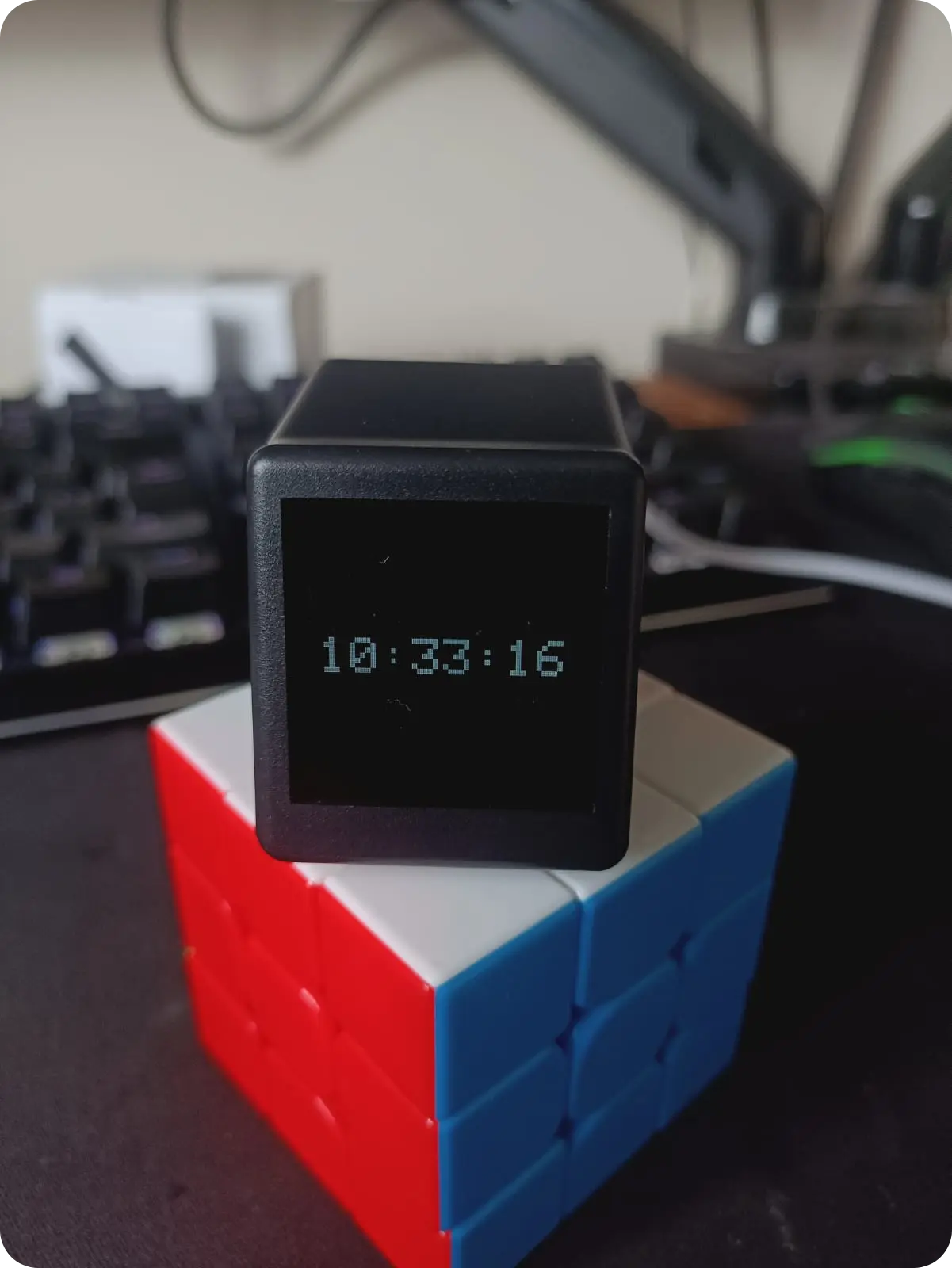
Geek Magic Firmware
A custom ESP8266 firmware for Geek Magic smart clock clones featuring NTP synchronization, Pomodoro timers, and a web-based configuration dashboard. It utilizes the TFT_eSPI library for display management and LittleFS for asset storage. The project also includes a Linux-based companion server for forwarding system notifications to the device display.