esp32-smartdisplay
A specialized driver library for Sunton 'Cheap Yellow Display' (CYD) boards, providing a unified interface for LVGL 9. It leverages the Espressif esp_lcd component to support a wide range of ESP32, S3, and C3 based smart displays with integrated touch and peripheral control.
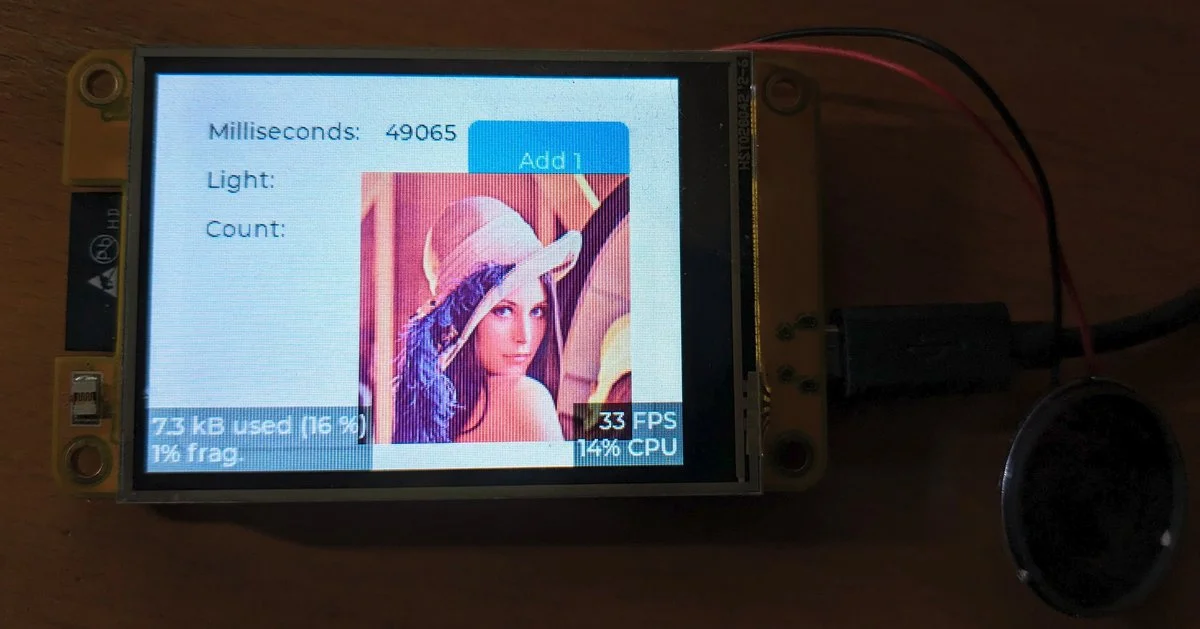
The world of low-cost ESP32-based smart displays, often referred to as ‘Cheap Yellow Displays’ (CYD) from Sunton, has long been a double-edged sword for developers. While the hardware is affordable and capable, the software ecosystem has historically been fragmented. Developers often found themselves juggling disparate examples, struggling with complex configurations in libraries like TFT_eSPI, or dealing with touch drivers that didn’t quite align with their display rotation. The esp32-smartdisplay library was created to solve these exact pain points by providing a cohesive, modern driver layer built specifically for these boards.
A Unified Driver for Sunton Hardware
At its core, esp32-smartdisplay is a library designed to make Sunton boards ‘just work’ with the LVGL (Light and Versatile Graphics Library) framework. It moves away from older, monolithic graphics libraries in favor of the modern esp_lcd panel interfaces provided by Espressif. This architectural choice ensures better future-proofing, less unnecessary code bloat, and deeper integration with the ESP32’s hardware capabilities.
The library supports a massive array of hardware, ranging from the tiny ESP32-1732S019 to the large ESP32-8048S070. Whether your board features resistive (R), capacitive (C), or no touch (N) at all, the library abstracts these differences away, allowing you to compile the same application for different hardware targets simply by changing a board definition in PlatformIO.
Key Features and Capabilities
Beyond just drawing pixels, the library handles the nuances of the Sunton ecosystem:
- Adaptive Brightness: Many Sunton boards include a CdS (light sensor). The library provides a built-in callback to automatically adjust the display backlight based on ambient light levels.
- Peripheral Control: It includes simple functions to control the onboard RGB LEDs and manage the backlight duty cycle using high-resolution PWM.
- Touch Calibration: For resistive screens, the library includes a 3-point calibration algorithm to ensure touch accuracy across the entire panel.
- Hardware Rotation: It supports on-the-fly rotation of both the display and the touch interface, compensating for hardware-specific coordinate swaps or mirroring.
Getting Started with PlatformIO
The library is optimized for the PlatformIO ecosystem. To use it, you typically include the library in your platformio.ini and point to the board definitions provided by the companion platformio-espressif32-sunton repository.
lib_deps = rzeldent/esp32_smartdisplay
build_flags =
    -D LV_CONF_PATH=${PROJECT_INCLUDE_DIR}/lv_conf.h
In your code, initialization is remarkably straightforward. A single call to smartdisplay_init() sets up the display controller, touch driver, and default backlight settings. From there, you simply interact with the standard LVGL API.
#include <esp32_smartdisplay.h>

void setup() {
  // Initialize display and touch
  smartdisplay_init();

  // Optional: Set rotation
  auto display = lv_display_get_default();
  lv_display_set_rotation(display, LV_DISPLAY_ROTATION_90);
}

void loop() {
  // Standard LVGL maintenance
  lv_timer_handler();
  delay(5);
}
Why Use This Over Alternatives?
While libraries like TFT_eSPI or LovyanGFX are excellent general-purpose tools, they often require significant manual configuration for these specific Chinese boards—defining pins, clock speeds, and initialization sequences in header files. The esp32-smartdisplay library encapsulates all that hardware-specific knowledge. It also prioritizes the use of the esp_lcd component, which is the official way forward for Espressif’s display support, ensuring that your project benefits from the latest optimizations in the ESP-IDF and Arduino cores.