Solar2MQTT
Solar2MQTT is an ESP32-based firmware bridge that translates data from solar inverters to MQTT for integration with IoT platforms like Home Assistant. It supports a wide range of Chinese-manufactured inverters and features a web-based configuration portal, live JSON data streams, and support for both WiFi and Ethernet modules.
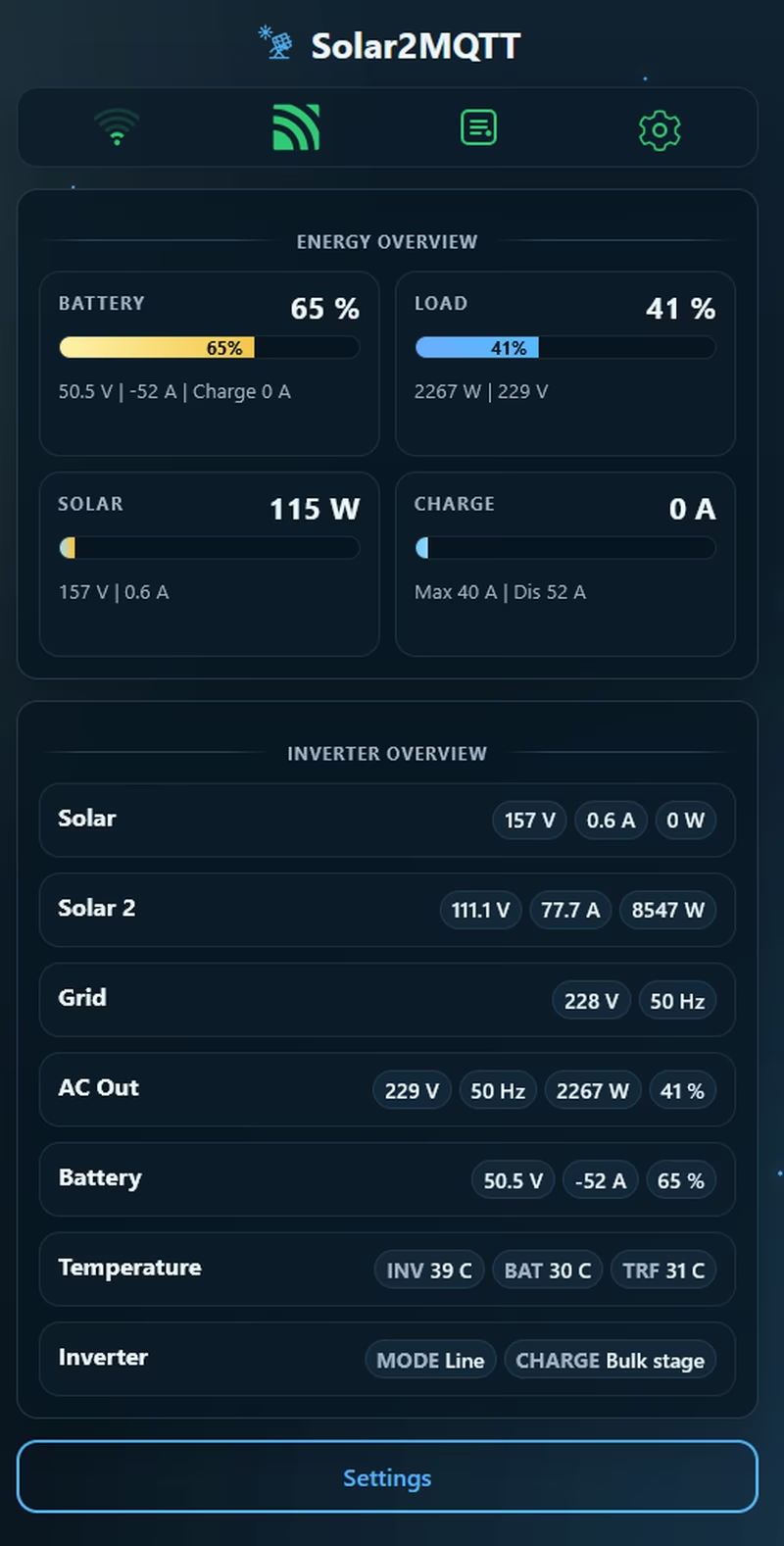
Solar2MQTT serves as a powerful bridge for solar inverter owners, enabling them to extract data from their devices and transmit it to an MQTT broker for monitoring and automation. Built specifically for the ESP32 platform, it offers a robust solution for those looking to integrate “off-grid” or “hybrid” inverters into modern smart home ecosystems like Home Assistant.
Key Features and Capabilities
The firmware is packed with features designed for ease of use and flexibility. It supports both WiFi and LAN modules, ensuring connectivity regardless of the installation environment. For initial setup, a captive portal allows users to configure WiFi and MQTT settings without needing to touch a line of code.
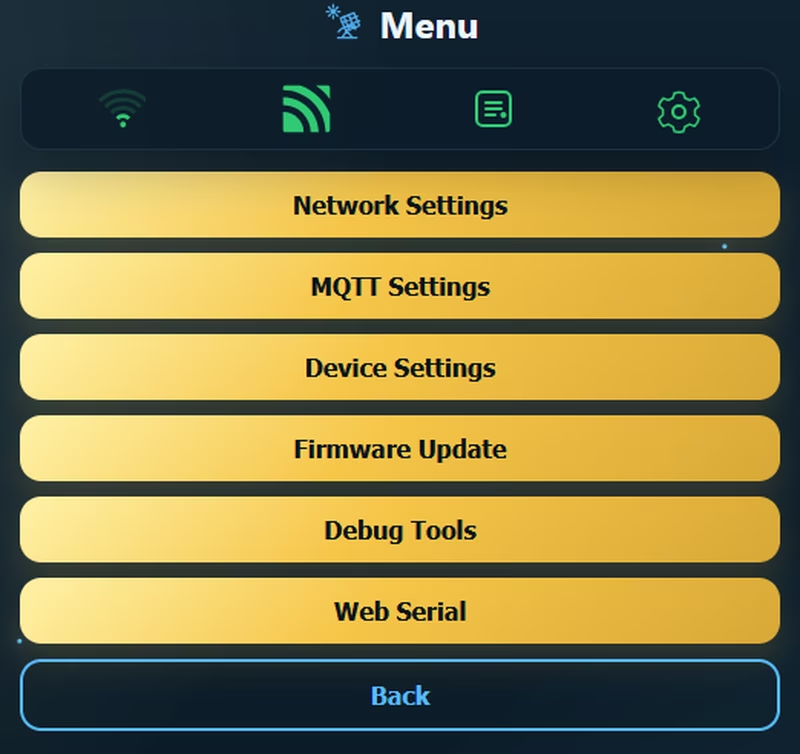
Once configured, the web interface provides a live dashboard of essential inverter data. For more advanced users, the system supports custom commands for full inverter control and provides detailed data points via MQTT in either classic formats or as JSON strings. Users can even access live JSON data directly via the web interface. Maintenance is simplified through support for firmware updates over the web, debug logging via USB or Webserial, and clear visual feedback through specific blink codes.
Device Compatibility
The project is compatible with a wide range of solar inverters, primarily those that interface with Watchpower or Solarpower PC software. This includes PIP devices, iSolar, IGrid, and many EASUN models. Generally, if an inverter features an RJ45 jack and a USB port and is primary identified by its specific display style, it is likely supported. This makes it a versatile tool for the many varieties of Chinese solar inverters found on the market.
Configuration and Control
The web interface is the central hub for managing the device. Users can fine-tune their MQTT topics, define data intervals, and monitor the connection status in real-time.
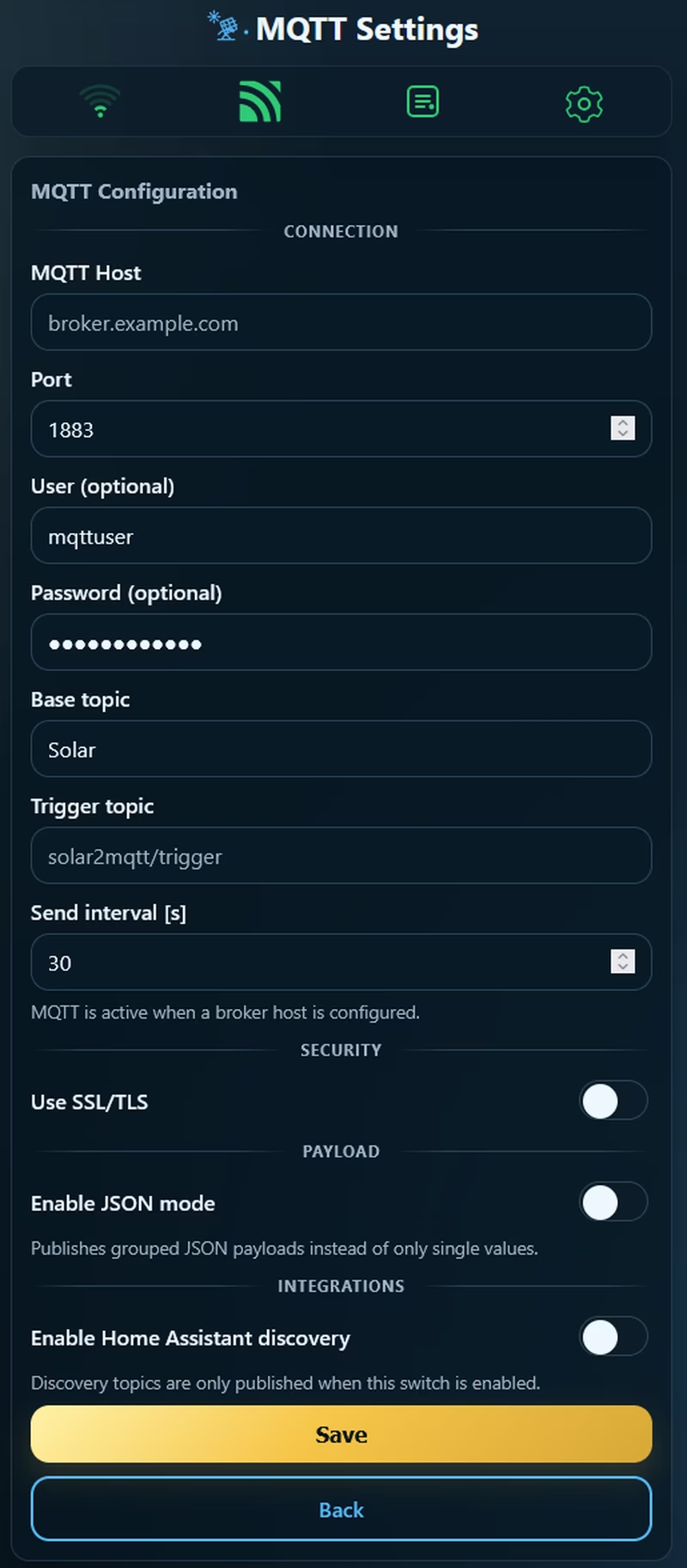
The system also includes visual feedback mechanisms, such as blink codes to indicate the current state of the ESP32, and built-in reset functions to restore factory settings or clear configurations if necessary. The interface allows for deep customization of how data is reported, whether as individual datapoints or aggregated JSON strings.
Hardware and Setup
To build a Solar2MQTT node, the primary requirement is an ESP32 (the Wemos D1 Mini ESP32 is recommended). Because the inverter usually communicates via RS232, a MAX3232 module is necessary to convert signals for the ESP32. Additionally, since most inverters provide high-voltage DC outputs, a DC-DC buck converter is used to step down the voltage (typically 12-80V) to a stable 5V for the electronics.
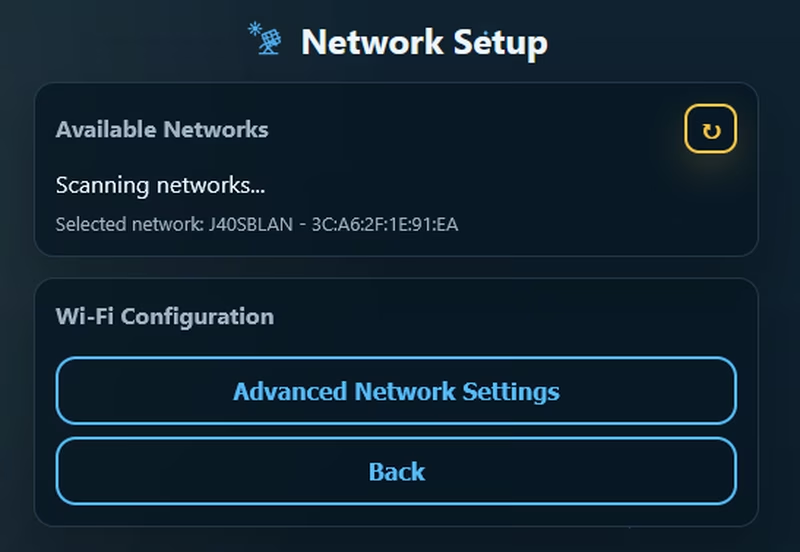
Setting up the device involves flashing the firmware using specialized tools like Flash2MQTT-Tool or 2MQTT-Flasher. Once wired according to the diagram and powered on, the device creates a “Solar2MQTT-AP” hotspot. Connecting to this access point and navigating to the default IP allows for quick configuration of local network credentials and MQTT broker details, enabling the device to start streaming solar data immediately.
Related Projects
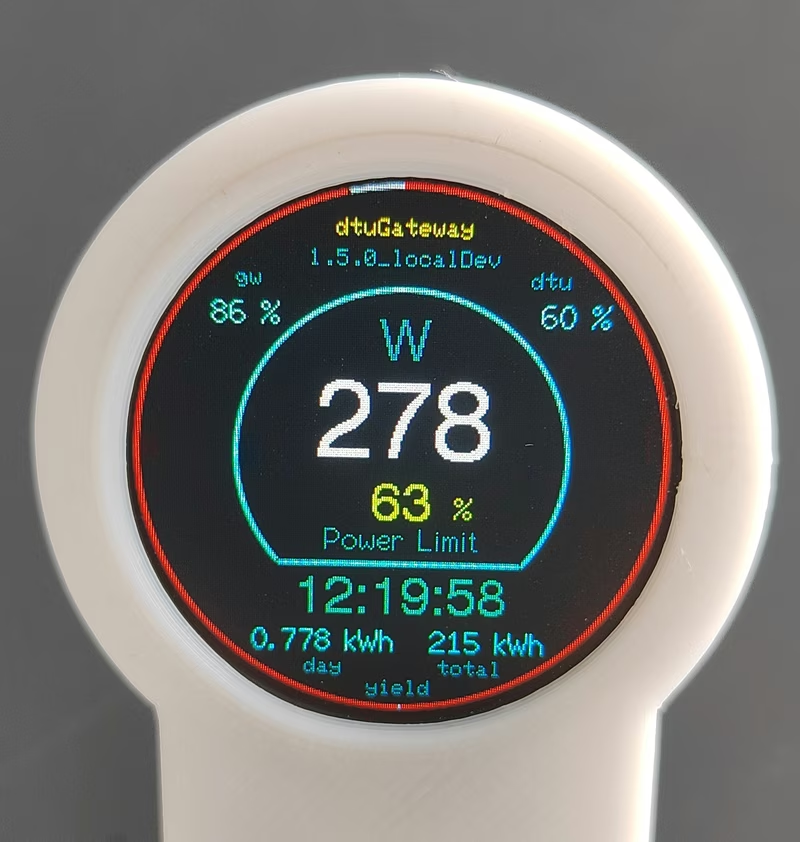
dtuGateway for Hoymiles HMS Inverters
dtuGateway is an ESP32-based firmware that bridges Hoymiles HMS-series solar inverters with integrated Wi-Fi to smart home ecosystems. It provides reliable data monitoring and remote control via MQTT, REST API, and openHAB, bypassing the limitations of the official cloud interface. The project supports various local displays and features a captive portal for easy configuration.
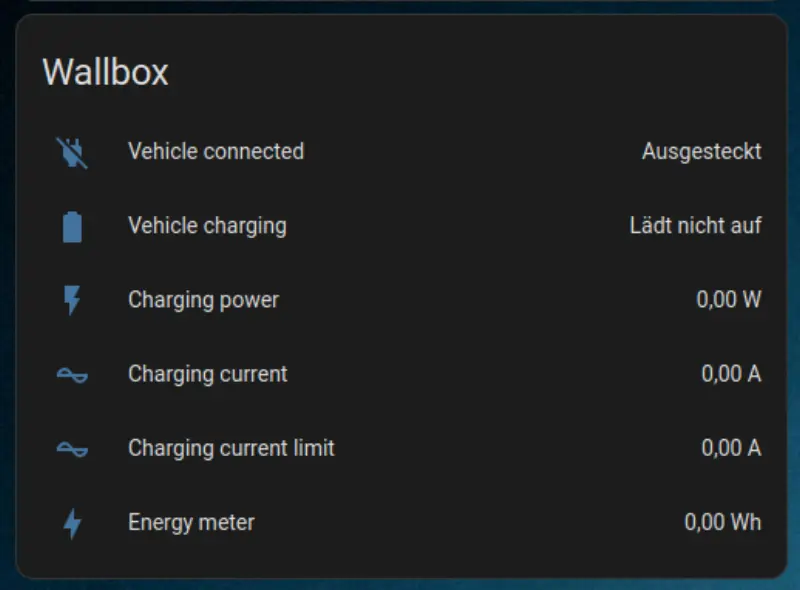
HeidelBridge
An ESP32-based firmware designed to connect Heidelberg Energy Control wallboxes to WiFi networks. It emulates a Daheimladen-compatible interface, allowing for seamless integration with energy management platforms like evcc and Home Assistant via MQTT and REST APIs.
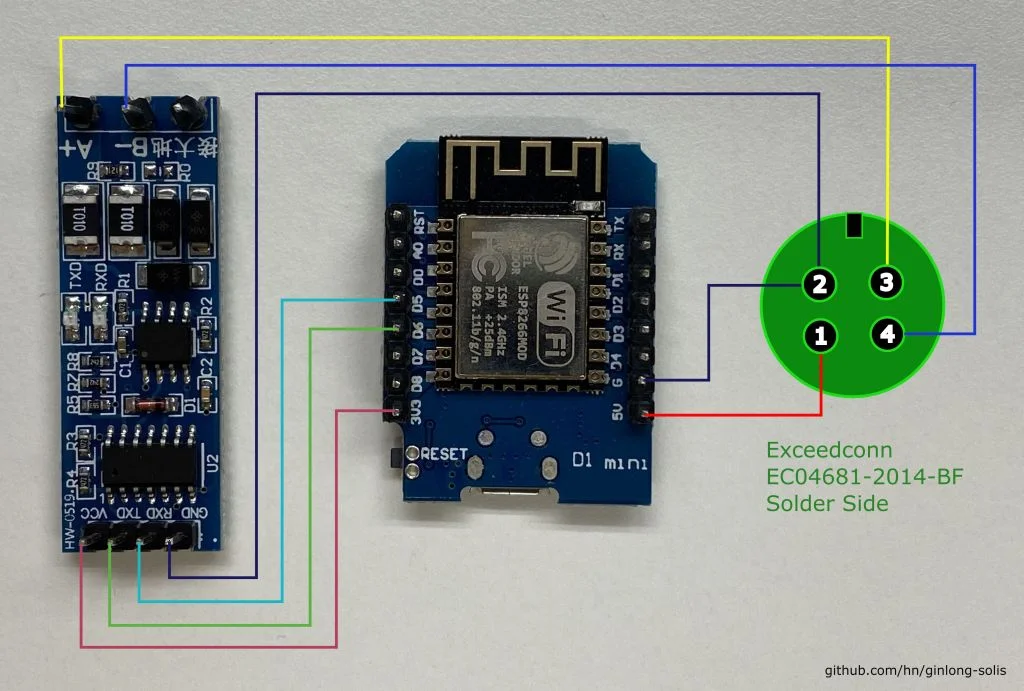
Ginlong Solis Solar Inverter Modbus Integration
A comprehensive integration project for Ginlong Solis solar inverters, offering ESPHome and Arduino-based firmware to monitor and control inverter status via Modbus RS-485. It supports hardware like the ESP8266 and the Solis S3 WiFi stick, enabling local data export to Home Assistant and InfluxDB.