pico_fft: FFT Library for Raspberry Pi Pico
A lightweight and efficient wrapper for the KISS FFT library, specifically designed for the Raspberry Pi Pico (RP2040). It provides high-level functions for capturing analog signals via ADC and DMA, processing them into frequency bins, and performing real-time signal analysis.
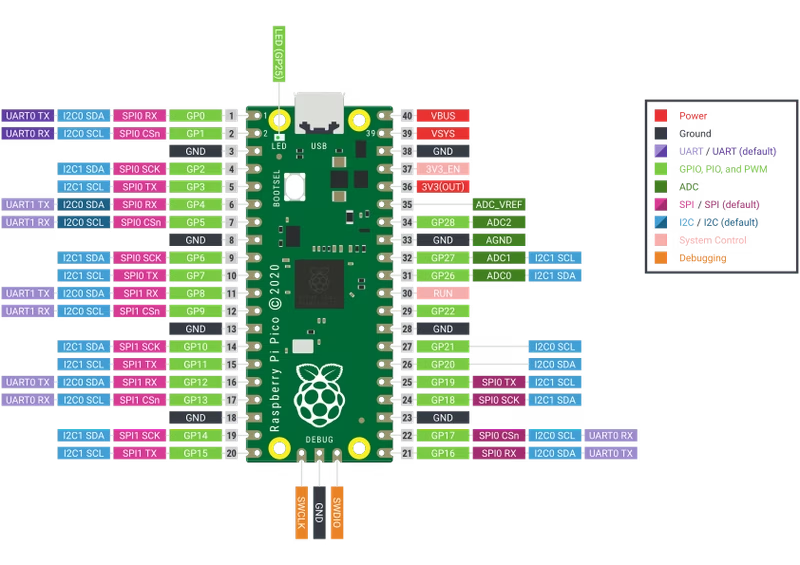
Performing frequency domain analysis on microcontrollers often requires navigating complex mathematical libraries and hardware-specific configurations. The pico_fft library addresses this challenge for the Raspberry Pi Pico (RP2040) by providing a streamlined wrapper for the well-regarded KISS FFT library. By abstracting the complexities of Fast Fourier Transform (FFT) operations, it allows developers to focus on signal processing logic rather than low-level boilerplate.
Bridging KISS FFT and the RP2040
At its core, pico_fft is built to leverage the specific hardware capabilities of the RP2040. While KISS FFT provides the mathematical heavy lifting for the transform, this library handles the integration with the Pico’s Analog-to-Digital Converter (ADC) and Direct Memory Access (DMA) controller. This integration is vital for real-time applications; by using DMA to capture samples, the CPU is freed to handle other tasks until a full buffer is ready for processing.
The library is designed for efficiency, making it suitable for a variety of audio and signal analysis projects. Whether you are building an audio visualizer, a frequency histogram, or a system to detect the highest amplitude frequency in a signal, pico_fft provides the necessary building blocks.
Hardware Integration
Setting up the library typically involves connecting an analog microphone module (such as the KY-038 or MAX9814) to the Pico. The standard configuration utilizes GPIO26 (ADC0) for signal input. Because the RP2040’s ADC is used in conjunction with DMA, the sampling process is highly consistent, which is a prerequisite for accurate FFT results.
Simplified API Workflow
The library simplifies the FFT workflow into three primary stages: initialization, sampling, and processing.
- Initialization: The
fft_setup()function configures the ADC and DMA. It sets the sampling rate and prepares the internal parameters required for the FFT calculation. - Sampling:
fft_sample(capture_buf)triggers the hardware to fill a buffer with analog samples. This non-blocking approach (via DMA) ensures high-speed data acquisition. - Processing:
fft_process(capture_buf, bins, bin_count)takes the raw samples, performs the FFT, and maps the resulting frequency spectrum into user-defined “bins.”
Working with Frequency Bins
One of the most user-friendly features of pico_fft is the frequency_bin_t structure. Instead of manually parsing a complex array of frequency magnitudes, developers can define specific frequency ranges of interest. This is particularly useful for creating graphic equalizers or audio visualizers.
#define BIN_COUNT 3

frequency_bin_t bins[BIN_COUNT] = {
  {"Bass", 20, 250, 0},
  {"Mid", 251, 4000, 0},
  {"Treble", 4001, 20000, 0}
};

// After processing, access amplitude directly:
printf("Bass Amplitude: %f\n", bins[0].amplitude);
Implementation Example
The following example demonstrates how to implement a basic loop that captures audio and prints the amplitude of various frequency ranges to the serial console:
#include "pico/stdlib.h"
#include "pico/fft.h"

#define BIN_COUNT 10

int main() {
  stdio_init_all();
  fft_setup();

  uint8_t capture_buf[NSAMP];
  frequency_bin_t bins[BIN_COUNT] = {
    {"Bin 1", 0, 2000, 0},
    {"Bin 2", 2001, 4000, 0},
    {"Bin 3", 4001, 6000, 0},
    // ... define additional bins as needed
  };

  while (true) {
    fft_sample(capture_buf);
    fft_process(capture_buf, bins, BIN_COUNT);

    for (int i = 0; i < BIN_COUNT; i++) {
      printf("%s: Amplitude = %f\n", bins[i].name, bins[i].amplitude);
    }

    sleep_ms(100);
  }

  return 0;
}
Technical Considerations
The library is currently in an experimental phase but includes tested examples for common use cases. It is distributed as a CMake-compatible project, making it easy to include as a library or a git submodule within the standard Raspberry Pi Pico C/C++ SDK environment. By linking against pico_stdlib, hardware_adc, and hardware_dma, it ensures that all necessary low-level drivers are correctly initialized for the RP2040 platform.
Related Projects
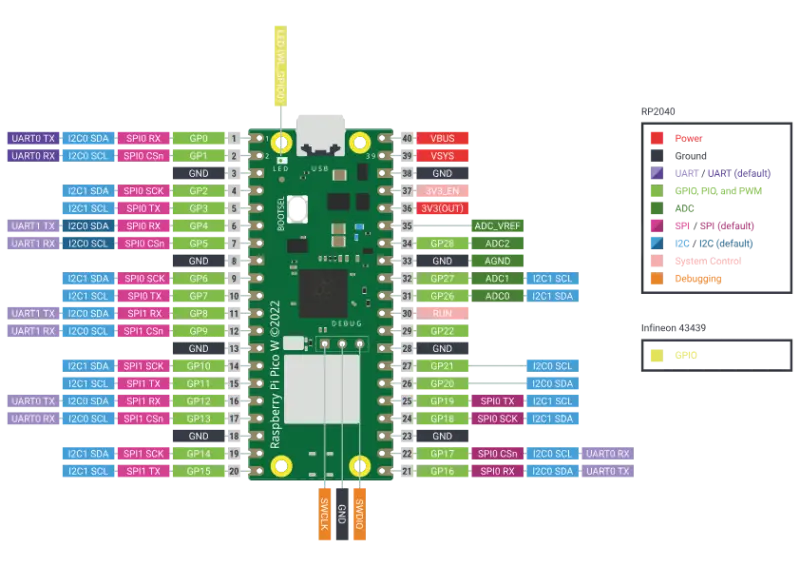
USBSnifferPIO for RP2040
A passive USB 1.1 protocol sniffer for the Raspberry Pi RP2040 that leverages the PIO coprocessor for high-speed signal capture. It supports Low-Speed and Full-Speed traffic with zero electrical interference, providing full protocol decoding and a structured callback API.
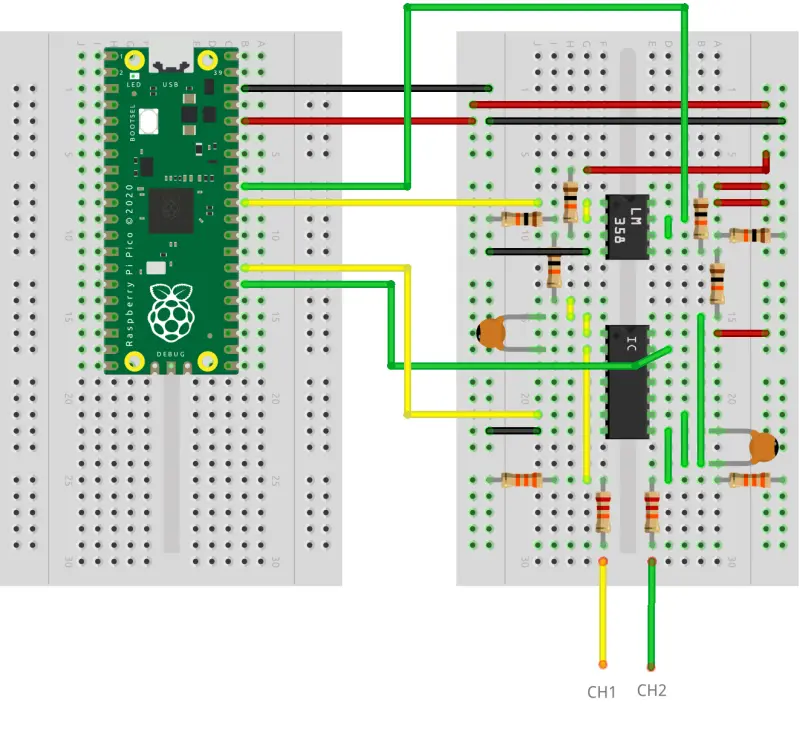
Oscilloscope RP2040
A high-performance oscilloscope firmware for the Raspberry Pi Pico (RP2040) that implements the OpenHantek6022 protocol. It supports dual-channel capture at up to 2 MS/s and integrates with a modified version of the OpenHantek6022 desktop software for visualization.
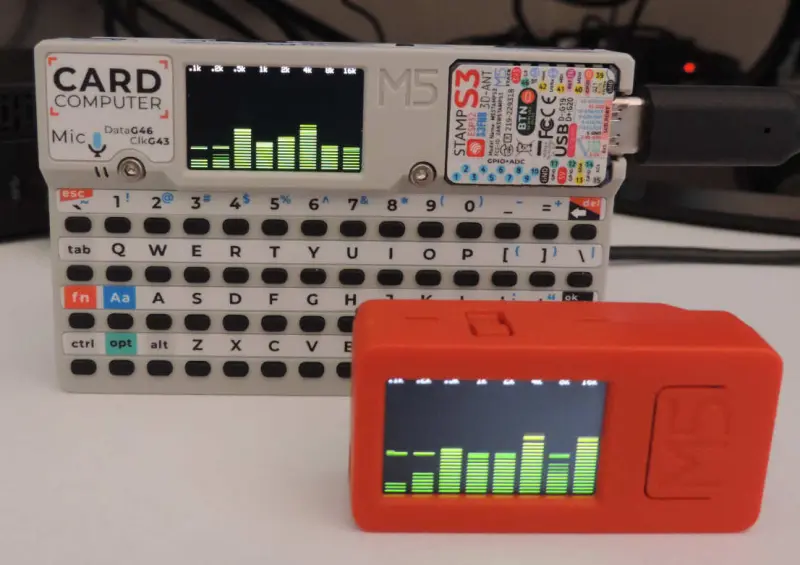
M5Cardputer Audio Spectrum Display
A real-time audio analysis application for the M5Cardputer that provides a spectrum analyzer, oscilloscope, and musical tuner. It utilizes the ESP32-S3's I2S interface for high-speed microphone sampling and implements fixed-point FFT and wavelet-based pitch tracking for efficient signal processing.
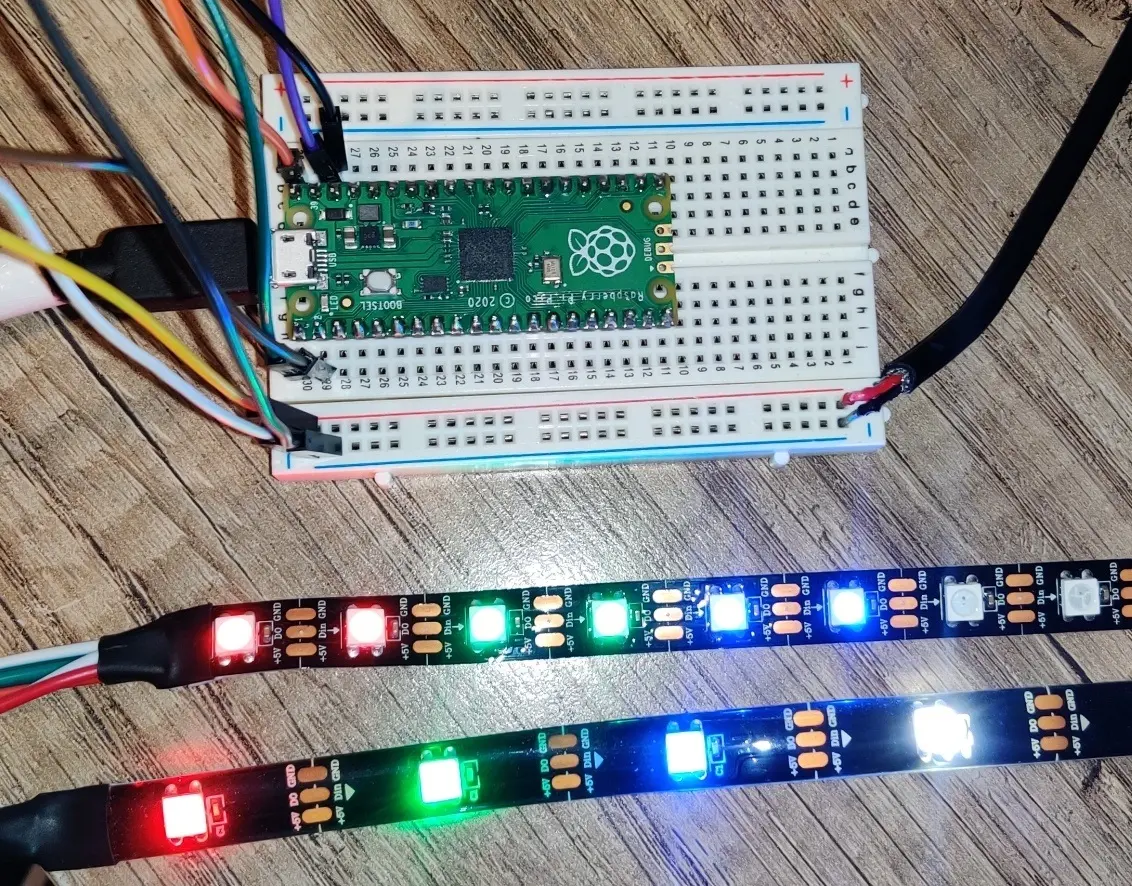
NeoPixel Library for Raspberry Pi Pico
A MicroPython library for controlling WS2812B and SK6812 LEDs on the Raspberry Pi Pico. It leverages the RP2040's Programmable I/O (PIO) and DMA capabilities to provide efficient, non-blocking LED control for both RGB and RGBW strips.