USBSnifferPIO for RP2040
A passive USB 1.1 protocol sniffer for the Raspberry Pi RP2040 that leverages the PIO coprocessor for high-speed signal capture. It supports Low-Speed and Full-Speed traffic with zero electrical interference, providing full protocol decoding and a structured callback API.
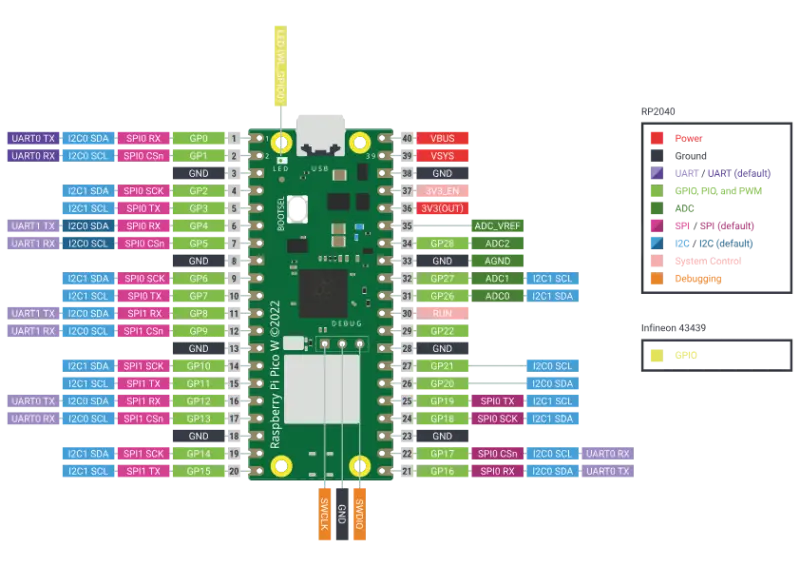
Understanding the inner workings of USB communication often requires expensive protocol analyzers or complex software setups. USBSnifferPIO_RP2040 changes this by turning a standard Raspberry Pi Pico into a high-impedance, passive USB 1.1 sniffer. By offloading timing-critical signal sampling to the RP2040’s unique PIO (Programmable I/O) blocks, this project achieves robust packet capture without interfering with the host or device.
How It Works
The project is built on a high-performance pipeline designed to handle the rigors of 12 Mbps Full-Speed USB traffic. The process begins in the PIO state machine, where a single instruction samples the D+ and D- pins every clock cycle. To ensure reliability, the system uses 8× oversampling, allowing for robust clock recovery even with slight timing variations.
Data is moved from the PIO FIFO to RAM using a DMA ping-pong strategy. This implementation uses a single DMA channel with manual restarts to avoid specific RP2040 hardware race conditions that can occur with chained transfers, ensuring that no samples are lost during the transition between buffers.
Once the raw signal data is in memory, a software decoder performs the heavy lifting. It implements a full decoding pipeline, including:
- NRZI Decoding: Converting the Non-Return-to-Zero Inverted signals back to binary.
- Bit Unstuffing: Removing the extra bits inserted by the USB protocol for synchronization.
- Framing and CRC: Validating packets via CRC5 and CRC16 checks and identifying End-of-Packet (EOP) markers.
One notable optimization is the “fast-path” logic. When the USB bus is idle (all-J state), the decoder skips processing in O(1) time, resulting in 0% CPU usage during periods of inactivity.
Hardware Integration
The hardware setup is remarkably simple, requiring only a few 100 Ω series resistors to interface the Pico’s GPIOs with the USB differential lines. These resistors are crucial as they prevent the Pico from loading the bus impedance, maintaining the “passive” nature of the sniffer. Because the sniffer does not participate in the electrical handshake of the USB bus, the host and device remain entirely unaware of its presence.
Dual-Core Architecture
USBSnifferPIO is designed to take full advantage of the RP2040’s dual-core processor. In a typical configuration, Core 1 is dedicated to the timing-sensitive task of capturing and decoding packets, while Core 0 handles application logic, such as printing data to a serial terminal or logging to an SD card. This separation ensures that slow I/O operations on Core 0 don’t cause buffer overflows in the capture pipeline.
Quick Start Example
The library provides a clean Callback API, making it easy to filter for specific traffic, such as HID keyboard reports:
#include <USBSnifferPIO_RP2040.h>

USBSnifferPIO sniffer;

void onPacket(const USBPacket& pkt) {
    if (pkt.isHIDKeyboardReport()) {
        Serial.printf("Mods=0x%02X Key=0x%02X\n",
                      pkt.data[0], pkt.data[2]);
    }
}

void setup()  { Serial.begin(115200); }
void setup1() { sniffer.begin(2); sniffer.onPacket(onPacket); }
void loop()   { }
void loop1()  { sniffer.task(); }
Applications and Limitations
This tool is ideal for educational purposes, security research, and hardware auditing. It allows developers to inspect HID protocol internals or debug custom USB device implementations.
However, there are technical boundaries to consider. While it excels at USB 1.1 (1.5 Mbps and 12 Mbps), it cannot capture USB 2.0 High-Speed (480 Mbps) traffic, as that exceeds the sampling capabilities of the RP2040 PIO. Additionally, users must be mindful of the system clock; running at 12 Mbps with 8× oversampling requires a PIO clock of 96 MHz, which is most stable when the RP2040 system clock is set to 120 MHz or higher.
Related Projects
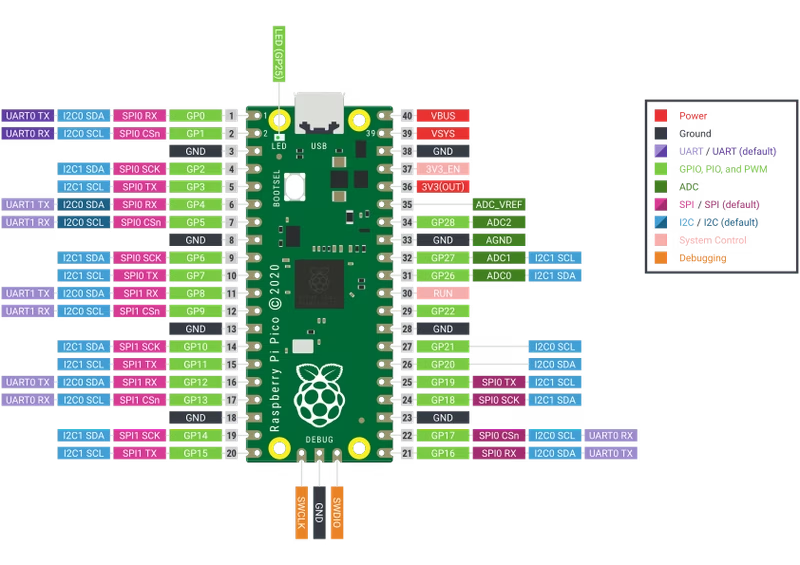
pico_fft: FFT Library for Raspberry Pi Pico
A lightweight and efficient wrapper for the KISS FFT library, specifically designed for the Raspberry Pi Pico (RP2040). It provides high-level functions for capturing analog signals via ADC and DMA, processing them into frequency bins, and performing real-time signal analysis.
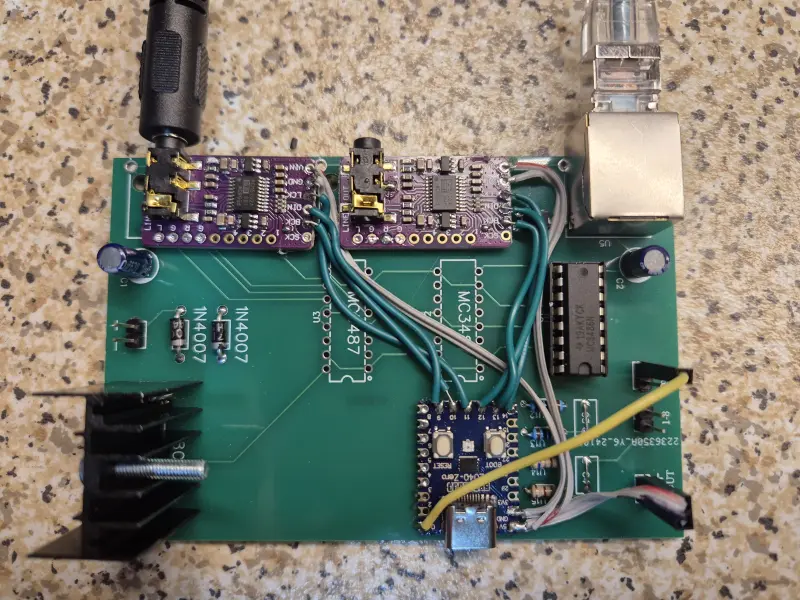
Ultranet-to-I2S
A firmware project for the Raspberry Pi Pico that decodes the Behringer Ultranet audio protocol into multiple I2S streams. It utilizes the RP2040's PIO modules for high-speed signal decoding and its dual-core architecture to synchronize audio between different clock domains.
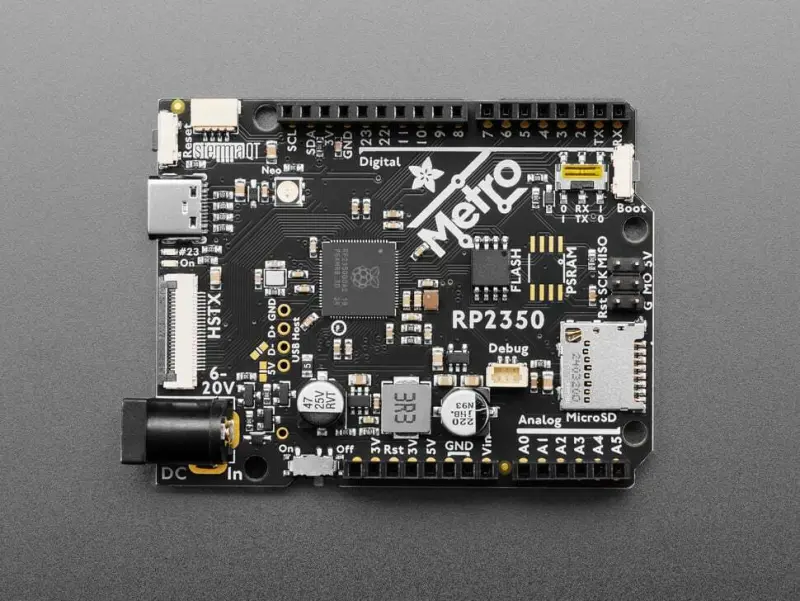
PIOKMbox: High-Performance USB HID Passthrough for RP2350
PIOKMbox is a dual-role USB HID firmware for the Raspberry Pi RP2350 that creates a transparent man-in-the-middle passthrough device. It facilitates hardware-level input processing by combining physical HID reports with KMBox-compatible serial commands, featuring advanced movement humanization and optional visual feedback via an ILI9341 TFT display.
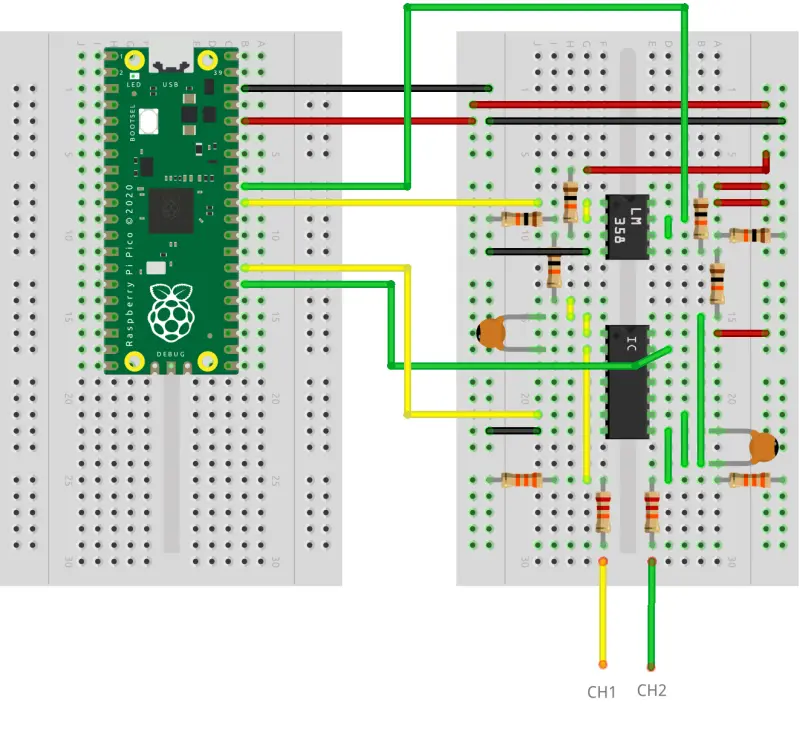
Oscilloscope RP2040
A high-performance oscilloscope firmware for the Raspberry Pi Pico (RP2040) that implements the OpenHantek6022 protocol. It supports dual-channel capture at up to 2 MS/s and integrates with a modified version of the OpenHantek6022 desktop software for visualization.
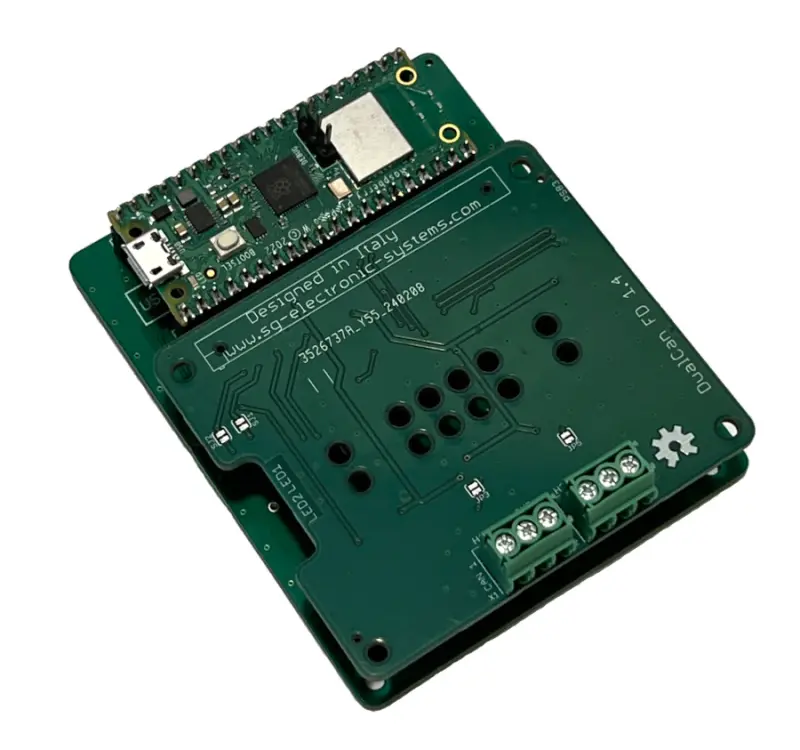
MCP2518FD CAN FD Logger for Raspberry Pi Pico
A high-performance CAN BUS FD logger implementation for the Raspberry Pi Pico and Pico W microcontrollers. It utilizes the MCP2518FD controller via SPI to capture and record Flexible Data Rate (FD) communication, targeting automotive diagnostics and industrial monitoring applications.