Geek Magic Firmware
A custom ESP8266 firmware for Geek Magic smart clock clones featuring NTP synchronization, Pomodoro timers, and a web-based configuration dashboard. It utilizes the TFT_eSPI library for display management and LittleFS for asset storage. The project also includes a Linux-based companion server for forwarding system notifications to the device display.
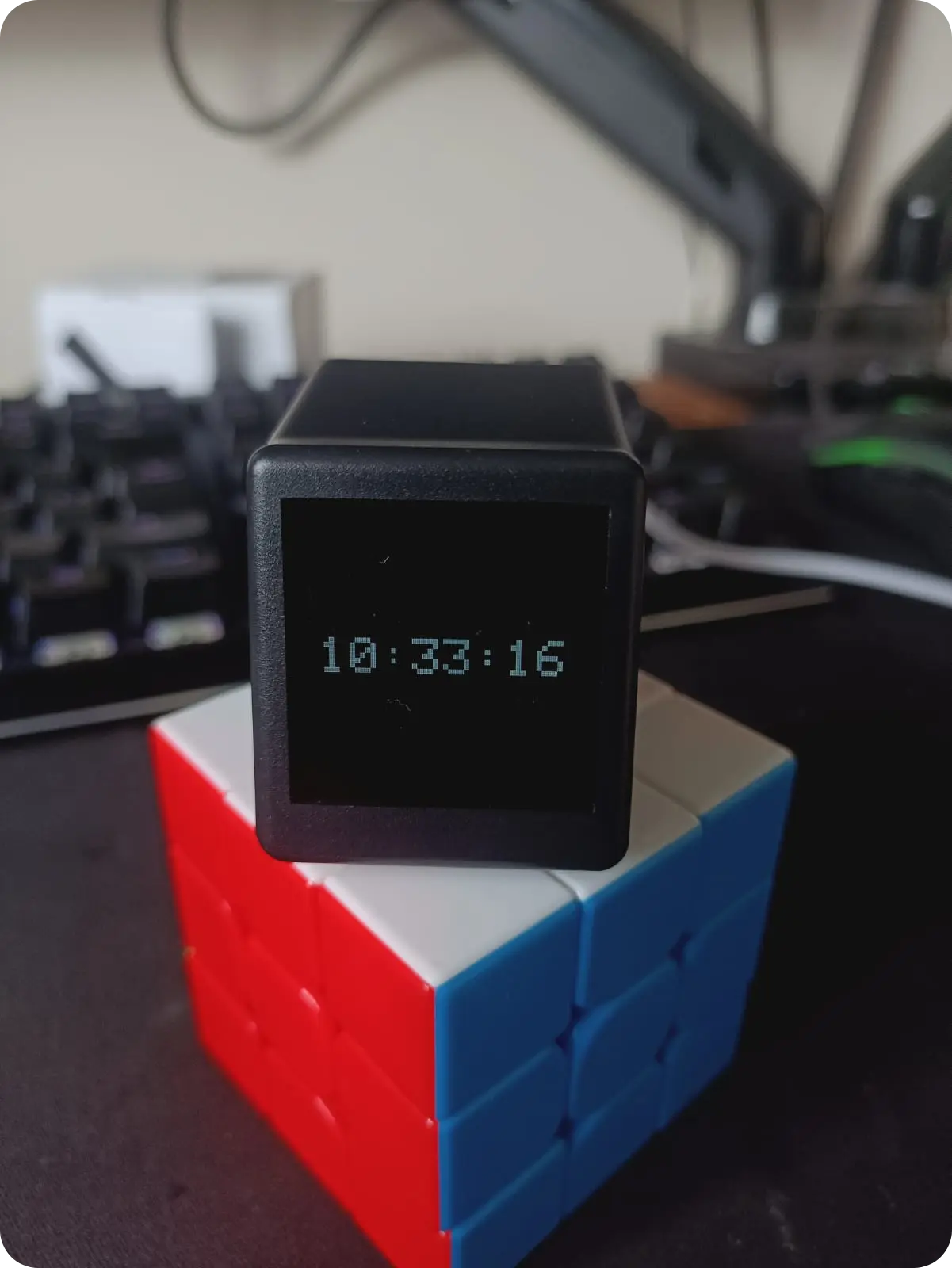
Overview
The Geek Magic Firmware project provides a sophisticated, open-source alternative for the popular ESP8266-based “Geek Magic” smart clocks. These devices, often found as affordable desktop accessories, typically come with limited factory software. This custom firmware unlocks the hardware’s potential, transforming it into a versatile desktop tool with features ranging from time synchronization to productivity timers.
Key Features & Capabilities
At its heart, the firmware serves as a highly accurate clock, leveraging Network Time Protocol (NTP) to maintain synchronization with public time servers. Beyond simple timekeeping, the project integrates several features designed for the modern desktop environment:
- Pomodoro Timer: Includes a functional Pomodoro counter with standard intervals (25, 5, 45, and 15 minutes) to assist with productivity.
- Smart WiFi Configuration: Upon first boot or connection failure, the device generates a QR code on its TFT display. Users can scan this to connect to the device’s access point, where a captive portal automatically directs them to a configuration page.
- Web Dashboard: A local web server runs on the ESP8266, allowing users to manage preferences and settings through a browser-based interface on their internal network.
- On-Device Menu: A robust internal menu system allows for configuration and mode switching directly on the device without needing the web portal.
Technical Architecture
The project is built using the Arduino framework within the PlatformIO ecosystem, targeting the ESP8266 microcontroller. It makes extensive use of the TFT_eSPI library for high-performance display rendering and LittleFS for managing on-device storage, which holds UI assets, images, and configuration files.
The firmware is optimized for hardware clones featuring the CH340C UART-to-USB converter, which allows for direct flashing via USB without external programmers.
Hardware Customization
A unique aspect of this project is the documented hardware modification. To improve interactivity, the author provides instructions for adding a physical push button to the device. This involves:
- Opening the device and jumping specific pins on the ESP8266.
- Installing a button on the rear of the case.
- Wiring the button to GND and the designated GPIO.
This modification enables a rich set of user commands, including single clicks, double clicks, and long presses, which are used to navigate the menu system and control the Pomodoro timer.
Desktop Integration
Beyond the standalone firmware, the repository includes a Linux-based companion server located in the linux server directory. This component can monitor system notifications via DBus and forward them to the ESP8266 device over WebSockets. This integration allows the clock to function as a secondary notification display for a Linux desktop, showing alerts and messages in real-time while the user is working.
Getting Started
Building the project requires the PlatformIO IDE. Users must configure their platformio.ini with the correct upload port and follow a specific sequence to flash both the firmware and the filesystem data:
# Compile and upload the firmware
pio run --target upload

# Upload the LittleFS image (containing UI assets)
pio run --target uploadfs
The project also requires a specific User_Setup.h configuration for the TFT_eSPI library to correctly drive the device’s display, which is provided within the source tree.