ESP32-S3 NES Emulator
A high-performance NES emulator for the ESP32-S3, featuring full-speed emulation, I2S audio via the MAX98357A, and SD card ROM support. It utilizes the Nofrendo core and custom ST7789 display drivers to provide a smooth, portable 8-bit gaming experience.
Retro gaming enthusiasts have a new way to enjoy classic 8-bit titles with this DIY handheld NES emulator project. Built specifically for the powerful ESP32-S3, this emulator leverages the microcontroller’s dual-core architecture to deliver full-speed gameplay, crisp visuals, and high-quality audio. By building upon the established esp-nofrendo codebase, this implementation provides a polished experience that captures the essence of the original Nintendo Entertainment System hardware.
High-Performance Emulation
At the heart of the system is the ESP32-S3’s dual-core processor, which allows the emulation logic to run efficiently alongside peripheral management. Unlike many DIY emulators that struggle with frame rates or audio stuttering, this project is optimized for full-speed performance. One of the standout features is the audio quality; while many portable builds rely on simple PWM for sound, this project utilizes the MAX98357A I2S amplifier. This ensures that iconic chiptune soundtracks are delivered with crystal clarity through a dedicated speaker.
The visual experience is handled by an ST7789 IPS TFT display. Connected via high-speed SPI, the display provides vibrant colors and wide viewing angles, making it ideal for a handheld form factor. The project also incorporates a robust file system approach, allowing users to load hundreds of ROMs directly from a FAT32-formatted Micro SD card, eliminating the need to hardcode games into the firmware.
Hardware Configuration
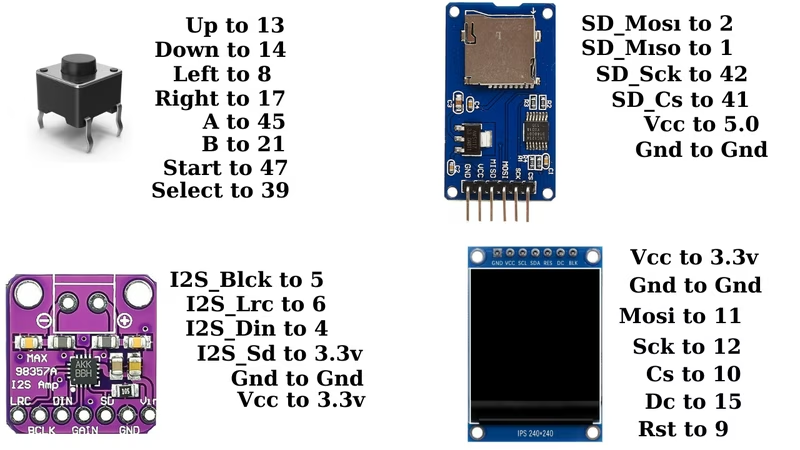
The project is designed for flexibility, compatible with both ESP32-S3 DevKits and bare modules. The wiring is optimized to share SPI buses where possible while maintaining high throughput for the display and SD card reader. The controller interface supports a full 8-button setup, including a D-pad, A and B buttons, and Start/Select. These are mapped to various GPIOs and configured with internal pull-ups, simplifying the circuit by allowing buttons to be connected directly between the GPIO and Ground.
Pin Mapping Overview
| Component | Interface | Key Pins |
|---|---|---|
| ST7789 Display | SPI | GPIO 11 (MOSI), 12 (SCLK), 15 (DC), 9 (RST) |
| SD Card | SPI | GPIO 1 (MISO), 2 (MOSI), 41 (CS), 42 (CLK) |
| MAX98357A | I2S | GPIO 4 (DIN), 5 (BCLK), 6 (LRC) |
| Buttons | Digital IO | GPIO 13, 14, 8, 17 (D-Pad), 45, 21, 47, 39 (Actions) |
Software Architecture
The software is built within the Arduino framework, making it accessible for hobbyists and developers alike. It leverages ESP32-specific memory management APIs to handle the emulator’s memory footprint, particularly focusing on efficient heap and SPIRAM usage. This ensures stability during long play sessions and compatibility with a wide range of NES ROMs.
The emulator utilizes custom drivers for the ST7789 display to maximize frame rates and minimize latency. For storage, it relies on standard SPI, SD, and FS libraries to navigate the file structure of the Micro SD card, providing a simple menu interface for selecting games upon boot.
Getting Started
To build the emulator, users need an ESP32-S3, an ST7789 SPI TFT module, a MAX98357A I2S amplifier, and a Micro SD card reader. The software setup involves cloning the repository and using the Arduino IDE to flash the firmware. Before uploading, users should verify the pin assignments in the configuration files to match their specific hardware wiring. Once the hardware is assembled and the SD card is populated with .nes files, the system is ready for portable 8-bit action.
Related Projects
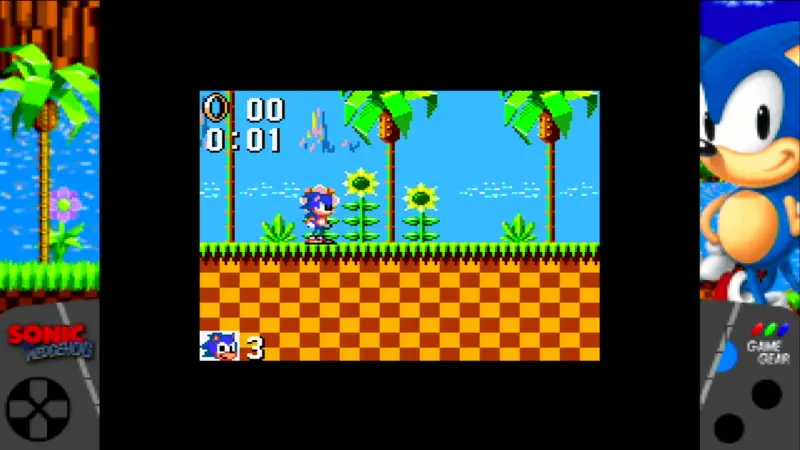
pico-smsplus: Sega Master System and Game Gear Emulator
A high-performance Sega Master System and Game Gear emulator for RP2040 and RP2350 microcontrollers. It features HDMI video and audio output, SD card support for ROMs and save games, and extensive compatibility with USB and legacy game controllers.
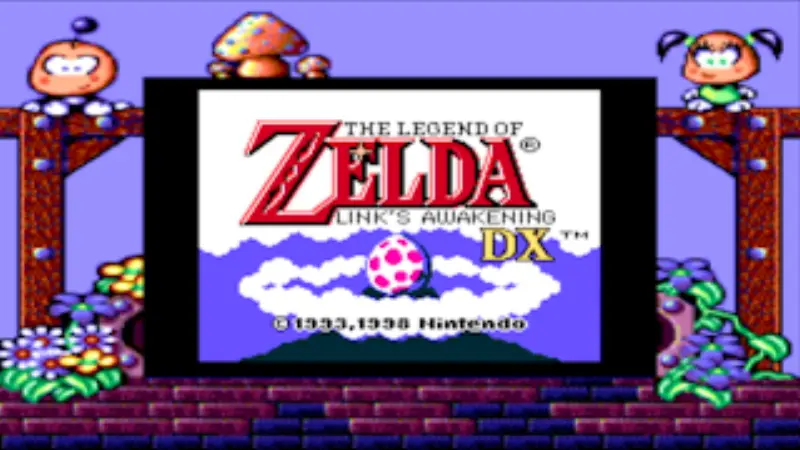
PicoPeanutGB: Game Boy Emulator for RP2350
A high-performance DMG and Game Boy Color emulator ported to the Raspberry Pi Pico 2 (RP2350). It features HDMI video and audio output via PicoDVI, SD card support for ROM management, and extensive gamepad compatibility.
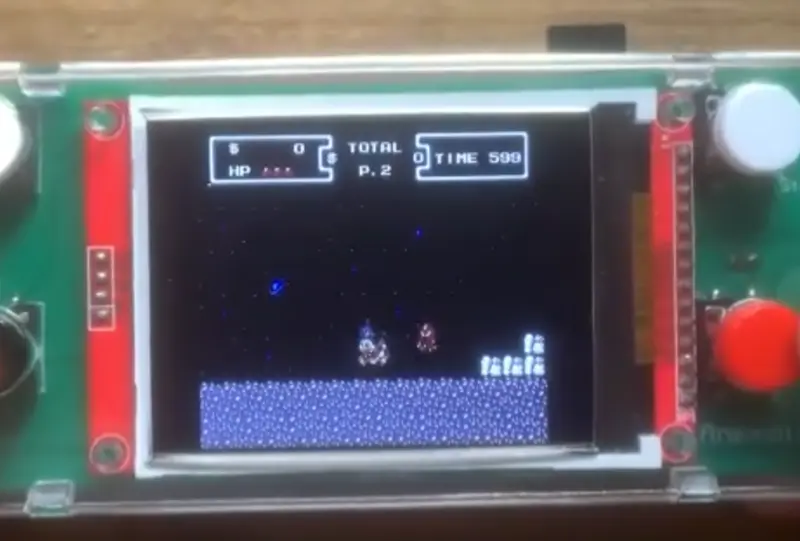
Anemoia-ESP32 NES Emulator
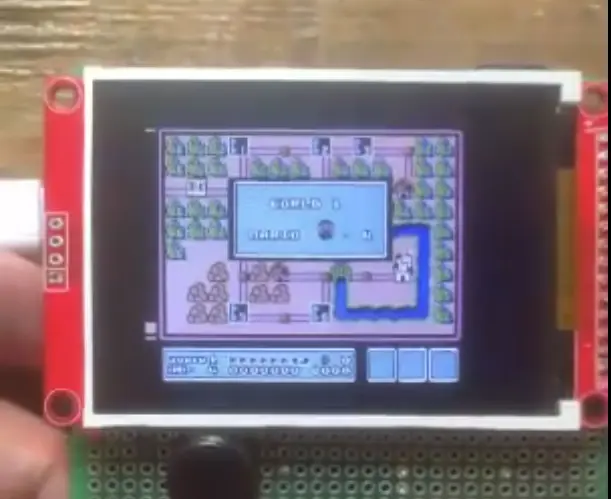
An optimized Nintendo Entertainment System (NES) emulator rewritten for the ESP32 platform. It supports full audio emulation and achieves native speeds on dual-core ESP32 hardware using the Arduino framework and TFT_eSPI library.
Anemoia-ESP32
A high-performance Nintendo Entertainment System (NES) emulator ported to the ESP32, capable of running games at native speeds with full audio. It leverages FreeRTOS for concurrent CPU and APU emulation and supports various memory mappers covering approximately 79% of the NES library.
Cardputer Game Station
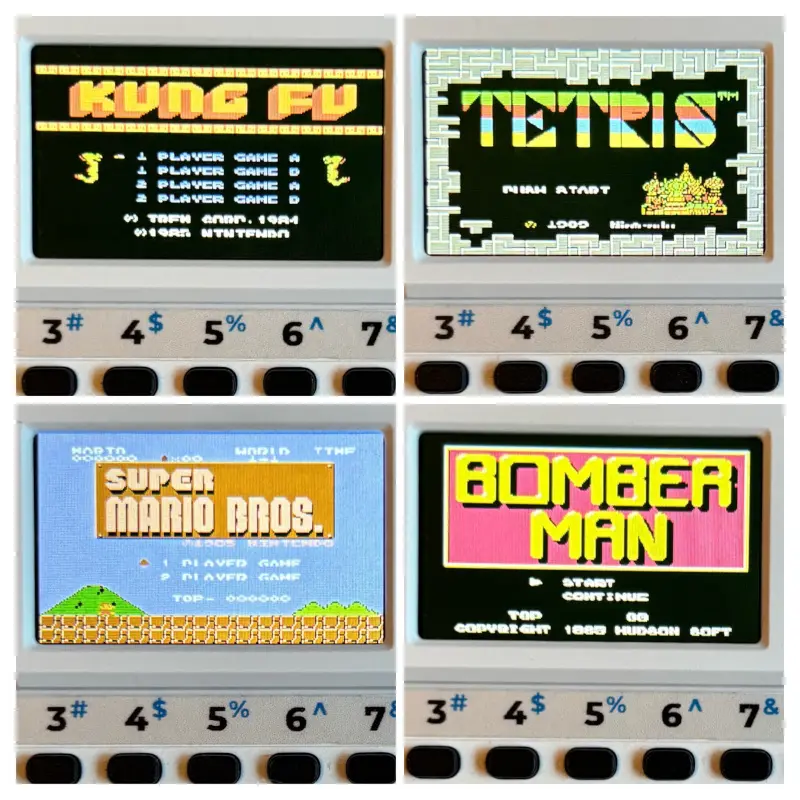
A multi-system game emulator firmware for the M5Stack Cardputer based on the ESP32-S3. It supports ten classic consoles including NES, Game Boy, and Mega Drive, featuring optimized memory management to run within 256 KB of RAM and integrated support for the Cardputer's keyboard and SD card storage.