E-OS — ESP32-S3 Handheld Console
A custom-built handheld gaming console powered by the ESP32-S3 and a dual-screen setup (TFT and OLED). It runs E-OS, a custom operating system built on FreeRTOS that features a dual-core architecture for dedicated rendering and logic. The project includes 15 custom-coded games and several applications, utilizing libraries like TFT_eSPI and U8g2 for high-performance graphics.
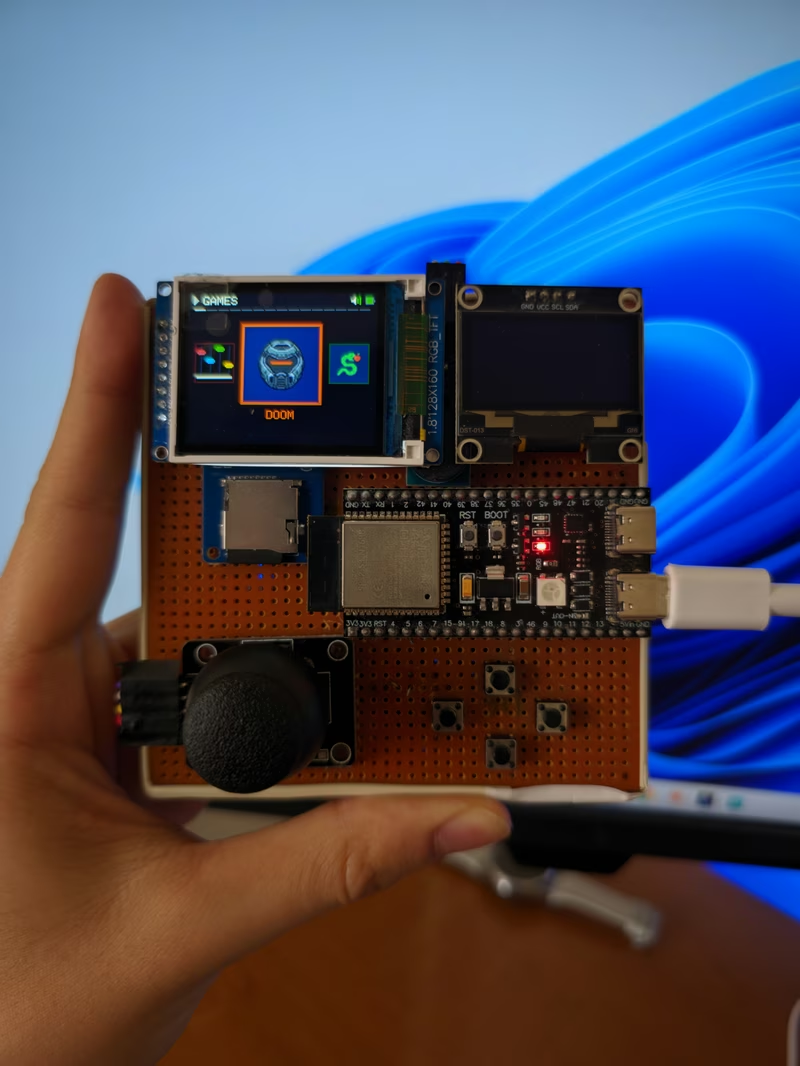
E-OS is a comprehensive handheld console project developed from the ground up using the ESP32-S3 microcontroller. Moving away from pre-built UI frameworks or standard emulators, this project implements a custom operating system and a suite of game engines written in C++ specifically for this hardware configuration. The result is a highly optimized, dual-screen gaming experience that leverages the full power of the ESP32-S3 silicon.
Hardware Architecture
The device is powered by a dual-core ESP32-S3 running at 240 MHz. One of its most distinctive features is the dual-display setup: a main 160x128 color TFT screen connected via SPI for primary gameplay and a secondary 128x64 OLED screen connected via I2C for system status and high scores. To ensure smooth performance and high-resolution assets, the system utilizes 16MB of Flash and 8MB of PSRAM OPI. Control is handled through a combination of an analog joystick featuring hardware deadzone filtering, several action buttons, and an 8-bit buzzer for audio feedback. For storage, integrated Micro SD card support allows for the management of game assets and binaries.
Software Architecture (E-OS)
The software foundation is built on FreeRTOS, utilizing an asynchronous dual-core design. Core 0 is responsible for background tasks, system management, and game logic, while Core 1 is dedicated exclusively to screen rendering. This separation ensures that the main game loop remains responsive even during complex graphical operations.
The system features a “Carousel UI,” providing a fluid, animated menu for navigating between installed applications. Because of the underlying RTOS task management, the console supports a hardware-level pause feature, allowing users to instantly suspend any game by pressing the joystick button.
Custom Games and Applications
The repository includes 15 custom games, each optimized for the 160x128 resolution. These range from classic arcade clones to technically demanding engines:
- DOOM: A custom raycasting engine that brings pseudo-3D environments to the ESP32.
- MODE 7 RACING: Implements classic pseudo-3D racing mechanics.
- DUNGEON: A top-down crawler featuring procedural elements, spell systems, and boss fights.
- WIRE-FRAME 3D: A space battle simulator utilizing wireframe graphics.
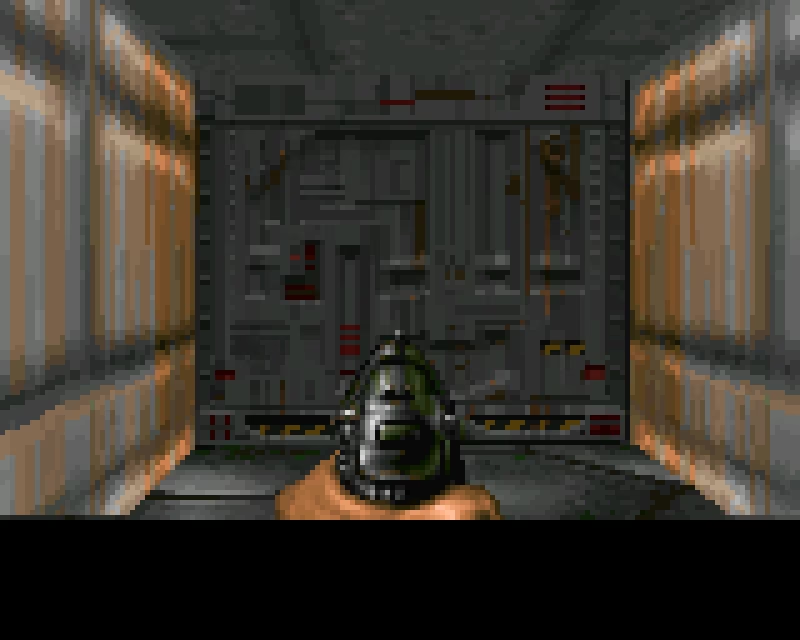
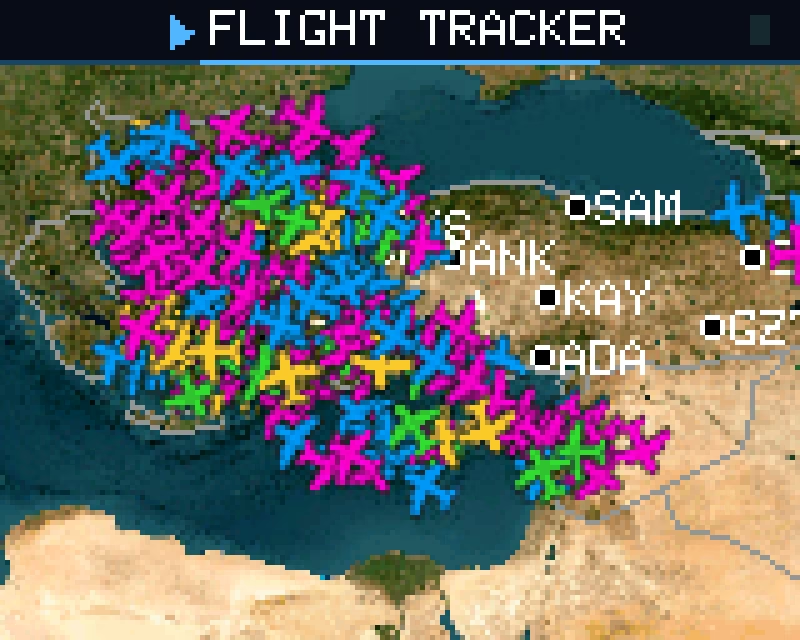
Beyond gaming, E-OS hosts utility applications. The Flight Tracker uses the OpenSky Network API to visualize real-time aircraft data, while the Draw app provides an Etch-a-Sketch style creative tool. The hardware also supports a Tools suite containing a stopwatch and metronome.
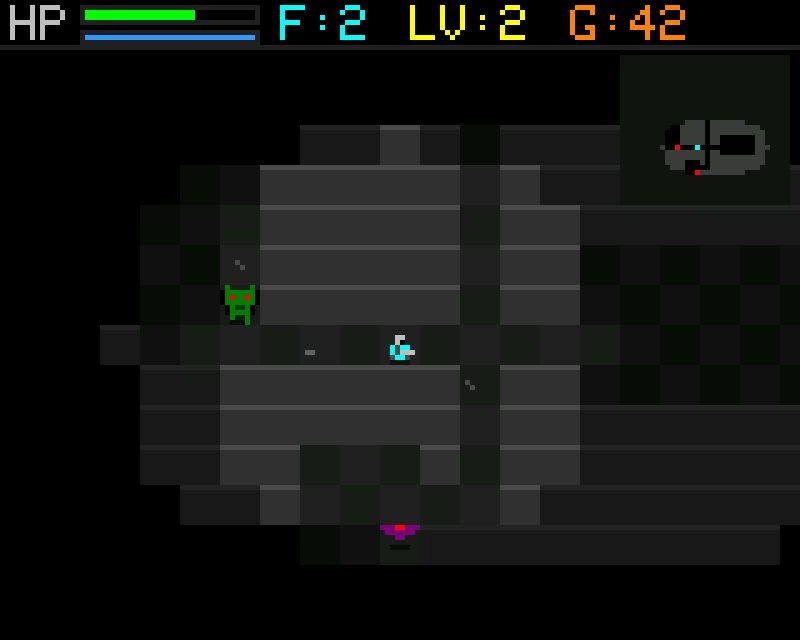
Operating System Features
The E-OS Launcher serves as more than just a menu; it is a full-featured environment with several advanced capabilities:
- Double-Buffered UI: The carousel menu and game engines utilize double buffering to provide tear-free, smooth transitions.
- OTA Bootloader: The system can read binary files from the SD card and write them to flash, using RTC magic values to remember the reboot state.
- Developer Tools: A live FPS overlay is available for performance monitoring, and a screenshot system allows users to stream the framebuffer over USB to a PC using Python-based tools without interrupting the 60 FPS game performance.
Getting Started and Configuration
Compiling the project requires the Arduino IDE or compatible environment with the ESP32S3 Dev Module board settings. Key library dependencies include TFT_eSPI for the main display, U8g2 for the OLED, and standard SD and Preferences libraries.
Developers must configure the User_Setup.h in the TFT_eSPI library to match the project’s pinout, which uses pins 12, 11, and 42 for SPI and pins 8 and 9 for I2C. Each game is compiled as an individual .ino file, utilizing a custom partitions.csv to manage the large memory footprint of the assets and the OS launcher.
Related Projects
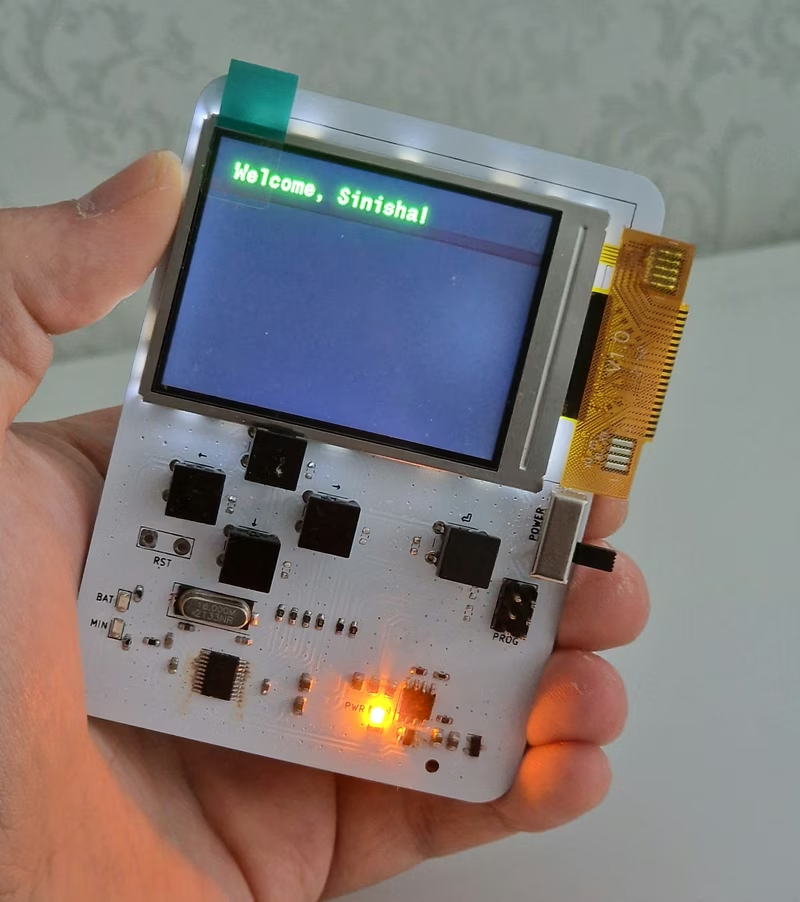
STM32 Pocket Game/Dev Console
An open-source handheld console based on the STM32F042 microcontroller, featuring a 2.4-inch SPI TFT display and programmable inputs. It is designed for portability with 2xAAA batteries and serves as a versatile platform for gaming or data acquisition projects.
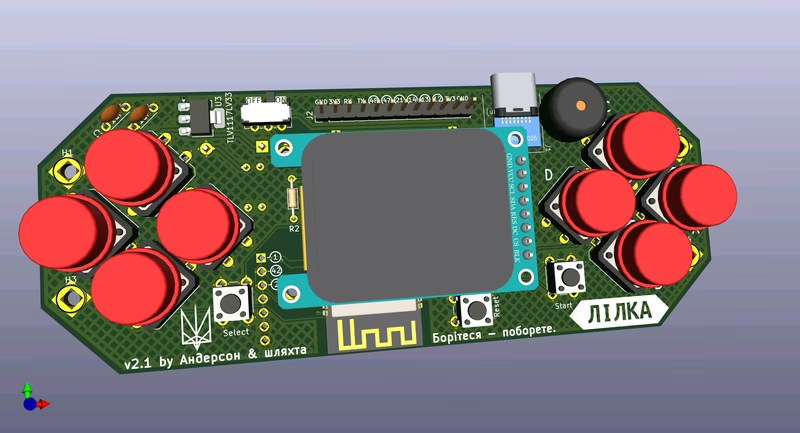
Lilka DIY Console
Lilka is an open-source DIY handheld console based on the ESP32-S3 microcontroller, designed for education and hobbyist development. It runs the Keira operating system, which utilizes FreeRTOS for task management and provides a framework for both C++ and Lua applications. The platform supports features like NES emulation, SD card storage, and wireless connectivity, all while remaining affordable and easy to assemble.
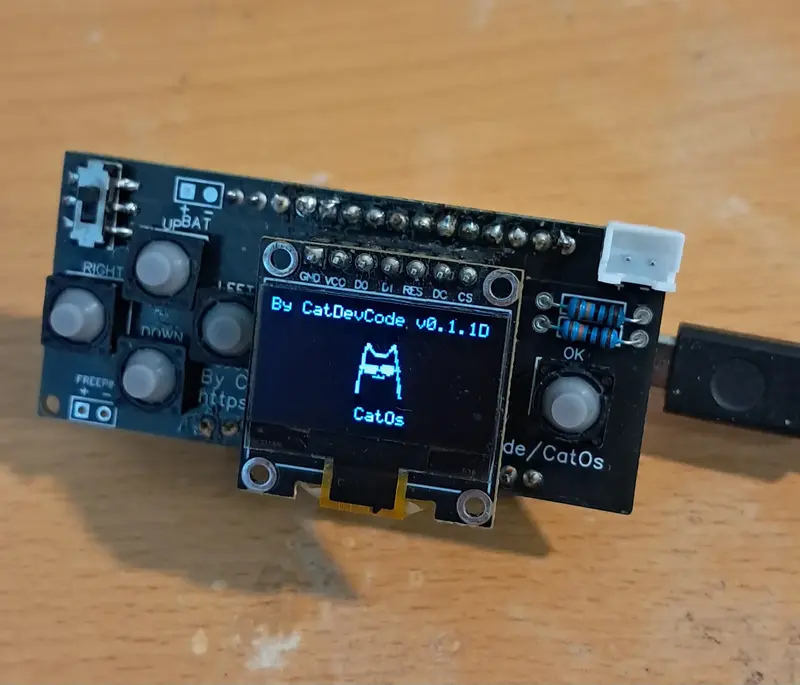
CatOS
A comprehensive firmware for ESP32-based portable gaming consoles featuring a 128x64 OLED display. It includes classic games, a web-based configuration interface, and system utilities like a LittleFS file manager and a calculator.
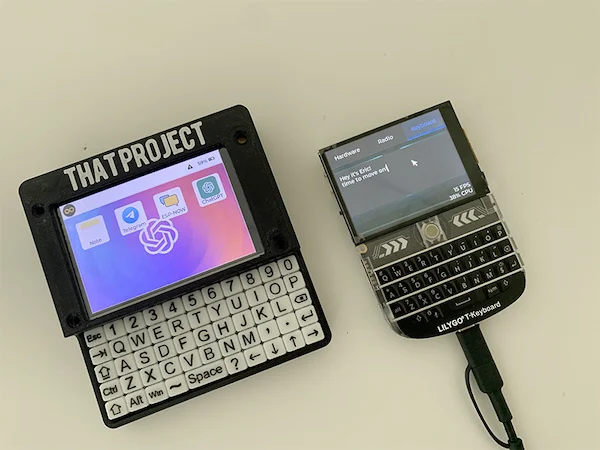
ESP32Berry
A comprehensive handheld OS-like application for the LilyGO T-Deck, leveraging LVGL for its user interface and LovyanGFX for high-performance display driving. It features a ChatGPT client, dynamic WiFi configuration, and system-level controls for audio and brightness.