Raspberry Pi Pico Web Server Control
A MicroPython-based web server framework for Raspberry Pi Pico, ESP8266, and ESP32 microcontrollers. It provides a browser-based interface to execute Python functions remotely, serve dynamic content, and manage files, with specific optimizations for memory-constrained devices.
Overview
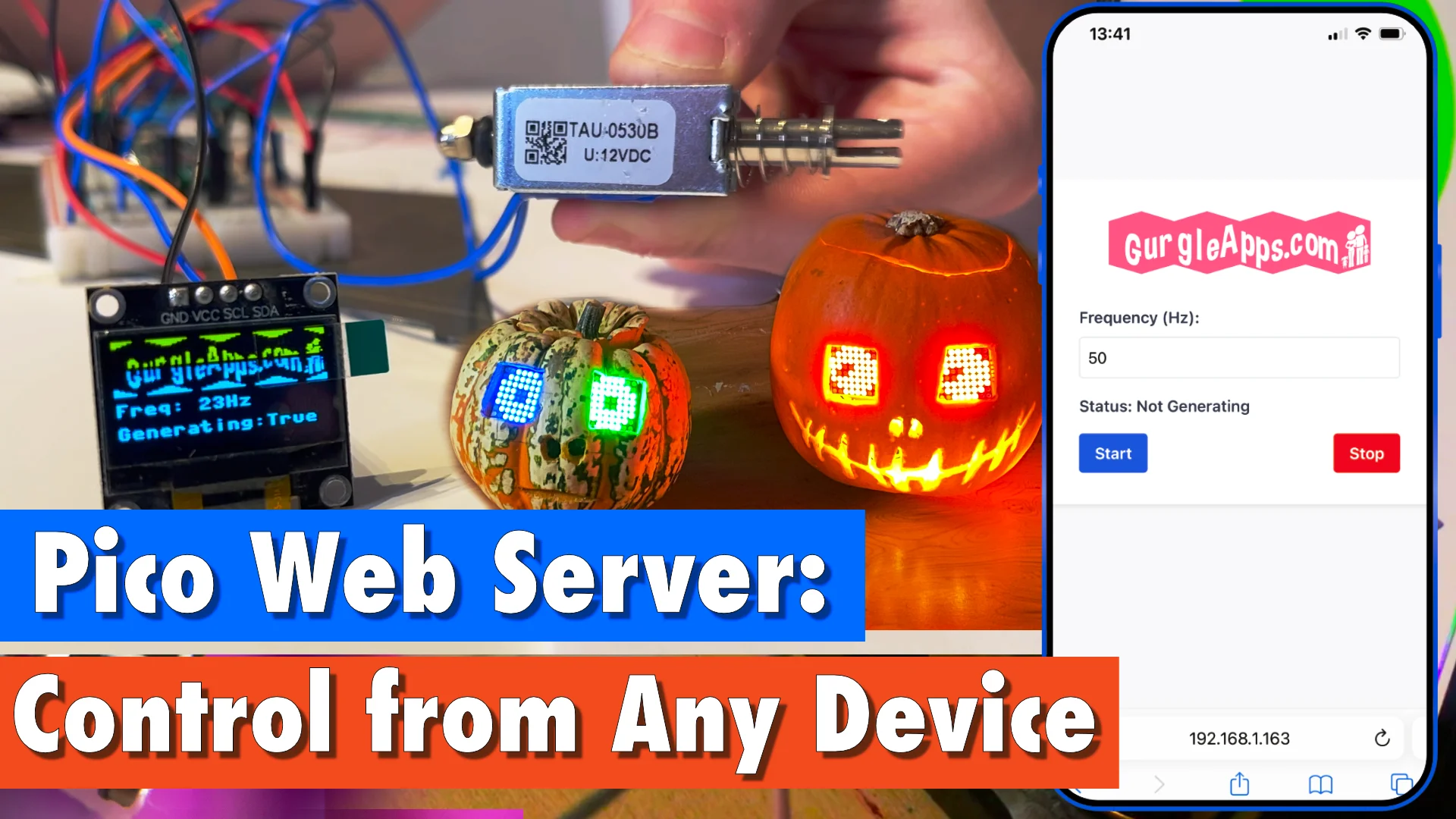
The Raspberry Pi Pico Web Server Control project provides a flexible and lightweight solution for interacting with microcontrollers through a web-based user interface. Designed specifically for MicroPython environments, it allows developers to control their Raspberry Pi Pico, ESP8266, or ESP32 projects remotely from any device with a browser, including smartphones and tablets.
This project simplifies the process of creating a bridge between low-level hardware control and high-level web interfaces. It is particularly useful for IoT applications where a physical screen might be absent, or where remote monitoring and configuration are required.
Key Features
Remote Function Execution
One of the most powerful aspects of this project is the ability to trigger Python functions on the microcontroller directly from a web browser. This enables real-time interaction with hardware components like sensors, motors, or LEDs without needing a physical serial connection.
Dynamic and Static Content
The server can serve standard static HTML pages as well as dynamic pages that display live data from the microcontroller. This makes it easy to build dashboards that show sensor readings or system status in real-time.
Headless Operation and IP Blinking
For projects deployed in the field without a display, the server includes a unique feature that blinks the device’s IP address using the built-in LED. This allows users to identify the server’s network location without needing to check a router’s DHCP list or use a serial monitor.
File Management
The project includes a responsive user interface for browsing the root directory of the microcontroller. This file and folder list view provides an attractive way to manage on-device storage and verify project files.
Technical Implementation and Optimization
The project is optimized for the resource constraints of microcontrollers. It supports both standard .py files and precompiled .mpy MicroPython bytecode. Using .mpy files is highly recommended for memory-limited devices like the ESP8266, as it reduces memory overhead and improves execution speed.
Configuration
Network settings and server behavior are managed through a central config.py file. Users can define:
- WIFI_SSID and WIFI_PASSWORD: For connecting to existing networks.
- BLINK_IP: Toggles the LED-based IP address reporting.
- Access Point Mode: The server can also operate as a standalone Access Point (AP) for direct peer-to-peer connections.
Getting Started
To deploy the web server, users need to have MicroPython installed on their target device. The core logic resides in the /src folder, which should be uploaded to the microcontroller along with main.py and a customized config.py. Once the server is running, it outputs its IP address (or blinks it), allowing users to connect via any standard web browser.
For developers looking to extend the project, the codebase is designed to be easily customizable, allowing for the addition of custom endpoints and specialized control panels tailored to specific hardware projects.