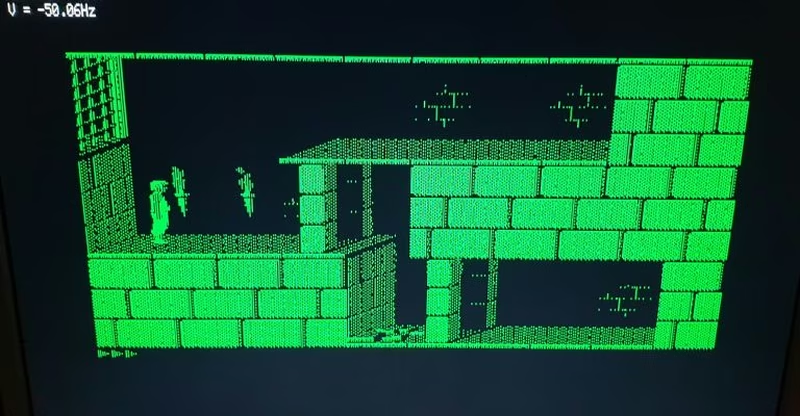
PICO TTL2VGA
A Raspberry Pi Pico-based signal converter that translates legacy TTL video signals (MDA, CGA, and EGA) into modern VGA output at 720x400 @ 70Hz. It leverages the RP2040's PIO state machines and DMA for high-speed pixel capture and signal generation, supporting various legacy resolutions and frequencies.
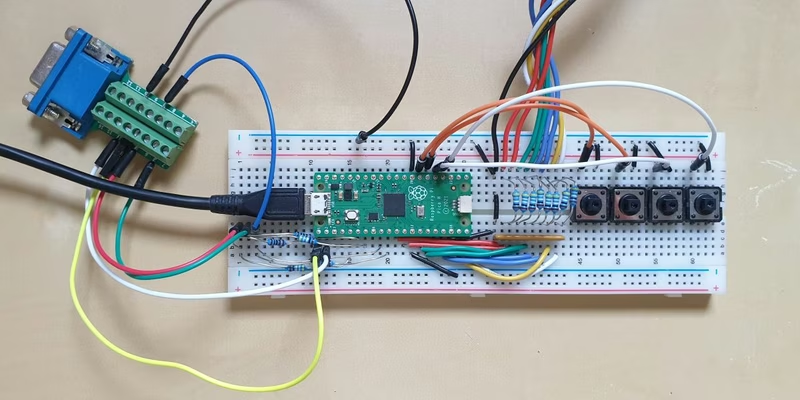
PICO TTL2VGA is a hardware and software solution designed to bridge the gap between legacy computing hardware and modern displays. By utilizing the Raspberry Pi Pico (RP2040), this project converts TTL-level video signals—specifically MDA, CGA, and EGA—into a standard VGA output format of 720x400 at 70Hz.
Supported Input Modes
The converter handles several classic video standards by detecting specific horizontal and vertical sync polarities and frequencies. Supported modes include:
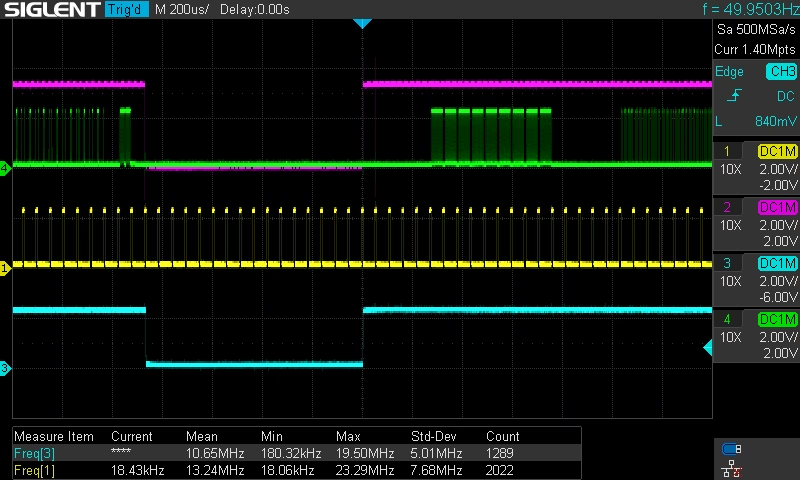
- MDA: 720x350 resolution at 50Hz (18.4kHz H-sync).
- CGA & EGA Mode 1: 640x200 resolution at 60Hz (15.7kHz H-sync).
- EGA Mode 2: 640x350 resolution at 60Hz (21.8kHz H-sync).
Hardware Implementation
The hardware design is intentionally simple, relying on the RP2040’s GPIO flexibility. The core circuit uses a resistor network (11 x 499 Ω and 11 x 1k Ω resistors) to manage signal levels. Optional components include buttons for manual adjustments, a 1nF capacitor to filter noisy VSYNC signals, and standard DB9 (input) and DB15 (output) connectors.
Using the integrated buttons, users can adjust the pixel clock to fine-tune horizontal width and toggle palettes (via GP21) for MDA and CGA/EGA modes. The project has been validated with vintage graphics hardware such as the OAK067 and ET3000 cards.
Technical Architecture
The project relies heavily on the Raspberry Pi Pico C/C++ SDK and the RP2040’s Programmable I/O (PIO) blocks. The system uses multiple PIO state machines to handle the timing-critical aspects of the conversion:
- getpix.pio: Samples 8-bit color data in synchronization with horizontal sync pulses.
- hsync_in / vsync_in: Monitors input synchronization signals to detect the current video mode.
- hsync_out / vsync_out: Generates the precise timing required for 720x400 VGA output.
- rgb_out.pio: Manages the 6-bit color data stream sent to the VGA monitor.
To minimize output jitter, the system defaults to a 114 MHz clock, though higher frequencies (up to 228 MHz) are recommended for more precise pixel clock and offset adjustments. This is particularly useful for eliminating artifacts on specific hardware like the OAK067.
Calibration and Performance
Fine-tuning is a core part of the implementation. Because legacy hardware varies, the software allows for fractional clock divider adjustments. If the scanning starts too early or lines are missing, users can modify parameters in ttl_in.h to optimize the frame buffer (typically 720x351) for their specific graphics card.
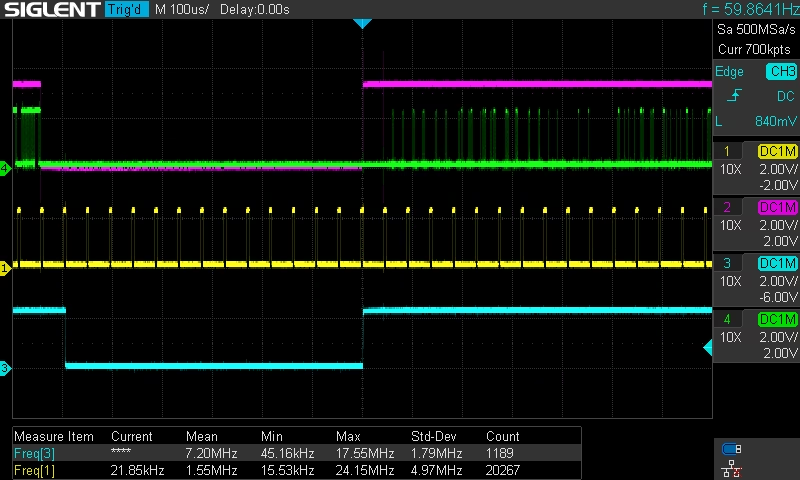
For advanced users, enabling USB output allows for real-time monitoring of the clock divider via a serial terminal. However, this may limit the frame buffer size due to memory constraints. The project also demonstrates versatility by supporting Hercules Monochrome Graphics, expanding its utility for vintage PC enthusiasts.
Getting Started
Building the project requires the standard Raspberry Pi Pico SDK. The source code is organized to support both the original RP2040 and the newer Pico 2 (RP2350). When targeting the Pico 2, users simply need to specify the board type during the CMake configuration process. For the most stable results and precise timing, users are encouraged to explore the high-frequency branches of the repository.