Magic 8 Ball Toy
This project implements an interactive digital Magic 8 Ball using a Raspberry Pi Pico 2 and a 1.28-inch round LCD. It utilizes an MPU-9250 accelerometer to detect orientation and shaking gestures, emulating the floating dice behavior of the original toy. The firmware leverages both processor cores to manage sensor data and real-time graphics visualization simultaneously.
This DIY project was born from a desire to utilize small, round displays in a creative way while experimenting with the Raspberry Pi Pico platform. By integrating a 1.28-inch round LCD into a classic 8-ball shell, the device emulates the floating behavior of a 20-sided dice.
The device uses an accelerometer to detect its physical orientation and recognize specific gestures like shaking and rotating. It also features idle detection to save power. When the device is rotated face down and shaken, it prepares a prophecy. Once flipped face up, it randomly generates a response from a hardcoded list, displayed on a triangle that fits the round screen perfectly. To ensure longevity, the system monitors battery voltage, dynamically changing the triangle’s color from blue to red as the battery level drops.
Hardware Components
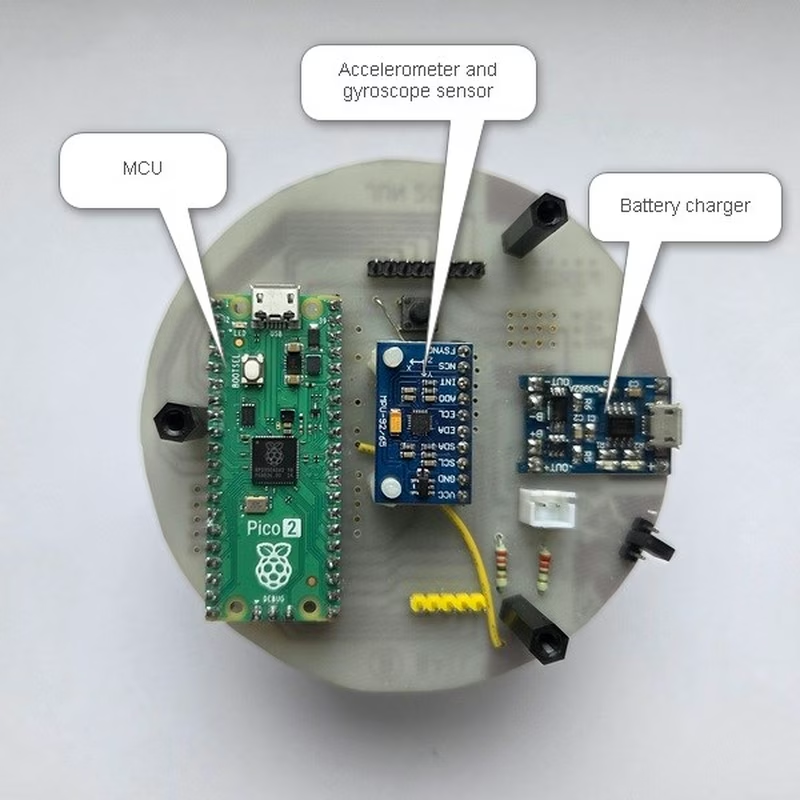
The build is centered around the Raspberry Pi Pico 2 (RP2350 board) and a 1.28-inch LCD module. Motion sensing is handled by an MPU-9250 accelerometer and gyroscope module. Power management is provided by a TP4056 Li-ion battery charger board paired with a standard Li-ion battery.
Wiring and Assembly
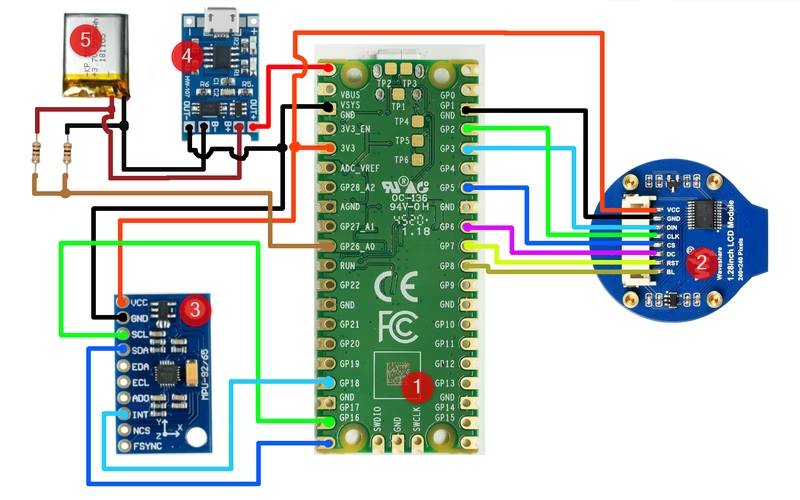
The components are interconnected using SPI for the display and I2C for the sensor module. The ADC is utilized to monitor battery health, and DMA is employed to handle efficient data transfer to the display.
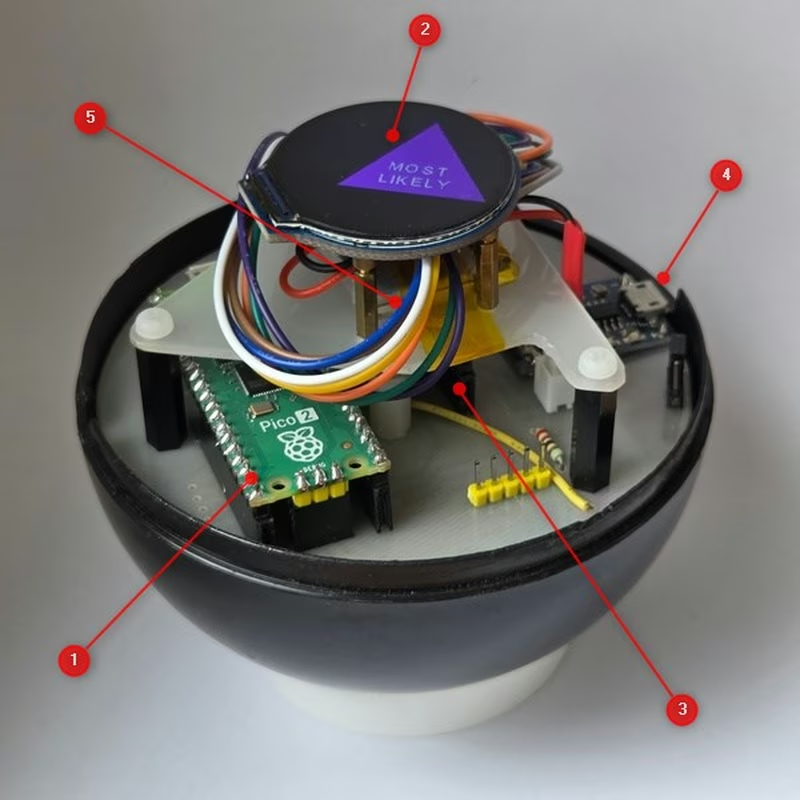
The physical housing was repurposed from an original Magic 8-Ball toy. After the internal liquid and components were removed, the shell was cleaned to accommodate the new electronics, with the round screen positioned to align with the toy’s original viewing window.
Firmware Architecture
The firmware is designed to take full advantage of the RP2350’s dual-core architecture. One core is dedicated to processing high-frequency accelerometer data to detect shakes and orientation changes, while the second core focuses on visualizing the floating dice and rendering the text output.
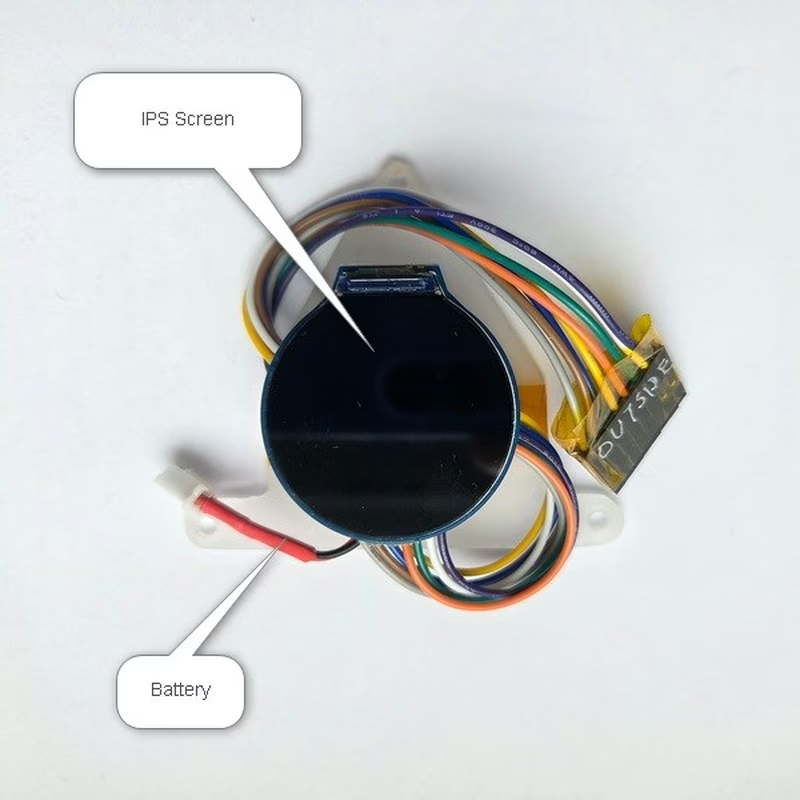
Development was conducted in Visual Studio Code using the Pico extension, with hardware debugging performed via a Raspberry Pi Debug Probe. While the software was originally targeted at the RP2040, it has been updated for the RP2350 platform, utilizing the Raspberry Pi Pico SDK and PICO_EXTRAS for hardware abstraction and peripheral management.
Related Projects
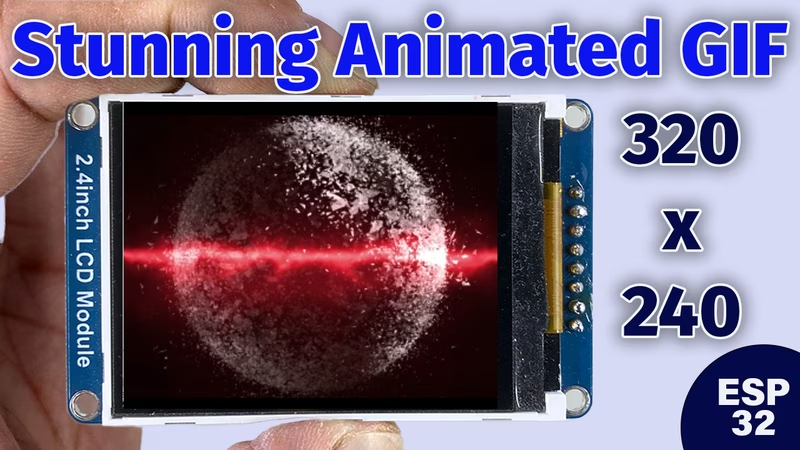
Animated GIF with Push Button on ILI9341 LCD
This project provides firmware for the ESP32-S3 to display and cycle through animated GIFs stored in flash memory on a 320x240 ILI9341 LCD. It utilizes the bb_spi_lcd and AnimatedGIF libraries to manage display control and image decoding, allowing users to switch animations via a physical push button.
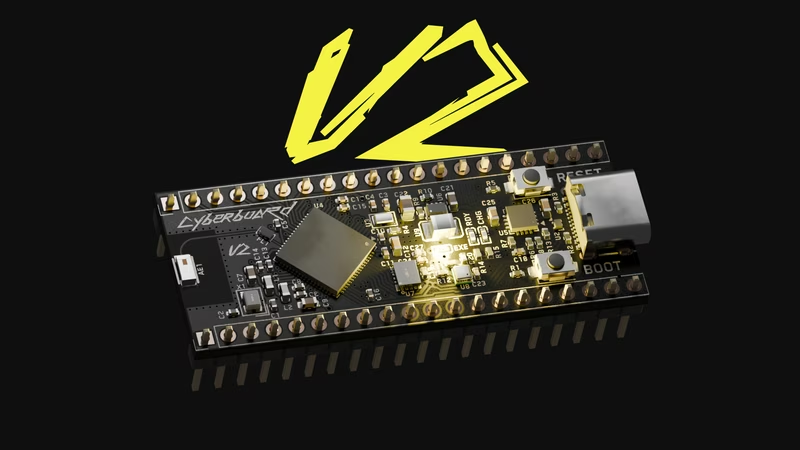
Cyberboard V2
A compact development board featuring the STM32WB55CG microcontroller in a Raspberry Pi Pico form factor, designed for wireless sensing applications. It integrates Bluetooth Low Energy, an ICM-42688 6-axis IMU, and a BMP580 barometer with a sophisticated power management system for battery operation. The project utilizes the STM32 HAL and WPAN middleware to implement a dual-core wireless sensor hub.