KMK Firmware
A feature-rich and beginner-friendly keyboard firmware written in CircuitPython. It enables easy configuration of mechanical keyboards via a single Python file and supports advanced features like split layouts, RGB lighting, and Bluetooth HID.
Python-Powered Keyboards
KMK is a modern firmware for computer keyboards that prioritizes accessibility and ease of use without sacrificing power. Unlike traditional keyboard firmwares that require complex C/C++ build environments and DFU flashing tools, KMK is built on top of CircuitPython. This architectural choice allows users to configure their keyboard by simply editing a Python file stored directly on the microcontroller’s internal flash storage, which appears to the computer as a standard USB drive.
The CircuitPython Advantage
By leveraging CircuitPython, KMK eliminates the steep learning curve often associated with custom mechanical keyboards. When you want to change a keymap or add a macro, you don’t need to recompile code. You simply open the configuration file in any text editor, save your changes, and the keyboard reloads instantly. This “edit-on-the-go” workflow is a significant departure from the traditional firmware development cycle, making it an ideal choice for beginners and rapid prototyping.
Key Features and Capabilities
Despite its focus on simplicity, KMK is a powerhouse of features that rival or exceed many established firmwares:
- Split Keyboard Support: KMK natively supports both single-piece and two-piece split keyboards, handling the communication between halves automatically.
- Advanced Key Behaviors: Users can implement complex logic such as Tap Dance (where a key performs different actions based on how many times it is tapped) and chainable keys for complex OS shortcuts.
- Rich Multimedia and Macros: Built-in support for Unicode macros and emojis allows for expressive input beyond standard alphanumeric characters.
- Visual Customization: The firmware includes robust support for RGB underglow and LED backlighting, allowing for deep aesthetic customization.
- Wireless Connectivity: With support for Bluetooth HID, KMK enables the creation of wireless custom keyboards, reducing cable clutter on the desk.
Technical Implementation
KMK requires CircuitPython version 8.0 or higher. The project is structured to be modular, with the core logic residing in the kmk/ directory. It utilizes standard CircuitPython libraries for hardware abstraction, such as digitalio for key scanning and usb_hid for computer communication. For developers looking to extend the firmware, the repository includes a comprehensive test suite and linting tools to ensure code quality and stability.
Getting Started and Community
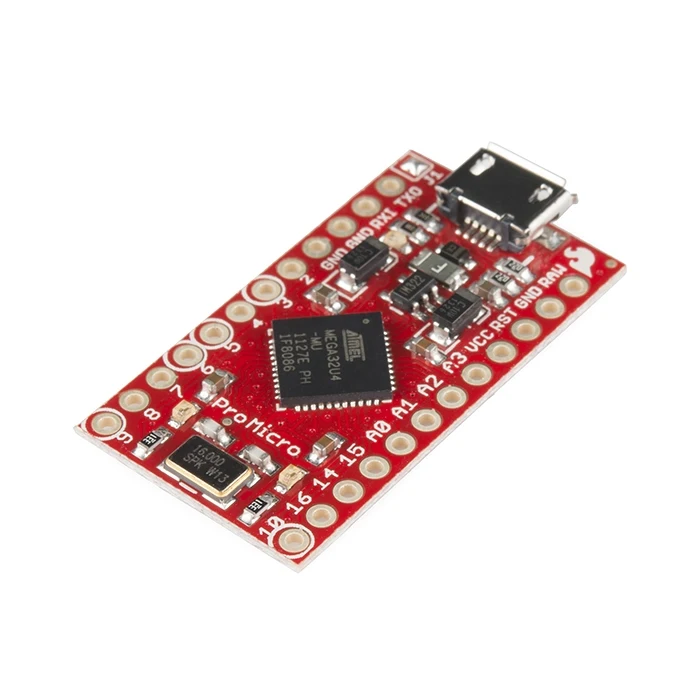
Setting up KMK involves installing CircuitPython on a compatible microcontroller (such as those based on the RP2040 or nRF52840) and copying the KMK library files onto the device. The project maintains extensive documentation covering everything from basic setup to advanced split keyboard configurations and RGB effects.
The KMK community is primarily centered around their Zulip instance, which serves as the hub for support, development discussion, and general chatter. The project is open-source under the GPLv3 license, encouraging community contributions while maintaining a strict policy against AI-generated code to ensure legal and ethical integrity.