HackMan3D Orbit Controller
An open-source, 3D-printable 6-DOF navigation controller designed for CAD applications and slicers. Built around an Arduino Pro Micro and four JH16 Hall-effect joysticks, it provides native USB HID 3D-controller input and an optional mouse-emulation mode. The project features adjustable speed profiles, configurable dead zones, and multi-axis input filtering for precise 3D manipulation.
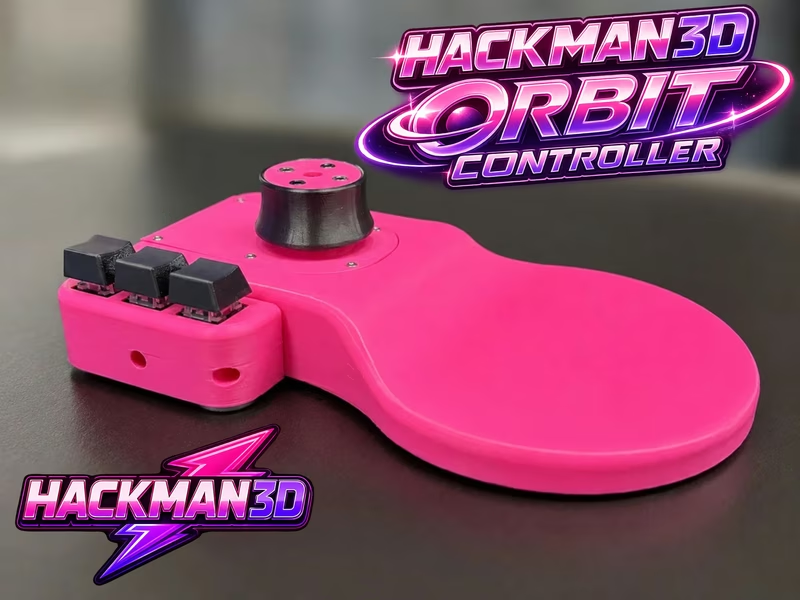
The HackMan3D Orbit Controller is a sophisticated, open-source hardware project that brings professional-grade 3D navigation to the desktop of any maker or engineer. By utilizing an Arduino Pro Micro and a clever arrangement of Hall-effect joysticks, this controller provides six degrees of freedom (6-DOF), allowing users to pan, zoom, and rotate 3D models simultaneously in CAD environments. It serves as a powerful, customizable alternative to commercial 3D mice, designed specifically for the needs of the 3D printing and design community.
Hardware and Design
At the heart of the Orbit Controller is the ATmega32U4-based Arduino Pro Micro. This choice of microcontroller is pivotal because of its native USB HID capabilities, allowing the device to be recognized by the host computer as a standard input device without the need for proprietary background applications.
The physical interface consists of four JH16 Hall-effect joystick modules. Unlike traditional potentiometric joysticks, Hall-effect sensors use contactless magnetic sensing. This significantly reduces mechanical wear and provides a smoother, more precise response over time, which is critical for the fine adjustments required in 3D modeling. These sensors are housed within a fully 3D-printable enclosure, making the project highly accessible to anyone with a 3D printer. The BOM is rounded out by mechanical keyboard switches for shortcuts and standard M2/M3 fasteners.
Software Architecture and Modes
The firmware leverages the NavCore 3D Controller board package, which enables the Pro Micro to emulate 3Dconnexion-style HID controllers. This ensures out-of-the-box compatibility with industry-standard software like Fusion 360, Blender, SolidWorks, and FreeCAD across Windows, macOS, and Linux.
One of the standout features of the Orbit Controller is its dual-mode operation:
- CAD Mode: Provides native 3D input for translation and rotation across three axes. In this mode, moving and twisting the knob translates directly to camera or object movement in supported software.
- Slicer Mouse Mode: An experimental mode that emulates a standard USB mouse and keyboard. This is particularly useful for 3D printing slicers like Bambu Studio, Cura, or PrusaSlicer, which may lack native support for 3D mice but benefit from the intuitive navigation the Orbit provides via mouse-emulation shortcuts.
Customization and Tuning
Recognizing that every user has different preferences for sensitivity and ergonomics, the project includes a comprehensive tuning system. Users can adjust speed profiles, dead zones, gain, smoothing, and response curves directly within the firmware. The controller also features an automatic calibration routine; upon power-up, it calibrates the joysticks over the course of one second, ensuring that any sensor drift is accounted for before use.
For those looking to expand the functionality, the controller includes three configurable shortcut buttons. These can be mapped to common tasks like switching speed profiles or executing specific keyboard shortcuts (like Tab, Command+0, or Shift), further streamlining the 3D design workflow.
Getting Started
Building an Orbit Controller involves printing the mechanical parts, gathering the electronic components listed in the BOM, and following the provided wiring diagrams. The firmware is a standard Arduino sketch that can be uploaded via the Arduino IDE once the NavCore board package is installed. Because it operates as a native USB HID device, no additional driver installation is required on the host computer, making it a plug-and-play solution once the initial firmware flash is complete.
Related Projects
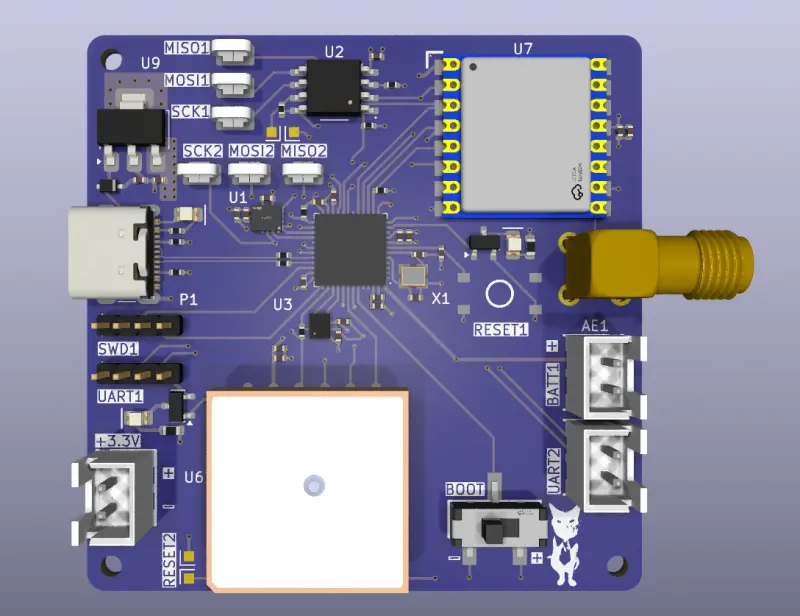
FPV Drone STM32F411 Flight Controller
An open-source avionics stack for FPV drones featuring a custom STM32F411 flight computer and an STM32F405 power distribution board. The project includes full KiCad 9.0 hardware designs, STM32 HAL-based firmware, and a robust 3D-printable airframe optimized for 935 KV brushless motors.
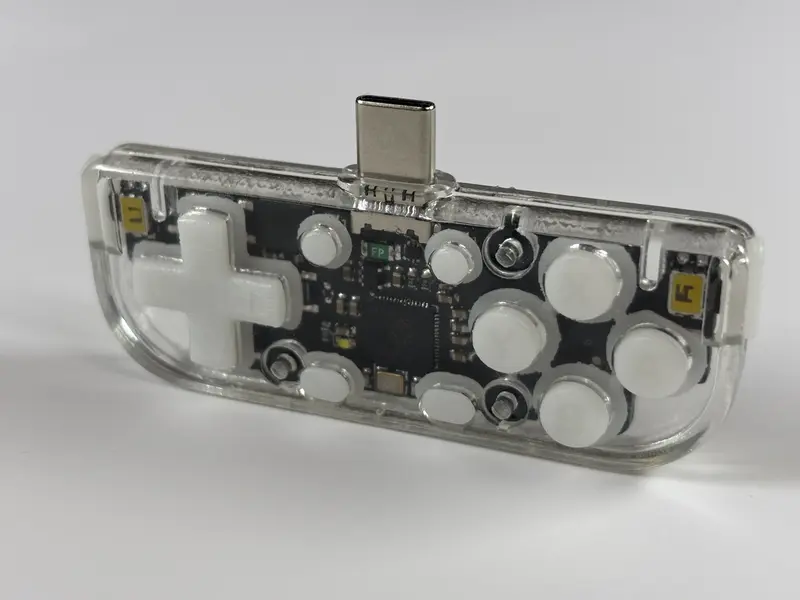
DIY Portrait-Mode Gamepad
A custom RP2040-powered hardware project designed for vertical mobile gaming. It utilizes the GP2040-CE firmware to provide a low-latency USB HID controller experience via a direct USB-C connection, featuring a 3D-printable enclosure and custom PCB.
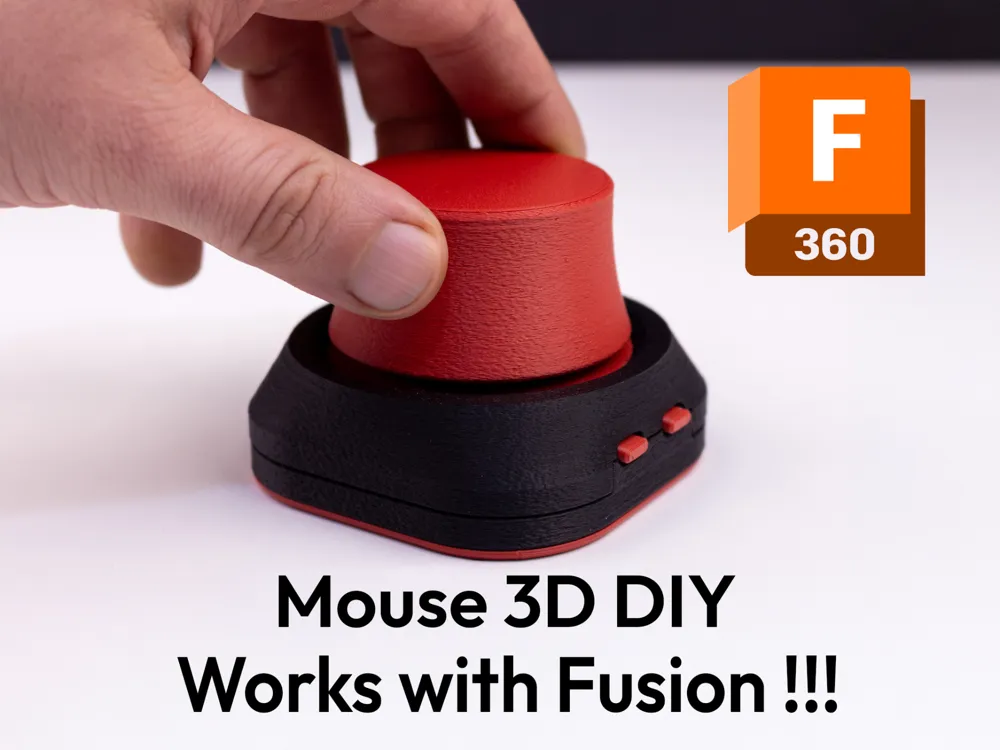
AdaSpace3D
A firmware replacement for DIY SpaceMouse devices using the RP2040 microcontroller and TLx493D magnetic sensor. It provides native 3DConnexion driver support by emulating the official USB protocol, enabling smooth 5DOF navigation in 3D software like Fusion360 and Blender.