ESP32 Cheap Yellow Display (CYD) Wi-Fi Analyzer
This project transforms an ESP32 'Cheap Yellow Display' (CYD) into a graphical Wi-Fi signal analyzer, visualizing network strength and channel congestion. It utilizes the Arduino_GFX_Library to support various display drivers like the ST7789 and ILI9341 on a 320x170 resolution screen, making it compatible with multiple hardware iterations of the CYD platform.
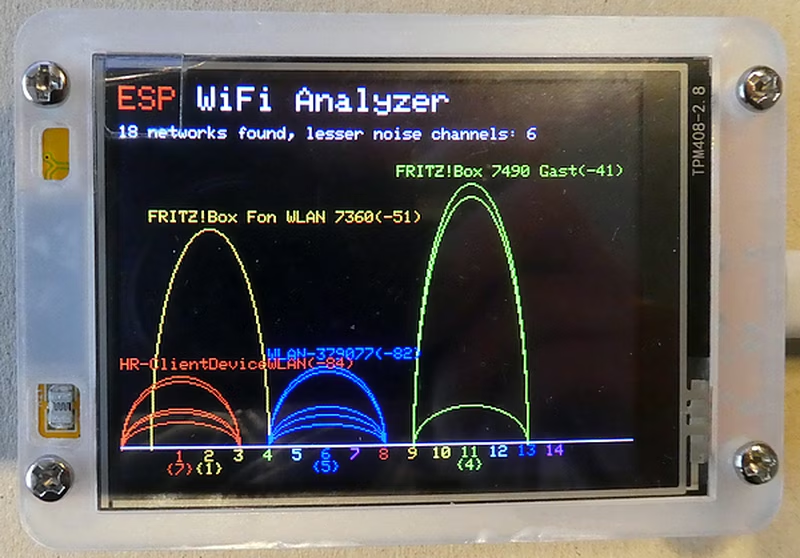
The ESP32 Cheap Yellow Display (CYD) Wi-Fi Analyzer is a specialized tool designed to visualize the local wireless environment. By leveraging the integrated display and Wi-Fi capabilities of the ESP32, this project provides a clear, graphical representation of network signal strength and channel usage, helping users identify interference and optimize their network setup.
Understanding the Cheap Yellow Display (CYD)
The “Cheap Yellow Display” has become a popular choice for rapid development in the embedded community. These devices typically integrate an ESP32 WROOM microcontroller with a TFT display, an optional touch surface, an SD card reader, and an RGB LED.
Initially introduced with a 2.8-inch display using the ILI9341 driver and XPT2046 resistive touch controller, newer versions have expanded the ecosystem. Current iterations range from 1.28 to 7 inches and utilize various driver chips. For this specific implementation, 1.9-inch variants with a resolution of 320 x 170 pixels in landscape orientation are targeted. While most units use the ESP32 WROOM, some newer models feature the more powerful ESP32-S3 chip.
Software Architecture and Libraries
To manage the diverse range of display hardware found in the CYD ecosystem, the project relies on the GFX library for Arduino (specifically version 1.6.3). This library provides the necessary abstraction to handle different display drivers such as the ST7789, ILI9341, and ST7796.
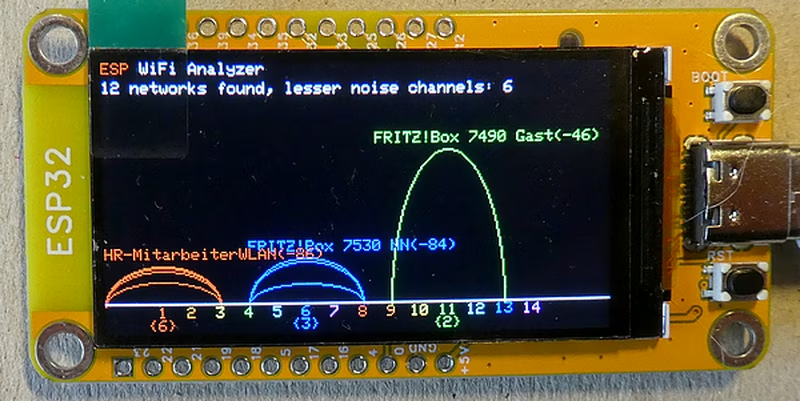
The core functionality of the analyzer involves scanning the 2.4GHz spectrum using the native WiFi.h library (or ESP8266WiFi.h for compatible boards). The software processes the Received Signal Strength Indicator (RSSI) data from surrounding access points and maps them to their respective Wi-Fi channels, creating a real-time visualization of channel congestion.
Development and Configuration
The project is developed using the Arduino IDE (Version 2.3.6) and requires the arduino-esp32 boards package (Version 3.2.0). When configuring the environment, the “ESP32 Dev Module” is the standard board selection for most CYD hardware.
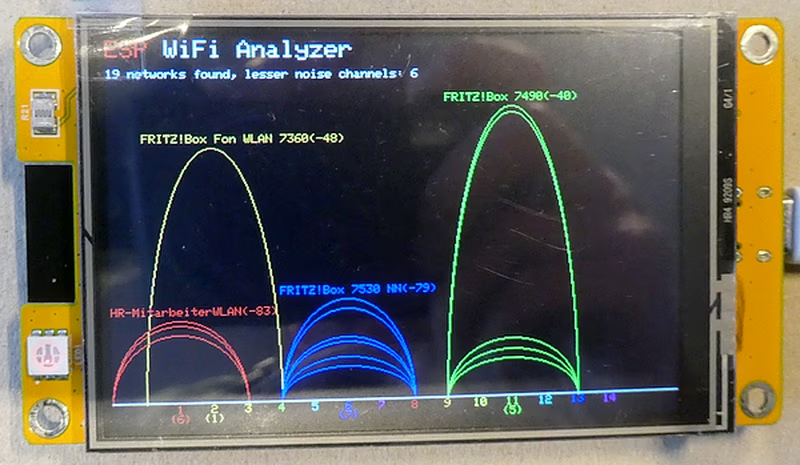
Because the CYD hardware can vary between manufacturers, the code is designed to be adaptable. The use of the Arduino_GFX_Library ensures that as long as the correct pins and driver chips are defined, the analyzer can function across different hardware revisions. This makes it a versatile tool for anyone working with the ESP32 platform who needs a portable, visual way to inspect Wi-Fi network health.
Related Projects
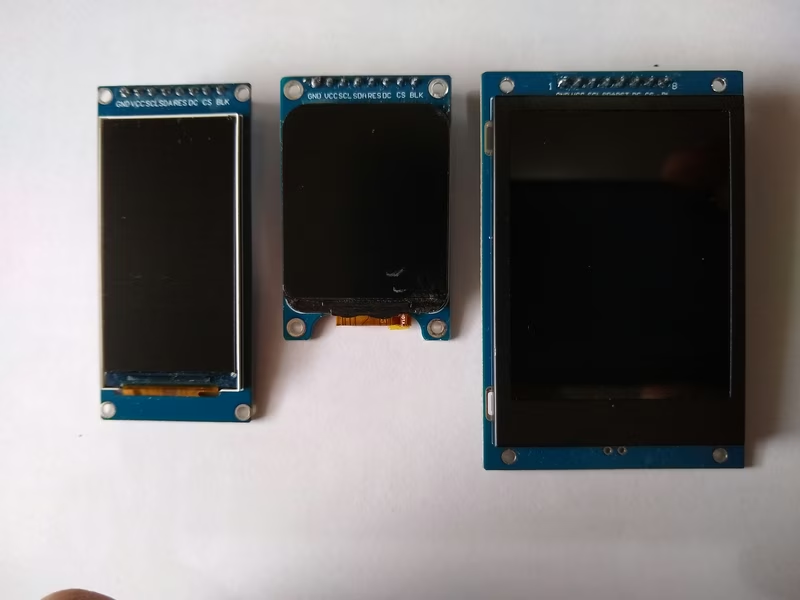
Three IPS Displays with ST7789
This project provides optimized configurations and benchmarking tools for three common ST7789-based IPS displays with resolutions of 170x320, 240x280, and 240x320. It leverages the TFT_eSPI library to achieve high frame rates on ESP32 and RP2040 microcontrollers, including detailed wiring and setup files for various hardware platforms.
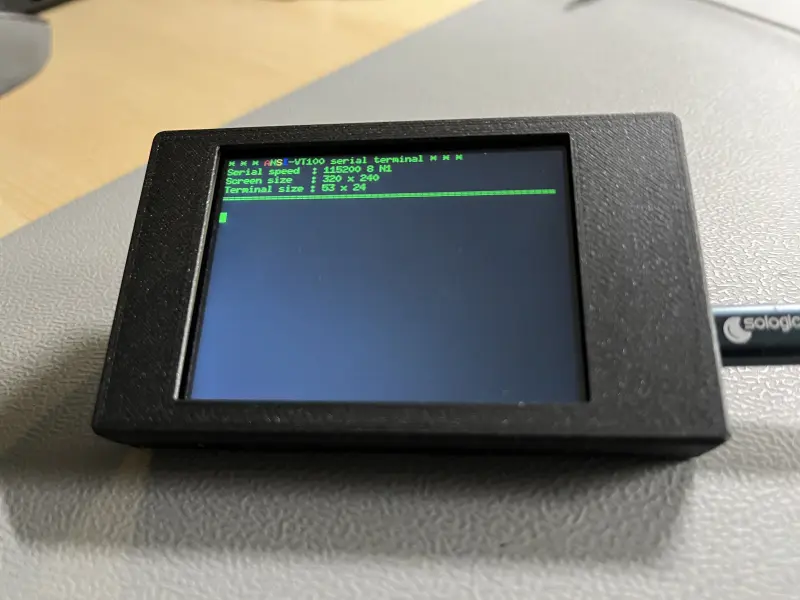
CYD ANSI-VT100 Serial Terminal
A mini-project that transforms the ESP32-based Cheap Yellow Display (CYD) into a standalone ANSI-VT100 serial terminal. It utilizes the FabGL library to handle terminal emulation and display output, allowing users to monitor serial data from other microcontrollers at 115200 baud without a PC.
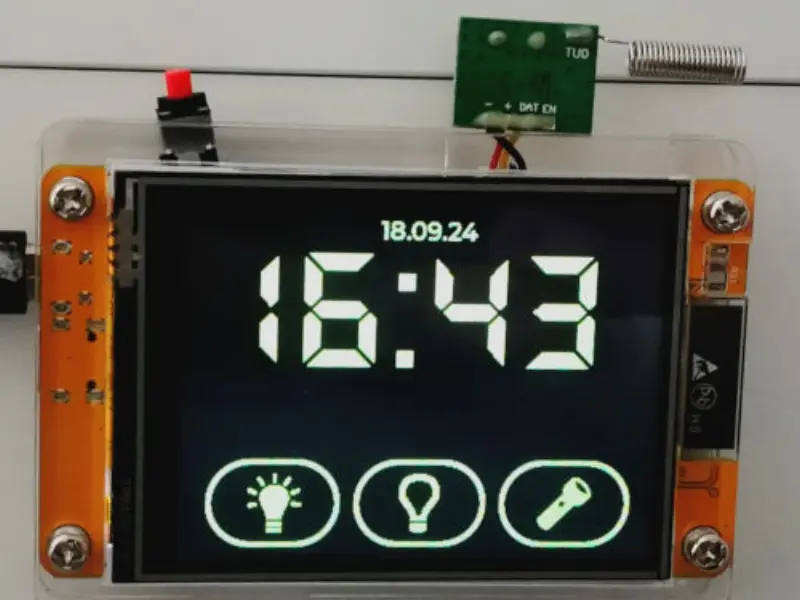
ESP32 Cheap Yellow Display MicroPython LVGL
A comprehensive resource for running MicroPython and LVGL on the ESP32-2432S028R 'Cheap Yellow Display'. It provides precompiled firmwares for LVGL9 and LVGL8, specialized drivers for ILI9341 and XPT2046, and detailed guides for display calibration and UI development.
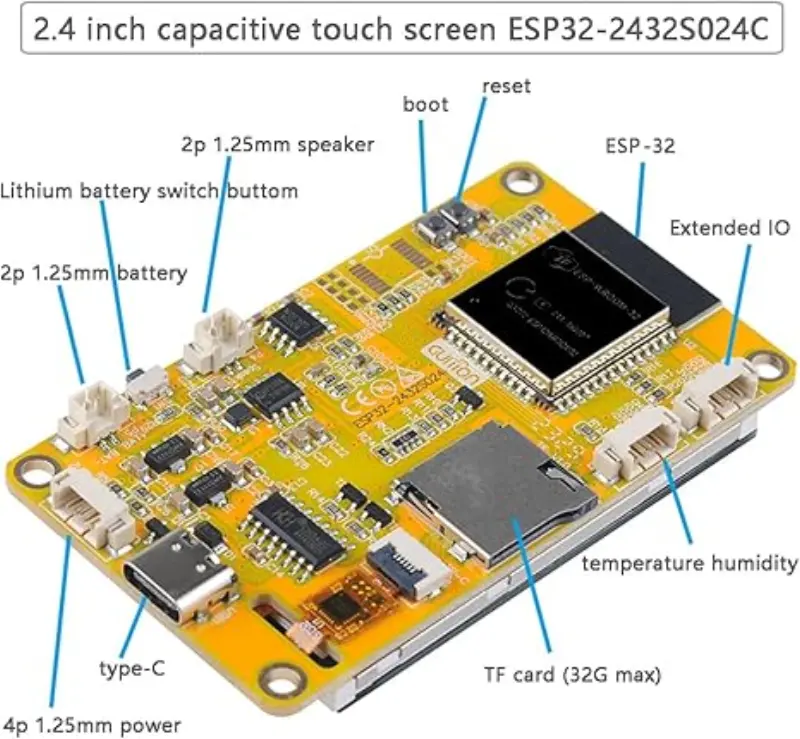
ESP32 Marauder for Cheap Yellow Display (CYD)
A specialized port of the ESP32-Marauder firmware tailored for the Cheap Yellow Display (CYD) hardware family. It provides a comprehensive suite of WiFi and Bluetooth testing tools, including wardriving, packet capture, and signal analysis, optimized for various ESP32 and ESP32-S3 touch screen modules.
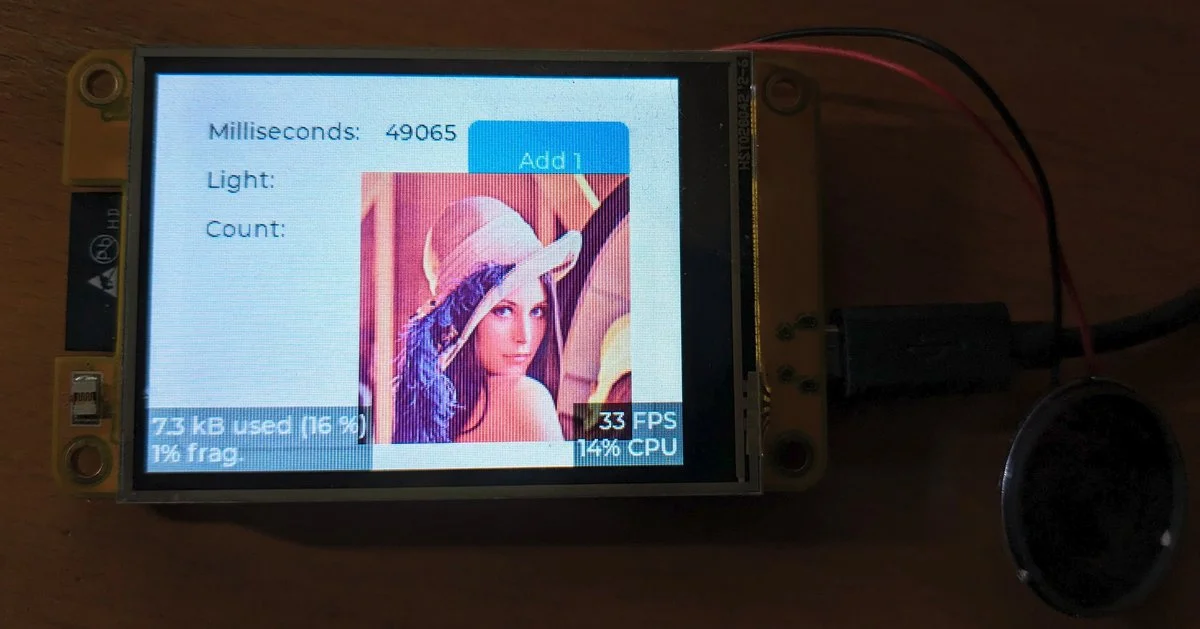
esp32-smartdisplay
A specialized driver library for Sunton 'Cheap Yellow Display' (CYD) boards, providing a unified interface for LVGL 9. It leverages the Espressif esp_lcd component to support a wide range of ESP32, S3, and C3 based smart displays with integrated touch and peripheral control.