DS5 Bridge
DS5 Bridge is a firmware and software suite that enables wireless Sony DualSense controller support on Windows via a Raspberry Pi Pico 2 W. It utilizes the TinyUSB and BTstack libraries to bridge Bluetooth HID reports to USB, featuring advanced support for HD haptics, adaptive triggers, and integrated audio. The project includes a dedicated Windows companion app for real-time configuration and profile management.
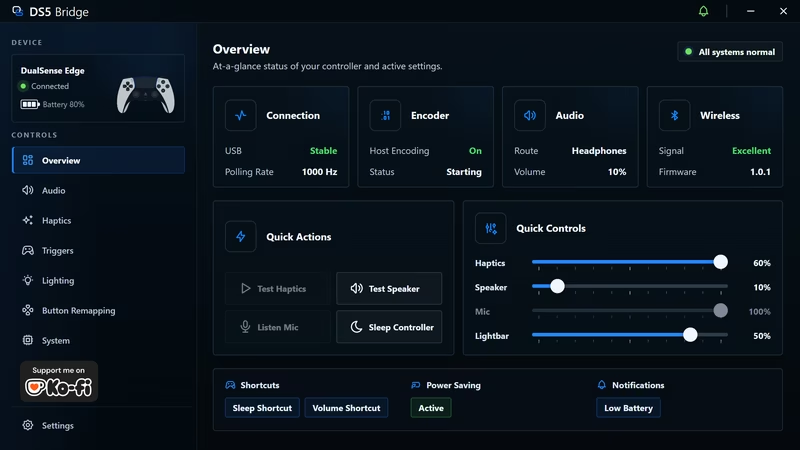
DS5 Bridge provides a high-performance wireless solution for using Sony DualSense and DualSense Edge controllers on a Windows PC. By leveraging the Raspberry Pi Pico 2 W as an intermediary hardware bridge, the system allows the controller to pair over Bluetooth while the Pico connects to the PC via USB. This architecture ensures that Windows recognizes the device as a standard DualSense-compatible USB controller, maintaining compatibility with modern games and applications.
Core Functionality and Setup
The bridge simplifies the wireless experience by handling the complex Bluetooth pairing and HID translation on the Pico hardware. Getting started involves flashing the Pico 2 W with a provided .uf2 firmware file. Once flashed, the Pico handles Bluetooth inquiry and pairing automatically when the controller is placed in pairing mode. After the initial connection, the Windows companion app serves as the primary interface for managing the bridge without requiring the user to reflash the firmware for configuration changes.
Comprehensive Feature Set
Beyond basic button inputs, DS5 Bridge focuses on preserving the premium features of the DualSense hardware. Users can wirelessly access HD haptics, classic rumble, and adaptive trigger effects. The system also supports integrated audio, allowing for the use of the controller’s built-in speaker and the 3.5mm headphone jack. To ensure smooth audio performance, the project implements Host Encoding, which manages the data stream to prevent stuttering or static during gameplay.
Companion App Tour
The Windows companion app is the central hub for monitoring the bridge and fine-tuning controller behavior. It provides a clean, visual interface for adjustments that are usually locked or difficult to access in standard drivers.
Overview and Monitoring
The dashboard offers a real-time look at the connection status, including battery levels, active audio routing, and Bluetooth signal quality. This view ensures that players can monitor their hardware health at a glance while managing active profiles.
Haptics and Vibration
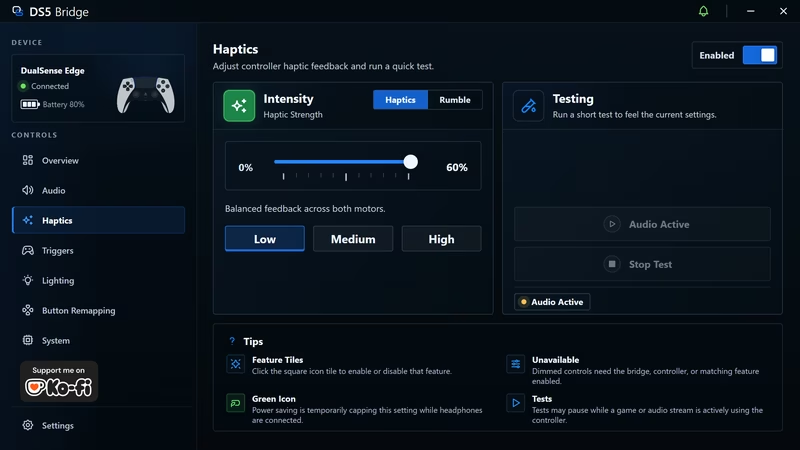
Precision control over haptic feedback allows users to adjust the strength of both HD haptics and traditional rumble motors. The app includes testing tools to feel the vibration strength before launching a game, ensuring the feedback matches personal preference.
Audio Management
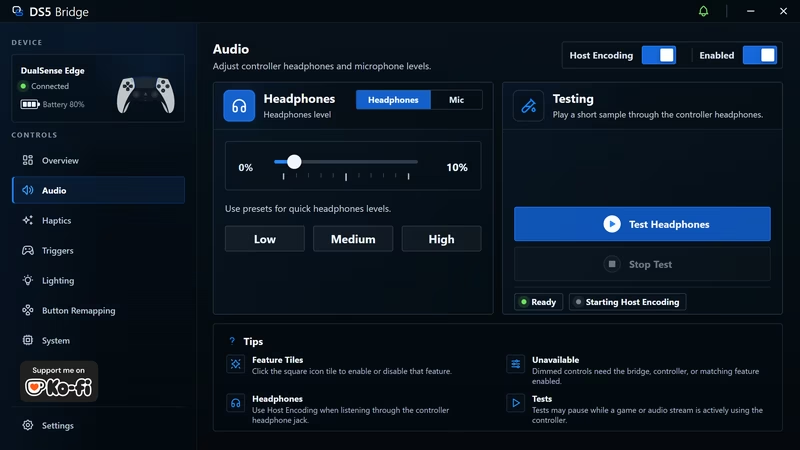
The audio suite manages the complex task of routing sound to the controller. It provides levels for the speaker and microphone, along with a toggle for Host Encoding. This feature is critical for maintaining high-quality audio through the controller’s headphone jack.
Adaptive Triggers
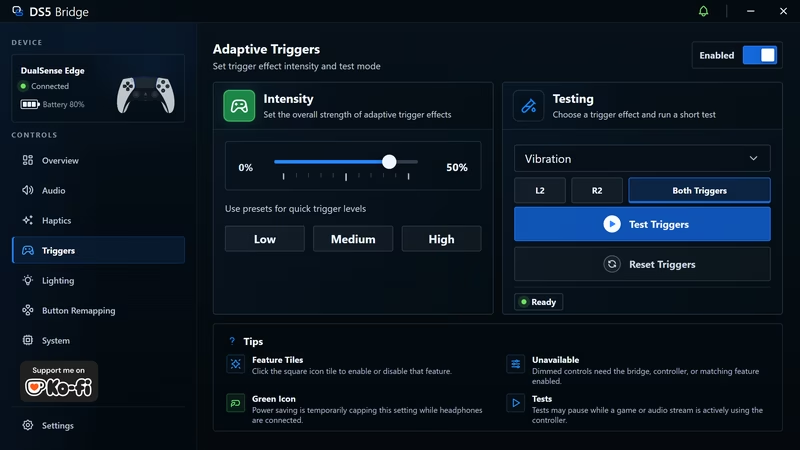
One of the standout features of the DualSense is its adaptive triggers. DS5 Bridge allows users to set trigger strength and experiment with different sample effects directly within the companion app, providing a tactile preview of how the triggers will respond in-game.
Lighting and Customization
Users can customize the lightbar’s brightness and color. The app can also take over lighting behavior automatically, providing visual feedback for different states or profiles. Furthermore, the system includes a visual button remapping tool, allowing for complete layout customization that is saved to the bridge’s runtime settings.
Technical Architecture
The project is divided into several specialized modules that handle the complexity of the DualSense protocol. The firmware is built on the Raspberry Pi Pico SDK and utilizes several key components:
- USB & HID:
src/usb.cppandsrc/usb_descriptors.cmanage the TinyUSB stack, presenting the device as a standard controller to the host PC. - Bluetooth Stack:
src/bt.cppmanages Bluetooth L2CAP HID channels and report queueing using BTstack. - Audio Processing:
src/audio.cpphandles the ingestion of USB audio, haptic resampling, and Opus encoding for the controller speaker. - Companion Protocol:
src/companion.cppimplements a vendor-specific HID protocol that allows the Windows app to communicate with the firmware for status reports and command acknowledgments.
The companion app itself is built with Electron and includes a native Windows host audio helper to facilitate high-quality audio encoding. This multi-layered approach ensures that the bridge remains responsive while handling high-bandwidth audio and haptic data.
Related Projects
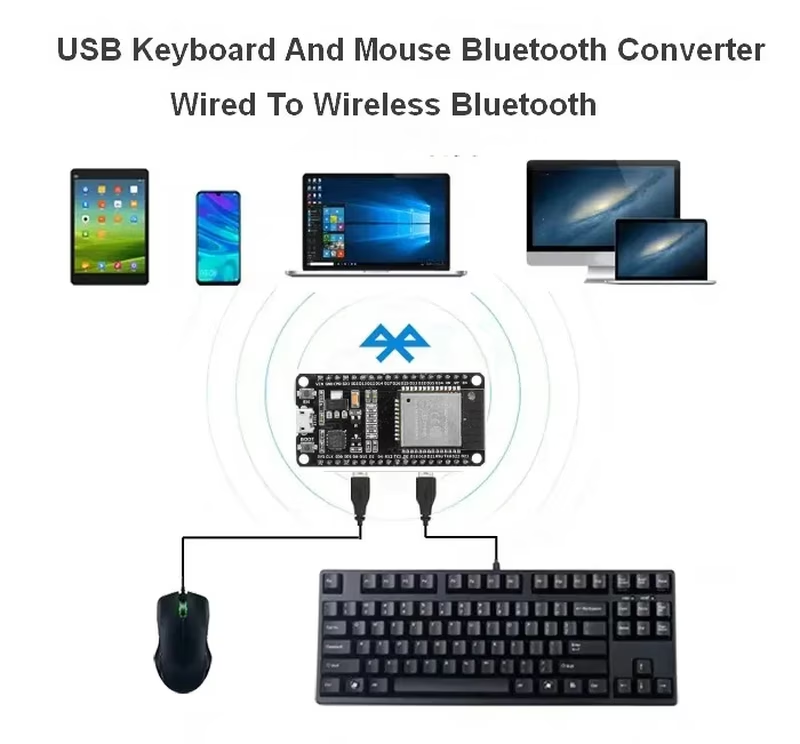
USB Keyboard and Mouse Bluetooth Adapter (ESP32)
This project transforms an ESP32 into a bridge between wired USB peripherals and Bluetooth-enabled hosts. By combining software-defined USB host capabilities with the NimBLE stack, it allows standard USB keyboards and mice to function as wireless BLE devices across multiple operating systems.
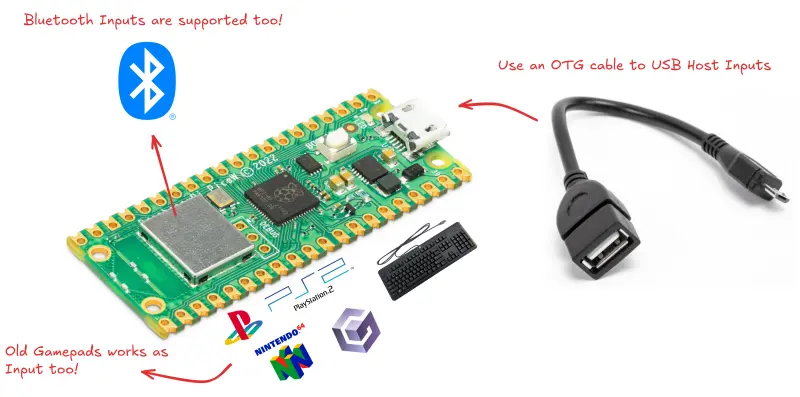
PicoGamepadConverter
A versatile controller protocol converter for RP2040 and RP2350 microcontrollers that bridges USB, Bluetooth, and retro gaming peripherals. It supports a wide array of input and output modes including Xinput, Nintendo Switch, and legacy console signals for PlayStation and Gamecube.
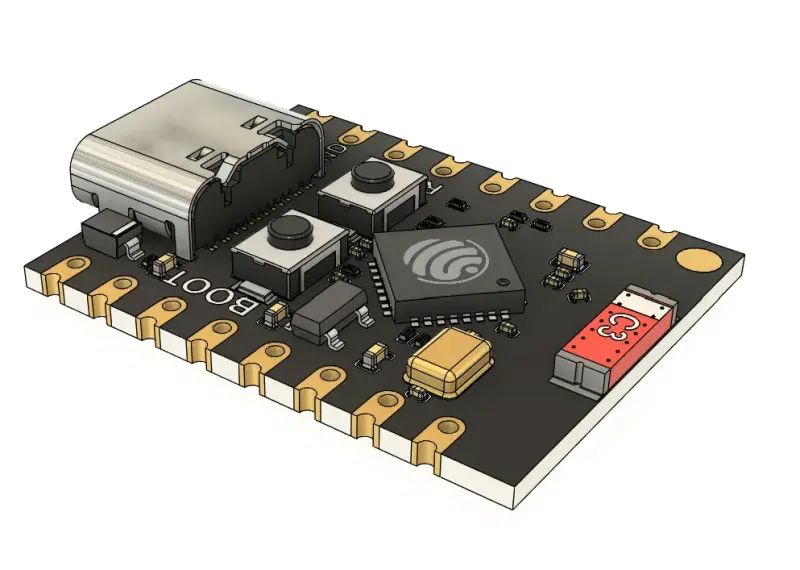
DShare-HID
DShare-HID is a high-performance utility that enables sharing keyboard and mouse inputs with mobile devices using an ESP32-C3 Supermini as a hardware bridge. It converts desktop input events into Bluetooth Low Energy (BLE) HID signals, allowing seamless control of iOS and Android devices without additional software on the target. The project is a derivative of Deskflow and supports Windows, macOS, and Linux hosts.
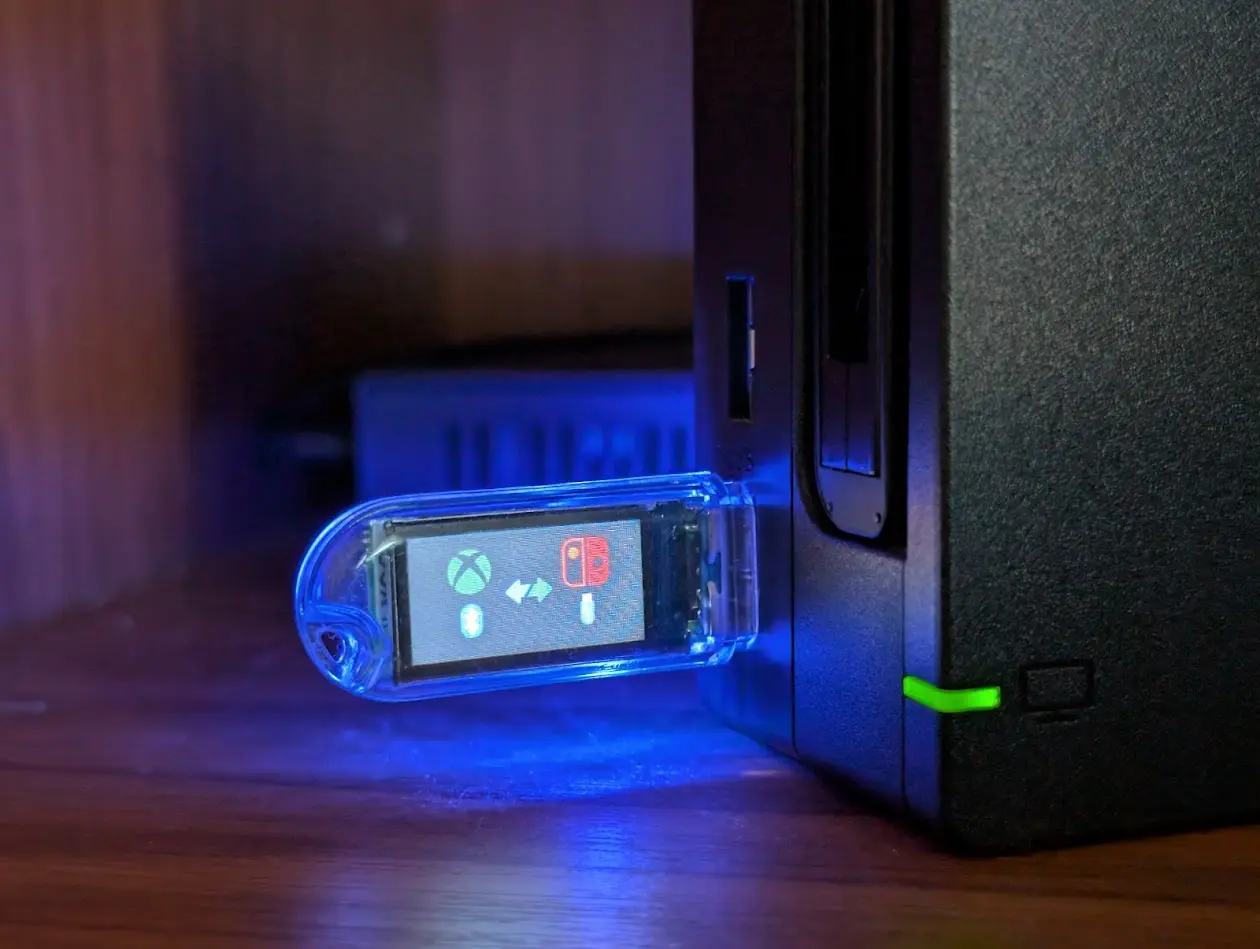
ESP USB BLE HID Bridge
A firmware project for ESP32-S3 that acts as a USB-to-BLE HID bridge, allowing Bluetooth controllers like the Xbox Wireless Controller to be used with the Nintendo Switch. It utilizes ESP-IDF, FreeRTOS, and the TinyUSB stack to emulate a Nintendo Switch Pro Controller over USB while acting as a BLE GATT client.