Arduino Lab for MicroPython
A lightweight, Electron-based editor for MicroPython development. It supports serial communication with microcontrollers to provide an interactive REPL, file system management, and direct code execution.
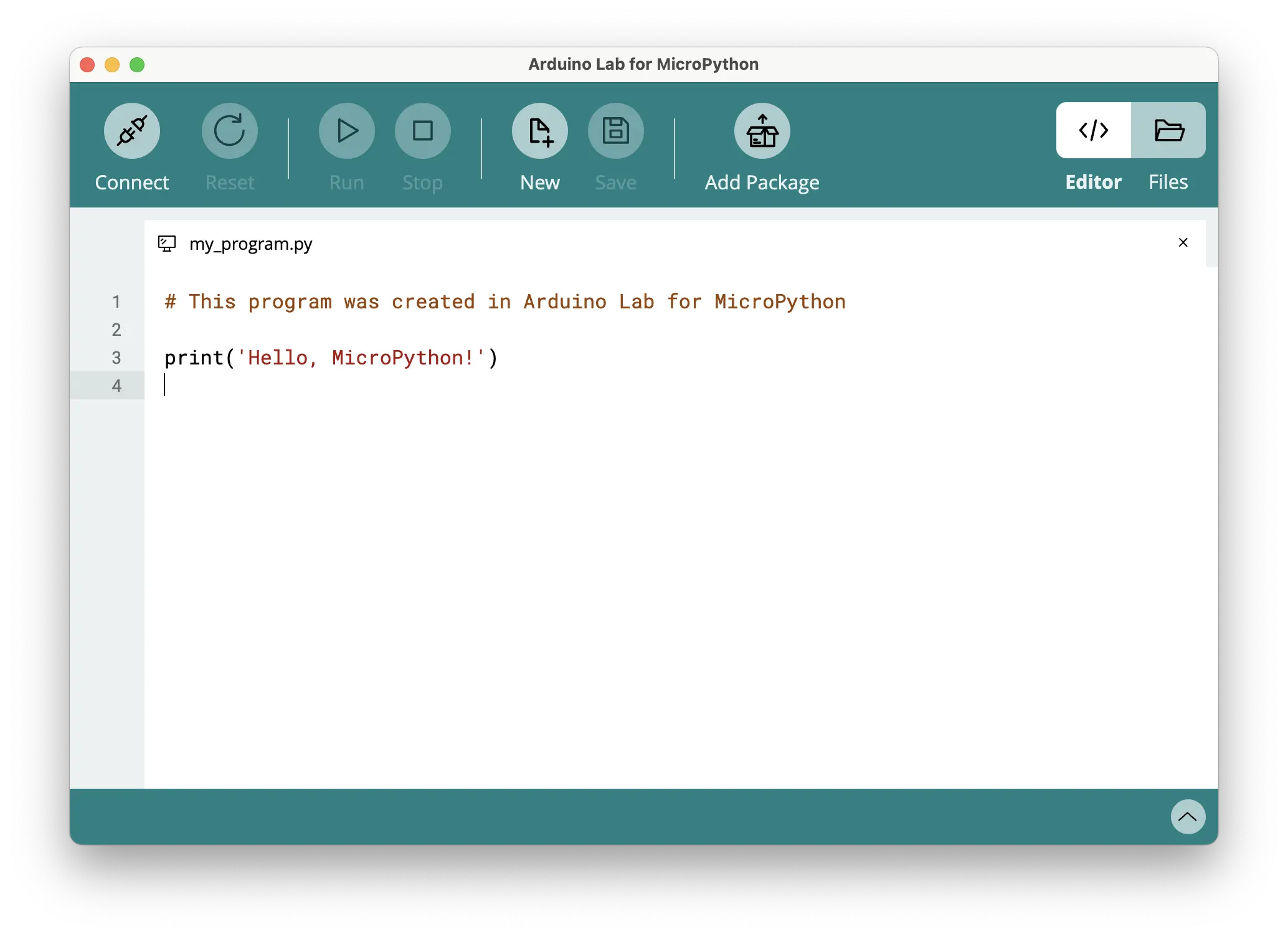
Overview
Arduino Lab for MicroPython is a lightweight, experimental editor designed specifically for MicroPython development. Sponsored by Arduino and based on original work by Murilo Polese, this tool provides a streamlined environment for interacting with microcontrollers running MicroPython. It bridges the gap between a standard text editor and a full-featured IDE, focusing on essential tasks like code uploading, file management, and interactive debugging through a REPL shell.
Key Features
The editor is built to handle the specific workflows required when working with MicroPython-capable hardware. Its core capabilities include:
- Interactive REPL: A full Read-Eval-Print Loop interface that supports paste mode, raw REPL, software resets, and tab-based autocompletion.
- File System Management: Users can manage both local disk files and the MicroPython File System on the connected board. This includes creating, renaming, removing, uploading, and downloading files or folders.
- Integrated Text Editor: A multi-tab editor featuring Python syntax highlighting and autocompletion, allowing developers to work on multiple scripts simultaneously.
- Direct Code Execution: The ability to run the current editor content directly on the target hardware, stop execution via keyboard interrupts, or perform soft resets.
Technical Architecture
Arduino Lab for MicroPython is developed as an Electron application. Its architecture is designed to decouple the user interface from the underlying communication logic, ensuring a modular and maintainable codebase.
Backend and Communication
The application communicates with microcontrollers over a serial connection. This communication is abstracted through micropython.js, a JavaScript implementation of the functionalities found in the MicroPython project’s mpremote (specifically pyboard.py). This allows the editor to perform complex operations like file transfers and REPL interactions using standard JavaScript promises and async/await patterns.
User Interface
The UI is built using the Choo.js framework and is kept independent of the Electron-specific code. It communicates with the main process through a bridge defined in preload.js, which exposes three main API channels: Serial communication, local filesystem operations, and window management. The text editing component is powered by a static build of CodeMirror, providing a robust and responsive coding experience.
Development and Customization
As an open-source project, Arduino Lab for MicroPython is designed to be easily extensible. The repository includes scripts for building static libraries like CodeMirror and Choo, allowing developers to modify the editor’s behavior or appearance. The project structure clearly separates the Electron backend, the UI source code, and the build resources, making it accessible for contributors to experiment with new features or interface improvements.