platformio-core
v6.1.19Features
-
Multi-platform build system supporting Windows, macOS, Linux, and ARM-based systems.
-
Unified package manager for automated installation of toolchains, frameworks, and libraries.
-
Advanced Library Dependency Finder (LDF) that automatically resolves and manages project dependencies.
-
Support for over 40 development platforms including Atmel AVR, Espressif (ESP32/ESP8266), and STM32.
-
Integration with 20+ frameworks such as Arduino, ESP-IDF, Zephyr, and FreeRTOS.
-
Built-in Unified Debugger providing a zero-configuration debugging experience for 300+ boards.
-
Static Code Analysis tools for automated firmware inspection and quality assurance.
-
Remote Development capabilities for deploying and testing firmware on remote devices.
-
Unit Testing framework supporting local and on-target test execution.
-
Serial Port Monitor for real-time communication with embedded hardware.
-
Firmware File Explorer and memory inspection tools for resource optimization.
-
Declarative project configuration via the ‘platformio.ini’ file.
-
Seamless integration with popular IDEs like VSCode, Eclipse, and Sublime Text.
-
Continuous Integration (CI) support for automated build and test pipelines.
-
Support for multiple architectures including ARM, AVR, RISC-V, and FPGA.
PlatformIO Core is built on a decentralized, modular architecture implemented in Python. It functions as an orchestration layer that abstracts the complexities of different hardware platforms and software development kits (SDKs). The system relies on a declarative configuration model where the platformio.ini file defines the project environment, including boards, frameworks, and library dependencies. This configuration triggers the Core to dynamically fetch required toolchains and libraries from the PlatformIO Registry, ensuring a reproducible build environment across different developer machines.
Core Components
- Build System: A SCons-based engine that handles compilation, linking, and firmware image generation across diverse toolchains.
- Package Manager: Manages the lifecycle of development platforms, toolchains, and libraries, handling versioning and updates.
- Library Dependency Finder (LDF): Analyzes source code to identify and include necessary libraries automatically, resolving complex dependency trees.
- Unified Debugger: A standardized interface for GDB-based debugging that works across various hardware probes and microcontrollers without manual configuration.
Use Cases
This library is ideal for:
- Cross-Platform Development: Managing embedded projects that need to be compiled for multiple different microcontrollers (e.g., AVR and ESP32) using a single codebase and configuration.
- Automated CI/CD: Integrating embedded firmware builds and unit tests into automated pipelines like GitHub Actions, GitLab CI, or Jenkins to ensure code quality.
- Library Management: Simplifying the process of finding, installing, and updating third-party libraries without manual file management or vendor-specific IDEs.
- Professional Embedded Engineering: Developing commercial-ready products by leveraging modern toolchains, static analysis, and unit testing methodologies.
Getting Started
To get started with PlatformIO Core, you can install it via Python’s package manager using pip install platformio. Once installed, you can initialize a new project by running pio project init --board <board_id> in your terminal, which generates the essential directory structure and the platformio.ini configuration file. For detailed guidance on commands and configuration, refer to the official PlatformIO Core Documentation and the Quick Start Guide.
Related Projects (13)
View All 13 Projects →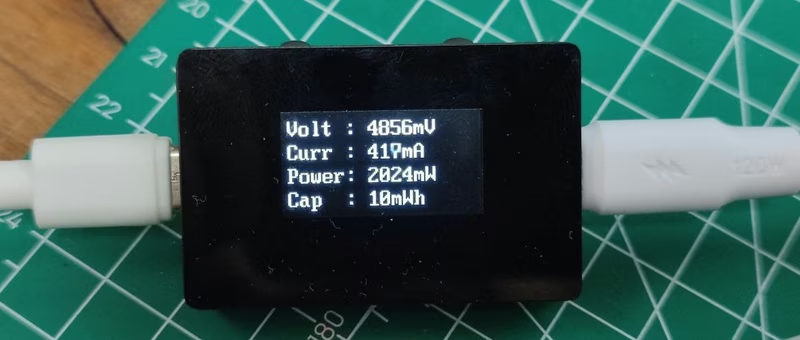
CH32V003 USB Meter
An open-source USB power meter based on the CH32V003 RISC-V microcontroller and INA219 sensor. It monitors voltage, current, and power (up to 100W/20V/5A) and displays data on a 0.96-inch OLED screen. The project features a compact design with PD 2.0 pass-through support and includes comprehensive hardware, firmware, and 3D enclosure files.
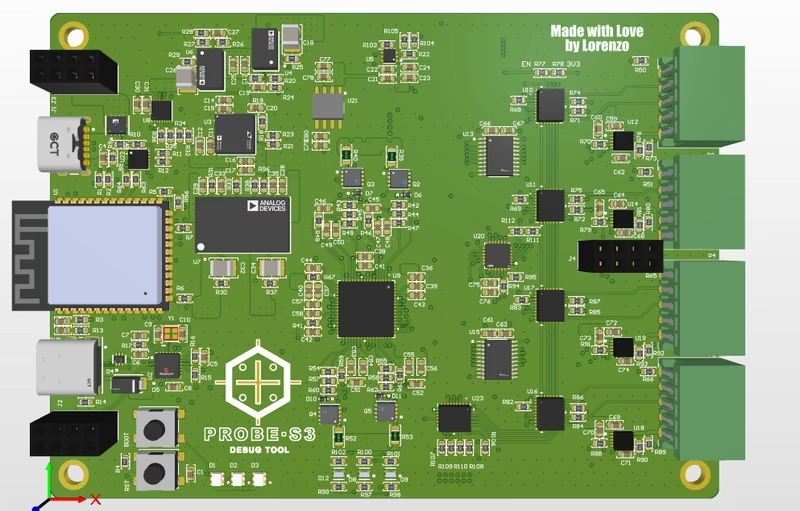
BugBuster
BugBuster is an open-source, four-channel analog/digital I/O debug and programming tool built around the ESP32-S3 and the Analog Devices AD74416H. It features a high-precision ADC/DAC, waveform generation, and a 32-switch MUX matrix, all managed by a FreeRTOS-based firmware and a cross-platform Tauri desktop application.
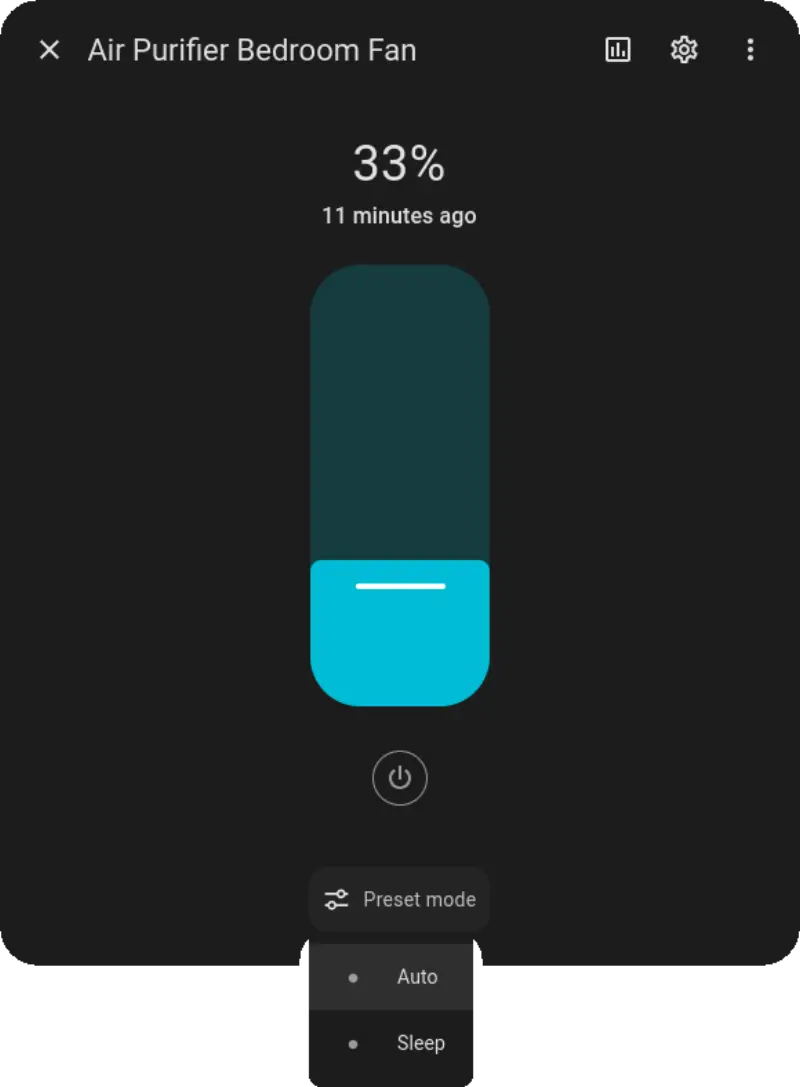
ESPHome Components for MIoT Devices
A collection of custom ESPHome components designed for Xiaomi MIoT devices that utilize the MIoT Serial Communication protocol. It enables users to replace proprietary cloud-dependent firmware with open-source alternatives for local control of air purifiers, fans, and humidifiers via Home Assistant.
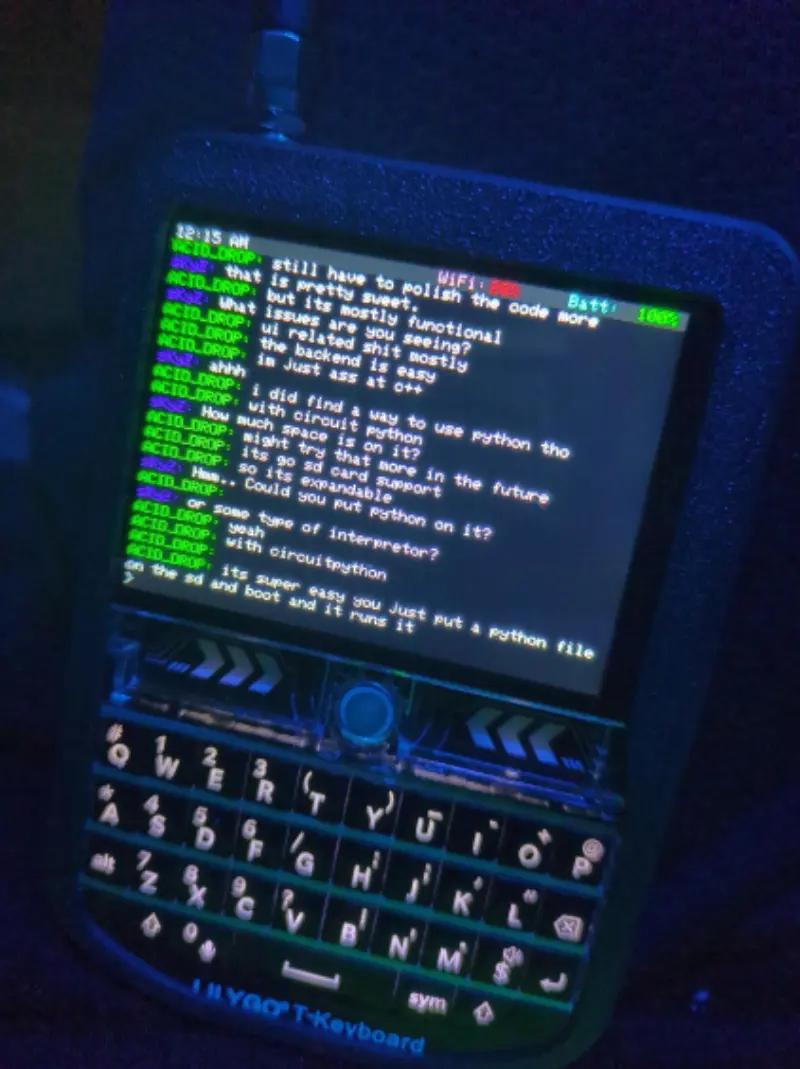
Acid Drop: Custom Firmware for LilyGo T-Deck
A custom firmware for the LilyGo T-Deck handheld device, featuring a graphical IRC client built with LVGL. It supports WiFi connectivity, audio playback, and various command-and-control features on the ESP32-S3 platform.
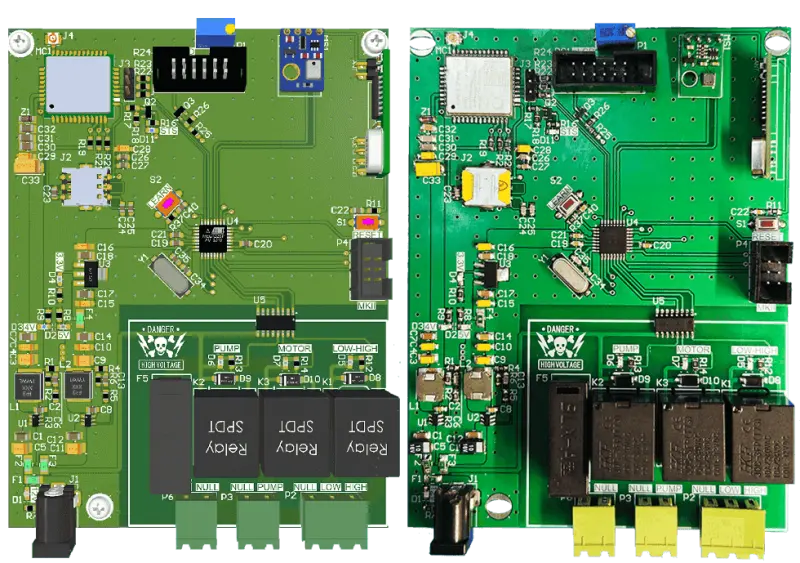
RCS_AVR: Relay Control System with SMS
A remote relay control system based on the ATmega328 microcontroller and Quectel M66 GSM module. It features SMS-based command processing, 433MHz remote control integration, and environmental sensing via the AHT20 sensor. The project includes a custom power supply design and a non-blocking state-machine-driven firmware architecture.
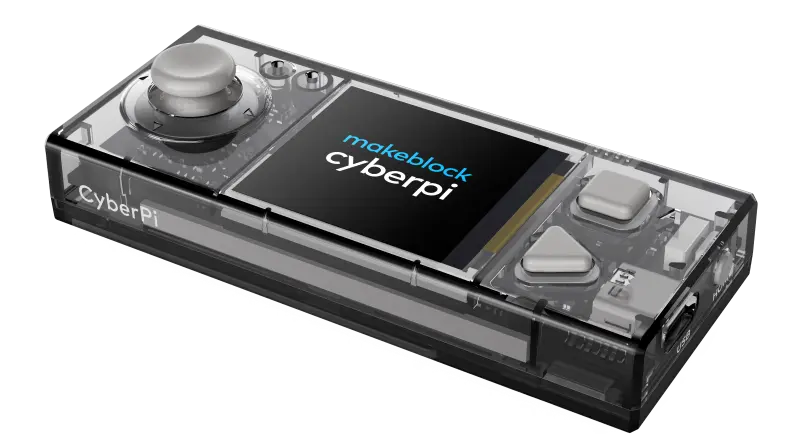
mBot2 and CyberPi Programming Examples
A comprehensive collection of programming examples and projects for the mBot2 robot and CyberPi control board. It provides support for both MicroPython and Arduino (PlatformIO) development, covering hardware features such as motion sensing, AI, networking, and motor control.
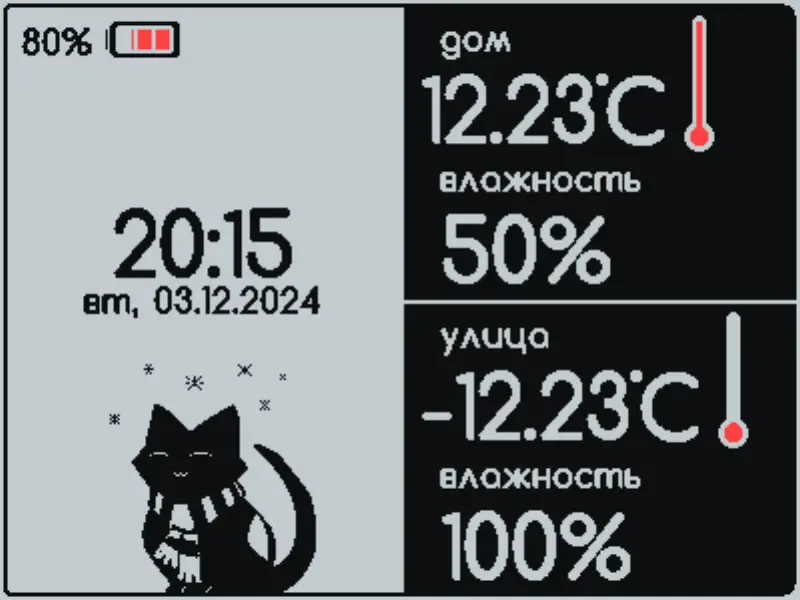
Volna 2BW42 Weather Station Firmware
An Arduino-based firmware for E-Ink weather stations targeting ESP8266 and ESP32 platforms. It supports BME280, SCD41, and DS18B20 sensors, provides MQTT connectivity for smart home integration, and features a web-based UI for configuration and custom design uploads.
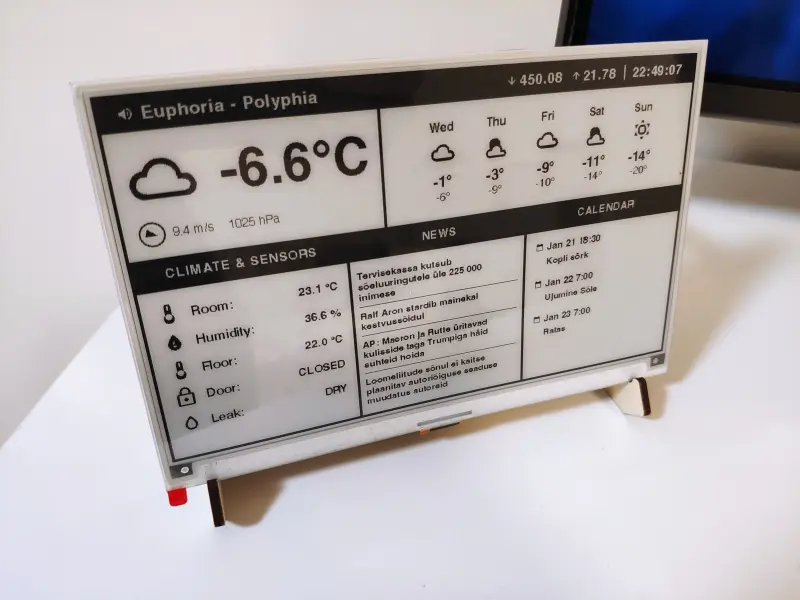
E-Ink Assist Screen
A rendering service and ESP32 client system that converts Home Assistant data into optimized 1-bit monochrome images for E-Ink displays. It features a Node.js backend for HTML-to-BMP conversion and an ESP32 firmware that supports chunked image downloading to accommodate memory-constrained hardware.